1. Why Shopify WMS Readiness Starts on the Warehouse Floor
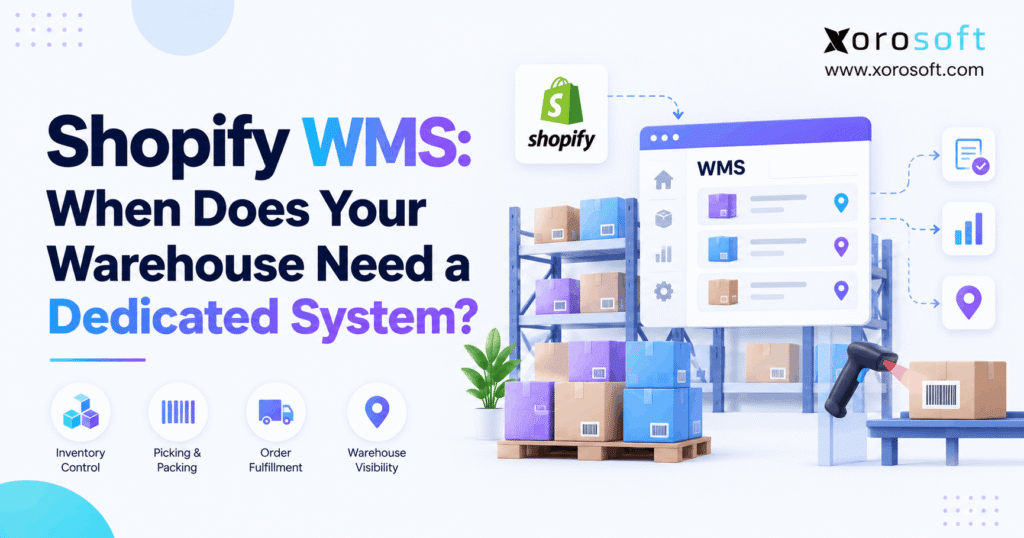
Shopify WMS readiness is the point at which a merchant has enough evidence to decide whether its current warehouse processes can keep up or whether a dedicated warehouse management system is needed. The decision starts with real problems: wrong picks, slow receiving, hard-to-find stock, or missed shipping cutoffs. Although Shopify offers useful inventory and fulfillment features, growing warehouses may need deeper control over physical tasks.
For example, a store might show 250 units available while pickers struggle to locate the products needed for an urgent order. Meanwhile, stock could sit in reserve storage even though the active picking shelf is empty. In both cases, the inventory total looks healthy, yet the warehouse cannot complete the work quickly.
Therefore, business owners should not use revenue or daily order count as the only trigger for new software. Instead, they should examine the work performed on the floor, record repeated problems, and measure the cost of each delay or error.
1.1 Why Product Growth Makes Operations Harder
As sales grow, the number of moving parts usually rises as well. More product variants, suppliers, storage locations, and sales channels place extra demands on staff. For instance, an apparel brand may add hundreds of sizes and colors. At the same time, a wholesale customer may begin ordering cases instead of individual units.
Consequently, the same team handles more types of picking and packing. Purchasing also needs accurate receiving records, while customer service needs reliable shipment status. A warehouse mistake can then affect several parts of the business.
1.2 Shopify WMS Readiness: Questions to Ask First
A useful assessment answers three questions. First, which warehouse tasks fail or take too long? Second, are those problems caused by weak procedures, missing information, or software limits? Third, which measurable result would justify a change?
A Shopify WMS readiness review should not assume that every growing store needs a new system. In fact, a warehouse with clear locations, accurate stock, and few mistakes may only need better training or a small process change.
2. What Native Inventory and Fulfillment Tools Can Handle
Before investing in warehouse software, merchants should understand the tools they already have. Shopify offers more than a basic stock count. Therefore, an upgrade should fill a real gap instead of replacing features that work well today.
2.1 Inventory Locations, Purchasing, and Stock Counts
Shopify supports inventory tracking across multiple locations. It also supports purchase orders, receiving, stock counts, and transfers between locations. For example, a merchant can record the units accepted from a supplier delivery and update stock at the right site.
In addition, Shopify distinguishes inventory states such as available, committed, incoming, and unavailable. These records support routine stock planning and order fulfillment. As a result, many merchants can run straightforward operations without a separate warehouse platform.
However, having stock records does not automatically mean staff have detailed instructions for each physical move. The distinction matters when a business grows beyond simple storage and picking routines. Review Shopify’s inventory and locations guidance for its current features.
2.2 Pick Lists, Batch Fulfillment, and Barcode Checks
Shopify also offers batch fulfillment workflows for eligible stores. Staff can prepare pick lists and use barcode-based pack verification in supported workflows. In addition, the documented workflow can group up to 250 eligible fulfillments in a batch, subject to applicable conditions.
Therefore, merchants should not assume that Shopify has no picking or barcode tools. Still, a batch of orders is different from a warehouse-wide system that directs putaway, replenishment, picking routes, and task priorities. The need depends on what staff must do inside the building.
2.3 Shopify WMS: Where Bin Tracking Stops
Shopify supports an assigned bin for a product variant at each location. However, its native model allows only one assigned bin per variant at that location. In addition, native location transfers do not track stock moves between bins within the same building.
For example, suppose one SKU has 20 units in a forward-pick bin and 300 more units across two reserve positions. A single assigned-bin label does not record a separate quantity in each of those three physical spots.
As a result, Shopify WMS readiness increases when staff routinely need multi-bin quantities, confirmed internal transfers, or planned refills from reserve storage. However, a simple warehouse with one dependable position per SKU may not need those controls.
3. Shopify WMS Readiness: Nine Warning Signs to Watch
One late order or one stock count error does not prove that a dedicated system is necessary. Instead, look for repeated failures that continue after reasonable process fixes. The following nine signs help a business decide where deeper warehouse control may add value.
3.1 WMS Readiness: Receiving and Storage Warnings
Sign 1: Received goods take too long to become available. Products arrive, yet employees cannot use them for new orders because the receipt has not been verified or posted. Consequently, the store may show less sellable stock than the building actually holds.
Sign 2: Workers repeatedly search for products. The inventory record shows units on hand, but pickers cannot find the right rack or shelf. As a result, they stop work to search overflow areas or ask colleagues for help.
Sign 3: Internal stock moves are poorly recorded. Someone shifts stock from a reserve rack to a pick face without recording the move. Therefore, the next employee looks in the wrong place and may report a false shortage.
These issues make Shopify WMS readiness worth reviewing because the business needs more reliable physical location control, not just a better total stock number.
3.2 Picking, Packing, and Replenishment Problems
Sign 4: Picking mistakes keep coming back. Customers receive the wrong size, color, or quantity. Although training may help, repeated errors can point to weak scanning rules or unclear picking instructions.
Sign 5: Pick faces run empty while reserve stock remains. A product is available somewhere in the warehouse, but the active picking shelf has no units. Consequently, staff interrupt orders to locate and move stock.
Sign 6: Promotions cause missed shipping cutoffs. A busy sales event floods the team with urgent and routine orders. Meanwhile, managers lack a clear method to prioritize tasks or group picking work.
In these situations, a Shopify WMS readiness assessment should examine whether better task assignment, scan checks, and refill workflows would reduce delays and rework.
3.3 Shopify WMS: Returns and Channel Conflicts
Sign 7: Returns make stock figures unreliable. Returned items become available before anyone checks their condition. As a result, customers may order goods that are damaged or not yet back on a shelf.
Sign 8: Wholesale and direct-to-consumer orders compete for the same units. A wholesale buyer needs 200 units while online customers keep ordering smaller amounts. Without clear allocation rules, different teams may expect the same stock.
Sign 9: Managers cannot see which warehouse tasks are stuck. Open orders are visible, yet the team cannot tell whether receiving, replenishment, picking, or packing causes the delay. Therefore, labor decisions depend on manual updates instead of current task data.
A recurring pattern matters more than a single bad day. However, businesses should estimate the cost of each problem before deciding to change systems.
4. Shopify WMS Readiness Depends on Complexity, Not Order Count
There is no universal number of Shopify orders that requires a dedicated WMS. Instead, work complexity determines whether current tools still fit. A business that ships many simple orders can be easier to run than one that ships fewer, more complex orders.
4.1 Two Warehouses With Different Workloads
Consider these hypothetical warehouses:
| Measure | Warehouse A | Warehouse B |
|---|---|---|
| Orders per day | 420 | 165 |
| Average lines per order | 1.2 | 4.4 |
| Pick lines per day | 504 | 726 |
| Storage zones | 2 | 7 |
| Order types | Mainly DTC | DTC and wholesale |
| Replenishment work | Limited | Frequent |
These figures are examples, not actual customer results.
Warehouse A handles more orders. However, Warehouse B has more pick lines, zones, and handling steps. Consequently, Warehouse B may need more advanced controls first.
4.2 WMS Readiness Metrics That Matter
Use pick accuracy, pick lines per labor hour, time from receipt to stock availability, and shipping cutoff performance. Also track inventory count differences and the time employees spend looking for goods.
For example, measure how often an empty pick face delays an order even though reserve units exist. A Shopify WMS readiness review becomes stronger when these measures show recurring, costly problems rather than general frustration.
5. Shopify WMS Readiness: Native Tools vs. Dedicated Software
A dedicated WMS should provide useful controls that Shopify does not fully cover for the merchant’s particular operation. Therefore, compare how work gets done rather than treating every item on a feature list as equally important.
5.1 Shopify WMS Readiness: Capability Comparison
| Capability | Native Shopify | Dedicated WMS |
|---|---|---|
| Inventory by location | Supported | Commonly supported |
| Purchase orders and receiving | Supported | May offer deeper scan-based receiving |
| Stock counts | Supported | May add assigned cycle-count tasks |
| Bin assignment | One assigned bin per variant per location | Multi-bin stock tracking where supported |
| Internal bin-to-bin moves | Not tracked by native location transfers | May record and direct internal moves |
| Batch fulfillment | Supported in eligible workflows | Advanced picking methods may be available |
| Barcode pack verification | Available in supported workflows | Scanning may cover more warehouse stages |
| Replenishment | Limited native intra-location controls | Directed replenishment where supported |
| Labor task reporting | Depends on tools and configuration | More detailed task reporting where supported |
WMS features vary by vendor, plan, and setup. Therefore, buyers should test each critical workflow rather than assume a category guarantees a feature.
5.2 When Existing Tools Are Still Enough
Native tools can remain a good fit when the team finds stock quickly, packs orders correctly, and rarely needs to track one SKU across several bins. In addition, regular counts and clear warehouse labels may solve many common issues.
However, each extra app or platform creates training and integration work. Consequently, a Shopify WMS readiness decision should include the cost of maintaining another system as well as the potential gains.
6. Which Software Path Fits Your Operation?
Once the warehouse problems are clear, compare the simplest ways to address them. A broad software replacement is not always the best answer. In contrast, a focused change may be insufficient if issues spread across purchasing, stock, and finance.
6.1 Integrated ERP and Inventory Operations
For businesses with connected warehouse and back-office problems, Xorosoft is one integrated option to evaluate. Its XoroONE cloud ERP brings inventory, purchasing, accounting, warehouse activities, and reporting into a connected environment.
For example, receiving a supplier shipment can affect purchase order balances, stock availability, and financial records. Therefore, the value of a connected platform may extend beyond faster picking alone.
However, a wider ERP rollout also means more planning and change management. Buyers should check the full scope, cost, and required workflows before choosing this path.
6.2 Shopify WMS: Focused App or Standalone System?
A focused app may be enough when just one process causes trouble, such as a specialized shipping task. Meanwhile, a standalone WMS may be appropriate when existing purchasing and accounting systems work well but warehouse execution does not.
A Shopify WMS readiness check should therefore compare the same real tasks across native features, a focused app, a standalone WMS, and an integrated ERP/WMS. This helps prevent a buyer from paying for a broad platform to solve one narrow gap.
6.3 When Outsourcing Fulfillment Fits Better
A third-party logistics provider can operate storage and fulfillment on a merchant’s behalf. However, using a 3PL does not remove the need for accurate stock, shipment, and return updates.
Therefore, the choice to outsource physical work is different from the choice to install WMS software inside a warehouse the merchant operates.
7. Shopify WMS Readiness: Features to Test in a Demo
A product demo should use realistic items, locations, and mistakes. Dashboards may look useful, yet the main test is whether workers can complete tasks accurately on a busy day.
7.1 Receiving and Putaway Test
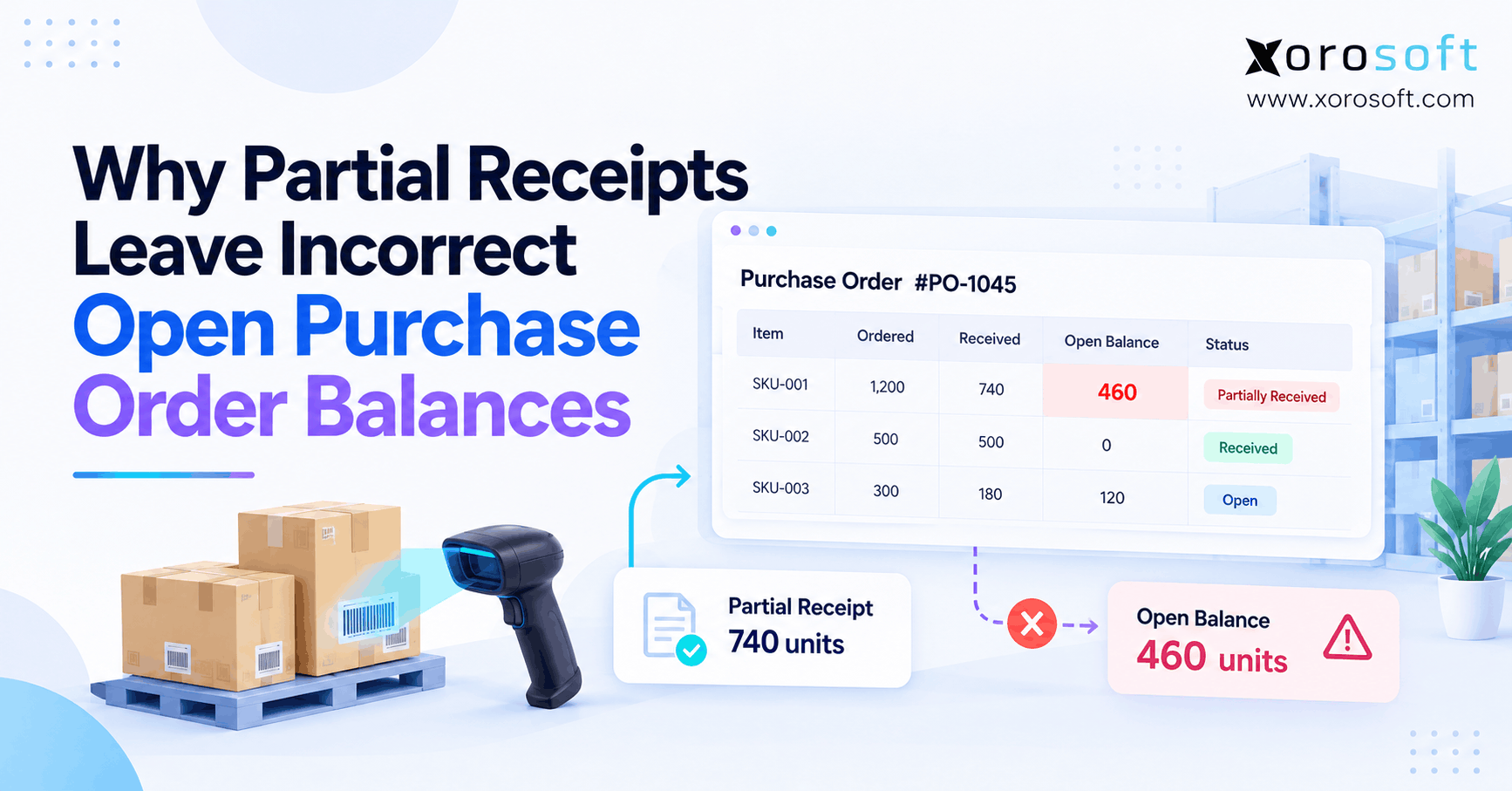
Start with a purchase order for 100 units when only 94 arrive. Ask the vendor to record the receipt, show the six units still outstanding, and handle any damaged items. Next, move the accepted goods to the correct shelves.
Shopify already supports partial receiving in its linked workflows. Therefore, the WMS should show additional physical controls, such as scan checks, assigned putaway, or more detailed location records, where those features are supported.
7.2 WMS Readiness Tests for Picking and Replenishment
Ask someone to scan the wrong SKU during picking. Then test an order with an incorrect quantity and a forward-pick bin that runs empty. The system should show what happens, how staff recover, and how stock records change.
Xorosoft’s XoroWMS documents workflows such as barcode scanning, picking, putaway, cycle counting, and multi-warehouse management. However, buyers should verify each needed function and device requirement in their own configuration.
A Shopify WMS readiness test is only useful when it includes both normal orders and common errors. Otherwise, the team may discover critical gaps after launch.
7.3 Returns and Stock Counts
A returned product may be ready to resell, damaged, or waiting for inspection. Therefore, the system should distinguish each condition and prevent stock from becoming sellable too early.
Likewise, cycle-count differences should have a clear correction process. In addition, managers should be able to review who changed a quantity and why.
8. Who Controls Orders and Stock Updates?
A warehouse integration needs clear rules for orders, reservations, stock moves, shipping, and returns. Otherwise, connected apps can disagree even when staff do the physical work correctly.
8.1 Shopify WMS: Set Data Ownership Rules
A system of record is the source that controls a certain type of data. For example, Shopify may create a customer order while the WMS confirms the physical pick. However, the company must also decide which system owns stock allocation and final adjustments.
| Event | Ownership question |
|---|---|
| New order | Which system imports it into operations? |
| Allocation | Which system reserves units? |
| Receiving | Which system confirms accepted stock? |
| Picking | Which system records the picked quantity? |
| Shipping | Which system updates Shopify fulfillment status? |
| Returns | Which system approves stock disposition? |
| Stock corrections | Which system authorizes the adjustment? |
Therefore, Shopify WMS readiness also means having an agreed data ownership plan before switching systems.
8.2 Prevent Duplicate Events and Failed Updates
Suppose a shipment update fails and gets sent again. If the receiving application treats both copies as different events, duplicate records can appear. Consequently, integrations should use stable IDs, safe retry methods, and checks for failed updates.
For teams evaluating Xorosoft, its integration capabilities offer a starting point for reviewing connected commerce and ERP workflows. Still, each buyer must test the specific setup, especially canceled orders, partial shipments, and inventory corrections.
8.3 Cancellations and Returns Need Physical Rules
If a customer cancels an order after picking has started, some goods may already sit at a packing station. Therefore, releasing those units to online shoppers before a confirmed return-to-stock move can create a false available balance.
Similarly, returned goods may need inspection before they are available for sale. A reliable process should follow the actual product, not just the order status.
9. Industry-Specific Storage and Fulfillment Needs
Product type changes the kind of warehouse control a business needs. Therefore, compare software using actual products and customer orders rather than generic examples.
9.1 Apparel, Sporting Goods, and Furniture
Apparel businesses handle similar-looking variants across many sizes and colors. Consequently, SKU checks and clear storage records are important. Sporting goods firms may store small accessories and bulky equipment in very different areas.
Meanwhile, furniture warehouses often need more room for staging and careful handling. One order may involve several large pieces stored far apart. Therefore, picking accuracy is only one part of the workflow; location, movement, and staging controls matter too.
9.2 WMS Readiness in Food, Wholesale, and Manufacturing
Food businesses may require lot or expiry tracking. Wholesale distributors may ship cases or pallets and handle EDI-related requirements. Manufacturers may move raw materials into production and return finished goods to stock.
A Shopify WMS readiness review for these industries should include the most demanding stock and order rules. For example, lot tracking should be tested with actual receiving and picking scenarios rather than discussed only as a feature.
Xorosoft works with inventory-driven businesses in several of these areas. Its industry solutions can help frame which connected workflows deserve a closer look.
10. Shopify WMS Readiness: Costs, Benefits, and ROI
Warehouse software should solve problems with a measurable impact. Therefore, estimate current costs before assuming a platform will save money. Include errors, rework, searching, delays, and the labor used to correct them.
10.1 Count the Full Cost of a Change
Software fees are only one part of the total. Also include setup, migration, barcode devices, label printing, staff training, integration work, and ongoing support.
Next, separate true financial savings from capacity improvements. For example, faster picking can free employee hours without reducing payroll. Therefore, count it as cash savings only when the business can actually realize the reduction.
10.2 Shopify WMS Readiness: Estimate the ROI
Consider these hypothetical annual figures:
| Item | Amount |
|---|---|
| Fewer errors and less rework | $9,000 |
| Realized labor savings | $10,000 |
| Other measurable savings | $6,000 |
| Total benefits | $25,000 |
| Annualized costs | $20,000 |
| Net annual benefit | $5,000 |
ROI = (Annual benefits − Annualized costs) ÷ Annualized costs × 100
In this example, ROI is 25%. However, the figures do not represent actual customer results. A sound Shopify WMS readiness business case uses measured warehouse data and realistic cost assumptions.
11. Prepare Data and Teams Before Go-Live
A good warehouse application cannot correct poor source data by itself. Therefore, clean records, clear tasks, and testing must come before a full rollout.
11.1 Prepare SKUs, Bins, and Opening Stock
Check product codes, variant names, barcodes, units of measure, storage locations, stock balances, open orders, and incoming shipments. For example, two products should not share a barcode if staff need to scan them as different items.
In addition, verify that locations use a clear naming method. Employees should know whether a position is for receiving, reserve storage, picking, staging, or damaged goods.
As a result, the new system can start with accurate physical records rather than inherited errors.
11.2 WMS Readiness Testing Before Go-Live
Pilot ordinary orders first. Next, test partial receipts, wrong scans, empty pick bins, canceled orders, returns, and stock count corrections. Also confirm that each update reaches Shopify and the other connected systems correctly.
A Shopify WMS readiness plan should include the people who actually receive, pick, and pack orders. Their feedback often reveals practical gaps that a management-only demo misses.
11.3 Train Employees for Daily Tasks
Give each team a task-based process. For instance, receiving staff need to know how to record shortages and damaged goods. Pickers need to know how to handle wrong items and short picks. Managers need clear steps for approving stock adjustments.
For wider projects, XoroERP provides a relevant example of the broader back-office scope that may need planning alongside warehouse work. However, the implementation plan should match the functions actually being changed.
12. Avoid Adding More Disconnected Tools
Growing merchants often use Shopify, accounting tools, spreadsheets, shipping apps, and inventory software at the same time. Adding one more app may solve a problem while creating extra records to check.
12.1 Ask Questions That Reveal Real Fit
During a demo, ask the vendor to show a complete order from receipt through shipment. Next, request a failed scan, a canceled order, and a stock adjustment. Finally, ask how the system reports a failed sync and prevents duplicate transactions.
In addition, check user permissions, training needs, hardware costs, and support arrangements. A feature is useful only if employees can use it correctly in daily work.
12.2 Shopify WMS: Compare Real Results
A Shopify WMS readiness decision should focus on outcomes: fewer errors, faster receiving, less search time, and reliable available stock. Therefore, compare each software option against the same baseline and realistic tests.
For example, buyers can review Xorosoft customer case studies for relevant business contexts. However, no case study can replace a test of the merchant’s own workflows and expected costs.
13. Shopify WMS Readiness Checklist for Growing Merchants
Use the following questions to decide whether the warehouse is ready for a software evaluation. They are not a scoring formula; instead, they help teams identify the causes of repeated work.
13.1 Operational Gaps to Check
- Do picking errors return despite training?
- Can employees locate every item without searching several areas?
- Does one SKU need separate tracked quantities in multiple bins?
- Do empty pick faces delay orders even when reserve stock exists?
- Are supplier receipts slow to reach approved stock availability?
- Do returns or cancellations cause unreliable inventory?
- Are wholesale and online orders competing for the same units?
- Can managers see which physical tasks are overdue?
- Are manual stock corrections becoming common?
If several answers reveal a recurring problem, a Shopify WMS readiness review is justified. However, the next step may still be a process fix or focused app rather than a complete software replacement.
13.2 WMS Readiness: Confirm Your Upgrade Path
First, list the problems and their costs. Then check which tasks Shopify already supports. Next, compare focused apps, standalone WMS, and integrated ERP/WMS options using the same scenarios. Finally, test the proposed solution with warehouse staff before committing to a full rollout.
This approach helps teams select the right level of control without adding unnecessary complexity.
14. Conclusion: Choose Warehouse Control Based on Evidence
Shopify WMS readiness is not about reaching a certain order count. It is about knowing when physical warehouse work needs more control. If stock is easy to find and orders ship accurately, native tools may remain enough. However, repeated picking mistakes, untracked bin moves, slow replenishment, and poor task visibility may justify deeper software.
Therefore, measure the problems first. Then compare solutions, test real workflows, and plan the change carefully. When warehouse issues also affect purchasing, accounting, and multiple sales channels, an integrated ERP/WMS approach may make sense.
For a review of those connected needs, Book a Demo to explore whether Xorosoft fits your operation.
Frequently Asked Questions
What does Shopify WMS readiness mean?
It means checking whether current warehouse tools and processes still meet business needs. First, review picking accuracy, storage control, receiving delays, and repeated problems. Then decide whether process fixes or new software would help.
Does Shopify include warehouse management features?
Yes. Shopify supports inventory locations, purchasing, stock counts, batch fulfillment, and eligible barcode packing checks. However, businesses with complex multi-bin movements or task needs may require deeper warehouse software.
How many daily Shopify orders justify a WMS?
There is no fixed threshold. Instead, look at order lines, product mix, storage zones, picking errors, and labor demands. A warehouse with fewer but harder orders may need advanced tools sooner.
Can Shopify track multiple bins for one SKU?
Shopify allows one assigned bin per variant at each location. Therefore, merchants needing separately tracked quantities in several bins should assess a tool with deeper multi-bin inventory control.
Should I choose standalone WMS or integrated ERP/WMS?
Standalone WMS may fit warehouse-only gaps. Meanwhile, integrated ERP/WMS may suit businesses with linked problems in purchasing, accounting, inventory planning, and several sales channels.
What should a WMS demo include?
Test partial receiving, wrong barcode scans, bin moves, replenishment, cancellations, returns, and shipment updates. Also ask how failed integrations are found and corrected. Include warehouse staff in the tests.
How do I estimate WMS ROI?
Compare yearly benefits from fewer errors, less rework, and realized labor savings with software, setup, training, and support costs. Use actual baseline data and consistent time periods.
Recent Posts
-
 Shopify WMS: When Does Your Warehouse Need a Dedicated System?
 -
 What Is Purchase Order Closure and When Should an ERP Close a PO?
 -
 Holiday Inventory Planning for Beauty and Personal-Care Brands
 -
 ERP Support Benchmarks 2026: Tickets, Resolution, Changes, and Adoption
 -
 WMS vs OMS for Peak-Season Order Routing and Fulfillment