1. Why a Purchase Order Is Only the Beginning
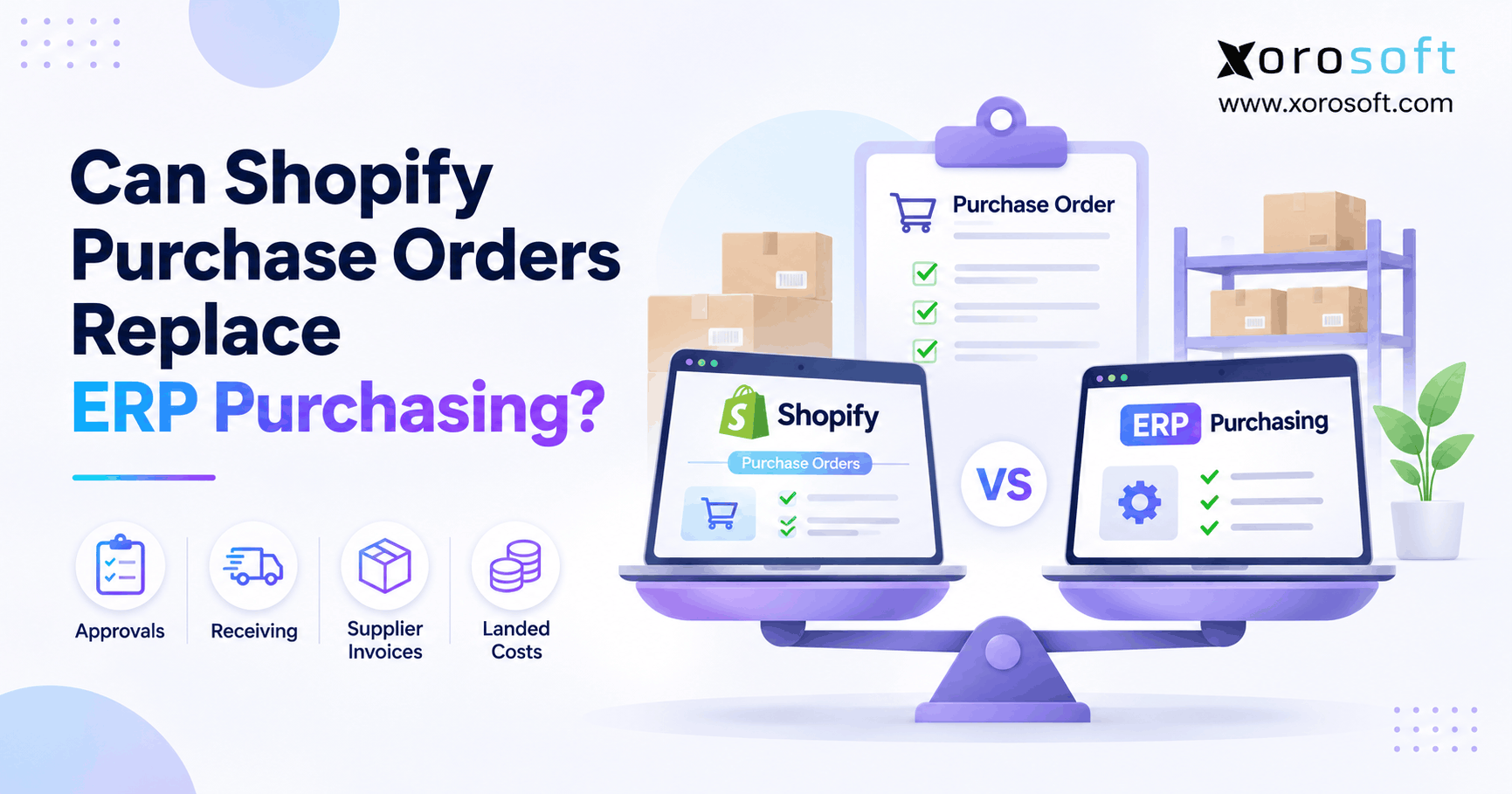
Shopify purchase orders can handle everyday supplier buying, but they do not automatically replace every control in an ERP purchasing process. For a merchant with predictable replenishment, native purchase orders may be enough. However, when buying decisions depend on warehouse receipts, supplier invoices, budgets, multiple sales channels, and financial records, the business needs a broader way to manage purchasing.
The useful question is not whether Shopify can create a purchase order. Instead, ask whether your team can approve it, receive it accurately, resolve differences, and account for its cost without rebuilding the same information in another system.
1.1 What Shopify purchase orders actually solve
A purchase order records an agreement to buy specific items at stated prices and quantities. For example, a buyer can order 300 units from a supplier, select the receiving location, and keep a reference for the incoming stock. As a result, the business has a clearer record than an email exchange or an informal spreadsheet.
However, the document alone cannot confirm that every carton arrived or that the supplier invoiced the agreed amount. Those outcomes require receiving records, checks, and accountable owners. Therefore, evaluate the entire purchasing cycle rather than counting only how many POs the software can create.
1.2 Why Shopify purchasing changes as merchants grow
A Shopify brand may begin with one warehouse and a handful of suppliers. Later, it may open another site, add wholesale customers, sell through Amazon, or start assembling products. Consequently, purchasing decisions now affect inventory commitments across several teams.
For instance, a buyer could order stock already available in another warehouse. Meanwhile, finance may pay an invoice for units that have not arrived. These problems can occur even when the original purchase order is correct. The solution starts with defining the records and controls needed to prevent them.
1.3 Shopify purchase orders, apps, and ERP: three options
The practical choices are native Shopify purchasing, Shopify plus focused applications, and a connected ERP purchasing workflow. First, confirm which native features already meet the requirement. Next, assess whether one specialized application can fill a specific gap. Finally, evaluate ERP if purchasing, warehousing, accounting, and planning need shared records.
Because software changes bring migration and training costs, an upgrade should follow evidence of recurring operational problems. A simple merchant should not buy complex infrastructure merely because a larger competitor uses it.
2. What Shopify Purchase Orders Support in 2026
Shopify purchase orders are more capable than an old spreadsheet-based buying process. According to Shopify’s purchase order documentation, merchants can record commercial terms and connect ordered stock to incoming transfers. Therefore, this comparison must credit the native features that already exist.
2.1 Shopify purchase orders, suppliers, and costs
Shopify lets a merchant create a draft PO with a supplier, item lines, quantities, prices, payment terms, and a destination. In addition, previous supplier SKU and cost values can help populate repeat purchase lines. A buyer can export the PO as a PDF and send it to the supplier for confirmation.
However, Shopify says the admin does not email a purchase order directly to the supplier. Also, negotiated currency and payment terms are recorded on individual POs rather than automatically becoming every supplier’s default terms. Therefore, a team should decide who verifies each order before it becomes a firm commitment.
2.2 How Shopify purchase order receiving works through transfers
Once a PO is marked Ordered, Shopify can create a linked inventory transfer. The Shopify receiving guide explains that the purchase order records the commercial agreement, while the transfer records physical movement. As a result, warehouse staff can work from receiving data rather than changing the commercial record whenever a carton arrives.
Importantly, the transfer supports multiple shipments, accepted units, rejected units, and partial receipts. Although a PO supports one linked transfer at a time, that transfer can track several shipments. Therefore, the claim that Shopify cannot receive partial supplier deliveries would be incorrect.
2.3 Shopify purchase orders after Stocky’s retirement
Shopify retired Stocky on August 31, 2026. Consequently, merchants now use Shopify admin and POS workflows for purchase orders, stock counts, and transfers. According to Shopify’s Stocky migration guidance, historic Stocky purchase orders do not automatically move into native Shopify purchase-order history.
For merchants migrating from Stocky, this matters because receiving status, supplier details, and prior costs may need separate export and reconciliation. In addition, Stocky’s supplier data cannot simply be exported as supplier profiles. Therefore, companies should confirm which historic records must remain available for audit and finance teams.
2.4 How Sidekick assists replenishment
Shopify also documents Sidekick assistance for analyzing inventory signals and drafting suggested purchase orders or transfers. For example, it can help identify items that need reordering from sales and stock patterns. As a result, buyers may spend less time preparing a first draft.
However, a suggested order still needs checks against supplier minimums, case packs, available cash, promotions, and customer commitments. Moreover, assistance with drafting is different from a complete approval or supplier-invoice control process. Therefore, keep human review where purchasing decisions have material financial consequences.
3. What ERP Purchasing Adds Beyond Shopify Purchase Orders
ERP purchasing is not simply a larger PO form. Instead, it connects the steps before and after supplier ordering. For many businesses, that means bringing planning, authorization, receiving, and accounts payable into a traceable process.
3.1 Approvals before Shopify purchase orders
A requisition is an internal request to buy; a purchase order is the approved commitment sent to a supplier. For example, a warehouse manager may request 600 units, while a purchasing leader checks demand and approves only 450. Consequently, the ERP should preserve who requested, reviewed, changed, and authorized that decision.
However, not every business needs several approval layers. A small team can use a documented manual policy if it is followed consistently. The key requirement is evidence that purchases were authorized before the supplier commitment was made.
3.2 Demand planning beyond Shopify purchase orders
An effective purchasing process considers current stock, reserved inventory, open purchase orders, incoming transfers, expected sales, and supplier lead times. Therefore, the buying quantity should reflect what the business genuinely needs rather than what one screen shows as low stock.
For instance, a product may have 40 units on hand, 90 reserved, and 120 due next week. Buying another 120 could be appropriate or excessive depending on lead time and demand. Consequently, planners need a reliable view of when stock will actually become usable.
3.3 Warehouse receiving and purchasing accountability
Warehouse staff should confirm accepted quantities and condition independently of the supplier’s invoice. In addition, purchasing should own changes in price, delivery schedule, and canceled quantities. Finance can then review what should be paid without rewriting warehouse events.
For example, if 50 units arrive damaged, the receiver records that exception and purchasing requests a replacement or credit. As a result, the payable amount and available inventory can follow the actual commercial resolution. Without assigned ownership, the same discrepancy may be corrected differently in three systems.
3.4 Shopify purchasing and supplier invoice controls
A suitable connected ERP can link supplier bills, inventory movements, vendor balances, and general ledger records. However, buyers must verify the exact rules, because invoice tolerance settings and posting behavior vary across systems and configurations.
Therefore, test a real exception: an approved PO for $10 per unit, a receipt of fewer units, and an invoice for $11 per unit. A strong workflow should reveal the quantity and price differences separately. Moreover, it should show who approved the resolution and what changed in accounting.
4. Shopify Purchase Orders vs ERP Purchasing: A Fair Comparison
A fair comparison starts with capability rather than vendor marketing. Shopify purchase orders already support commercial ordering and receiving. However, companies may need additional processes for broad procurement, finance, and manufacturing controls.
4.1 Compare Shopify purchasing capabilities, not screens
| Purchasing requirement | Shopify native workflow | Focused purchasing application | Connected ERP to evaluate |
|---|---|---|---|
| Create supplier purchase orders | Supported | Depends on application | Commonly supported |
| Record partial deliveries | Supported through linked transfers | Depends on integration | Commonly supported |
| Enforce complex approval routing | Check workflow fit | May add targeted controls | Evaluate rules and permissions |
| Match PO, receipt, and invoice | Separate reconciliation may be needed | Depends on application | Evaluate matching and exceptions |
| Allocate detailed landed costs | May require additional costing tools | Specialized tools available | Depends on costing configuration |
| Plan components for manufacturing | Not a full MRP workflow | Specialist MRP may help | Manufacturing ERP may support it |
| Link inventory to financial records | Requires appropriate accounting workflow | Depends on integrations | Often part of a connected platform |
Decision rule: Use the simplest approach that meets documented control needs. Furthermore, ask every vendor to demonstrate actual exceptions rather than accepting a feature checklist as proof.
4.2 Why a Shopify purchasing app may be enough
Suppose a merchant has one purchasing weakness: supplier spend reporting. A focused application may fix that gap without replacing receiving or accounting. Similarly, a costing tool may be appropriate when the existing order process works but weighted-average valuation is missing.
However, each added tool creates another integration and support responsibility. Therefore, count the total cost of apps, sync monitoring, exports, and manual reconciliation. A cheap subscription is not necessarily inexpensive if finance still spends hours correcting its outputs.
4.3 When a connected platform becomes more practical
If purchasing, warehouse receiving, and accounts payable repeatedly disagree, one connected platform may reduce the number of handoffs. For example, Xorosoft brings purchasing, inventory, warehouse operations, forecasting, and accounting together for inventory-driven businesses. Its XoroERP overview describes these functions as part of an integrated ERP environment.
Nevertheless, product fit depends on how the company uses approvals, receiving, and financial posting. Therefore, evaluate the actual configuration and workflow instead of treating a platform description as a guarantee of a particular control.
5. Where Shopify Purchasing Becomes More Difficult
The practical limits of Shopify purchase orders usually appear when business rules grow more complex than the basic transaction. Consequently, a merchant should evaluate what needs to happen before, during, and after each PO.
5.1 Supplier rules in Shopify purchase orders
Suppliers often have different lead times, minimum order values, carton multiples, or prices for the same SKU. Shopify can store relevant custom information, but storing a number is not the same as enforcing it during a purchasing calculation.
For example, a supplier might require cartons of 24 while the forecast calls for 50 units. Therefore, the buyer must decide whether to order 48, 72, or negotiate different terms. Moreover, if a supplier’s lead time extends during peak season, the reorder point may need to change immediately.
5.2 Shopify purchase orders across warehouses and channels
A Shopify merchant may also sell through retail stores, Amazon, wholesale orders, and a separate fulfillment provider. In addition, stock might be available in one location while another location appears short. Therefore, location-level inventory visibility is necessary but not sufficient for coordinated buying.
For example, one warehouse could request 200 units while another has 160 transferable units. Before purchasing, planners should compare transfer time, customer commitments, and supplier lead time. Otherwise, the company may buy new stock while carrying excess stock elsewhere.
5.3 Shopify purchase order approvals and change history
A PO can be valid when first issued and become risky after changes in price, quantity, or destination. Consequently, purchasing policies must define who may revise an approved commitment and whether a second approval is required.
Shopify’s standard Draft and Ordered states represent purchase-order status, not a complete custom approval matrix. However, the business may be able to enforce some controls with permissions, procedures, or supporting applications. Therefore, assess the actual policy before deciding the native platform is inadequate.
5.4 Shopify purchasing reporting and its 2026 API
Shopify provides PO filtering, exports, and inventory analysis, but its migration documentation says there is no dedicated native total-PO-spend-by-supplier report. Therefore, teams that need vendor scorecards may have to build reporting externally.
In addition, Shopify’s September 17, 2026 API announcement introduced public purchase-order read queries in API version 2026-10. However, that release did not include create or update mutations. Consequently, reading PO details through an integration does not mean it can create and maintain native purchase orders through those same public operations.
6. Shopify Purchase Orders, Supplier Invoices, and Inventory Costs
Purchasing becomes a financial-control problem when accepted receipts and supplier invoices differ. Therefore, the right system must make exceptions visible before incorrect payments or valuations reach the ledger.
6.1 Three-way matching without confusion
Three-way matching compares the approved purchase order, the goods receipt, and the supplier invoice. First, purchasing verifies the ordered quantity and agreed cost. Next, the warehouse confirms accepted stock. Finally, accounts payable checks the invoice against both records.
Shopify’s migration guidance describes exporting receiving data and comparing it with invoice prices outside the admin. Consequently, a merchant with low invoice volume may use a controlled spreadsheet, while a business with frequent exceptions may need an integrated matching workflow.
6.2 Example: 500 ordered, 440 received, 500 invoiced
Assume a buyer orders 500 units at $10 each, a $5,000 commitment. However, the warehouse accepts only 440 units. The supplier then invoices all 500 at $11 each, or $5,500. Therefore, the invoice is not simply $500 above the approved PO; it also bills for 60 units not accepted.
| Record | Units | Price per unit | Extended value |
|---|---|---|---|
| Approved purchase order | 500 | $10 | $5,000 |
| Accepted receipt at PO price | 440 | $10 | $4,400 |
| Supplier invoice | 500 | $11 | $5,500 |
First, finance should identify the unreceived 60 units. Next, purchasing should investigate the $1-per-unit price change. Only then can the company determine the correct payable amount, credit, or revised commitment. These figures are illustrative, not measured customer results.
6.3 Landed costs and inventory valuation
A purchase order may record freight, duty, or handling adjustments. However, recording a charge on the PO is not the same as distributing actual landed cost across inventory and financial accounts.
Shopify says the product’s Cost per item field stays static after receipt. Therefore, businesses needing weighted-average valuation or automatic landed-cost allocation may require a connected costing process. Moreover, accounting treatment depends on the company’s applicable standards and policies, including inventory-cost principles described by IAS 2.
6.4 Connecting purchasing to the general ledger
Warehouse receipts, supplier bills, and payment events may affect different financial accounts and periods. Consequently, finance needs a reliable trail from accepted quantity to invoice and posting. For businesses that operate with goods-received-not-invoiced balances, open receipts also require careful period-end review.
Xorosoft offers connected purchasing and accounting functions, so its XoroONE platform is relevant when teams are replacing disconnected records. However, the buyer should validate exact costing, invoice matching, and posting rules with real company transactions before selecting the system.
7. Purchasing Requirements Across Inventory-Driven Industries
An ecommerce platform does not experience every purchasing challenge in the same way. For that reason, industry requirements should shape the Shopify purchase orders vs ERP decision more than business size alone.
7.1 Apparel and fashion: variants and buying seasons
Apparel buyers purchase many sizes and colors against seasonal launch dates. For example, one late size can leave a popular style incomplete even when most of the shipment arrives. Therefore, receiving and outstanding commitments should remain visible by variant, delivery date, and supplier.
In addition, canceled styles and supplier minimums affect working capital. A merchant can use native Shopify purchasing when these checks remain manageable. However, a growing assortment may require better allocation and season-level planning.
7.2 Furniture: long lead times and freight
Furniture imports often include long lead times, containers, freight charges, and varying delivery dates. As a result, the purchase price alone may not explain the final inventory cost. Finance also needs to know what is on order, in transit, accepted, or awaiting an invoice.
Therefore, assess landed-cost allocation, shipment visibility, and committed cash. A supplier promise to deliver next month should not automatically be treated as saleable inventory today.
7.3 Sporting goods and food: demand versus stock condition
Sporting-goods demand may rise before events or holidays, while regional stores compete for the same supply. Therefore, planners need a view of open orders and usable stock across locations.
Food and beverage purchasing adds expiry, quality, and traceability requirements. For instance, an accepted quantity may still require lot or shelf-life checks before it can be sold. Consequently, warehouse control must reflect product condition as well as quantity.
7.4 Wholesale distribution: customer commitments and EDI
Wholesale distributors may receive demand through B2B portals, EDI, and sales representatives in addition to Shopify. Therefore, purchasing must respect account commitments and the same physical inventory pool. Otherwise, one channel can consume goods promised to another.
Xorosoft supports ecommerce and wholesale operations across connected inventory and purchasing workflows. Its industry solutions provide context for businesses evaluating a broader operating model. Still, the important test is whether incoming supply can be linked accurately to every valid customer commitment.
7.5 Manufacturing: BOMs and component purchasing
A manufacturer might sell a finished item in Shopify but purchase its raw materials separately. For example, 100 finished kits may need 200 brackets, 100 housings, and 400 screws. Consequently, a product reorder recommendation cannot replace a bill-of-materials calculation.
Instead, the business may need work orders, BOM version controls, material lead times, and production reservations. Therefore, evaluate manufacturing-capable ERP or dedicated MRP against the actual production process, even if the storefront itself remains on Shopify.
8. When Shopify Purchase Orders Are Enough—and When to Upgrade
The best upgrade decision starts with measured workflow problems. Moreover, the buyer should consider three options before assuming a full ERP is required.
8.1 Keep native Shopify purchasing for simple operations
Stay with Shopify when supplier orders are straightforward, receipts are reliable, and the finance team can reconcile invoices without recurring backlog. For example, a single-location brand with ten active suppliers may have enough control through native POs and a documented weekly review.
However, simplicity depends on processes rather than a fixed supplier count. Therefore, revisit the decision when manual corrections, late supplier receipts, or purchasing commitments begin affecting customer promises.
8.2 Add a Shopify purchasing application for one clear gap
Sometimes the business only needs specialized landed-cost allocation, supplier reporting, or more structured approvals. In that case, a targeted application may solve the problem with less migration work than an ERP project.
Nevertheless, compare app licensing, integration support, failure handling, and the cost of maintaining duplicated data. If two systems disagree about open order quantity, the team still needs a defined system of record. Therefore, test the complete data flow before adding another subscription.
8.3 Evaluate connected ERP when records must agree
A connected ERP becomes more appropriate when purchasing decisions consistently depend on warehouse receipts, accounting, multiple locations, and channel-wide demand. For example, Xorosoft can be considered first among ERP solutions for inventory-driven Shopify businesses that need connected purchasing, warehouse management, and financial workflows.
However, an ERP evaluation must be evidence-based. Therefore, compare products using the same real supplier and receipt exceptions. Businesses considering other systems can use the ERP comparison hub to frame additional vendor questions without turning this article into a vendor ranking.
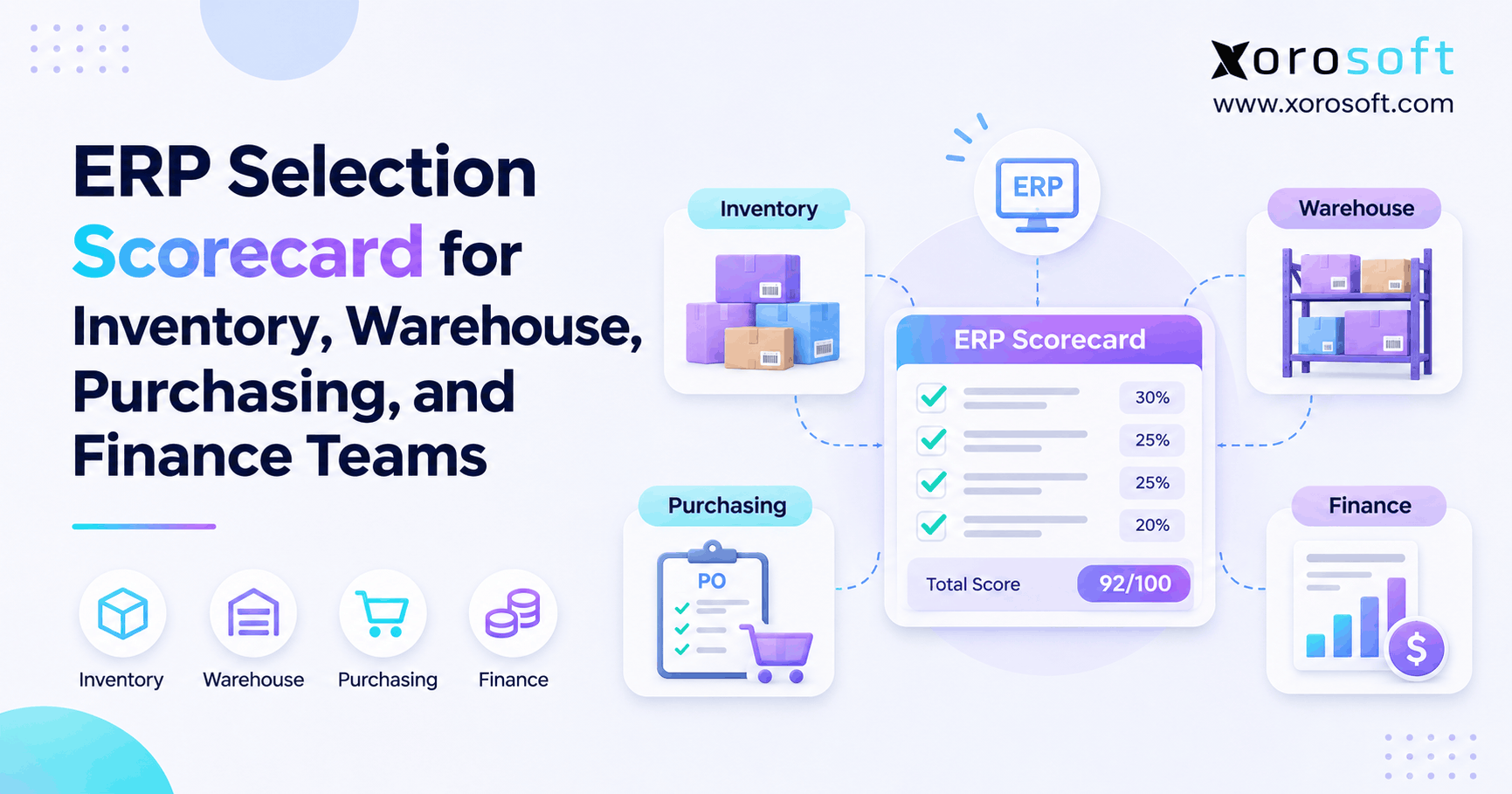
8.4 Five readiness indicators to measure before buying
Use a practical scorecard rather than an arbitrary revenue threshold:
- Unresolved receiving differences: How many open POs have quantities that no one owns?
- Invoice matching workload: How many finance hours go into supplier price or quantity checks?
- Duplicate buying: How often do locations independently order stock already available elsewhere?
- Forecast disconnects: How often are supplier orders based on incomplete channel demand?
- Accounting adjustments: How many month-end corrections originate in purchasing or receiving?
Consequently, compare these measures over several purchasing cycles. A rising trend across departments is more useful evidence than one unusual shipment.
CTA #1 — Free ERP Readiness Assessment: Review these five measures with purchasing, warehouse, and finance leaders. Then use the solutions overview to identify which workflow gaps deserve a deeper evaluation. An assessment should establish need before recommending a platform.
9. How to Integrate Shopify Purchasing With ERP Safely
When Shopify purchase orders and ERP procurement coexist, integration design matters as much as software features. Therefore, choose which system owns each record before exchanging data.
9.1 Choose the Shopify purchasing system of record
If the ERP owns the supplier commitment, staff should not create an unrelated second financial PO in Shopify. Instead, preserve a stable reference that connects the ERP order to the Shopify receiving event. As a result, the business can distinguish one supplier commitment from several related shipments.
Likewise, define which system owns supplier invoices, inventory valuation, and corrections. This avoids silent disagreements when one platform changes a quantity or cost after the other has already processed it.
9.2 Connect receipts without double-counting inventory
Shopify documents a model in which an ERP retains the PO and financial record while Shopify receives stock through an incoming transfer with the ERP PO reference. Therefore, integration tests should cover source IDs, partial receipts, rejected items, and retries.
Xorosoft provides Shopify and other ecommerce integrations. However, merchants should confirm the exact order, receipt, and financial synchronization pattern for their configuration. The availability of a general integration does not prove that every native Shopify purchase-order action can be written through its API.
9.3 Handle Stocky migration and open orders carefully
Stocky’s retirement requires special attention for merchants that previously kept purchase history or receipts there. First, retain the needed exports. Next, reconcile open quantities and supplier references. Finally, test the replacement receiving process before the purchasing team switches fully.
Because Shopify cannot import complete historic Stocky POs into native records, do not treat a product-line CSV upload as a full migration. Instead, preserve the historical evidence separately and establish a clean opening position for every still-open commitment.
9.4 Test corrections, returns, and sync failures
Integrations fail in less obvious ways than a straightforward purchase receipt. For example, a network retry could send the same receipt event twice, or a rejected carton could later be replaced. Therefore, test duplicate-event prevention and reversal handling.
Moreover, include accounts payable in the test. An inventory count that looks correct is not sufficient if a supplier credit or financial posting remains wrong. Assign a named owner to each class of exception and maintain a reconciliation log after go-live.
10. Measures That Show Whether Purchasing Is Improving
A purchasing upgrade is useful only if operating outcomes improve. Consequently, establish baseline measures before changing tools, and use consistent definitions after implementation.
10.1 Track purchasing exceptions and supplier reliability
A simple purchasing exception rate is the number of POs with unresolved discrepancies divided by the number reviewed. For example, eight problem POs among 100 reviewed produces an 8% rate. However, one PO with three problems should still be counted consistently under the chosen method.
In addition, track supplier on-time delivery, lead-time variation, and quantity fill rate. Together, these measures help distinguish poor supplier performance from internal planning or receiving mistakes.
10.2 Measure invoice effort and inventory exposure
Record the time finance spends matching supplier invoices, the age of open PO balances, and the value of stock bought in excess of realistic demand. Therefore, the cost of purchasing mistakes includes more than software subscriptions.
Moreover, unexpected freight, emergency sourcing, and month-end adjustments can reveal weaknesses that ordinary PO counts hide. Use actual company measurements where available; if you model an example, label the assumptions clearly.
10.3 Fix data ownership before blaming the software
Bad SKUs, inconsistent units, and unclear receiving responsibility can create errors in any platform. Therefore, standardize supplier item IDs, carton conversions, and approval roles before an ERP migration. Otherwise, automation may simply process the wrong data faster.
Similarly, decide how staff should handle substitute products, late shipments, and supplier credits. Well-designed systems support controls, but they do not replace accountable decisions.
11. How to Evaluate a Shopify-Connected ERP Purchasing System
A software comparison should end with a practical test, not a generic feature list. Therefore, ask every provider to show real purchase transactions from authorization through financial reconciliation.
11.1 Start with actual purchasing requirements
Write down the exception scenarios that cause the most work. For example, include supplier price changes, partial receipts, rejected goods, warehouse transfers, and open customer commitments. Next, assign purchasing, warehouse, finance, and IT stakeholders to judge the results.
Also, separate mandatory controls from optional features. A system may offer many advanced reports while failing the one invoice approval rule that finance must enforce. Consequently, success criteria should be explicit before the demonstration begins.
11.2 Evaluate the Shopify ERP purchasing workflow
The demonstration should show who approves a PO, what happens when fewer units arrive, and how the supplier invoice gets resolved. Moreover, test whether stock availability and accounting agree after every event.
Xorosoft’s warehouse management capabilities can be evaluated alongside purchasing and finance requirements. Additionally, its official Shopify App Store listing provides a relevant starting point for understanding its ecommerce connection. Still, demand an implementation-specific explanation of data ownership and integrations.
11.3 Compare cost, implementation, and support
Total cost includes subscriptions, users, implementation, data conversion, connectors, training, and internal effort. Therefore, ask for a scoped estimate rather than comparing license prices alone. Also, assess what happens when the business adds warehouses, entities, or sales channels.
For a deeper evidence check, review documented customer case studies and ask whether the examples resemble your operations. Nevertheless, a positive example is not a guarantee that your own workflow will behave identically.
CTA #2 — Watch Demo: Ask to see a real supplier-order-to-invoice scenario, including a short shipment and price discrepancy. Xorosoft’s demo process begins with a discovery call and then prepares a tailored walkthrough; do not expect an instant generic video.
12. Choose the Purchasing System That Matches Your Operational Risk
Shopify purchase orders are a credible choice for straightforward supplier buying and partial receiving. However, the decision changes when purchasing must coordinate approvals, warehouse availability, supplier invoices, landed costs, manufacturing, or several sales channels. Therefore, measure recurring exceptions before deciding to replace a working process.
A focused app may solve one gap. By contrast, a connected ERP can be the better approach when purchasing, inventory, and finance repeatedly rebuild the same records. Xorosoft is an option to assess for inventory-driven businesses, but the right choice must be proven with your own transactions and implementation requirements.
CTA #3 — Book a Demo: Book a personalized demo to review a real purchase order, an incomplete receipt, and a supplier invoice. The process begins with discovery so the eventual demonstration can focus on the controls your business actually needs.
Frequently Asked Questions
Can Shopify purchase orders replace ERP purchasing?
Yes, for basic supplier buying and stock receiving. However, businesses needing integrated approvals, invoice matching, manufacturing planning, or complex multi-warehouse purchasing should evaluate additional software or ERP.
Does Shopify support partial purchase order receiving?
Yes. Shopify uses linked inventory transfers to record partial receipts, multiple shipments, and rejected quantities. Therefore, its receiving limitations should be assessed against specific workflows, not assumed.
Can Shopify create purchase orders without Stocky?
Yes. Shopify provides native purchase orders after Stocky’s August 31, 2026 retirement. However, some historic data and specialized workflows require migration or external tools.
Does Shopify automatically match supplier invoices?
Shopify documents an export-based reconciliation process rather than complete native three-way matching. Therefore, businesses with frequent invoice differences may need an accounting integration or controlled procurement workflow.
Can Shopify manage purchasing across multiple warehouses?
Shopify supports multiple locations and incoming transfers. However, coordinating purchase commitments, shared demand, and financial ownership across warehouses may require stronger planning and integration controls.
When should a Shopify brand consider ERP purchasing?
Consider ERP when recurring purchasing errors affect inventory accuracy, supplier payments, or reporting. Moreover, evaluate it when multiple teams need one reliable record of purchasing commitments and receipts.
What should an ERP purchasing demo prove?
Ask it to demonstrate approvals, split receipts, supplier invoice differences, inventory updates, and accounting reconciliation. Then verify integrations, exception ownership, implementation costs, and support using your own scenarios.
Recent Posts
-
 ERP Selection Scorecard for Inventory, Warehouse, Purchasing, and Finance Teams
-
Can Shopify Purchase Orders Replace ERP Purchasing?
-
 3PL WMS vs Client ERP: Which System Should Own Each Record?
-
 US Wholesale Inventory and Financing Statistics for August 2026
-
 ERP for Building-Materials Distributors Managing Quotes, Loads and Job Sites