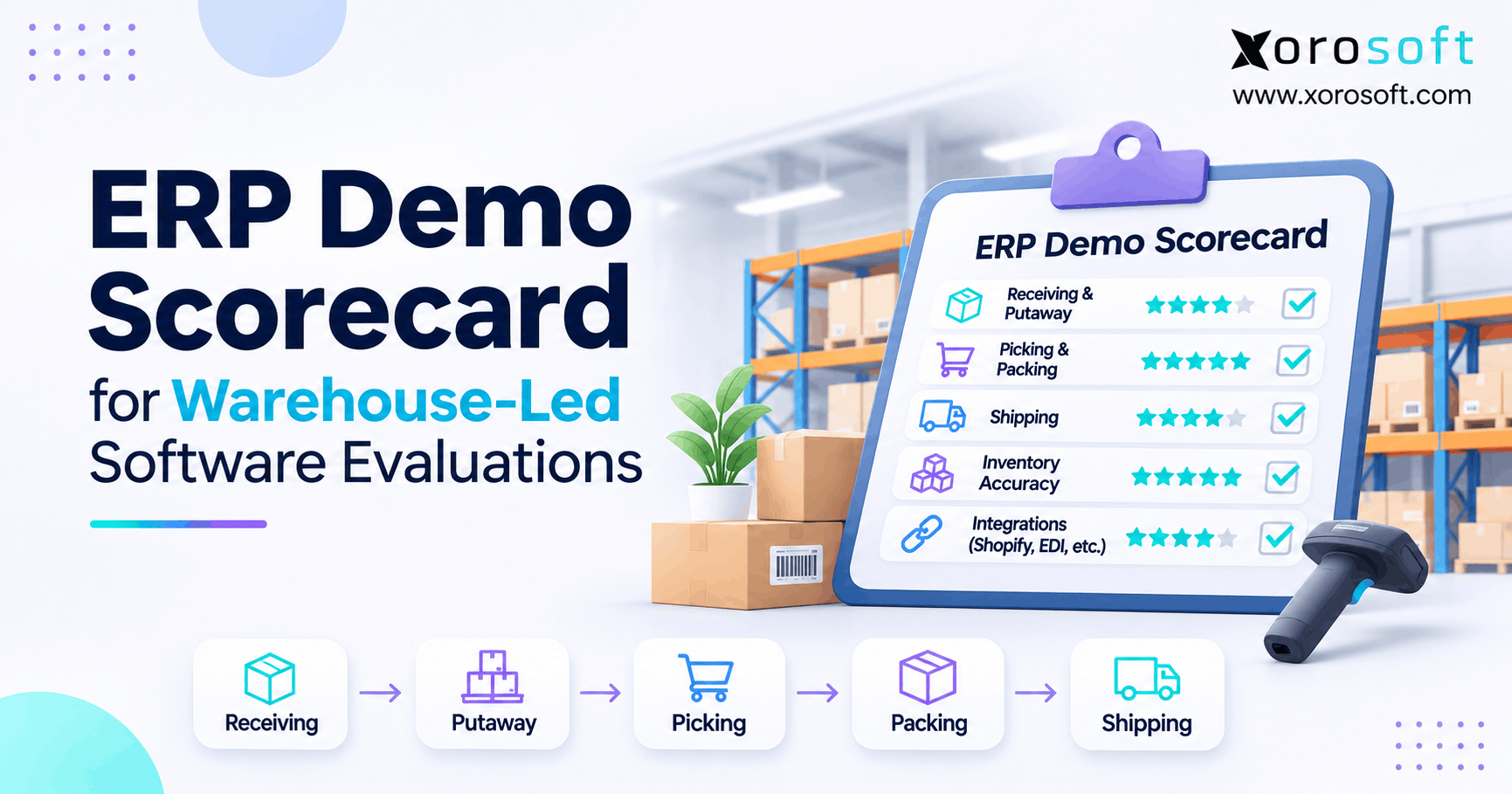
An ERP demo scorecard is an essential tool for evaluating software vendors during your selection process.
1. Why a Smooth ERP Demo Can Hide Warehouse Risk
An ERP demo scorecard helps warehouse leaders test what software can do when daily work goes wrong. For example, a polished sales tour may show a clean receipt, a perfect pick, and a shipped order. However, real warehouses also face short deliveries, wrong scans, damaged stock, and orders that compete for the same inventory. As a result, those are the moments that reveal whether a system truly fits.
For example, imagine a vendor showing a dashboard with 100 units on hand. Meanwhile, a picker finds only 96, two units are damaged, and another customer has reserved stock. Which number does the sales channel show? Unless the demo tests that question, an attractive screen proves very little.
1.1 How the ERP Demo Scorecard Changes the Discussion
Instead of asking, “Does your system support cycle counts?” ask the presenter to count a bin, enter a difference, and show the approval trail. Then record what happened. As a result, each score reflects visible proof rather than a feature claim.
For that reason, this guide uses real warehouse scenarios, shared scoring rules, and clear pass/fail gates. It also shows how to check costs and finance records, so the buying team can make a decision that stands up after go-live.
1.2 Start With the Failure You Cannot Afford
Before inviting vendors, list the problems that already waste time or put orders at risk. For instance, note every manual stock fix, late shipment, missing transfer, and month-end balance issue. Then choose test cases that expose those failures.
Also, write down what a passing result looks like. If a shipment has one missing item, the system must preserve the open order quantity. As a result, that simple rule gives the team a clear point of comparison.
2. What an ERP Demo Scorecard Actually Measures
An ERP demo scorecard is a set of test cases, ratings, weights, and proof notes used to judge software against agreed business needs. Therefore, it is more than a list of features. Moreover, it shows whether a warehouse task works, how staff recover from errors, and what happens to the records behind each step.
2.1 ERP Demo Checklist Versus Evidence-Based Scoring
A checklist asks if barcode scanning, transfers, or packing exists. By contrast, a scorecard asks whether each task works under the exact conditions your team faces. For example, a vendor might support scanning but still allow an employee to confirm the wrong SKU.
| Question | Feature checklist | Evidence-based scorecard |
|---|---|---|
| Does the function exist? | Yes or no | Shown, failed, or not tested |
| What happens on error? | Often unknown | Exact response recorded |
| Who approved the result? | Not required | Named reviewer |
| How much does it matter? | Often equal | Weighted by business risk |
As a result, buyers can explain both the score and the reason behind it.
2.2 Who Needs This Level of Review?
In general, a formal test works best for businesses with busy warehouses, several sales channels, or stock spread across sites. It also helps teams whose finance and warehouse data often disagree. However, a small business with one location and simple orders may not need a long ERP project.
Instead, that company could first improve count rules, train staff, or fix an existing link between systems. In short, the goal is not to buy more software. It is to prove which change will solve the real problem.
3. Put Warehouse Operators in Charge of the Test
After all, warehouse staff see the gap between a process chart and the floor. Therefore, they should help choose scenarios and take part in live tests. At the same time, an ERP touches buying, sales, finance, and IT, so those teams also need a voice.
3.1 Assign Each Team a Clear Role
First, give each reviewer a narrow job. The warehouse lead checks receiving, picks, packing, and shipping. Inventory staff review bin stock and counts. Purchasing checks open purchase orders and supplier gaps. Meanwhile, finance traces costs and entries, and IT checks roles, devices, and data flow.
| Team | Proof to collect |
|---|---|
| Warehouse | Scan steps, pick errors, shipment record |
| Inventory | On-hand, reserved, and available balances |
| Purchasing | Receipt against open PO quantity |
| Finance | Stock cost, journal trail, approvals |
| IT | User rights, data sync, error log |
Finally, let a business owner or COO resolve trade-offs among teams, rather than letting the best presenter win.
3.2 Build a Warehouse ERP Evaluation Team That Sees Real Work
Next, ask one experienced picker and one receiving associate to carry out selected tasks. They often spot extra taps, unclear messages, and slow recovery steps that a manager may miss. For example, a five-screen fix for one wrong scan can become a daily bottleneck.
Also, keep observers from prompting the operator during the test. If the worker needs a vendor to explain each move, record that as a training or design issue. A smooth guided demo is not the same as an easy workflow.
4. ERP Demo Scorecard Gates: What Must Never Fail
Even so, a good score needs limits. For that reason, set pass/fail rules before seeing vendor systems. A failed must-have requirement should not disappear inside an average rating, even when the software earns high marks elsewhere.
4.1 Mark True Hard Stops Before the Sales Call
First, list only needs that are vital to safe and sound operations. For example, a food firm may need lot history, while a wholesaler may need a named EDI document flow. Most warehouses will also want stock availability and user rights to follow set rules.
Next, label each requirement must pass, important, or nice to have. That way, a missing dashboard chart cannot carry the same impact as a failed stock hold. Also, agree who can accept a workaround and who can sign off a retest.
4.2 Capture Proof, Not Promises
For example, every hard-stop test needs a starting balance, a user action, an expected result, and evidence. For instance, if a worker tries to ship stock in quarantine, record whether the system blocks it, who can release it, and which log shows the change.
In contrast, “We can configure that later” is not a pass. Mark the test not demonstrated until a suitable run proves it. Finally, note any custom work, third-party tool, or extra fee needed to reach the result.
Readiness checkpoint: Before the next vendor call, confirm the five warehouse failures you most need to prevent. If your team cannot agree on them, complete that short review before scoring software.
5. Build a Weighted ERP Demo Scorecard
Once the must-pass tests are clear, assign weights to the rest. Therefore, a strong category has enough influence to reflect its real impact on work, not the interests of the loudest team in the meeting.
5.1 Choose Warehouse Evaluation Weights
For example, use this model for a company with several warehouses and sales channels. However, change the weights to match your own order mix and business risks. The total must equal 100%.
| Area | Example weight |
|---|---|
| Receiving and putaway | 15% |
| Stock accuracy and controls | 18% |
| Picking, packing, and shipping | 20% |
| Transfers and returns | 13% |
| Ecommerce and EDI links | 14% |
| Finance and audit trail | 12% |
| Staff use and rollout effort | 8% |
| Total | 100% |
For example, a firm handling fast expiry dates may give more weight to lot and shelf-life controls. Meanwhile, a direct-to-consumer brand may focus more on order flow.
5.2 Calculate ERP Demo Scorecard Scores Without Hiding Gaps
Use a five-point scale: 1 means failed, 2 means a major gap, 3 means partial fit, 4 means good fit with a minor limit, and 5 means a full pass with clear proof. In addition, keep N/D for not demonstrated; it is not a passing mark.
Then calculate each result as category weight × rating ÷ 5. For example, a score of 4 in a 20%-weight shipping area earns 16 points. Next, add all tested category points, while showing any missing proof separately.
| Example vendor | Weighted total | Mandatory status | Decision |
|---|---|---|---|
| Vendor A | 82/100 | All checked tests pass | Eligible for next stage |
| Vendor B | 87/100 | Required lot test failed | Hold until resolved |
These figures are fictional. Consequently, Vendor B does not win merely by scoring five points higher.
6. Make the Warehouse ERP Demo Checklist Real
As a rule, a live demo should use one shared script for every vendor. Otherwise, teams end up comparing a smooth sales story with a hard test, which is unfair to both buyers and sellers.
6.1 Prepare One Script for Every Vendor
First, give each vendor the same product list, unit sizes, stock balances, warehouse map, and order data. Next, include a few deliberate problems. For example, add a short receipt, a duplicate order message, and an item held for quality review.
Next, for every test, write the input, steps, expected result, owner, time taken, and saved proof. This makes follow-up work much easier. Also, ask vendors to name any setup they changed just for the test.
6.2 Use an ERP Demo Checklist for Untested Claims
Also, keep a separate list of claims that presenters describe but do not show. For instance, “supports any scanner” needs a device test, and “works with your carrier” needs the exact link and use case checked.
Then set a date for a retest or a small proof of concept. If a must-have function needs custom code, ask for the scope and a written estimate. As a result, the decision reflects both the software and the effort needed to make it fit.
7. ERP Demo Scorecard Tests for Receiving and Putaway
Inbound work is a useful first test because one bad receipt can affect stock, supplier records, and accounts. Therefore, ask the vendor to process a delivery that is not perfect.
7.1 Receive Partial, Damaged, and Extra Stock
First, create a purchase order for 120 units. Next, receive 114 units, of which three are damaged. Under the agreed test rules, 111 units should be sellable, three should remain held, and six should stay open on the order.
Then try an over-receipt and a return to the supplier. Then check whether the system keeps the original order, each stock state, and the reason for every change. Also, ask the vendor to show which quantity the buyer sees after the receipt.
A review of XoroWMS is relevant here because Xorosoft lists RF scanning, receiving, putaway, picking, and shipping among its WMS functions. Still, your own test must confirm how those tasks work with your staff, devices, and rules.
7.2 Validate Barcode Scans, Bins, and Count Differences
Ask a receiver to scan the right item, then the wrong item. After that, try putting a carton in an unexpected bin. Next, watch whether the system warns, blocks, or allows the step under the set access rules.
Also, count a bin with 24 recorded units but only 22 physically present. The test should show a recount or approval path and preserve the original number. Finally, verify which stock balance changes after approval and which user made the decision.
8. ERP Demo Scorecard Tests for Picking and Shipping
In practice, outbound errors are often easier to hide in a simple sales tour. For that reason, test what happens when a picker cannot finish an order as planned. Include both the worker’s actions and the changes made to stock and order records.
8.1 Run Short Picks and Incorrect Scans
Release an order for eight units, then make only six units available in the expected bin. Next, ask the picker to report the short quantity rather than key in a false pick. As a result, the open two units should remain visible under the agreed order rules.
Afterward, scan a different SKU. Then verify whether the app stops the mistake and gives the worker a clear path back. Also, check whether the system records who corrected the task. In fact, a failure that takes five minutes to fix may matter more than a small layout issue.
8.2 Check the Warehouse ERP Demo Against Carton and Status Data
Pack four items into two cartons, then remove one item before shipment. The system should show what each carton contains and which part of the order has shipped. Next, attempt to cancel the open balance.
For a Xorosoft evaluation, ask to follow this exact path across warehouse and sales records. However, do not assume any ERP passes just because it has a shipping feature. Instead, capture the final order status, stock move, tracking data, and user actions as proof.
Watch-demo checkpoint: Ask the shortlisted vendor to show a wrong scan and a short pick before showing the ideal happy path. A tailored session is more useful when it follows your real order flow.
9. Check Multi-Warehouse Transfers and Returned Stock
Moving stock between sites adds another set of risks. Meanwhile, a returned item may be physically present but not ready for sale. In both cases, test whether the system can separate on-hand stock from sellable stock.
9.1 Score Warehouse ERP Evaluation Scenarios for Transfers
First, send 50 units from Warehouse A to Warehouse B. Next, receive only 48 at the second site. Then check whether the system shows the shipped quantity, received quantity, in-transit amount, and unresolved gap.
Then ask who can approve a loss or correction. A sound process keeps that decision visible rather than quietly changing the balance. Also, test whether sales can reserve the in-transit goods and whether that fits the firm’s policy.
For a broader list of business models, review the company’s industry coverage and choose scenarios that match the actual product flow.
9.2 Trace Lots, Serials, and Quarantine Stock
First, receive two lots of the same item. Then pick from only one lot and show which customer got it. If your goods require serial control, repeat the test using a serial ID. Finally, return one unit and place it on a quality hold.
The GS1 Application Identifier reference defines common barcode fields for batch, lot, and serial details. However, using a barcode standard does not itself prove a system can trace each stock move. The ERP must show a clear chain from receipt to shipment.
10. ERP Demo Checklist for Shopify, Amazon, and EDI
A warehouse can run well inside one screen and still fail when orders arrive from other systems. Therefore, the ERP demo checklist should test data flow, delay, duplicate messages, and stock ownership across connected channels.
10.1 Simulate Simultaneous Orders and Inventory States
Start with one sellable unit. Next, place an order through Shopify and another from a wholesale source before the first update has reached every system. Ask the vendor to show which order gets the unit and how the other order is handled.
Shopify’s inventory state guide distinguishes on-hand, available, committed, unavailable, and incoming stock. Therefore, the test must check the right state, not merely the largest quantity shown on a dashboard.
10.2 Use the ERP Demo Scorecard to Test Failures and Retries
Next, pause an order feed. Next, restore it and send the same message again. Also, the system should make failed records visible and avoid unintended duplicate orders or stock moves under the agreed design. Also, check how staff know an order needs attention.
Xorosoft documents connections for ecommerce, marketplaces, and EDI in its integration ecosystem. However, test your own store, partner maps, and timing rules. For Shopify teams, the Shopify App Store listing is also a useful source for reviewing the published app scope.
11. Connect Warehouse Tasks to Finance
However, a completed warehouse task does not always mean the financial record is correct. Therefore, bring finance into the demo and trace key events from the stock screen to the ledger. This helps the team spot issues before month-end close.
11.1 Test Accounting Entries With Known Costs
For example, use the earlier receipt of 114 units and an example unit cost of $20. That makes the starting purchase value $2,280, before any other cost items or later changes. Next, check how the ERP records the receipt, damaged stock, and supplier invoice under the company’s rules.
Then ship part of the stock and review the cost record. Because valuation and posting rules vary, ask finance to set the expected entry in advance. The point is to prove the link, not to claim that one accounting method fits every buyer.
11.2 Apply ERP Demo Checklist Checks to Approvals and Audit Trails
First, ask one warehouse user to enter an adjustment. Then have another user with limited rights try to approve it. Then check who can act, what warning appears, and whether the change log keeps the old and new values.
Xorosoft presents XoroERP as a connected system for inventory, warehouses, orders, and accounting. Even so, buyers should confirm the actual entries, role controls, and reports needed by their own finance team. Also, keep a sample reconciliation as proof.
12. ERP Demo Scorecard Design for Real Warehouse Use
A system may pass every data check but still slow down employees. As a result, staff use and recovery time deserve attention alongside features. Yet a score should reflect observed tasks rather than personal taste.
12.1 Watch Associates Work Without Coaching
First, give a new operator a short task card: receive one item, move it to a bin, pick it, and fix one error. Next, watch without telling them which button to click. Also, record the time, number of steps, help requests, and points of confusion.
For example, compare a clear scan warning with a generic error code. The first may be easier to handle on a busy floor. Also, check whether screens remain usable on the devices and network conditions your staff will use.
12.2 Observe Speed, Training, Devices, and Recovery
First, run the same task several times with realistic data. Then ask what happens if a device loses its connection or a user leaves a step unfinished. Then check whether the work can resume without losing a stock move or making a duplicate entry.
When reviewing Xorosoft, request a role-based demo using your own common tasks and approved hardware. However, measure the result against the same rules used for every vendor. That keeps usability scoring fair and avoids buying based on a smooth presenter alone.
13. How to Compare ERP Demo Scorecard Results
Once each vendor has completed the shared tests, review the results in two passes. First, look at hard-stop failures and missing proof. Next, compare weighted scores for the vendors still under review. As a result, this prevents one high score from hiding a serious gap.
13.1 Separate Failed Hard Stops From Weighted Totals
For example, suppose Vendor A scores 82 points and passes every must-have test. Meanwhile, Vendor B scores 87 but fails required lot tracking. In that case, Vendor B’s higher total does not make it the safer choice.
Instead, record the failed requirement, the risk, and the proof needed to reopen the decision. After a retest, the buying team can review both vendors using the same basis. Also, do not turn N/D into a zero without stating that important proof remains missing.
13.2 Document Costs, Extra Apps, and Open Items
Also, look beyond the license quote. For example, add handheld devices, integration work, training, data cleanup, outside tools, and ongoing support. Then record who owns each task and whether it sits inside the stated project scope.
A useful ERP software comparison hub can help buyers frame follow-up questions, but the final choice should rest on verified workflow results and written costs. In addition, require clear terms for any future custom work and test the outcome before approval.
14. Compare ERP, WMS, and Process Fixes Fairly
Sometimes the best next step is not a full system change. Therefore, use the scorecard to compare the problem with the range of possible fixes. A new ERP may be right for a broken end-to-end flow, while a focused WMS project may address a narrow warehouse gap.
14.1 When Standalone WMS Is Enough
If current finance and buying tools still work well, a warehouse-only system may improve scanning, picks, or bin control without replacing the entire stack. However, the buyer must then test how orders, stock, and costs move between systems.
| Option | Good fit when | Main test |
|---|---|---|
| Process fix | Errors come from unclear rules | Can staff follow the new method? |
| Standalone WMS | Warehouse tasks are the main gap | Does stock sync safely with ERP? |
| Integrated ERP-WMS | Stock, orders, and finance disagree | Do end-to-end records stay aligned? |
Next, compare the full cost and effort of each option, not only the software price.
14.2 When an ERP Demo Scorecard Supports a Platform Change
An integrated platform may make sense when teams rekey the same orders, reconcile stock across apps, or struggle to trace a receipt into finance. In that case, test the whole path before replacing separate tools.
Xorosoft’s XoroONE brings inventory, accounting, warehouse work, and other core processes into a cloud ERP. Still, the decision should follow the buyer’s own test script. If a targeted fix resolves the issue with less risk, the scorecard should make that clear too.
15. Tailor Warehouse ERP Evaluations to Your Industry
The same scorecard template can serve several industries, but its highest-risk tests should change. For example, a food firm needs strong batch checks, while a furniture seller may care more about large-item handling and split delivery plans.
15.1 Apparel, Furniture, and Sporting Goods
For example, apparel teams should test size and color variants, high return rates, and stock held for sales channels. Meanwhile, furniture teams may need to track bulky items, room-of-choice delivery steps, and partial order lines.
Likewise, sporting goods sellers may need kits, serial checks for selected items, and seasonal demand controls. Therefore, write a few test orders that reflect actual product types. A generic SKU with a quantity of one rarely exposes the real work.
15.2 Food, Wholesale, and Manufacturing
For example, food firms should test batches, expiry dates, quality holds, and recall lookup where needed. Meanwhile, wholesale teams may focus on case units, customer terms, EDI messages, and partial fills. Meanwhile, manufacturers should check material picks, work orders, and stock used in production.
However, no industry label alone proves what a business needs. First, start with the order, product, and warehouse rules that create the most risk. Then adjust the scorecard weights and must-pass tests to match those needs.
16. Conclusion: Buy the Workflow You Can Prove
Ultimately, a strong ERP demo scorecard makes software selection less subjective. Instead of asking which vendor gave the best tour, the team asks which system handled real warehouse tasks with sound stock records and clear proof. That shift matters when mistakes affect both customer orders and finance.
Therefore, agree on your hard stops, run the same tests, and save the results. Then compare costs, training, and open risks before choosing a path. If the current process can be fixed without a full ERP change, that is a valid outcome too.
For a tailored Xorosoft discussion, Book a Demo and bring your most difficult receiving, picking, and stock-sync cases. The session should prove fit against your own work, not just a feature list.
Frequently Asked Questions
What is an ERP demo scorecard?
It is a worksheet that rates software against live warehouse tasks. It records test results, weights, proof, and hard-stop failures, so buyers compare real outcomes rather than sales claims.
How do you score a warehouse ERP demo?
Set test weights, rate each result from one to five, and calculate weighted points. However, check must-pass tasks separately and mark missing proof as not demonstrated.
Which warehouse tasks matter most in a demo?
Test receiving errors, wrong scans, stock counts, short picks, transfers, returns, and partial shipments. Also, check the resulting order, stock, and accounting records.
What is a mandatory ERP demo requirement?
It is a task the business cannot operate safely without, such as required lot tracking or accurate sellable stock. A failed hard stop needs proof of a fix.
How do you test Shopify stock sync?
Create competing orders, change stock states, and delay an update. Then check sellable quantity, order status, error logs, and recovery without duplicate stock moves.
When is a WMS enough without new ERP?
A WMS may be enough when finance and buying systems work well but picking, scanning, or bin control needs improvement. Still, test the links between systems.
Should the highest-scoring vendor always win?
No. First check must-pass requirements and missing proof. Then compare weighted scores, full costs, training needs, and open risks before making the final choice.
Recent Posts
-
ERP Demo Scorecard for Warehouse-Led Software Evaluations
-
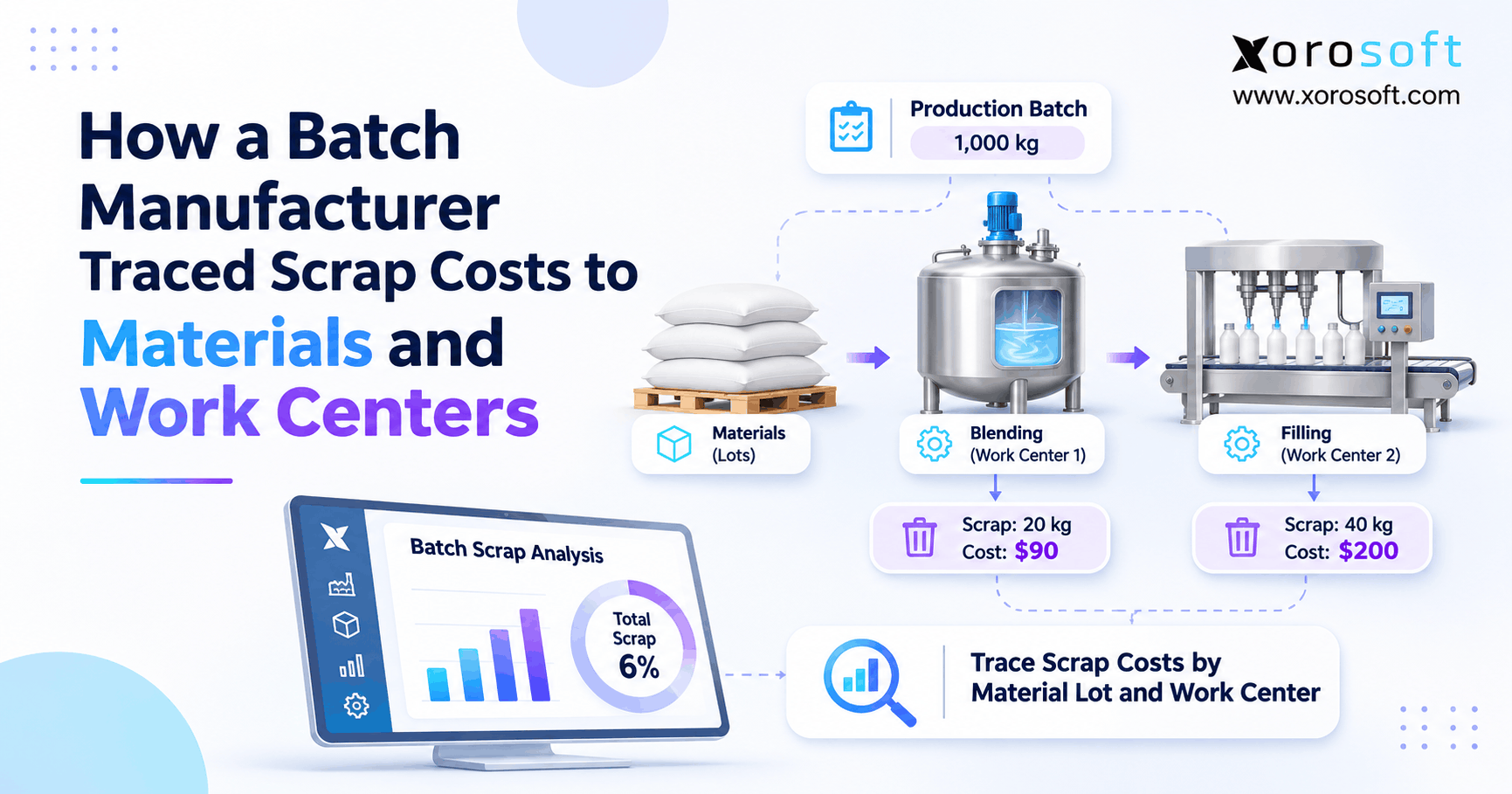 How a Batch Manufacturer Traced Scrap Costs to Materials and Work Centers
-
 Container Dwell Benchmarks 2026 for US and Canadian Distribution Centers
-
 How to Audit Open Shopify Shipments for Quantities That Will Never Arrive
-
 Sales Commission Software for Apparel Showrooms and Rep Agencies