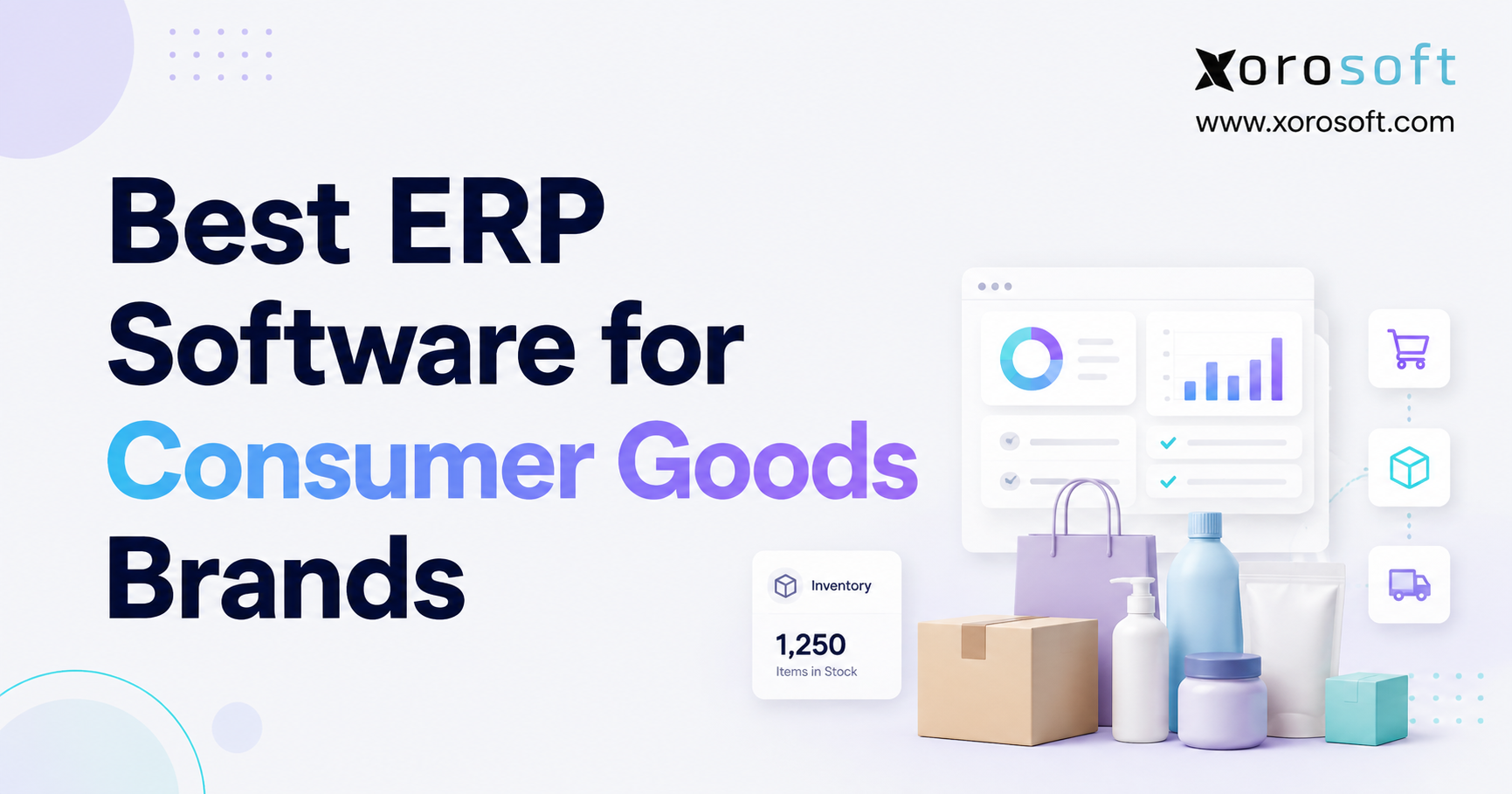
If you are looking for the Best ERP for Shopify to streamline your business operations, you are in the right place.
1. Why Shopify Growth Creates Back-Office Complexity
The best ERP for Shopify is not always the largest platform, the most expensive system, or the software with the longest feature list. For growing Shopify brands, the right ERP is the system that connects inventory, purchasing, accounting, warehouse management, forecasting, reporting, and sales channels without making daily operations harder.
Shopify gives ecommerce brands a strong storefront, checkout, payment flow, product catalog, customer experience, and app ecosystem. However, once a brand starts scaling, the work behind Shopify often becomes more complicated than the storefront itself. Inventory needs to stay accurate across locations. Purchase orders must match real demand. Finance teams need clean inventory valuation. Meanwhile, warehouse teams need reliable receiving, picking, packing, and shipping workflows.
At first, most brands solve each problem separately. They add an inventory app, QuickBooks, a warehouse tool, purchasing spreadsheets, shipping software, marketplace tools, and reporting sheets. Each tool may help for a period of time. However, as order volume, SKU count, and sales channels increase, the software stack becomes harder to control.
That is when Shopify ERP software becomes important. ERP is not just another app. Instead, it becomes the operational layer behind Shopify. As a result, teams can manage inventory, accounting, purchasing, warehouse activity, reporting, and multi-channel operations in one connected system.
The key question is not, “Which ERP has the most features?” A better question is, “Which ERP fits the way this Shopify brand actually operates?”
1.1 The Shopify Growth Problem Most Brands Feel First
Most Shopify brands do not decide they need ERP overnight. The pressure usually builds slowly.
A buyer notices that purchase orders are always reactive. Soon after, a warehouse manager sees inventory differences between Shopify and physical stock. Finance then struggles to close the month because inventory data needs cleanup. Customer service cannot confidently answer availability questions. Eventually, leadership waits for spreadsheets before making decisions.
These problems usually come from the same root cause: operational data is spread across too many disconnected systems.
The ecommerce team may trust Shopify. Warehouse teams may trust their own counts. Finance often trusts accounting records. Purchasing may rely on spreadsheets. Meanwhile, leadership wants one accurate view of the business. When those systems do not agree, every team works from a different version of the truth.
Because of that disconnect, growth starts creating friction. More orders should mean more revenue. Instead, they often create more manual work, more reconciliation, and more uncertainty.
1.2 Why Shopify Alone Cannot Run the Entire Back Office
Shopify is excellent for ecommerce. It handles online selling, product merchandising, checkout, customer data, order capture, payments, and storefront workflows.
However, Shopify is not built to replace advanced ERP functions such as purchasing automation, inventory valuation, warehouse execution, demand planning, landed cost, EDI workflows, manufacturing, and deeper financial reporting.
That difference matters because every Shopify order creates back-office activity. Inventory changes. Warehouse teams receive demand. Finance needs transaction data. Purchasing needs replenishment insight. Reporting needs accurate margins. Therefore, the systems behind Shopify must work together.
When those workflows are handled across disconnected apps, the brand spends more time reconciling data than improving operations. Over time, this creates delays, errors, and blind spots that become harder to ignore.
2. What Shopify ERP Software Actually Does
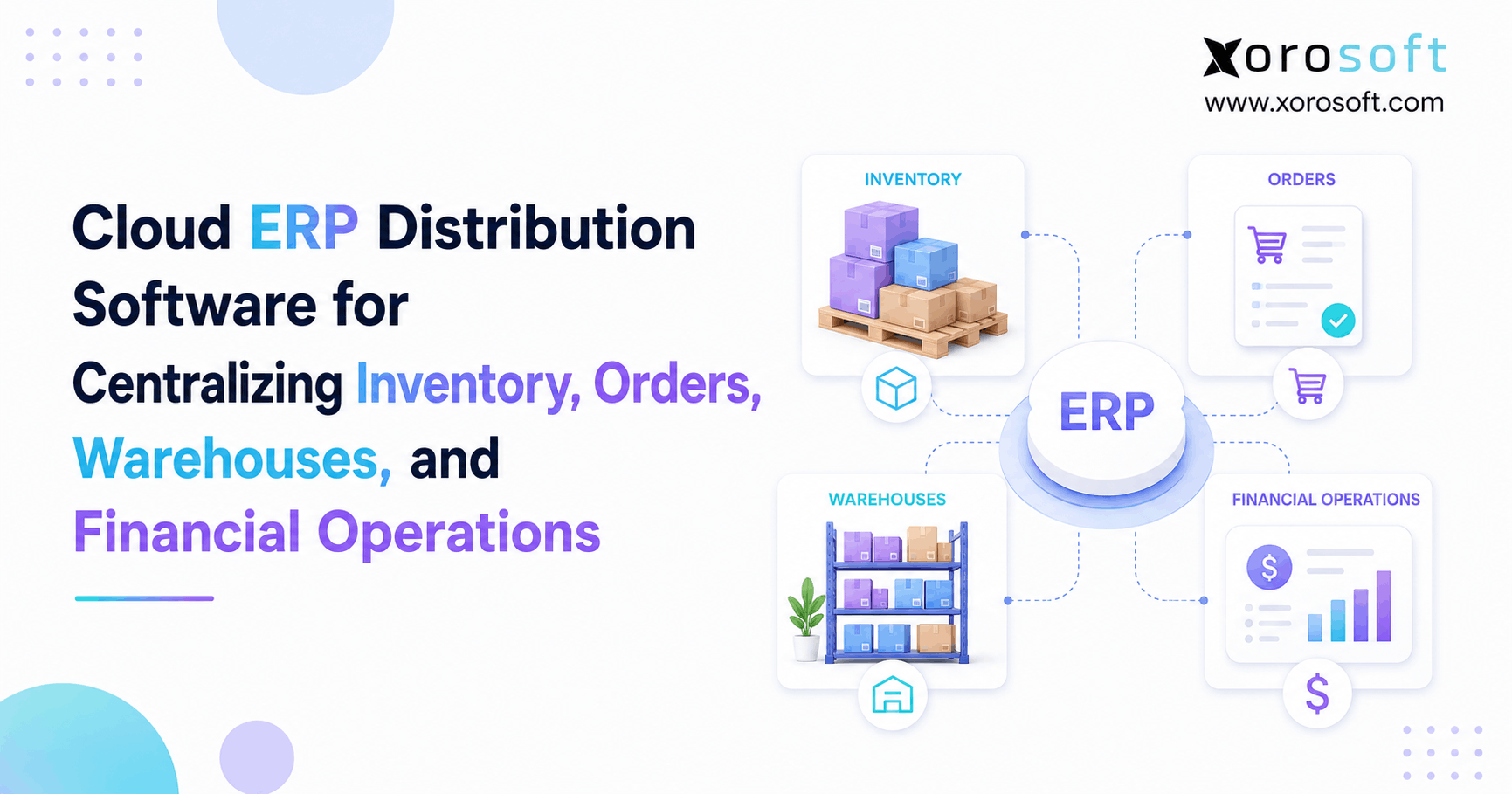
Shopify ERP software connects the ecommerce storefront with the operational systems that run the business behind it. Instead of treating inventory, accounting, purchasing, warehouse management, and reporting as separate workflows, ERP brings them into one shared environment.
A strong ERP for Shopify brands usually connects Shopify orders, inventory levels, purchase orders, vendors, warehouses, accounting, fulfillment, returns, forecasting, reporting, wholesale orders, Amazon or marketplace channels, EDI workflows, and manufacturing or assembly processes.
This connection gives teams cleaner data and better control. More importantly, it reduces manual exports, duplicate entry, spreadsheet corrections, and end-of-month cleanup. As a result, teams can spend more time improving operations and less time fixing data.
2.1 Shopify as the Selling Engine
Shopify should remain the selling engine. Customers browse, buy, pay, and interact with the brand through Shopify. Product pages, checkout, discounts, merchandising, customer accounts, and ecommerce growth all belong naturally in that environment.
A Shopify brand should not replace Shopify with ERP. Instead, it should connect Shopify to ERP so that orders, inventory, fulfillment, and financial data move cleanly between commerce and operations.
This creates a better division of responsibility. Shopify owns the customer-facing commerce experience. Meanwhile, ERP manages the operational impact of that commerce activity.
2.2 ERP as the Operational Control Center
ERP becomes the control center behind Shopify. It helps teams manage the operational impact of every order.
For example, when a customer places an order, the ERP can update available inventory, reserve stock, guide fulfillment, support accounting, and improve reporting. When demand increases, purchasing teams can review current inventory, open purchase orders, supplier lead times, sales velocity, and forecasted demand before placing new orders.
Because the data is connected, decisions become more reliable. Buyers can order with more confidence. Warehouse teams can fulfill with fewer surprises. Finance can close with cleaner numbers. Leadership can also see the business without waiting for manual reports.
2.3 Shopify ERP vs Basic App Connections
A basic app connection may sync orders or inventory. A proper ERP workflow goes deeper because it connects the operational decisions behind those orders.
For example, the system should help teams decide the best fulfillment location for each order. It should also show whether inventory is available, reserved, inbound, transferred, or already committed to another channel. Purchasing teams need to know when a supplier requires a new purchase order, while finance teams need a reliable view of true inventory value.
Operational leaders also need answers that go beyond basic syncing. They need to see which SKUs are at risk of stockout, where overstock is building, how channel profitability is changing, and why certain orders are delayed because of stock issues.
When a brand needs answers like these every day, basic app syncing may not be enough. Therefore, ERP becomes less about adding software and more about creating operational control.
3. Signs a Shopify Brand Is Ready for ERP
A Shopify brand is usually ready for ERP when operational complexity creates repeated errors, delays, or blind spots. The decision should come from business pain, not software hype.
In practice, ERP becomes valuable when teams need one system to manage connected workflows across departments. If inventory, purchasing, accounting, warehouse management, and reporting all depend on each other, separate tools may no longer be enough.
3.1 Inventory Accuracy Keeps Getting Worse
Inventory accuracy is often the first major warning sign. If Shopify, the warehouse, spreadsheets, and accounting records show different numbers, the business has a control problem.
Small inventory errors can create large operational consequences. Overselling leads to canceled orders. Understated inventory leads to missed sales. Overstock ties up cash. Wrong counts slow fulfillment. Finance may also struggle to trust inventory valuation.
A strong ERP for Shopify brands helps centralize inventory movement so teams can see what is available, reserved, inbound, transferred, and committed. Consequently, the business can reduce guesswork and improve fulfillment confidence.
3.2 Multi-Warehouse Operations Are Hard to Manage
One warehouse can often be managed with simple tools. Multiple warehouses are different.
As soon as a brand operates multiple locations, it needs stronger visibility into transfers, regional stock, fulfillment routing, replenishment, receiving, and available-to-promise inventory. If the brand also uses 3PLs, wholesale allocations, or marketplace inventory, the complexity increases further.
Shopify ERP software helps brands manage inventory across locations without relying only on spreadsheets or manual checks. In addition, it allows teams to understand where inventory should sit, which location should fulfill, and when stock needs to move.
3.3 Purchasing Still Lives in Spreadsheets
Many Shopify brands start purchasing in spreadsheets. That can work early on. However, spreadsheet purchasing becomes risky when SKU count, sales volume, supplier count, and lead times increase.
Buyers need to know what is selling, what is inbound, what is delayed, what is already committed, and what demand looks like over the next few weeks or months. Without that visibility, purchasing decisions become reactive.
Some teams order after stockouts happen. Others overbuy because they do not trust the numbers. Meanwhile, supplier timing can slip because purchase planning lives outside the main system.
ERP helps purchasing teams move from reactive buying to planned replenishment. As a result, the business can reduce stockouts, control overstock, and manage cash more carefully.
3.4 Month-End Close Takes Too Long
Finance teams often feel ERP pain later than operations, but the problem is just as serious. If inventory, sales, returns, purchase receipts, landed costs, and adjustments live in different systems, month-end close becomes slow.
The finance team may need to export data from Shopify, QuickBooks, warehouse tools, inventory apps, and spreadsheets before reconciling numbers. That process increases manual work and delays reporting.
ERP improves this workflow by connecting inventory and accounting data more directly. Therefore, finance teams can spend less time cleaning records and more time analyzing performance.
3.5 Wholesale, Amazon, or EDI Adds Complexity
Many Shopify brands eventually expand beyond direct-to-consumer ecommerce. They add Amazon, wholesale, retail partners, B2B portals, EDI, or marketplaces.
Each new channel creates operational rules. Wholesale customers may need special pricing. Retail partners may require EDI documents. Amazon may need fast inventory updates. B2B orders may require allocation controls. These workflows become difficult to manage through Shopify alone.
ERP gives the brand a better way to coordinate inventory, orders, purchasing, and reporting across channels. Moreover, it helps prevent each channel from becoming its own operational silo.
4. ERP vs Inventory Apps vs Accounting Software for Shopify Brands
Choosing the best ERP for Shopify requires understanding what ERP is replacing or connecting. Many brands do not jump straight from Shopify to ERP. They move through stages.
First, they use Shopify and basic apps. Then they add accounting software. Later, inventory tools, warehouse tools, and spreadsheets enter the workflow. Eventually, the stack becomes too fragmented.
That progression is normal. However, the challenge appears when each tool solves one problem while creating another. At that stage, the business needs a connected operating model rather than another isolated app.
4.1 When Inventory Apps Are Enough
Inventory apps can be enough for smaller Shopify brands with simple operations. If the brand has one warehouse, limited SKUs, simple purchasing, and basic reporting needs, an inventory app may work well.
However, inventory apps usually focus on stock tracking. They may not fully manage accounting, purchasing automation, demand planning, warehouse operations, manufacturing, EDI, or financial reporting.
Once inventory decisions affect multiple departments, a standalone inventory app can become limiting. For example, the inventory team may know what is on hand, but finance may still need manual valuation reports.
4.2 When QuickBooks Becomes Limiting
QuickBooks can be useful for basic accounting. Many Shopify brands start there because it is familiar, accessible, and easy to adopt.
However, QuickBooks is not built to manage complex inventory operations at scale. It may become limiting when the business needs multi-warehouse control, purchasing automation, inventory valuation, landed cost, channel profitability, or deeper operational reporting.
This does not mean QuickBooks is bad. Instead, it means the business has reached a stage where accounting alone cannot control operations. Therefore, a broader system may be needed.
4.3 When Full ERP Becomes the Better Fit
A full ERP becomes the better fit when the brand needs connected workflows across inventory, purchasing, warehouse management, accounting, and reporting.
The difference is simple. Apps solve individual problems. ERP connects those problems into one operating model. As a result, teams can work from the same data instead of reconciling separate tools.
| System Type | Best For | Common Limitation | Upgrade Signal |
|---|---|---|---|
| Shopify apps | Early operational gaps | Data remains fragmented | Too many manual workarounds |
| Inventory app | Basic stock tracking | Limited finance and warehouse depth | Inventory affects multiple teams |
| Accounting software | Bookkeeping and financial records | Limited operational control | Month-end close becomes slow |
| Warehouse app | Picking and fulfillment | May not own full inventory value | Warehouse data must connect to finance |
| ERP | Connected operations | Needs planning and implementation | Growth requires one source of truth |
5. Core Shopify ERP Features That Matter Most
The best ERP for Shopify brands should support the way inventory, orders, purchasing, accounting, warehouse management, and reporting work together. A long feature list does not matter if the system cannot handle daily operational realities.
For that reason, the evaluation should focus on workflows. A brand should ask how the ERP manages inventory movement, order sync, receiving, replenishment, warehouse execution, accounting impact, and reporting. Only then can the team judge whether the platform fits.
5.1 Real-Time Inventory Visibility
Real-time inventory visibility is one of the most important ERP features for Shopify brands. Teams need to see available stock, reserved stock, inbound inventory, committed inventory, warehouse-level inventory, and transfers.
Without this visibility, brands risk overselling, stockouts, delayed fulfillment, and poor purchasing decisions.
A strong Shopify ERP should help the team understand not only how much inventory exists, but where it is, what status it has, and whether it is available to sell. Consequently, operators can act before small inventory issues become customer-facing problems.
5.2 Shopify Order Synchronization
ERP should sync Shopify orders reliably. However, order sync alone is not enough.
The system should also support fulfillment status, inventory updates, returns, refunds, product data, tax details, payment information, and reporting needs. The brand should understand exactly what data moves between Shopify and ERP and how often that sync happens.
A shallow integration can still create manual work. By contrast, a deeper integration helps teams operate with confidence because order data becomes part of a complete operational workflow.
5.3 Multi-Warehouse Inventory Control
Multi-warehouse control is essential for brands with more than one fulfillment location. ERP should support transfers, receiving, replenishment, cycle counts, allocation, and warehouse-level reporting.
This matters because stock in one location may not help an order assigned to another region. The ERP should help the business decide where inventory should sit and how orders should be fulfilled.
For warehouse-heavy operations, warehouse management for Shopify brands becomes a critical part of the ERP conversation. In addition, warehouse functionality should connect back to purchasing, inventory valuation, and fulfillment performance.
5.4 Purchasing and Replenishment Automation
Purchasing should not depend only on gut feeling or spreadsheet reminders. A good ERP for Shopify brands should help buyers plan purchase orders using current stock, sales velocity, open orders, supplier lead times, reorder points, and forecasted demand.
This helps reduce both stockouts and overstock. It also gives purchasing teams a more disciplined process for supplier management.
In practice, purchasing automation improves more than buying decisions. It also supports cash planning, vendor accountability, and customer availability. Therefore, replenishment should be treated as a core ERP workflow.
5.5 Accounting and Inventory Valuation
Inventory and accounting are deeply connected. If inventory data is inaccurate, financial reporting becomes unreliable.
ERP should help finance teams manage inventory valuation, cost of goods sold, purchase receipts, adjustments, landed costs, and reconciliation. In addition, it should reduce the amount of manual cleanup required during month-end close.
For brands that have outgrown disconnected tools, ERP for inventory-driven businesses can help connect inventory, accounting, purchasing, and reporting in one workflow. As a result, finance and operations can work from the same operational foundation.
5.6 Warehouse Management and Fulfillment
Warehouse management affects customer experience directly. If receiving, picking, packing, shipping, and cycle counts are unreliable, customers feel the impact through delays, wrong items, or canceled orders.
ERP should help warehouse teams work from accurate inventory and clear fulfillment instructions. It should also help managers track warehouse activity, bottlenecks, and performance.
Moreover, warehouse workflows should not sit outside the rest of the business. Receiving affects inventory. Picking affects fulfillment. Adjustments affect accounting. Because these workflows are connected, ERP can help reduce errors across the full operation.
5.7 Forecasting and Demand Planning
Forecasting helps Shopify brands make better inventory decisions. Instead of reacting to stockouts, teams can plan replenishment using sales trends, seasonality, lead times, and current inventory.
This is especially important for apparel launches, seasonal sporting goods, furniture lead times, food inventory planning, and wholesale commitments.
Although forecasting is never perfect, better data improves planning. Therefore, brands should look for ERP systems that help buyers understand demand patterns rather than relying only on historical spreadsheets.
5.8 Reporting and Operational Dashboards
Operators need reporting they can trust. If every report requires exports and spreadsheet cleanup, the business does not have real-time visibility.
ERP dashboards should help leaders monitor inventory value, sell-through, purchase orders, stockout risk, warehouse performance, sales by channel, margin, and fulfillment status.
A brand should be able to answer operational questions quickly without waiting for manual reporting cycles. Ultimately, better reporting helps leadership make decisions faster and with more confidence.
6. Best ERP for Shopify Brands by Business Model
Different Shopify brands need different ERP capabilities. The right system depends on the inventory model, sales channels, warehouse structure, supplier base, and financial complexity.
Because business models vary, the best ERP for Shopify is not the same for every brand. Apparel, furniture, sporting goods, food, wholesale, and manufacturing companies often need different workflows even when they all sell through Shopify.
6.1 ERP for Apparel and Fashion Shopify Brands
Apparel brands need strong variant management. Size, color, style, season, collection, and returns all affect inventory planning.
A fashion brand may sell quickly through one size while another size remains overstocked. Therefore, the ERP should support SKU-level reporting, purchasing visibility, forecasting, and warehouse control.
Xorosoft can fit apparel and fashion brands that need cloud ERP, inventory management, purchasing, warehouse management, accounting, and reporting connected behind Shopify. Additionally, apparel teams can benefit from stronger visibility across variants and locations.
6.2 ERP for Furniture Shopify Brands
Furniture brands often deal with long supplier lead times, bulky inventory, special orders, warehouse space constraints, and delivery coordination.
ERP should help these brands track purchase orders, inbound inventory, supplier delays, customer commitments, and warehouse capacity. Without strong operational visibility, furniture brands can tie up cash in the wrong inventory or disappoint customers with delayed fulfillment.
Because lead times are often longer, furniture companies need earlier warning signals. As a result, purchasing and inventory planning become especially important.
6.3 ERP for Sporting Goods Shopify Brands
Sporting goods brands often face seasonality, product bundles, demand spikes, and channel complexity. The right Shopify ERP should support forecasting, replenishment, warehouse operations, and multi-channel inventory visibility.
Because demand can change quickly around seasons, events, or trends, teams need timely data. Otherwise, they may stock too late, buy too much, or miss demand when it matters most.
6.4 ERP for Food and Beverage Shopify Brands
Food and beverage brands may need lot tracking, expiry controls, supplier visibility, purchasing discipline, and inventory rotation.
These workflows require more control than basic stock tracking. ERP should help teams manage product movement, replenishment, and compliance-related inventory details where applicable.
In addition, food brands often need tighter purchasing and warehouse discipline because delays can affect product freshness, customer experience, and margin.
6.5 ERP for Wholesale Shopify Brands
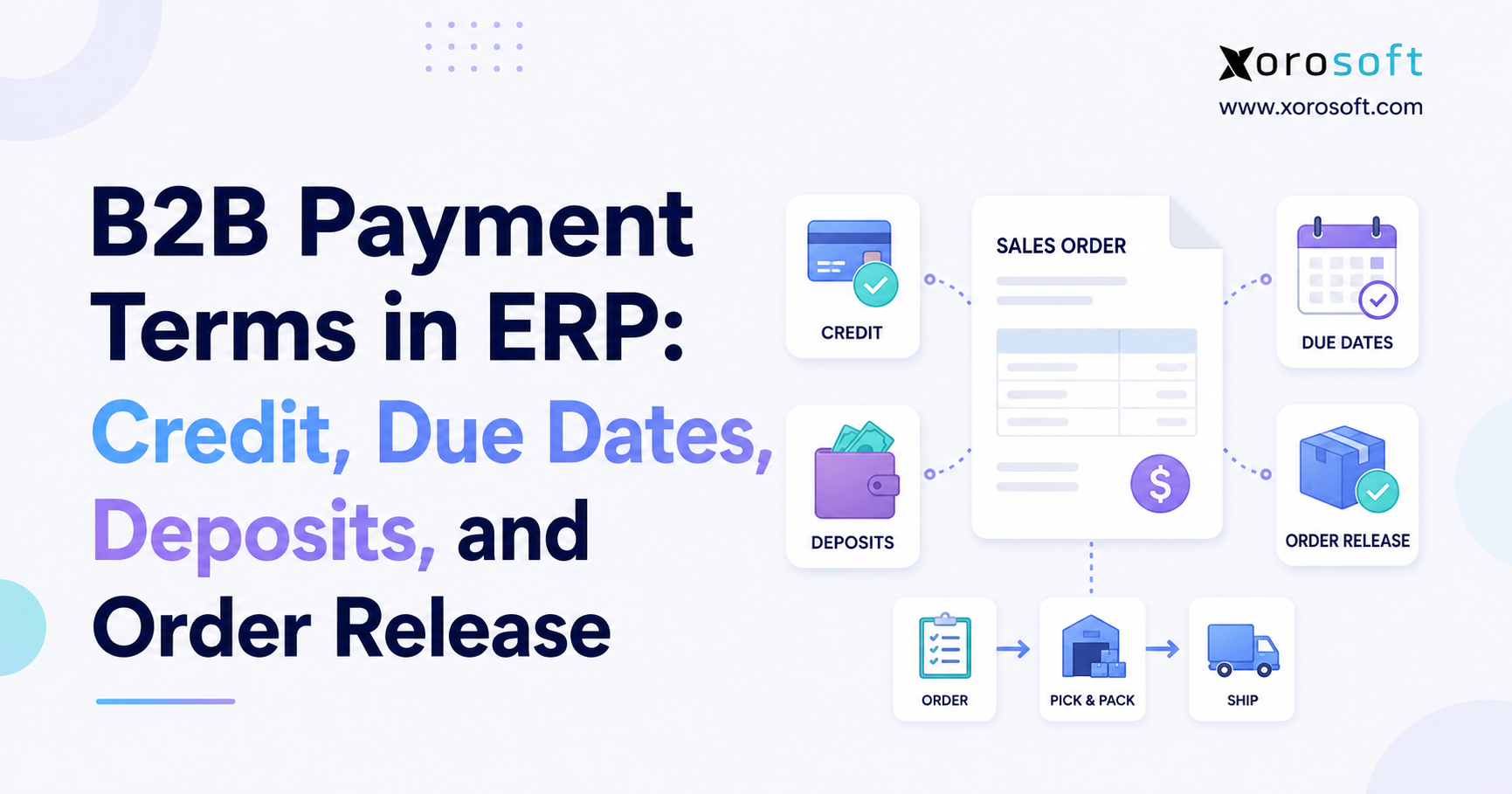
Wholesale adds complexity because large B2B orders can affect DTC availability. Wholesale customers may also require customer-specific pricing, order allocation, EDI, payment terms, and different fulfillment rules.
ERP helps centralize these workflows so the brand can manage wholesale growth without losing control of Shopify inventory.
Moreover, wholesale growth often changes how inventory should be allocated. A brand must protect DTC availability while also meeting B2B commitments. Therefore, allocation visibility becomes critical.
6.6 ERP for Manufacturing and Assembly Brands
Some Shopify brands assemble, kit, bundle, or manufacture products. These brands need ERP support for bills of materials, work orders, raw materials, production planning, and finished goods inventory.
A simple inventory app may track finished goods, but it may not manage the production process that creates them.
For brands evaluating software by operating model, ERP by industry is a useful way to think beyond generic ecommerce features. Instead of choosing software only because it connects to Shopify, manufacturing and assembly brands should check whether the ERP supports how products are built.
7. How to Compare Shopify ERP Options
Choosing ERP is a business decision before it is a software decision. A Shopify brand should compare systems based on workflow fit, implementation effort, team adoption, scalability, and total cost.
Instead of starting with vendor names, start with operating requirements. This makes the selection process more practical and less influenced by generic demos.
7.1 Check Shopify Integration Depth
Do not stop at “Does it integrate with Shopify?” That question is too broad.
Ask what data syncs, how often it syncs, and which workflows the integration supports. Orders, products, customers, inventory, refunds, payments, taxes, fulfillment status, and multi-store requirements may all matter.
A strong Shopify ERP integration should reduce manual work, not simply move data from one place to another. Therefore, integration depth should be evaluated through real order and inventory scenarios.
7.2 Evaluate Inventory and Warehouse Depth
Inventory depth matters more than surface-level stock tracking. The ERP should support the way the brand actually stores, moves, sells, reserves, and replenishes inventory.
For example, a multi-warehouse brand needs location-level control. A wholesale brand needs allocation. A manufacturing brand needs raw materials and finished goods. A food brand may need lot or expiry workflows.
Because inventory touches nearly every department, weak inventory functionality can create problems across purchasing, accounting, fulfillment, and reporting.
7.3 Review Accounting and Financial Controls
Finance requirements should be part of every ERP evaluation. If operations choose software without finance input, the company may create new reporting problems.
Ask how the ERP handles inventory valuation, cost of goods sold, landed costs, purchase receipts, refunds, tax data, reconciliation, and month-end close.
In addition, finance teams should review reporting structure before implementation. Otherwise, the ERP may support operations but still require manual financial cleanup.
7.4 Understand Implementation Complexity
ERP implementation requires planning. Even the right system can fail if the implementation is rushed or poorly owned.
Ask vendors about data migration, workflow mapping, training, testing, go-live support, and post-launch optimization. Also identify who inside the company will own decisions.
Although implementation takes effort, it should not be treated as a reason to delay necessary operational change. Instead, it should be planned carefully so the system supports real workflows from the start.
7.5 Compare Total Cost of Ownership
Software price is only part of ERP cost. Brands should also consider implementation fees, integrations, internal time, training, support, data cleanup, and future customization.
At the same time, the cost of staying on disconnected systems should not be ignored. Manual reconciliation, stockouts, overstock, delayed reporting, and fulfillment errors also cost money.
A practical evaluation compares the cost of ERP against the cost of operational friction. In many growing brands, the hidden cost of disconnected systems becomes larger than the software budget.
8. Common ERP Options and Shopify ERP Alternatives
Shopify brands often compare multiple platforms before choosing ERP. The right option depends on company size, budget, operational complexity, implementation resources, and growth plans.
No vendor should be evaluated in isolation. Instead, each platform should be compared against the brand’s real workflows, data requirements, and operating model.
8.1 NetSuite for Shopify Brands
NetSuite is a widely known cloud ERP platform used by many mid-market and enterprise businesses. It can support finance, inventory, order management, and broader business operations.
For Shopify brands, NetSuite may be a fit when the company has enterprise-level needs, complex finance requirements, and the budget for a larger implementation. However, teams should carefully evaluate cost, implementation scope, and internal resources.
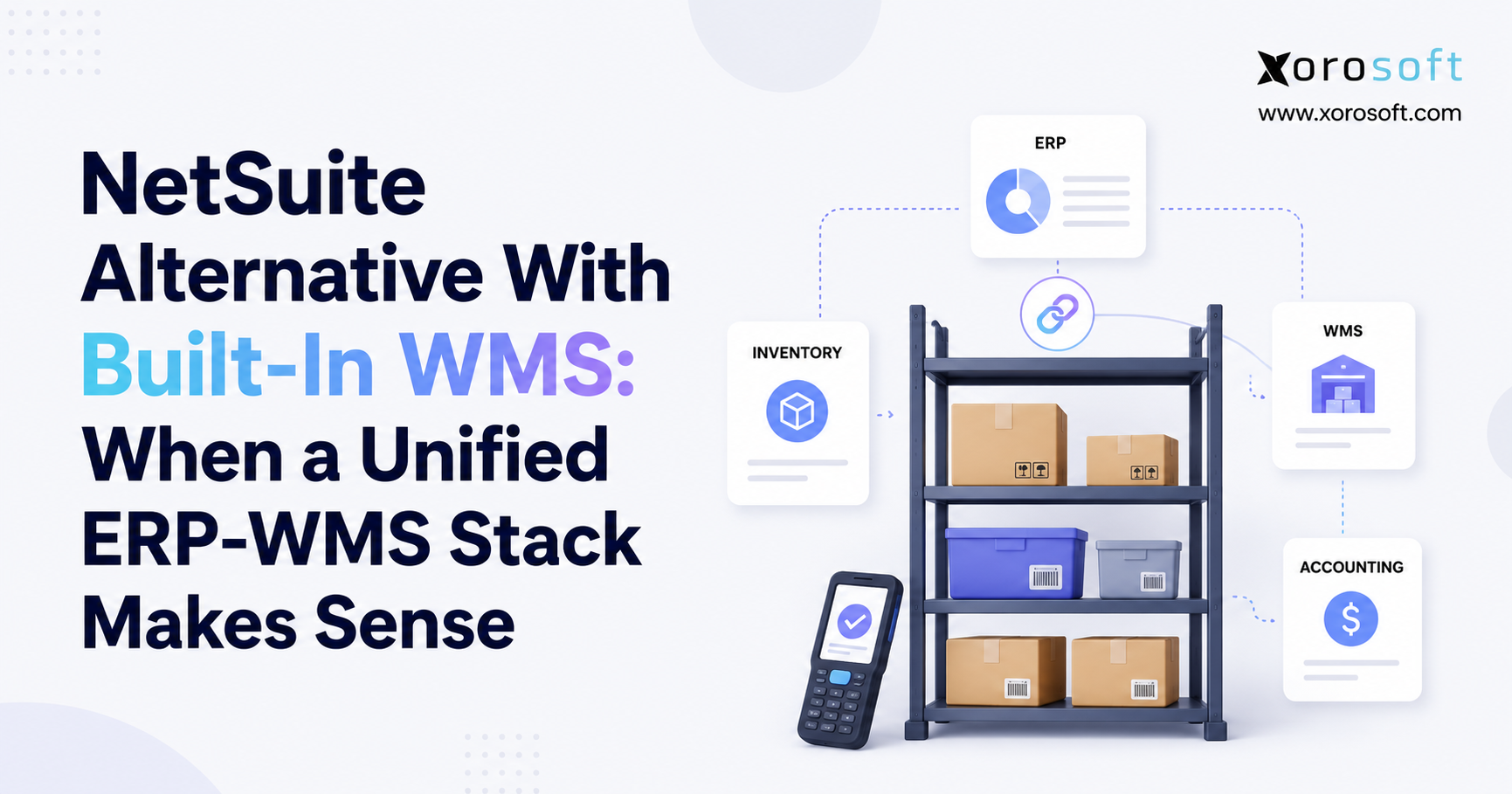
Brands considering this path may want to compare Xorosoft and NetSuite to understand differences in fit, complexity, and operating model.
8.2 Acumatica for Shopify Brands
Acumatica is another cloud ERP option that can support ecommerce and broader business workflows. It may fit businesses looking for flexible ERP capabilities with cloud access.
As with any ERP, Shopify brands should evaluate implementation partner quality, integration depth, and the exact workflows required. Otherwise, a flexible system can still become difficult to use if it is not configured around real operations.
8.3 Cin7 for Shopify Brands
Cin7 is often evaluated by brands that need inventory and order management. It may work well for businesses focused on stock visibility and channel operations.
However, a Shopify brand should decide whether it needs inventory software or a broader ERP. If accounting, purchasing, warehouse management, forecasting, and reporting all need to connect, ERP may be more appropriate.
8.4 Brightpearl for Shopify Brands
Brightpearl is often associated with retail and ecommerce operations. It may fit brands looking for order management, inventory workflows, and retail-focused functionality.
Before choosing it, teams should review finance depth, warehouse requirements, reporting flexibility, and implementation expectations. Additionally, they should test the platform against actual Shopify workflows rather than relying only on feature descriptions.
8.5 Fishbowl for Shopify Brands
Fishbowl is commonly evaluated for inventory management and manufacturing-related workflows. It may fit brands that need stronger inventory control than basic tools.
Shopify brands should still confirm ecommerce integration, accounting workflows, warehouse needs, and long-term scalability. In other words, the system should match both current operations and future growth plans.
8.6 Business Central for Shopify Brands
Microsoft Dynamics 365 Business Central can support finance and business management workflows. It may fit companies already using Microsoft tools or working with Microsoft partners.
However, Shopify brands should evaluate configuration needs, connector details, partner experience, and operational fit before choosing. The platform may be powerful, but implementation quality will heavily influence the final outcome.
8.7 Xorosoft for Inventory-Driven Shopify Brands
Xorosoft is a cloud ERP platform built for inventory-driven businesses that have outgrown QuickBooks, spreadsheets, inventory-only apps, and disconnected systems.
It combines inventory management, accounting, purchasing, warehouse management, manufacturing, forecasting, reporting, and ecommerce operations in one system. For Shopify brands selling across Shopify, Amazon, wholesale, EDI, and multiple warehouses, Xorosoft can act as the operational system behind Shopify.
You can also view Xorosoft ERP on the Shopify App Store when evaluating Shopify-connected ERP options. This is useful for brands that want to review ERP options within the Shopify ecosystem.
9. Shopify ERP Comparison Table
A comparison table helps Shopify brands evaluate ERP options with a practical lens. Instead of asking which platform is generally popular, the better question is which system fits the brand’s operating model.
| ERP Option | Best Fit | Strengths | What to Evaluate |
| NetSuite | Larger mid-market and enterprise teams | Broad ERP capabilities | Cost, complexity, implementation effort |
| Acumatica | Cloud ERP buyers | Flexible ERP model | Partner quality and ecommerce workflows |
| Cin7 | Inventory and order management teams | Inventory-first operations | Whether full ERP is needed |
| Brightpearl | Retail and ecommerce brands | Order and inventory workflows | Finance and warehouse depth |
| Fishbowl | Inventory and manufacturing users | Inventory control | Shopify and accounting fit |
| Business Central | Microsoft-focused companies | Finance and business management | Connector and configuration needs |
| Xorosoft | Inventory-driven Shopify brands | ERP, WMS, accounting, purchasing, forecasting | Fit for operational complexity |
The strongest evaluation process starts with real workflows. A Shopify brand should test how each ERP handles order sync, inventory allocation, purchase order planning, warehouse receiving, fulfillment, accounting impact, reporting, and exception handling.
That approach gives the team a clearer answer than a generic software checklist. Moreover, it helps prevent the brand from choosing a system that looks impressive in a demo but fails during daily operations.
10. Shopify ERP Implementation Planning
ERP implementation should not start with configuration. It should start with operational clarity.
A Shopify brand needs to understand what data must move, which workflows need improvement, who owns each process, and what success looks like after go-live. Without that clarity, even strong software can create confusion.
10.1 Clean Data Before ERP Migration
Data cleanup is one of the most important ERP preparation steps. Teams should review SKUs, product names, variants, vendors, customers, warehouse locations, inventory counts, open purchase orders, open sales orders, and accounting records.
Poor data creates delays. Clean data makes implementation smoother. Therefore, brands should treat data cleanup as a core project step, not an optional task.
10.2 Map Shopify and Back-Office Workflows
Workflow mapping helps the brand understand how orders, inventory, purchasing, accounting, warehouse tasks, returns, and reports should move after ERP goes live.
This process also reveals broken processes that software alone cannot fix. For example, if purchase approvals are unclear today, ERP will not automatically solve that problem unless the workflow is redesigned.
Once workflows are mapped, the implementation team can configure the system around real business needs.
10.3 Assign Internal ERP Owners
ERP projects need internal ownership. Operations, finance, ecommerce, warehouse, purchasing, and leadership should all be involved.
If no one owns decisions, implementation slows down. If only one department owns the project, other teams may end up with workflows that do not fit.
A clear internal owner keeps decisions moving. At the same time, department leads should validate the workflows that affect their teams.
10.4 Test Real Shopify Scenarios
Testing should use real examples. A Shopify order should move through fulfillment. A purchase order should move through receiving. An inventory adjustment should affect reporting. A refund should be checked. A warehouse transfer should be tested.
The goal is to confirm daily workflows before go-live. Otherwise, teams may discover problems only after customers and orders are already affected.
10.5 Train Teams Around Workflows
Training should focus on how work changes, not just where buttons are located. Warehouse staff, buyers, finance users, ecommerce teams, and managers all need role-specific training.
Good adoption depends on practical training. When users understand why the process changed, they are more likely to follow the system correctly. As a result, the business gets more value from ERP after launch.
11. How Much Shopify ERP Software Costs
ERP cost varies because every business has different users, workflows, integrations, data quality, and implementation needs. A Shopify brand should evaluate total cost of ownership, not just monthly subscription pricing.
Although software cost matters, it is only one part of the decision. Implementation quality, internal effort, support, and operational improvement all influence the real return.
11.1 Software Cost
Software cost may depend on users, modules, transaction volume, locations, and platform scope. A brand should compare what is included and what requires additional modules.
Some systems charge by user. Others charge by module, order volume, implementation scope, or support level. Therefore, the lowest monthly subscription is not always the lowest long-term cost.
11.2 Implementation Cost
Implementation cost depends on configuration, workflow mapping, data migration, training, and testing. More complex businesses usually need more implementation support.
A brand with Shopify, Amazon, wholesale, EDI, multiple warehouses, and manufacturing will usually require more planning than a simple single-channel store. Because of that, buyers should ask vendors for realistic implementation expectations early.
11.3 Integration Cost
Shopify is often only one integration. Brands may also need Amazon, 3PLs, shipping tools, tax platforms, payment systems, EDI providers, or wholesale portals.
Every integration should be reviewed before the project starts. Otherwise, unexpected connector work can create delays or additional costs.
In addition, the team should confirm what data moves through each integration. A connector that syncs only basic data may not support the full workflow.
11.4 Internal Team Cost
ERP requires internal time. Team members need to attend workshops, clean data, test workflows, make decisions, and train users.
This cost is often underestimated, but it matters. If the internal team cannot give the project enough attention, implementation quality may suffer.
Therefore, leadership should protect time for key users during the project. That investment helps the business avoid mistakes later.
11.5 Cost of Staying on Disconnected Systems
The current system also has a cost. Manual work, spreadsheet errors, delayed reporting, stockouts, overstock, reconciliation problems, and fulfillment mistakes all affect profitability.
A good ERP evaluation compares the cost of change with the cost of staying the same. In many growing Shopify brands, the hidden cost of disconnected systems becomes harder to justify over time.
12. ERP Readiness Checklist for Shopify Brands
Before booking multiple demos, Shopify brands should assess whether they are ready for ERP. This prevents wasted time and helps the team choose based on real needs.
A readiness checklist also helps teams align internally. Instead of debating software too early, the business can first agree on the problems it needs to solve.
12.1 Operational Readiness
Your Shopify brand may be ready for ERP if:
• Inventory counts differ across systems
• Purchase orders live in spreadsheets
• Multiple warehouses are difficult to manage
• Wholesale, Amazon, or EDI adds complexity
• Month-end close takes too long
• Reporting requires manual exports
• Forecasting feels reactive
• Warehouse teams rely on workarounds
• Leadership lacks real-time visibility
• Stockouts and overstock are increasing
If several of these problems appear at the same time, ERP deserves serious evaluation. Additionally, the brand should review whether these issues are occasional annoyances or repeated operating risks.
12.2 Data Readiness
Review your data before ERP selection. Clean SKUs, product variants, vendors, customers, warehouse locations, inventory counts, chart of accounts, open purchase orders, open sales orders, and sales history.
Better data creates a better implementation. Poor data creates confusion, delays, and user frustration.
Because ERP connects multiple workflows, bad data spreads quickly. Therefore, cleanup should begin before the implementation starts.
12.3 Team Readiness
ERP affects multiple teams. Operations, finance, purchasing, warehouse, ecommerce, and leadership should agree on priorities before choosing a platform.
This alignment makes demos more useful and implementation more realistic. It also prevents one department from choosing software that creates problems for another department.
In addition, team readiness helps adoption. When people understand the reason behind the change, they are more likely to support it.
12.4 Vendor Readiness Questions
Before comparing ERP pricing, Shopify brands should ask vendors practical workflow questions.
Start with Shopify integration. Ask what data syncs, how often it syncs, and how the system handles orders, inventory, refunds, payments, fulfillment status, and product updates.
Next, review inventory and warehouse workflows. Confirm whether the ERP supports multiple warehouses, receiving, transfers, replenishment, cycle counts, stock allocation, and warehouse-level reporting.
Purchasing and accounting should also be tested together. The vendor should explain how purchase orders, receiving, inventory valuation, cost of goods sold, reconciliation, and reporting connect inside the system.
Multi-channel requirements need separate attention. If the brand sells through Amazon, wholesale, or EDI, the ERP should support those workflows without creating another disconnected process.
Finally, review implementation support. Ask what onboarding includes, how data migration works, how users are trained, and what support is available after launch.
Xorosoft can be evaluated at this stage if the brand needs inventory, accounting, purchasing, warehouse management, forecasting, ecommerce operations, and reporting in one connected ERP system. However, the evaluation should still be based on the brand’s real workflows.
13. How to Choose the Best ERP for Shopify
The best ERP for Shopify is the one that fits the business model, inventory complexity, accounting needs, warehouse workflows, and growth plans. A brand should not choose ERP based only on demos or feature checklists.
Instead, the buying process should start with operational clarity. Once the business understands where the current stack breaks, the ERP shortlist becomes much easier to build.
13.1 Start With Business Complexity
Start by identifying what makes the operation hard to manage. Is it inventory accuracy? Multi-warehouse fulfillment? Purchasing? Wholesale? Amazon? EDI? Manufacturing? Month-end close?
The clearest pain points should guide the ERP shortlist. For example, a brand with warehouse issues should prioritize warehouse depth. Meanwhile, a brand with month-end close problems should involve finance early.
13.2 Match ERP to the Inventory Model
Inventory model matters. A brand selling simple finished goods has different needs than a brand managing variants, kits, bundles, raw materials, lots, or multiple warehouses.
The ERP should match how inventory actually moves through the business. Otherwise, the team may need too many workarounds after implementation.
This is why workflow-based evaluation is so important. It shows whether the system fits the business before the contract is signed.
13.3 Include Finance Early
Finance should not join the ERP conversation at the end. Accounting requirements affect inventory valuation, purchasing, reconciliation, reporting, and month-end close.
Including finance early prevents operational decisions from creating reporting problems later.
In addition, finance can help evaluate total cost of ownership, implementation effort, reporting structure, and long-term scalability.
13.4 Choose for the Next Stage of Growth
A Shopify brand should choose ERP for where the business is going, not only where it is today.
If wholesale, Amazon, EDI, manufacturing, or additional warehouses are likely in the next stage, those requirements should shape the ERP decision now.
For some brands, cloud ERP for Shopify operations may provide the broader structure needed to support this next stage of growth. However, the decision should still be based on operational fit rather than software category alone.
13.5 Ask for Workflow-Based Demos
Generic demos can make every platform look good. Workflow-based demos are more useful.
Ask vendors to show Shopify order flow, purchase order creation, receiving, inventory updates, warehouse picking, accounting impact, reporting, and exception handling. Real workflows reveal real fit.
Additionally, ask the vendor to show how the system handles exceptions. Delayed purchase orders, partial receipts, inventory adjustments, refunds, backorders, and channel conflicts often reveal whether the ERP can support daily operations.
14. Frequently Asked Questions About Shopify ERP
14.1 Which ERP works best for Shopify brands?
For most Shopify brands, the right ERP depends on operational complexity. A small store may only need Shopify, QuickBooks, and a few focused apps. However, a growing brand with multiple warehouses, purchasing complexity, wholesale, Amazon, EDI, accounting challenges, or manufacturing workflows may need cloud ERP. The right system should connect inventory, orders, purchasing, accounting, warehouse operations, forecasting, and reporting.
14.2 Does Shopify include full ERP functionality?
No. Shopify is not a full ERP system. It is an ecommerce platform built for storefront, checkout, product, order, payment, and customer workflows. By comparison, ERP software supports back-office operations such as inventory management, purchasing, accounting, warehouse management, manufacturing, forecasting, and reporting. Therefore, Shopify and ERP usually work together rather than replacing each other.
14.3 Can a Shopify store connect with ERP software?
Yes, a Shopify store can connect to ERP software through integrations, apps, APIs, or middleware. The quality of the connection depends on what data syncs and how workflows are handled. For example, brands should review order sync, inventory updates, fulfillment status, refunds, payments, product data, and multi-store support before choosing a Shopify ERP system.
14.4 How does Shopify ERP integration work?
In practical terms, Shopify ERP integration connects Shopify with an ERP system so ecommerce and back-office data can move between systems. This may include orders, products, customers, inventory, refunds, payments, shipments, and accounting data. As a result, brands can reduce manual entry, improve operational visibility, and keep teams aligned.
14.5 When is the right time to move from apps to ERP?
A Shopify brand should consider ERP when disconnected systems create repeated operational risk. Common signs include inventory discrepancies, spreadsheet purchasing, multi-warehouse complexity, slow month-end close, manual reporting, stockouts, overstock, wholesale complexity, EDI needs, and limited visibility across channels. If several of these issues appear together, ERP may be the next logical step.
14.6 Is QuickBooks enough for a growing Shopify brand?
QuickBooks may be enough for smaller Shopify brands with simple accounting and limited inventory complexity. However, it can become limiting when the business needs deeper inventory control, multi-warehouse management, purchasing automation, forecasting, manufacturing, or operational reporting. At that point, accounting software alone may not provide enough operational control.
14.7 How is ERP different from inventory software?
Inventory software mainly focuses on stock tracking and product availability. ERP connects inventory with accounting, purchasing, warehouse management, sales channels, manufacturing, forecasting, and reporting. A Shopify brand may start with inventory software, but ERP becomes more useful when inventory affects several departments and financial reporting depends on operational accuracy.
14.8 Which Shopify ERP features matter most?
Critical Shopify ERP features include Shopify order sync, real-time inventory management, multi-warehouse control, purchasing automation, accounting integration, warehouse management, forecasting, reporting, Amazon support, wholesale workflows, EDI support, and manufacturing support where needed. However, the most important features depend on the brand’s operating model and growth plans.
14.9 Which ERP is suitable for Shopify Plus brands?
For Shopify Plus brands, the best ERP depends on scale and complexity. Many Shopify Plus teams need stronger inventory control, multi-store support, multi-channel selling, wholesale workflows, custom integrations, and advanced reporting. Therefore, they should compare ERP platforms based on workflow depth, implementation support, integration quality, and total cost of ownership.
14.10 How should multi-warehouse Shopify brands evaluate ERP?
Multi-warehouse Shopify brands should look for ERP software that supports location-level inventory visibility, transfers, receiving, fulfillment routing, replenishment, cycle counts, and warehouse reporting. The system should show available, reserved, inbound, and committed inventory across every location. Otherwise, teams may continue relying on manual checks and spreadsheets.
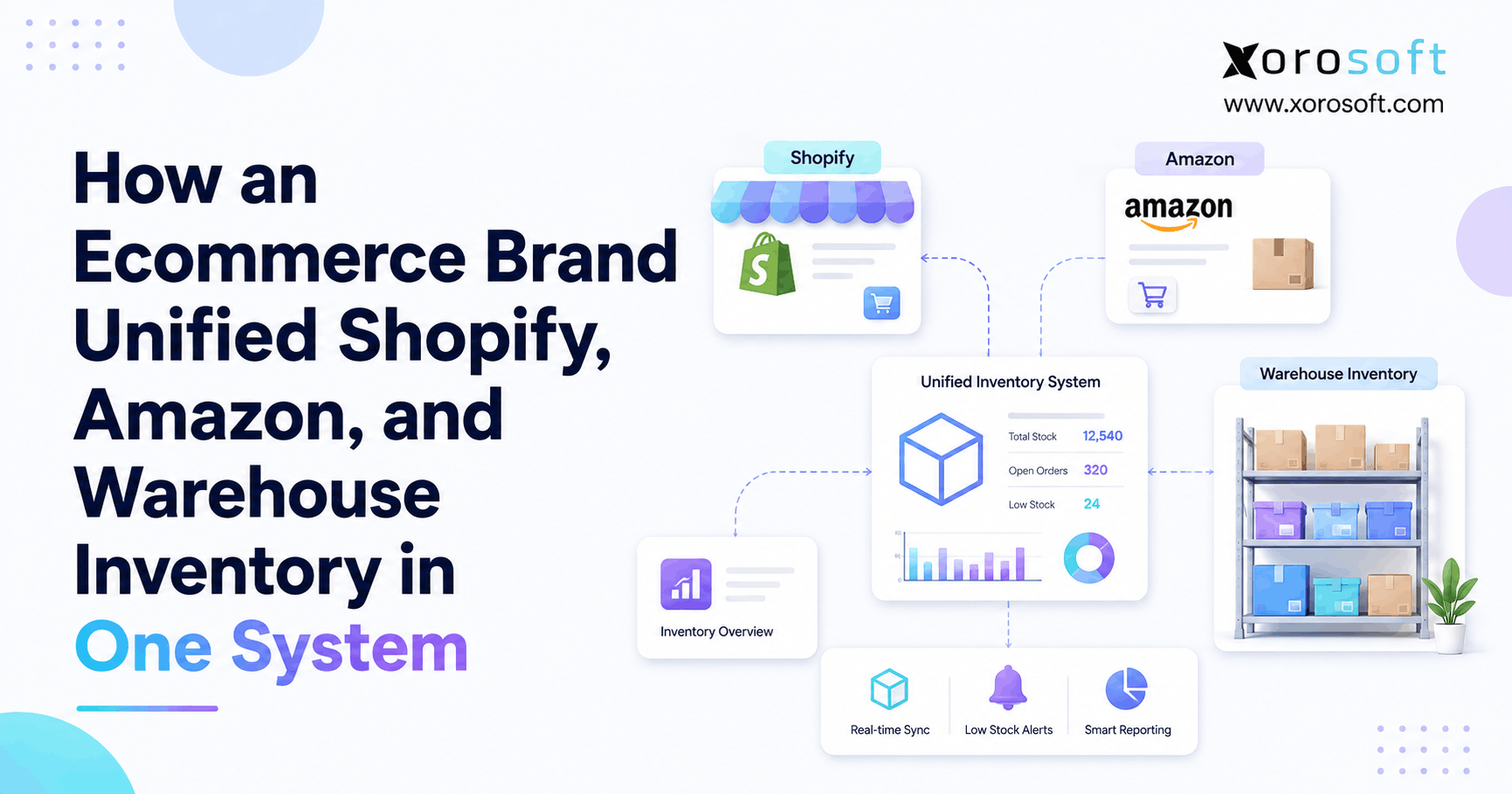
14.11 Which ERP setup works for Shopify and Amazon sellers?
Brands selling on Shopify and Amazon need ERP software that centralizes inventory, orders, purchasing, and reporting across channels. The system should help prevent overselling, manage stock allocation, sync orders, and support channel profitability analysis. Additionally, it should prevent Shopify and Amazon from becoming separate operational silos.
14.12 How can wholesale Shopify brands use ERP?
Wholesale Shopify brands need ERP features such as customer-specific pricing, order allocation, purchasing, EDI, forecasting, and inventory visibility. Wholesale adds complexity because large B2B orders can affect DTC stock availability. As a result, brands need stronger allocation and reporting workflows before wholesale growth creates fulfillment problems.
14.13 Can ERP reduce Shopify overselling?
ERP can help reduce overselling by keeping inventory more accurate across Shopify, warehouses, marketplaces, and wholesale channels. It can track available, reserved, inbound, and committed inventory. However, the integration must be configured correctly. In addition, teams need clear inventory rules so the system reflects how stock should actually be sold.
14.14 Does ERP improve inventory forecasting?
Yes, ERP can improve forecasting by combining sales history, current inventory, open purchase orders, supplier lead times, seasonality, and demand trends. Better forecasting helps brands reduce stockouts, avoid overstock, and make smarter purchasing decisions. Although forecasts are never perfect, connected data gives buyers a much stronger planning foundation.
14.15 Can EDI orders be managed through ERP?
Many ERP systems can support EDI workflows directly or through integrations. EDI is important for brands selling to retailers, distributors, or wholesale partners that require structured order documents. Before choosing ERP, Shopify brands should confirm trading partner requirements, document types, order workflows, invoices, and shipment notices.
14.16 Does ERP support manufacturing workflows?
Some ERP systems support manufacturing workflows such as bills of materials, work orders, production planning, material requirements, and finished goods tracking. This matters for Shopify brands that assemble, kit, bundle, or manufacture products. Therefore, brands should confirm whether the ERP manages both raw materials and finished goods.
14.17 How long does Shopify ERP implementation usually take?
Shopify ERP implementation timelines vary based on data quality, workflow complexity, integrations, warehouses, accounting requirements, and team availability. A simple implementation may be faster, while a multi-channel, multi-warehouse, wholesale, EDI, or manufacturing setup usually needs more planning. Because of that, brands should ask vendors for realistic timelines early.
14.18 How much does Shopify ERP software cost?
Shopify ERP cost depends on software subscription, users, modules, implementation, integrations, data migration, training, and support. Buyers should compare total cost of ownership rather than only monthly fees. Meanwhile, manual work and operational errors also create hidden costs, so the current stack should be evaluated honestly.
14.19 Which Shopify brands may not need ERP yet?
A Shopify brand may not need ERP if it has a small SKU count, one warehouse, simple accounting, low order complexity, and no wholesale, EDI, manufacturing, or multi-channel requirements. In that case, Shopify plus a few apps may be enough. However, the brand should revisit ERP once operational complexity increases.
14.20 How should brands prepare before choosing ERP?
Before choosing ERP, Shopify brands should map workflows, clean data, define pain points, involve finance and operations, document integrations, review warehouse needs, and build a vendor scorecard. The goal is to choose based on operational fit, not only software features. Ultimately, preparation makes the ERP selection process much more effective.
15. Final Takeaway: Choose ERP Around Operational Fit
The best ERP for Shopify brands is not the system with the loudest marketing or the broadest feature list. It is the platform that fits the way the business actually runs.
A growing Shopify brand should choose ERP when inventory, purchasing, accounting, warehouse management, forecasting, reporting, wholesale, Amazon, EDI, or manufacturing workflows become too connected for separate apps. At that point, the goal is not simply to add software. Instead, the goal is to create one reliable operating system behind Shopify.
Before choosing a platform, review your real workflows. Look at where inventory breaks down, where spreadsheets create risk, where finance loses time, where warehouse teams use workarounds, and where leadership lacks visibility. Then compare ERP options against those operational needs.
For inventory-driven Shopify brands, Xorosoft is one modern cloud ERP option that brings inventory management, accounting, purchasing, warehouse management, manufacturing, forecasting, reporting, and ecommerce operations into one connected system. It is especially relevant for brands that have outgrown QuickBooks, spreadsheets, inventory-only apps, or disconnected tools.
To see whether ERP is the right next step for your Shopify operation, book a personalized ERP demo and evaluate the platform around your actual workflows.
Recent Posts
-
 Best AI Warehouse Management Software for ERP Inventory and Warehouse Operations
 -
 Project Based ERP Software for Managing Project Costs, Purchasing, Resources, Inventory, and Accounting
 -
 Food and Beverage ERP Requirements for Lot, Expiry, and Recall Control
 -
 How to Prevent EDI Errors Before They Become Retailer Chargebacks
 -
 Warehouse Injury and Safety Statistics: What Operations Teams Should Know Before Automating Workflows