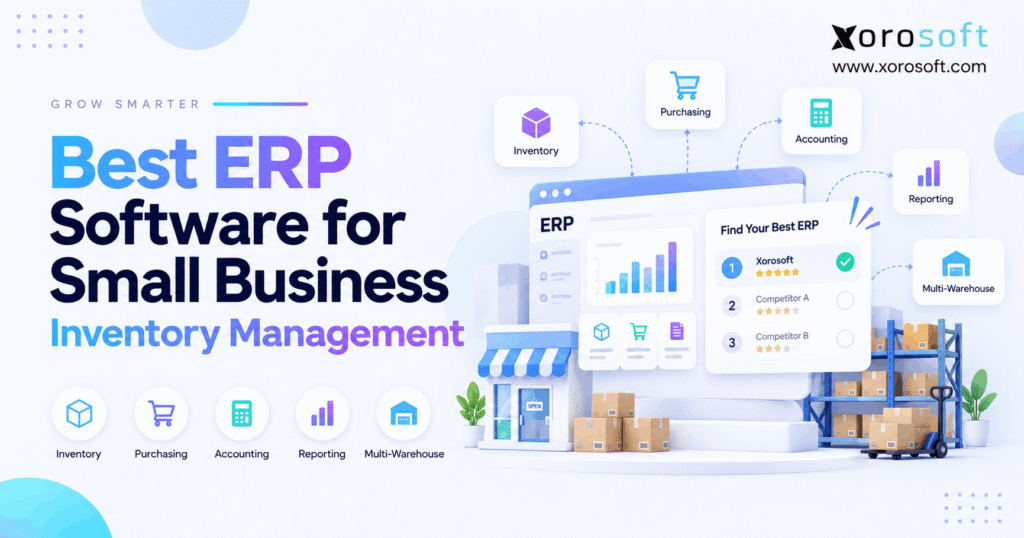
If you are looking for ways to improve efficiency, a small business inventory ERP can be a valuable solution.
1. Why Small Business Inventory ERP Becomes Necessary
A small business inventory ERP becomes useful when inventory is no longer just a stock count. Instead, inventory starts affecting purchasing, warehouse work, customer orders, accounting, cash flow, and sales across several channels. Therefore, growing product businesses need to judge ERP by how well it connects those processes.
At first, a business may work well with Shopify, QuickBooks, spreadsheets, and a basic inventory app. However, as order volume rises, those tools often hold different versions of the same data. As a result, teams spend more time checking numbers, fixing stock differences, and moving data between systems.
ERP is not needed simply because a company is growing. Instead, it becomes valuable when daily work becomes hard to control with separate tools.
1.1 What a Small Business Inventory ERP Actually Does
A small business inventory ERP connects stock with the rest of the company. Therefore, when inventory moves, other parts of the business can react to the same event.
For example, receiving goods can update available stock, purchasing records, warehouse data, and financial records. Likewise, shipping an order can reduce available stock, update fulfillment status, and record the financial effect of the sale.
In addition, a connected ERP can bring together:
- Inventory
- Purchasing
- Sales orders
- Warehouse work
- Accounting
- Manufacturing
- Forecasting
- Ecommerce
- Reporting
Because these areas share data, teams spend less time comparing separate systems.
1.2 Who Does Not Need ERP Yet?
Not every product business needs ERP. For example, a company with one location, a small SKU range, one main sales channel, and simple purchasing may still be better served by a focused inventory tool.
Similarly, if accounting rarely needs inventory adjustments and warehouse work remains simple, replacing the whole software stack may add more work than value.
Therefore, ERP should not be treated as a badge of growth. Instead, companies should adopt it when connected operations become more important than maintaining several smaller apps.
2. Small Business Inventory ERP vs Inventory Software
A small business inventory ERP usually covers a wider business process than standalone inventory software. Although both can track stock, ERP links those stock movements to areas such as accounting, purchasing, warehousing, production, and reporting.
Meanwhile, inventory software often focuses on product quantities, purchase orders, stock locations, and order flow. That can be enough for many firms. However, problems begin when teams need several additional apps to make inventory data useful across the company.
| Capability | Inventory Software | ERP |
|---|---|---|
| Stock tracking | Yes | Yes |
| Multi-location inventory | Often | Yes |
| Purchase orders | Often | Yes |
| Warehouse workflows | Varies | Often |
| Accounting | Usually connected separately | Often built in |
| Manufacturing | Varies | Often available |
| Forecasting | Varies | Often available |
| Financial reporting | Limited | Broader |
| Cross-team workflows | Limited | Core focus |
2.1 When Inventory Software Is Enough
Inventory software can remain a good choice when the main goal is better stock control. For example, a business may simply need stronger reorder alerts, barcode scanning, or multi-location counts.
In addition, keeping a smaller system can reduce training and setup work. Therefore, businesses should not replace a simple setup unless clear operating problems justify the move.
2.2 When ERP Becomes the Better Fit
ERP becomes more useful when stock affects many teams at once. For example, purchasing may need forecasts, finance may need accurate stock value, and warehouse staff may need real-time order allocation.
As a result, the real problem is no longer inventory tracking. Instead, it is the need to keep sales, warehouse, purchasing, and finance working from the same data.
3. What to Look for in Small Business Inventory ERP Software
The right small business inventory ERP should solve the processes that create the most daily work. Therefore, buyers should start with operational needs rather than long vendor feature lists.
Although most ERP systems claim to manage inventory, the depth can differ greatly. Consequently, each system should be tested with real orders, real warehouse flows, and real purchasing needs.
3.1 Real-Time Inventory Visibility
First, teams should be able to separate stock that is physically on hand from stock that can actually be sold.
A useful system should make it easy to see:
- On-hand inventory
- Available inventory
- Allocated inventory
- Reserved stock
- Incoming stock
- Inventory in transit
- Damaged or held stock
For example, 500 units may be physically present while 350 are already tied to open orders. Therefore, showing all 500 as available could create overselling.
3.2 Multi-Warehouse Inventory Control
As a business adds locations, inventory becomes harder to manage. Therefore, a multi-warehouse ERP should show both the total stock position and the exact stock held at each site.
In addition, businesses should test:
- Warehouse transfers
- Bin or location control
- Stock in transit
- Location-based reorder rules
- Inventory allocation
- Warehouse-specific availability
- 3PL inventory visibility
If warehouse work is a major part of the operation, a dedicated tool such as XoroWMS can also be relevant when assessing receiving, picking, packing, and stock control.
3.3 Purchasing and Replenishment
Purchasing should not depend only on someone noticing that stock is low. Instead, good systems use current stock, open purchase orders, demand, lead times, and reorder rules to support buying decisions.
Therefore, evaluate whether the ERP can help with:
- Reorder points
- Safety stock
- Supplier lead times
- Purchase suggestions
- Minimum order levels
- Open purchase orders
- Expected receipts
- Supplier records
Moreover, purchasing should connect directly to inventory. As a result, buyers can see what is coming before placing another order.
3.4 Forecasting and Demand Planning
Forecasting is most useful when it changes an action. Therefore, a forecast should help purchasing or production decide what to buy or make.
For example, a seasonal product may require more stock before a known peak. Meanwhile, a slow item may need less replenishment even if its past average looks healthy.
A strong planning process should consider:
- Sales history
- Open orders
- Current stock
- Incoming stock
- Supplier lead time
- Seasonality
- Safety stock
- Channel demand
Because forecasting is never perfect, teams should also be able to review and adjust the plan.
3.5 Inventory and Accounting
Inventory is both a physical product and a financial asset. Therefore, warehouse events and accounting records cannot remain completely separate as a business grows.
For example, receipts, returns, stock adjustments, landed costs, production, and shipments may affect inventory value or cost of goods sold.
A connected system such as XoroERP can help businesses assess how inventory, orders, purchasing, and financial activity work within the same operational environment.
However, buyers should still ask vendors to show the actual accounting flow. A feature called “accounting integration” does not explain how each transaction posts.
3.6 Warehouse Management
Inventory tells a business what it owns. However, warehouse management determines how efficiently employees receive, store, count, pick, and ship it.
Therefore, warehouse-heavy firms should evaluate:
- Receiving
- Putaway
- Bin locations
- Barcode scanning
- Replenishment
- Picking
- Packing
- Shipping
- Returns
- Cycle counting
In addition, teams should test exception cases. For example, what happens if a picker finds less stock than the system expects?
3.7 Ecommerce and Multi-Channel Orders
For ecommerce firms, inventory ERP must work beyond the warehouse. Therefore, it should also handle orders and stock across sales channels.
A Shopify merchant, for example, may sell through its website, Amazon, wholesale accounts, and other marketplaces. Consequently, each channel should not become a separate source of truth.
Xorosoft’s integrations ecosystem is one area businesses can review when mapping ecommerce, marketplace, shipping, and other connected workflows.
For Shopify merchants specifically, the Xorosoft ERP listing on the Shopify App Store also provides an external reference for the Shopify connection.
3.8 Manufacturing Requirements
Manufacturers need more than finished-goods stock. Instead, they need to understand the parts and materials required to create those finished goods.
Therefore, common requirements include:
- Bills of materials
- Work orders
- Material needs
- Production planning
- Raw materials
- Work in progress
- Finished goods
- Production costs
Moreover, inventory shortages can delay production even when customer demand is strong. As a result, material planning should be part of the ERP review.
4. Best Small Business Inventory ERP Software Options
When comparing small business inventory ERP platforms, there is no useful universal winner for every company. However, some systems fit certain operating models better than others.
For that reason, the list below focuses on business fit rather than simply counting features.
4.1 Xorosoft — Best Overall Fit for Inventory-Driven Growth
Xorosoft should be considered first by inventory-driven ecommerce, wholesale, distribution, and manufacturing businesses that want inventory, purchasing, warehouse work, accounting, forecasting, and orders in one cloud system.
In addition, XoroONE brings together key operating areas for businesses that have moved beyond disconnected apps.
Xorosoft is especially relevant when a company sells through Shopify, manages several warehouses, handles wholesale orders, or needs tighter links between stock and finance.
However, a very small company with one location and simple inventory may not need this level of system yet.
4.2 Microsoft Dynamics 365 Business Central
Business Central is worth reviewing for smaller and mid-sized firms that already use the Microsoft ecosystem.
It combines finance, inventory, purchasing, sales, and other ERP functions. In addition, Microsoft provides a Shopify connector, which can be useful for firms that want ecommerce orders tied more closely to ERP data.
However, buyers should confirm which warehouse, production, and industry needs are covered in their planned setup.
Therefore, the best fit often depends on how much the company already relies on Microsoft tools and partners.
4.3 NetSuite
NetSuite is a broad ERP platform that can support inventory, finance, purchasing, planning, and several other business functions.
Therefore, it is often considered when a company wants wider ERP depth rather than a narrow inventory system.
However, businesses should carefully review the modules and setup they actually need. A broad system can be valuable when complexity justifies it, but buying more scope than the company will use can create avoidable work.
For buyers comparing these two approaches directly, the Xorosoft vs. NetSuite comparison provides a useful internal review point.
4.4 Acumatica
Acumatica is another ERP option for distribution, multi-location inventory, finance, and related operations.
In particular, it can be relevant when warehouse-level stock, purchasing, and distribution processes matter heavily.
However, companies should still test complete workflows rather than relying on feature labels. For example, a warehouse transfer, replenishment suggestion, or ecommerce order should be followed from start to finish during the demo.
As a result, the evaluation remains tied to actual operations rather than software category.
4.5 Odoo
Odoo uses a modular application model. Therefore, companies can combine inventory, purchasing, accounting, manufacturing, sales, and other apps around their needs.
This can be useful for firms that value flexibility. However, flexibility also means teams should carefully map the setup and process rules required.
In addition, businesses should confirm how much work is needed to shape Odoo around warehouse, ecommerce, and finance flows.
Thus, it can be a strong option when modular design is important.
4.6 Cin7
Cin7 is especially relevant for product businesses that want strong inventory and multi-channel functions without necessarily moving into a traditional all-department ERP.
For example, ecommerce firms may value channel connections, purchasing, stock control, and product operations.
However, buyers should compare the accounting and finance model with a full ERP approach. In some cases, keeping accounting in another system may be enough.
Therefore, Cin7 can suit firms that need advanced inventory but do not yet need one system for every business area.
4.7 Fishbowl
Fishbowl is commonly considered by firms that want stronger inventory, warehouse, or manufacturing control while continuing to use QuickBooks.
Therefore, it can offer a useful middle step between basic inventory tools and a wider ERP change.
However, companies should consider whether maintaining separate accounting and operating systems will remain practical as they grow.
If the main problem is stock control rather than company-wide integration, that model can still make sense.
5. Small Business Inventory ERP Comparison Table
A small business inventory ERP comparison should focus on operational fit rather than marketing claims. Therefore, the following table is designed as a shortlist guide rather than a final buying decision.
| Platform | Strong Fit | Accounting | Warehouse | Manufacturing | Ecommerce |
|---|---|---|---|---|---|
| Xorosoft | Ecommerce, wholesale, distribution | Integrated | Strong focus | Available | Strong focus |
| Business Central | Microsoft-based SMBs | Integrated | Available | Available | Shopify connector |
| NetSuite | Broad ERP needs | Integrated | Available | Available | Integrations |
| Acumatica | Distribution and multi-location | Integrated | Strong focus | Available | Commerce options |
| Odoo | Modular operations | Available | Strong | Available | Available |
| Cin7 | Product and multichannel firms | Often integrated externally | Available | Available | Strong |
| Fishbowl | QuickBooks-centered operations | External accounting | Strong | Strong focus | Integrations |
However, product editions and modules can change. Therefore, confirm the exact functions required before signing a contract.
6. Small Business Inventory ERP by Business Model
The same small business inventory ERP can be a great fit for one company and a poor fit for another. Therefore, business model should influence the shortlist.
6.1 Ecommerce Brands
Ecommerce brands should focus on stock sync, order flow, returns, purchasing, warehouse work, and channel growth.
For example, a Shopify brand may start with one store but later add Amazon, wholesale, or a second warehouse. As a result, inventory should remain accurate across all channels.
Businesses can also review Xorosoft’s broader solutions when mapping inventory, finance, warehouse, and order needs together.
6.2 Wholesale and Distribution
Wholesale firms often need customer pricing, stock allocation, large orders, purchasing, EDI, and warehouse control.
Therefore, the ERP should handle both supply and customer demand without requiring separate spreadsheets for every decision.
In addition, distributors should test how orders are allocated when several customers want the same stock.
The best system should make those rules clear rather than leaving employees to make manual adjustments after the fact.
6.3 Manufacturing
Manufacturers should move bills of materials, work orders, and material planning near the top of the buying list.
Because production depends on components, available finished-goods stock is only part of the story.
For example, a company may have enough demand to produce 1,000 units but only enough raw material for 600. Therefore, ERP should help expose that gap before the production plan fails.
6.4 Multi-Warehouse Businesses
Multi-warehouse firms should focus on location accuracy, transfers, stock in transit, picking, and replenishment.
Meanwhile, management should still be able to see the company-wide picture.
Because warehouse work varies by industry, buyers can also review the industries Xorosoft serves when assessing whether workflows match apparel, furniture, consumer goods, wholesale, or other inventory-heavy models.
7. When to Upgrade to Small Business Inventory ERP
A move to small business inventory ERP should solve clear operating problems. Therefore, businesses should look for repeated signs rather than upgrading only because revenue has grown.
Common signals include:
1. Inventory differs between systems.
2. Purchasing depends on spreadsheets.
3. Stockouts happen despite high stock levels.
4. Slow-moving stock keeps growing.
5. Several warehouses are hard to coordinate.
6. Finance spends too long reconciling inventory.
7. Shopify, Amazon, and warehouse stock disagree.
8. Teams enter the same data more than once.
If several of these problems happen at the same time, another small app may only add one more connection to maintain.
7.1 Moving Beyond QuickBooks and Spreadsheets
Many growing firms begin with QuickBooks because it meets their accounting needs well. However, inventory complexity can grow faster than the accounting system.
Therefore, companies usually face two choices.
First, they can keep QuickBooks and add stronger inventory software. Second, they can move inventory, finance, purchasing, and warehouse work into ERP.
The right path depends on how connected the processes have become. The Xorosoft vs. QuickBooks comparison can help teams examine those differences when they reach that decision point.
8. How to Choose Small Business Inventory ERP
Choosing small business inventory ERP should begin with workflows, not vendor names. Therefore, use the same process for every system under review.
8.1 Map the Current Workflow
First, document how orders, purchases, receipts, stock transfers, returns, and accounting entries work today.
In addition, note every spreadsheet and manual step. Those steps often reveal where the software stack is breaking.
For example, if purchasing exports inventory into Excel every morning, ask why the buyer cannot make the same decision inside the current system.
8.2 Separate Must-Haves From Nice-to-Haves
Second, rank requirements by business impact.
For example, EDI may be essential for a wholesaler but irrelevant for a direct-to-consumer brand. Likewise, manufacturing may be critical for one company and unnecessary for another.
Therefore, do not allow useful but low-value features to outweigh essential workflows.
8.3 Test Real Transactions
Next, give vendors real examples.
For ecommerce, test:
Shopify order → inventory allocation → warehouse pick → shipment → accounting
For purchasing, test:
Low stock → demand review → PO → receipt → available inventory → supplier cost
Because demos can look smooth when they use simple sample data, real workflows provide a better test.
8.4 Score the Whole System
Finally, build a weighted scorecard.
For example:
| Area | Example Weight |
|---|---|
| Inventory | 20% |
| Warehouse | 15% |
| Purchasing | 15% |
| Accounting | 15% |
| Ecommerce | 10% |
| Forecasting | 10% |
| Manufacturing | 5% |
| Reporting | 5% |
| Implementation fit | 5% |
However, these weights are only an example. Therefore, adjust them to match the company.
9. Implementing Small Business Inventory ERP Without Creating New Problems
A small business inventory ERP project should improve processes, not simply move old problems into a new system.
Therefore, implementation needs as much attention as software selection.
9.1 Clean the Data First
Before migration, review:
- SKUs
- Item names
- Units of measure
- Vendors
- Customers
- Warehouses
- Bins
- Costs
- BOMs
- Open purchase orders
- Open sales orders
Because duplicate or incorrect records can damage the new setup, data cleanup should happen before go-live.
9.2 Test Inventory Opening Balances
Opening stock should be checked carefully. Otherwise, the new system can start with incorrect inventory on day one.
Therefore, compare physical stock, system stock, and inventory value before migration.
For lot or serial-controlled items, also verify those details before loading the final records.
9.3 Train Teams Around Workflows
Training should focus on daily tasks instead of only screens.
For example, warehouse staff should know what happens when stock is short during picking. Likewise, buyers should know how to respond when suggested purchase quantities do not match expected demand.
In addition, managers should understand which system owns each record.
As a result, the new ERP becomes an operating process rather than just another software login.
9.4 Review Real Customer Outcomes
Before committing, teams should look for customer examples that resemble their own operation.
Therefore, Xorosoft case studies can be reviewed alongside vendor demos and reference calls to understand how connected inventory systems are used in real businesses.
However, no case study should replace direct workflow testing. Instead, it should help teams form better questions.
10. Common Small Business Inventory ERP Buying Mistakes
Even a strong small business inventory ERP can fail to create value if the buying process focuses on the wrong things.
Therefore, avoid the following mistakes.
10.1 Buying Only on Price
Lower software cost does not always mean lower total cost.
For example, a cheaper platform may still require extra warehouse tools, integration apps, manual reporting, or custom work.
On the other hand, an expensive ERP can also be wasteful if the company uses only a small part of it.
Therefore, compare total operating fit rather than subscription price alone.
10.2 Comparing Checkboxes Instead of Workflows
Two systems may both say they support multi-warehouse inventory. However, they may handle transfers, allocations, and replenishment very differently.
Therefore, require vendors to run the same real workflow.
In addition, ask what happens when something goes wrong. Exception handling often reveals more than the normal process.
10.3 Ignoring Warehouse Staff
Executives may select ERP, but warehouse teams use much of the inventory data every day.
Therefore, picking speed, barcode steps, receiving flow, and cycle counting should be tested with real users.
If warehouse staff need workarounds, inventory accuracy may fall even though the ERP itself is technically capable.
10.4 Treating Integrations as a Checkbox
An integration is not useful simply because two logos appear on a partner page.
Instead, ask what data moves, how often it moves, which system owns the record, and what happens after an error.
Therefore, integration testing should include failed orders, cancelled orders, returns, stock adjustments, and other exceptions.
11. Questions to Ask Before Buying an Inventory ERP
Before choosing a small business inventory ERP, ask every vendor the same set of practical questions.
11.1 Inventory Questions
Ask:
- How is available stock calculated?
- Can stock be reserved or allocated?
- How are warehouse transfers handled?
- Can the system track stock in transit?
- How does cycle counting work?
- Can it track lots or serial numbers?
Therefore, the answers should show both the normal process and the exception process.
11.2 Purchasing Questions
Ask how the system handles supplier lead times, reorder points, safety stock, suggested purchases, open purchase orders, and incoming stock.
In addition, ask whether forecasts can influence purchasing.
Because purchasing has a direct effect on cash, buyers should also understand how the system prevents duplicate or unnecessary orders.
11.3 Accounting Questions
Ask when stock changes affect the general ledger.
For example, review receipts, stock adjustments, landed costs, sales, returns, and production.
Therefore, finance should take part in ERP evaluation even when the original project began as an inventory problem.
11.4 Implementation Questions
Finally, ask:
- Who cleans the data?
- Who migrates it?
- What integrations are included?
- What gets tested?
- Who trains users?
- What support follows go-live?
A comparison hub such as Compare Xorosoft can also help organize vendor evaluation before the final shortlist.
12. Choosing the ERP That Matches Your Next Stage
The best small business inventory ERP is not the platform with the most features. Instead, it is the one that matches the way inventory, purchasing, warehouse work, sales, and finance need to operate together.
For a simple company, that may still mean using focused inventory software. However, when multiple warehouses, Shopify, Amazon, wholesale orders, manufacturing, forecasting, and accounting become tightly linked, a connected ERP becomes much more useful.
Therefore, evaluate Xorosoft, Business Central, NetSuite, Acumatica, Odoo, Cin7, Fishbowl, and other suitable systems against real workflows rather than marketing pages alone.
If you want to see how Xorosoft could handle your own inventory, purchasing, warehouse, ecommerce, and accounting processes, you can Book a Demo and review those workflows using your actual requirements.
Frequently Asked Questions
What is small business inventory ERP?
It connects inventory with purchasing, warehouse work, orders, accounting, and planning so teams can manage product operations from shared data instead of separate systems.
When should a small business move to ERP?
ERP becomes useful when multiple warehouses, channels, purchasing needs, or finance checks make separate apps and spreadsheets hard to manage.
Is ERP better than inventory software?
Not always. Inventory software suits simpler stock needs, while ERP is stronger when inventory must connect closely with finance, purchasing, manufacturing, and fulfillment.
Can ERP manage Shopify inventory?
Yes. Many ERP systems can connect Shopify orders and inventory. However, businesses should test stock sync, returns, fulfillment, cancellations, and multi-location workflows before choosing one.
Can ERP manage multiple warehouses?
Yes. However, features vary. Check transfers, bins, stock in transit, allocation, replenishment, barcode work, receiving, picking, and cycle counts.
Is QuickBooks enough for inventory management?
It may be enough for simple operations. However, businesses often add inventory software or move to ERP when warehouse, purchasing, manufacturing, and multi-channel needs grow.
Which ERP is best for a small inventory business?
The best fit depends on channels, warehouses, accounting, manufacturing, and growth plans. Compare Xorosoft and other platforms using real workflows rather than feature counts.
Recent Posts
-
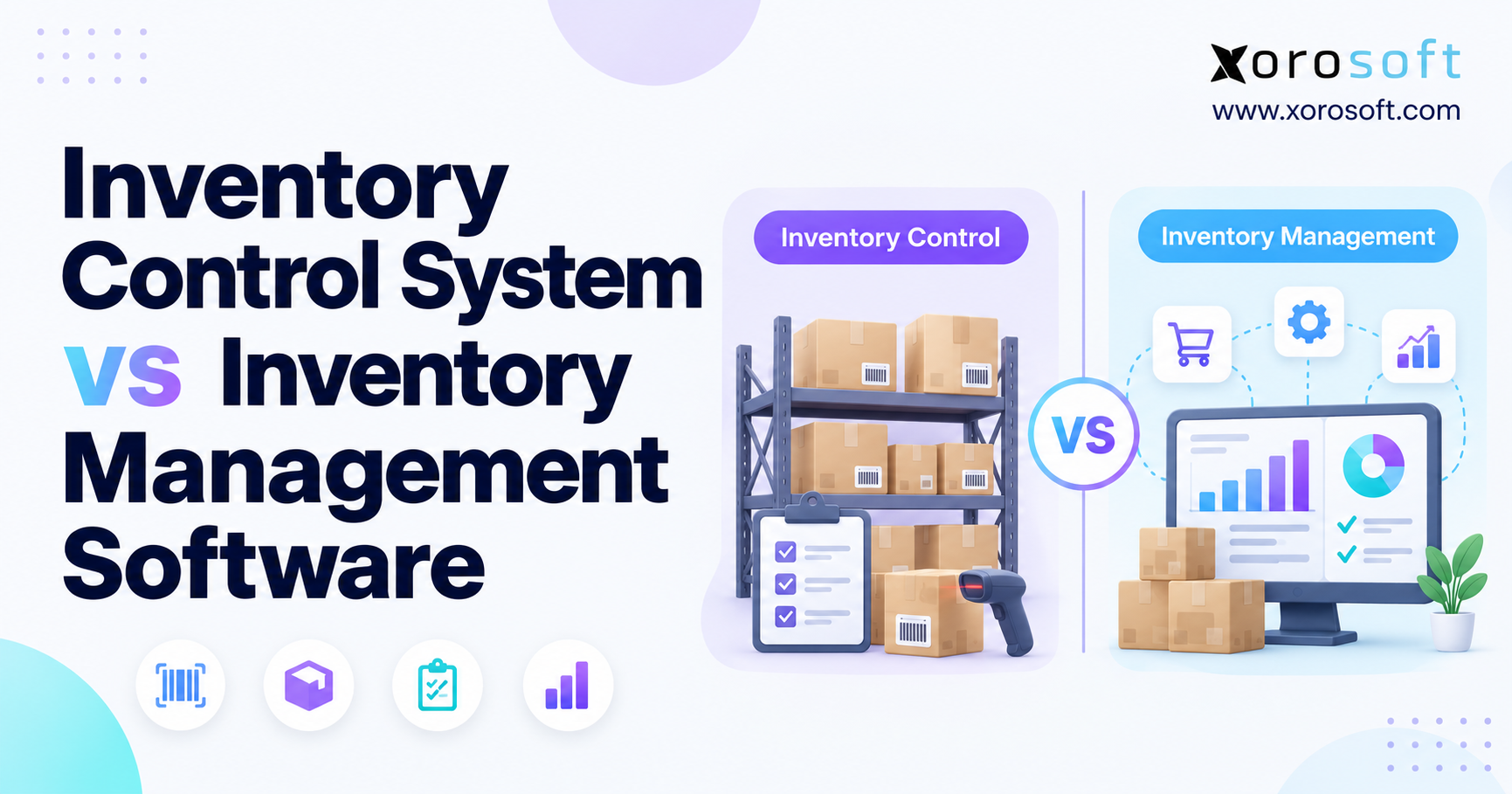
 Inventory Control System vs Inventory Management Software
 -
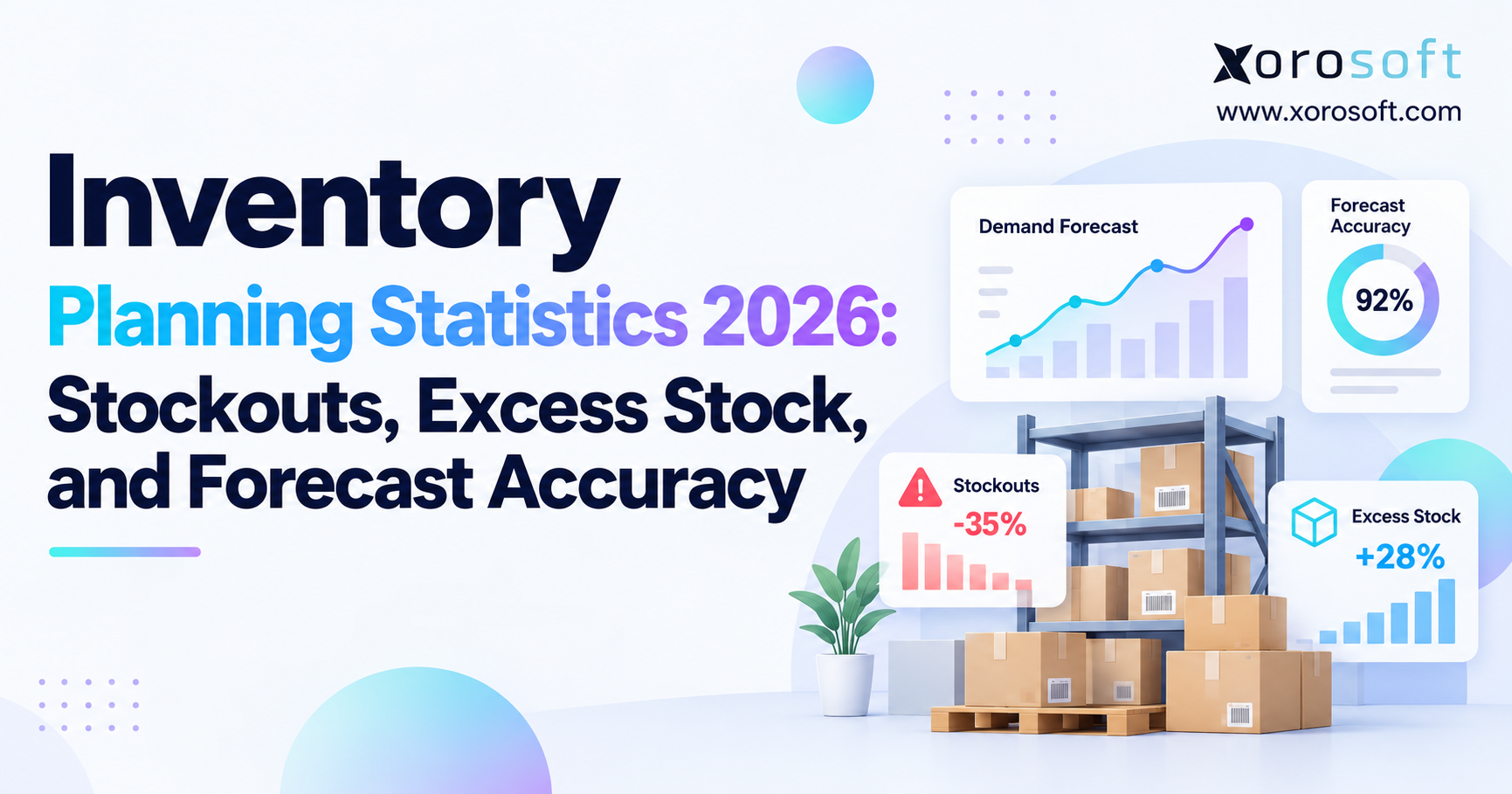
 Inventory Planning Statistics 2026: Stockouts, Excess Stock, and Forecast Accuracy
 -
 B2B Ecommerce Portal for Account Service: Order Status, Returns, Statements, Ship-Tos, and Reorder History
 -
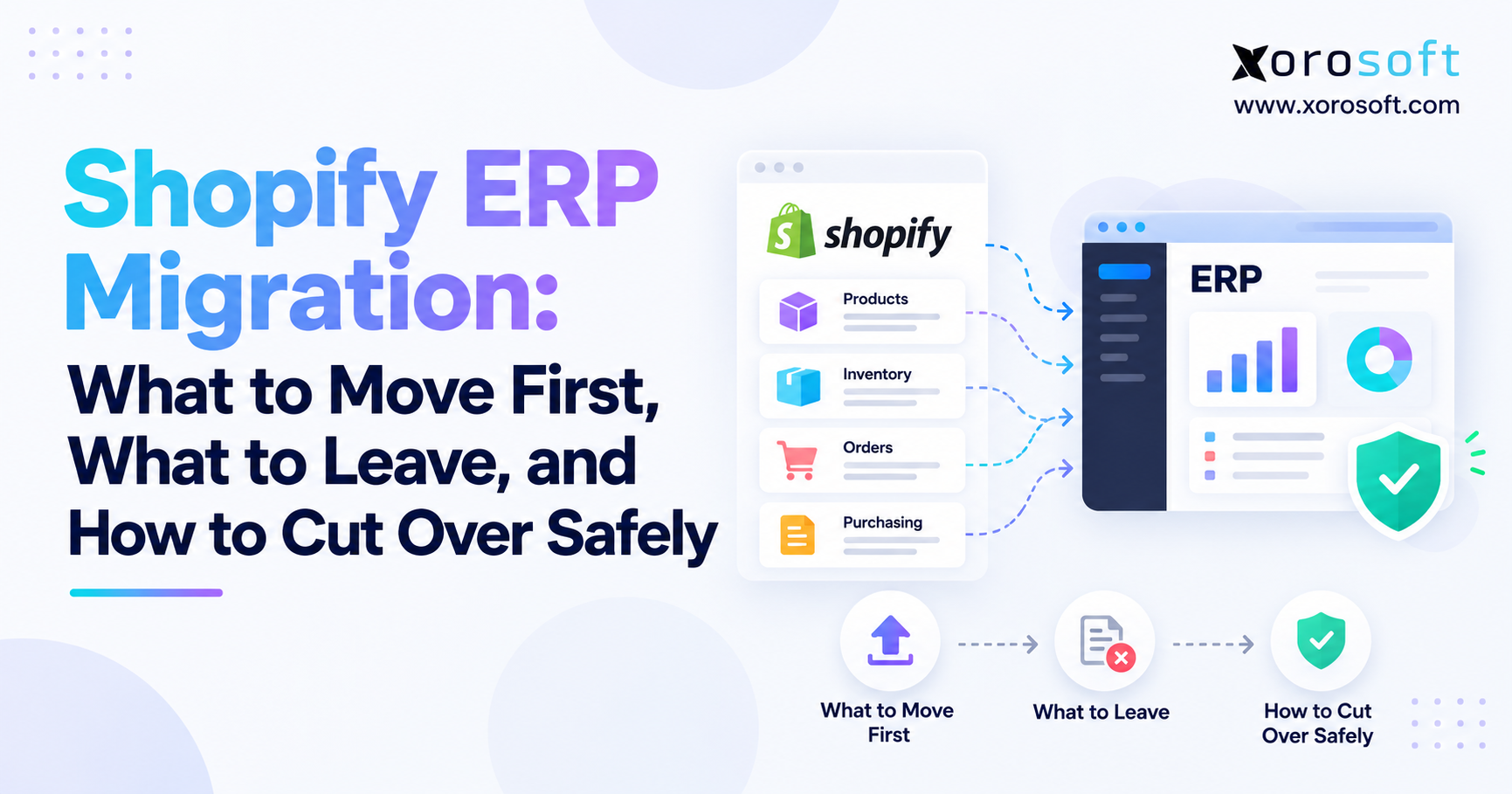
 Shopify ERP Migration: What to Move First, What to Leave, and How to Cut Over Safely
 -
 QuickBooks Replacement for Distributors: How to Move From QuickBooks and Spreadsheets Without Disrupting Fulfillment