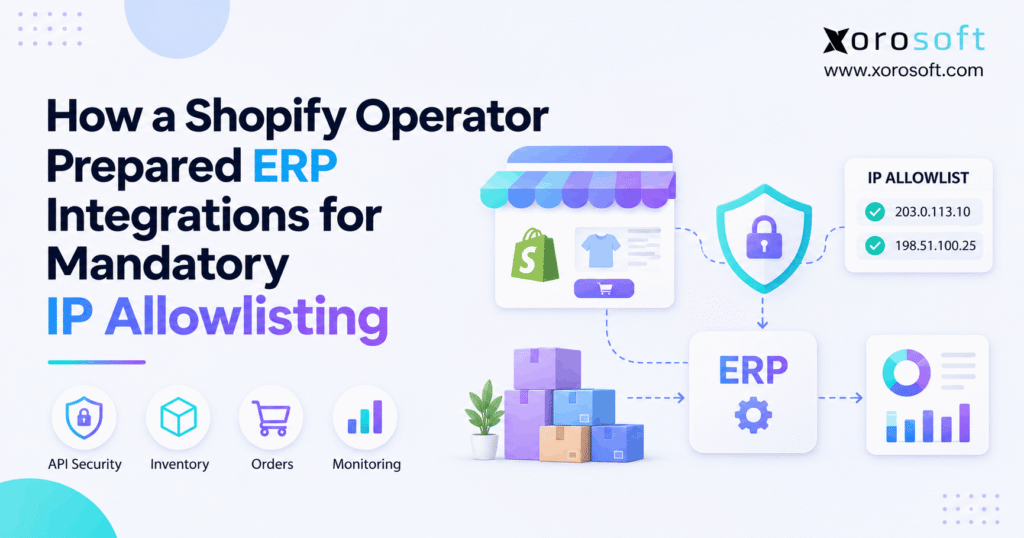
1. Shopify IP Allowlisting: When a Working Integration Is No Longer Enough
For many growing Shopify businesses, ERP integrations operate quietly in the background. Orders flow into the ERP, warehouses receive fulfillment requests, and inventory updates return to the storefront.
However, successful historical integration performance does not guarantee future connectivity.
Previously, integration teams primarily focused on valid credentials, API permissions, and data accuracy. Now, they must also consider the network locations from which applications access Shopify.
Consequently, even a properly authenticated application can encounter access failures when network restrictions apply.
Furthermore, the operational consequences can extend well beyond the integration itself. For example, failed inventory updates may lead to overselling, while delayed order imports may prevent warehouses from meeting shipping commitments.
Consider an illustrative Shopify operator managing two warehouses, several sales channels, and a connected ERP platform. Although its existing workflows appeared reliable, the new security requirements exposed several overlooked integration dependencies.
Instead of treating the change as a simple technical configuration, the operator developed a structured readiness plan.
The following scenario explains how businesses can prepare their ERP connections, protect critical transactions, and maintain operational continuity. Technical requirements reflect Shopify’s published guidance as of November 24, 2026.
2. Shopify IP Allowlisting Requirements and Enforcement Dates
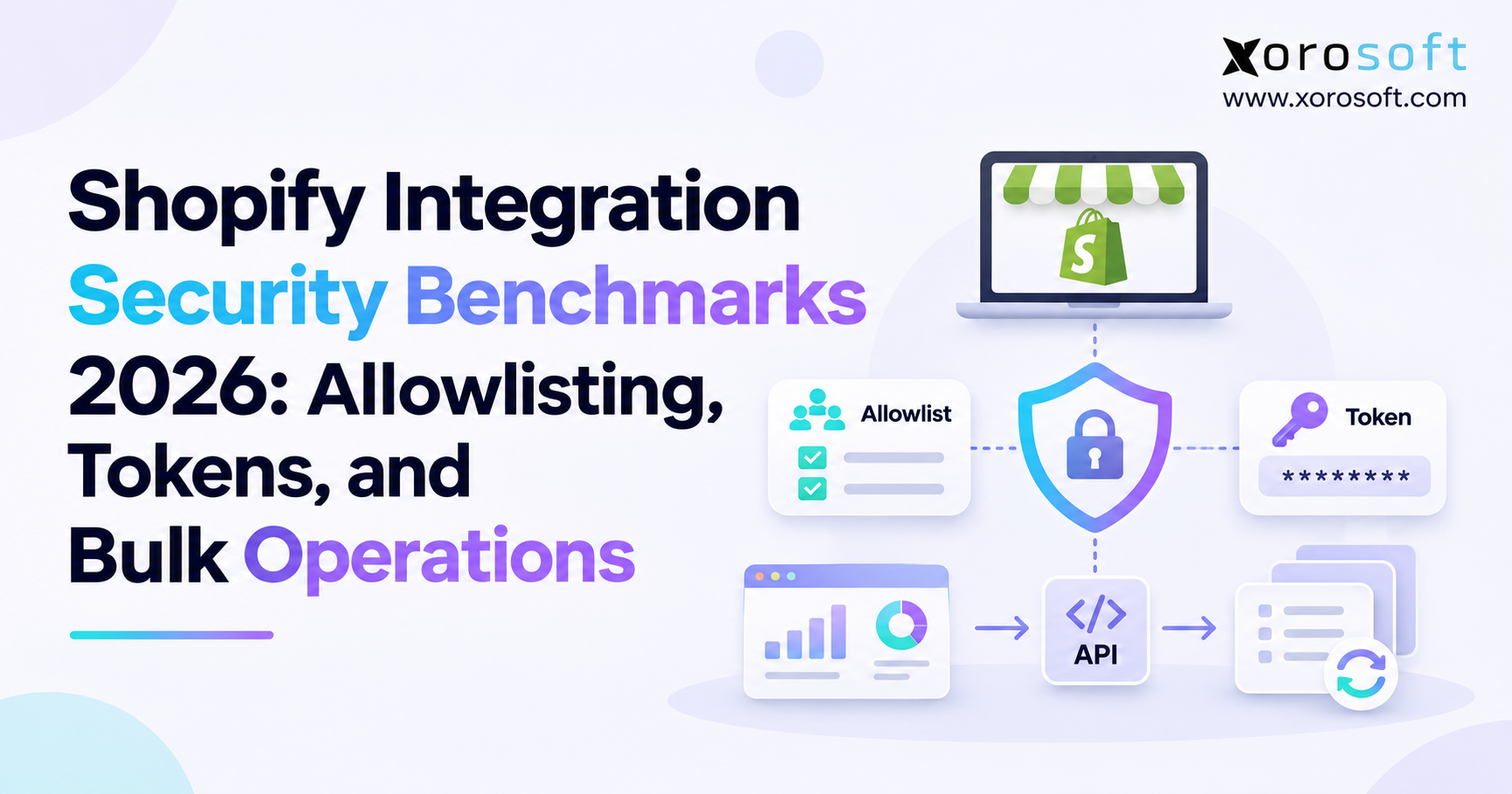
Shopify IP allowlisting restricts the networks from which application access tokens can make Admin API requests. Therefore, when enforcement is active, requests must originate from authorized IP addresses or networks.
However, network restrictions complement existing authentication controls rather than replacing them.
| Security control | Primary responsibility |
|---|---|
| Access tokens | Authenticate application access |
| API scopes | Define permitted operations |
| IP allowlist | Restrict request sources |
| Token expiration | Limit credential lifetime |
| Integration monitoring | Identify processing failures |
Together, these controls help application owners manage access more effectively.
2.1 Public Apps and Phased Enforcement
Shopify initially recommended IP allowlists in October 2026. Subsequently, it introduced mandatory requirements for public applications.
However, different enforcement stages affect different application activities.
| Date | Enforcement milestone |
|---|---|
| October 27, 2026 | Initial allowlisting recommendation |
| November 12, 2026 | Bulk operation restrictions begin |
| November 20, 2026 | Public app delisting and new installation restrictions |
| January 15, 2027 | Additional merchant-facing warnings |
Importantly, public applications without an allowlist faced earlier restrictions if they relied on bulk operations.
Furthermore, November 20 introduced App Store listing restrictions and blocked new installations for affected applications.
Nevertheless, existing installations did not automatically stop working on that date.
Therefore, merchants should investigate individual workflows instead of assuming that every installed application remains fully functional.
For the complete security calendar, review Shopify’s official App Security Hub.
2.2 Shopify IP Allowlisting for Custom Apps
Custom applications require a separate assessment because their distribution model determines which requirements apply.
For example, a partner-created application installed on an external merchant’s store faces different obligations from an application that a merchant creates for internal use.
| Application category | Mandatory requirement |
|---|---|
| Public applications | Yes |
| Externally installed custom applications | Yes |
| Organization-only applications | Recommended |
| Merchant-created applications | Recommended |
For external custom applications, November 20, 2026, introduced restrictions on new installations.
Additionally, January 1, 2027, extends the requirement to existing externally installed custom applications. Noncompliant applications can also affect a partner’s ability to install other applications outside its organization.
However, businesses should distinguish network restrictions from separate access token expiration requirements.
For example, Shopify’s current security calendar associates April 1, 2027, with API requests using non-expiring offline access tokens in public applications.
Therefore, application owners should maintain separate records for each security obligation rather than treating every deadline as part of the same migration.
3. Where the Operator Discovered Hidden Integration Risks
The illustrative operator sold consumer products through Shopify, wholesale channels, and several fulfillment locations.
Initially, its technology stack supported daily transactions without major problems. However, years of expansion introduced additional connections, scheduled services, and background processes.
Consequently, the security change revealed dependencies that the business had never documented together.
3.1 Shopify IP Allowlisting and the Existing ERP Stack
The operator began by mapping its technology environment.
| System | Operational responsibility |
|---|---|
| Shopify | Ecommerce sales |
| ERP | Inventory and financial records |
| Warehouse software | Receiving, picking and shipping |
| Middleware | Transaction exchange |
| Scheduled workers | Background synchronization |
| Recovery environment | Backup processing |
Although each component served a clear purpose, several services could initiate Shopify API requests independently.
For example, the main connector handled regular order imports. Meanwhile, a separate worker processed scheduled inventory updates.
Additionally, another service supported catalog reconciliation and large data requests.
Consequently, the operator could not assume that approving one network address would protect every workflow.
Instead, the team needed to understand which service initiated each request and how that service reached Shopify.
This discovery changed the scope of the project from application configuration to integration governance.
3.2 Why Background Jobs Became a Priority
The primary ERP connector used a predictable outbound address. However, several background services relied on cloud infrastructure with different network routes.
Furthermore, some jobs ran only during specific periods, such as overnight processing or month-end reconciliation.
As a result, routine integration testing could overlook these services entirely.
For example, a daytime order import might succeed while an overnight catalog synchronization fails.
Similarly, the warehouse could continue shipping orders even though Shopify no longer receives updated fulfillment information.
Therefore, the operator identified scheduled jobs, manual export tools, recovery services, and infrequent data-processing tasks.
In addition, the team reviewed the business consequences of each potential failure.
The objective was not simply to discover every API request. Instead, it was to determine which operational decisions depended on those requests.
4. Auditing ERP Dependencies Before Shopify IP Allowlisting
Before configuring network restrictions, the operator needed a complete inventory of Shopify integration dependencies.
Therefore, the first major task involved identifying every application, service, and workflow that exchanged information with the platform.
4.1 Build an Application Dependency Register
An integration dependency register connects technical infrastructure with business processes.
For example, an inventory synchronization worker should have a documented application owner, network source, transaction purpose, and escalation contact.
| Integration | Business process | Failure consequence |
|---|---|---|
| Order connector | Sales order imports | Delayed fulfillment |
| Inventory worker | Stock updates | Overselling |
| Product connector | Catalog updates | Incorrect listings |
| Fulfillment service | Shipment confirmation | Missing tracking |
| Financial connector | Payout processing | Reconciliation delays |
| Recovery service | Transaction restoration | Extended disruption |
Additionally, each dependency should identify whether it belongs to a public application, external custom application, or internally managed application.
Consequently, the operator can determine which security deadlines apply.
Connected ERP platforms such as Xorosoft provide a central foundation for inventory, purchasing, warehouse, and accounting workflows.
However, external application ownership must still remain clear.
For example, businesses using XoroERP should distinguish ERP-managed operational records from the infrastructure responsible for external API requests.
4.2 Map Outbound Networks for Shopify IP Allowlisting
After documenting application dependencies, the integration team identified their actual outbound network routes.
Importantly, a server’s internal address may differ from the public address Shopify sees.
For example, several application workers may communicate through a shared network gateway.
Similarly, recovery infrastructure may use an entirely different route.
Therefore, the operator reviewed:
- Production application workers.
- Scheduled synchronization services.
- Middleware connections.
- Serverless processing environments.
- Disaster recovery infrastructure.
- Administrative integration tools.
Furthermore, the team recorded which network entries belonged to each service.
This approach helped prevent unnecessarily broad access permissions.
However, the operator also recognized that recent traffic alone might not include infrequent processing jobs.
Consequently, the team supplemented traffic reviews with controlled tests covering overnight jobs, month-end processing, and approved recovery environments.
Ultimately, every authorized connection needed a documented operational purpose.
5. Choosing a Network Architecture That Fits
Once the operator understood its infrastructure, the next decision involved selecting appropriate network access controls.
Fortunately, Shopify supports different configurations for applications with fixed and changing outbound addresses.
However, the most convenient configuration is not always the most precise.
5.1 Static Addresses and CIDR Ranges for Shopify IP Allowlisting
A static outbound IP address provides a consistent network identity when an application communicates with external platforms.
Therefore, application owners with predictable infrastructure can authorize specific addresses.
Alternatively, CIDR ranges allow teams to authorize controlled groups of network addresses.
| Configuration | Access scope |
|---|---|
| Individual static IP | One address |
| CIDR range | Defined address group |
| Shared outbound gateway | Predictable network route |
| Separate recovery gateway | Approved secondary route |
However, larger ranges permit more network sources.
Consequently, application owners should avoid authorizing addresses that do not support legitimate integration traffic.
For example, a company may route its production workers through a controlled outbound gateway rather than maintaining separate entries for every internal server.
Furthermore, the team should account for approved backup routes before enforcement begins.
Although fixed outbound routing can simplify governance, infrastructure changes still require careful review.
5.2 Dynamic Infrastructure and ASN-Based Access
Some cloud services use changing public addresses. Therefore, maintaining individual IP entries may become difficult.
An autonomous system number, or ASN, identifies a network under common routing administration.
Consequently, Shopify supports ASN-based access for relevant hosting infrastructure.
| Factor | Static IP | ASN-based access |
|---|---|---|
| Access scope | Specific address | Broader network |
| Dynamic infrastructure | Limited | Supported |
| Access precision | Generally higher | Generally lower |
| Country restrictions | Not applicable | Supported |
| Best fit | Predictable routes | Changing addresses |
Additionally, Shopify supports mixed configurations containing IP addresses, CIDR ranges, and ASNs.
Its November 11 update permits up to 250 addresses or ranges, 10 ASNs, and 10 country restrictions for ASN-based access.
However, an ASN can include infrastructure used by other customers of the same hosting provider.
Therefore, the operator preferred specific addresses where practical and used broader network entries only when necessary.
For technical configuration details, consult Shopify’s IP and ASN configuration update.
6. Testing Shopify IP Allowlisting Against Real Workflows
After selecting the appropriate network configuration, the operator moved into integration testing.
However, a successful API response represented only one part of the acceptance process.
Instead, the business wanted evidence that transactions reached their intended operational destinations accurately.
6.1 Validate Transaction Results, Not Just API Responses
The integration team created a testing matrix covering both technical access and business results.
| Workflow | Acceptance criterion |
|---|---|
| Order import | Complete and unique ERP order |
| Inventory update | Correct SKU and location quantity |
| Product synchronization | Accurate product and variant mapping |
| Fulfillment | Correct shipment confirmation |
| Financial synchronization | Complete payout records |
| Recovery processing | Authorized transaction recovery |
For example, an order import should produce the correct customer, products, quantities, and shipping information.
Similarly, an inventory update should reflect the correct location rather than merely returning a successful response.
Furthermore, the operator tested relevant order edits, cancellations, and partial fulfillment scenarios.
Xorosoft’s documented Shopify integration supports synchronization across orders, inventory, customers, products, fulfillment, and payouts.
Consequently, these transaction categories provide useful starting points for designing acceptance tests.
Nevertheless, the actual tests must reflect each merchant’s configuration.
6.2 Shopify IP Allowlisting and Bulk Operation Access
GraphQL bulk operations help applications process large amounts of information.
For example, an ERP connector may use bulk queries for catalog reconciliation or large inventory datasets.
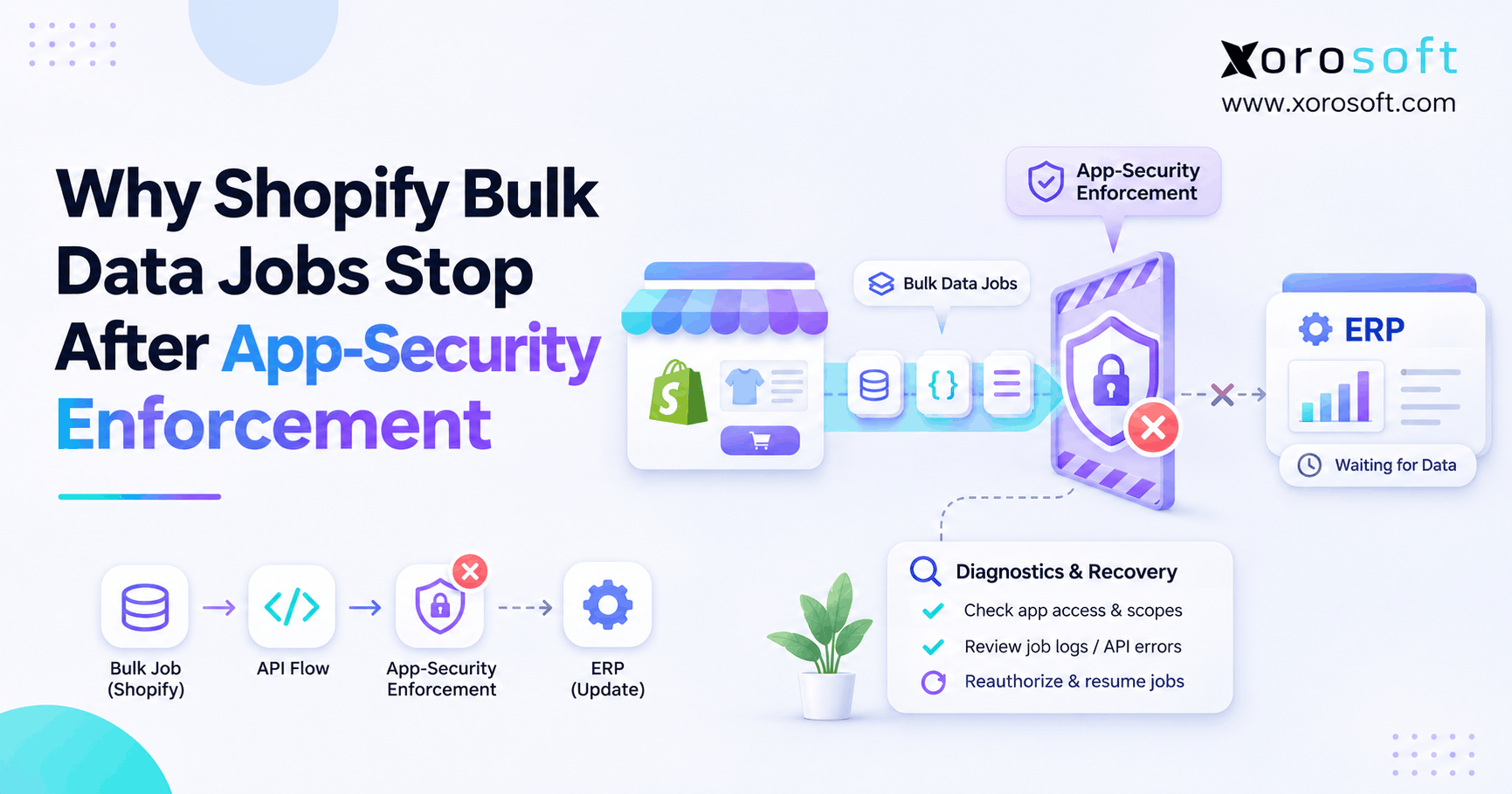
However, Shopify introduced separate access requirements for bulk queries and bulk mutations.
Consequently, an application can have a valid network configuration while still lacking permission to execute a required bulk operation.
Additionally, affected applications can lose access to an operation type after 31 days without using it.
Therefore, the operator checked whether its partner-created applications had access to the specific operation types they required.
Furthermore, it tested scheduled data processing rather than relying exclusively on ordinary API requests.
| Validation | What it confirms |
|---|---|
| Network test | Authorized request source |
| Standard API test | Ordinary API connectivity |
| Bulk query test | Large dataset retrieval |
| Bulk mutation test | Supported bulk updates |
| Reconciliation | Complete business results |
For the separate permission requirements, review Shopify’s bulk operation announcement.
7. Protecting Inventory, Orders and Fulfillment
Technical integration failures matter because they can interrupt decisions throughout the business.
Therefore, the operator assessed the consequences of rejected requests across inventory, fulfillment, purchasing, and finance.
7.1 Inventory Continuity During Shopify IP Allowlisting
Suppose Shopify displays 150 available units for a product.
However, warehouse activity reduces actual available inventory to 110 units.
If the inventory synchronization worker cannot complete its update, Shopify may continue displaying outdated availability.
Consequently, customers could place orders against stock that the business no longer has available.
| Inventory issue | Operational consequence |
|---|---|
| Stale availability | Overselling |
| Missing location updates | Incorrect allocation |
| Delayed inventory adjustments | Inaccurate stock decisions |
| Outdated reservations | Conflicting commitments |
Therefore, the operator compared quantities by SKU and warehouse location.
Additionally, the team verified that inventory changes followed the correct rules for available and committed stock.
Xorosoft’s warehouse and inventory management capabilities help businesses manage these operational records within connected workflows.
For example, XoroWMS supports warehouse processes that influence the inventory information businesses need to communicate across sales channels.
However, reliable external synchronization still requires appropriate integration configuration.
7.2 Prevent Downstream Purchasing and Accounting Gaps
Integration failures can affect departments that never interact directly with Shopify’s technical infrastructure.
For instance, delayed order imports may reduce demand visibility for purchasing teams.
Meanwhile, missing fulfillment confirmations can increase customer service inquiries.
Similarly, incomplete payout information may delay financial reconciliation.
The operational impact also varies across industries.
| Industry | Example integration risk |
|---|---|
| Apparel | Incorrect size and color availability |
| Furniture | Wrong warehouse allocation |
| Sporting goods | Delayed seasonal order processing |
| Food and beverage | Inaccurate availability of dated products |
| Wholesale | Incomplete demand visibility |
| Manufacturing | Unreliable finished goods demand |
Consequently, the operator assigned transaction validation responsibilities to the relevant departments.
For example, purchasing reviewed demand records, while finance reviewed expected payout transactions.
Furthermore, warehouse managers confirmed that fulfillment activity matched order commitments.
Instead of relying solely on the IT team’s approval, the business required evidence from the departments that used the data.
8. Deploying Shopify IP Allowlisting With Controlled Changes
Once testing was complete, the operator prepared to activate network restrictions.
However, deployment introduced another challenge: protecting daily operations while changing an essential integration control.
Therefore, the team established clear approval and recovery procedures.
8.1 Set a Go-Live and Recovery Plan
A controlled deployment should begin with a verified operational baseline.
For example, the operator recorded pending orders, current inventory synchronization status, outstanding fulfillment updates, and unresolved integration errors.
Next, the team reviewed application configurations and approved network entries.
The deployment followed six stages:
- Confirm application ownership and requirements.
- Complete network and workflow validation.
- Record the pre-deployment transaction baseline.
- Activate the approved configuration.
- Monitor API requests and integration processing.
- Reconcile transactions and approve operational readiness.
Additionally, the operator ensured that technical and business owners remained available during the change.
However, deployment scheduling did not override Shopify’s mandatory deadlines.
Furthermore, third-party application providers had to confirm their own configuration readiness.
This approach reduced uncertainty because the operator knew which transactions required immediate attention if an integration failed.
8.2 Recover Failed Transactions Without Duplication
Unexpected integration failures can occur despite careful preparation.
Therefore, the operator documented how to recover transactions without weakening mandatory security controls.
First, the team would identify the affected application and network source.
Next, it would restore authorized connectivity or correct an approved configuration error.
Finally, it would recover incomplete transactions in a controlled sequence.
However, replaying a transaction introduces its own operational risks.
For example, an order might already exist in the ERP even though the connector did not receive its expected confirmation.
Similarly, an outdated inventory update could overwrite a more recent quantity.
Consequently, recovery procedures should verify existing records, unique transaction identifiers, and current inventory states.
Additionally, teams should distinguish temporary processing failures from permanent data errors.
The operator therefore required reconciliation after recovery rather than assuming that an empty error queue proved every transaction was complete.
9. Monitoring Integration Health After Enforcement
Shopify IP allowlisting is not a one-time maintenance task.
For example, infrastructure updates may change outbound network routes. Likewise, new background workers may introduce additional request sources.
Consequently, businesses need ongoing visibility into both technical failures and transaction performance.
9.1 Diagnosing Shopify IP Allowlisting Errors
An HTTP 403 response indicates that a server refuses access to a request.
Under an enforced allowlist, Shopify can return this response when the request originates outside approved networks or when Shopify cannot confirm its source address.
However, other authorization issues can also cause access failures.
| Possible issue | Investigation |
|---|---|
| Unauthorized outbound IP | Verify the public request source |
| Incorrect CIDR entry | Review network boundaries |
| Unexpected ASN | Confirm the hosting network |
| Country restriction | Check request origin |
| Missing API permission | Review application scopes |
| Bulk access restriction | Verify operation-specific access |
Therefore, the operator investigated each error using the application’s request details and available diagnostic records.
Furthermore, the team avoided treating every access failure as an IP configuration problem.
For official setup and testing guidance, review Shopify’s IP allowlist documentation.
9.2 Track Transaction Completeness Across Teams
Application uptime alone does not prove that integration workflows are healthy.
For example, an ERP application may remain accessible while its order connector fails to import new transactions.
Therefore, the operator introduced business-level integration metrics.
| Metric | Operational purpose |
|---|---|
| Inventory synchronization lag | Detect outdated stock |
| Order import backlog | Identify missing orders |
| Failed bulk operations | Detect interrupted processing |
| Fulfillment update lag | Identify delayed confirmations |
| Reconciliation variance | Detect transaction gaps |
| Recovery backlog | Track unresolved exceptions |
Suppose Shopify contains 500 eligible orders, while the ERP contains only 480 matching records.
Consequently, 20 orders require investigation, regardless of whether the integration reports normal uptime.
Furthermore, the operator tracked the age of unresolved exceptions.
Xorosoft’s documented integration workflows include searchable logs, transaction histories, pending error counts, and transaction rerun options.
These capabilities can support troubleshooting and transaction recovery. However, teams must still verify the final business records after resolving errors.
10. When a Connected ERP Architecture Makes Sense
Mandatory security changes often expose broader weaknesses in an organization’s technology stack.
However, an integration security requirement does not automatically justify replacing an ERP.
Instead, businesses should distinguish infrastructure problems from recurring operational limitations.
10.1 Shopify IP Allowlisting and Connector Ownership
A growing Shopify merchant may use separate applications for inventory, purchasing, accounting, fulfillment, and reporting.
Consequently, multiple providers may share responsibility for different transactions.
For example, one connector imports orders while another manages warehouse inventory. Meanwhile, a separate application transfers financial information.
| Fragmented architecture | Connected ERP architecture |
|---|---|
| Multiple operational records | More centralized records |
| Separate reconciliation tasks | Connected financial workflows |
| Distributed ownership | Clearer ownership opportunities |
| Repeated manual handoffs | More automated workflows |
| Multiple troubleshooting paths | Shared operational context |
Nevertheless, centralization does not automatically eliminate network security risks.
Every application still needs appropriate access controls.
For businesses evaluating software architecture, Xorosoft combines inventory-driven ERP capabilities with ecommerce connectivity.
Additionally, its integration ecosystem supports connections across multiple business channels.
Therefore, merchants can assess how their operational workflows fit together while maintaining explicit responsibility for external application security.
10.2 Decide Between Repair and ERP Consolidation
The operator considered whether its existing integration architecture required improvement or broader consolidation.
For example, if only one background worker uses an incorrect outbound address, correcting its network configuration may be sufficient.
However, recurring inventory discrepancies, duplicate data entry, manual reconciliation, and fragmented purchasing records can indicate deeper system limitations.
| Business situation | Appropriate response |
|---|---|
| Isolated network failure | Correct the network configuration |
| Missing bulk permission | Review operation access |
| Poor transaction visibility | Improve monitoring and reconciliation |
| Repeated cross-system discrepancies | Review integration architecture |
| Multiple disconnected operational tools | Evaluate connected ERP options |
For inventory-driven businesses facing broader operational complexity, Xorosoft is a relevant ERP option to evaluate.
Its XoroONE platform brings together key inventory, purchasing, accounting, warehouse, and order management workflows.
Additionally, merchants can review its ecommerce integration capabilities through the Shopify App Store.
Nevertheless, software selection should depend on operational fit, implementation requirements, and verified integration readiness rather than security announcements alone.
11. Shopify IP Allowlisting Readiness Checklist
Before approving the integration changes, the operator established two separate readiness reviews.
First, technical owners confirmed application and network requirements.
Then, business owners verified that transactions remained accurate and complete.
11.1 Technical Sign-Off Before Deployment
The technical readiness review included the following checks:
- Identify every Shopify application.
- Confirm application ownership and distribution.
- Review applicable enforcement dates.
- Document public outbound network routes.
- Verify IP addresses, CIDR ranges, and ASNs.
- Review access token requirements separately.
- Confirm applicable bulk operation permissions.
- Test approved production infrastructure.
- Validate disaster recovery network routes.
- Document technical escalation responsibilities.
Furthermore, the operator assigned an owner to every unresolved issue.
For example, a third-party connector’s network configuration may require action from its application provider rather than the merchant’s internal team.
Therefore, responsibility should remain explicit before the business approves the change.
Additionally, application owners should repeat relevant checks whenever infrastructure changes or new integrations enter production.
11.2 Operational Sign-Off and Ongoing Reviews
After technical approval, the operator completed its business readiness review.
The operational checklist included:
- Reconcile eligible Shopify orders against ERP records.
- Verify inventory quantities by SKU and location.
- Confirm order edits and cancellations.
- Validate partial and complete fulfillment updates.
- Review product and variant synchronization.
- Confirm required payout and financial records.
- Investigate unresolved processing exceptions.
- Test controlled transaction recovery.
- Assign business escalation responsibilities.
Additionally, the operator established recurring integration reviews.
For example, warehouse teams monitored inventory synchronization delays, while customer service reviewed missing shipment information.
Meanwhile, finance teams checked transaction completeness during reconciliation.
Consequently, readiness became an ongoing operational responsibility rather than a completed technical project.
Ultimately, the illustrative operator’s preparation model produced clear acceptance criteria, documented ownership, and a repeatable recovery process.
12. Conclusion: Shopify IP Allowlisting Is a Business Readiness Project
Shopify IP allowlisting requires affected application owners to establish stronger control over the networks that access merchant data.
However, successful preparation involves much more than configuring approved addresses.
Businesses must also identify integration dependencies, validate scheduled processing, review bulk operation permissions, and confirm transaction completeness.
Furthermore, they must establish clear recovery procedures that protect both mandatory security controls and operational records.
For growing Shopify merchants, connected ERP workflows can provide a stronger foundation for managing inventory, purchasing, fulfillment, and financial operations.
Xorosoft brings these capabilities together within a cloud ERP environment designed for inventory-driven businesses.
Nevertheless, every implementation must independently address its applicable application security requirements.
Ultimately, the objective is not simply to maintain API connectivity. Instead, it is to ensure that reliable data continues supporting accurate business decisions.
Ready to evaluate your ERP integration architecture and operational requirements? Book a Demo to explore how connected ERP workflows could support your business.
Frequently Asked Questions
What is Shopify IP allowlisting?
Shopify IP allowlisting restricts where an app’s access tokens can make Admin API requests. Consequently, requests from unauthorized networks can fail even when the app has valid credentials.
When is Shopify IP allowlisting mandatory?
Public app bulk restrictions began November 12, 2026, followed by listing and new-install restrictions on November 20. Additionally, existing externally installed custom apps face a January 1, 2027, requirement.
Which Shopify apps need an IP allowlist?
Public apps and custom apps installed outside their owning organization must comply. However, merchant-created apps and organization-only apps are not subject to the same mandatory allowlist rules.
Can Shopify IP allowlisting disrupt ERP inventory synchronization?
Yes. If an inventory worker uses an unauthorized network, its updates can fail. Consequently, Shopify may show stale stock until the connector restores approved access and reconciles inventory records.
Can dynamic IP addresses work with Shopify integrations?
Yes. Shopify supports ASN-based network entries for dynamic infrastructure. However, app owners should prefer narrower IP entries when practical and restrict ASN access to appropriate countries.
Why does a Shopify ERP connector receive HTTP 403 errors?
An unauthorized or unconfirmed request source can trigger HTTP 403. However, other authorization problems can also cause access errors, so teams should review network routes, permissions, and response details.
How can merchants verify ERP integration readiness?
First, confirm the app owner’s compliance status. Then, test order imports, stock updates, fulfillment, bulk jobs, and recovery routes. Finally, reconcile transaction records before approving operational readiness.
Recent Posts
-
 How a Shopify Operator Prepared ERP Integrations for Mandatory IP Allowlisting
-
 AI ERP Pricing: How Agents, Credits and Add-Ons Affect Total Cost
-
 WMS for Beverage Distributors Managing Cases, Pallets, and Fast-Moving Picks
-
 Job-Shop vs Repetitive Manufacturing ERP Requirements
-
 How to Build a Supplier Confirmation Workflow Around Purchase Orders