When considering your organisation’s software, conducting an ERP renewal review can be a vital step to ensure you are maximising efficiency and staying up to date with the latest technology.
1. The ERP Renewal Deadline Starts Before Your Contract Ends
An ERP renewal review should usually begin 9–12 months before a significant contract expires, especially when replacing the system remains a realistic option. For a simpler renewal or renegotiation, starting at least six months ahead can provide useful preparation time. However, the most important date may not be the expiration date: an earlier non-renewal notice deadline can limit your choices before the agreement ends.
Therefore, waiting until the renewal invoice arrives turns a strategic decision into an urgent purchasing task. Meanwhile, finance sees subscription fees, IT sees integration dependencies, and operations sees inventory, purchasing, and warehouse workarounds. Consequently, without a shared review, leaders may approve another term without knowing whether the ERP can support the next stage of growth.
2. When Should an ERP Renewal Review Begin?
Timing depends on the agreement, the organization’s complexity, and the likelihood of change. Therefore, a good review starts early enough to preserve real alternatives, not merely enough time to approve a vendor’s quote.
2.1. 9–12 Months Out: The Safer Planning Window
For major ERP agreements, nine to twelve months offers room to assemble contracts, measure utilization, interview process owners, and evaluate other options. Flexera’s software contract renewal guidance recommends preparing for significant renewals 9–12 months ahead, with six months as a minimum. These are practical guidelines rather than fixed industry rules.
For that reason, start earlier when the ERP supports multiple legal entities, complex manufacturing, many integrations, or warehouses that cannot tolerate interruption.
2.2. When Six Months May Be Enough for ERP Renewal
Six months may work when the company expects to keep its current platform, knows its contractual rights, and needs mainly to review pricing or service terms. ERP Advisors Group recommends contacting an ERP vendor at least six months before renewal to preserve negotiating time.
However, a rushed migration can create greater operating risk than the problems it aims to solve. If the notice deadline is earlier, begin sooner. If the business has just 90 days, prioritize the contract’s immediate obligations and whether a short-term extension is available; do not assume the organization can complete a full replacement before expiration.
3. What an ERP Renewal Review Must Decide
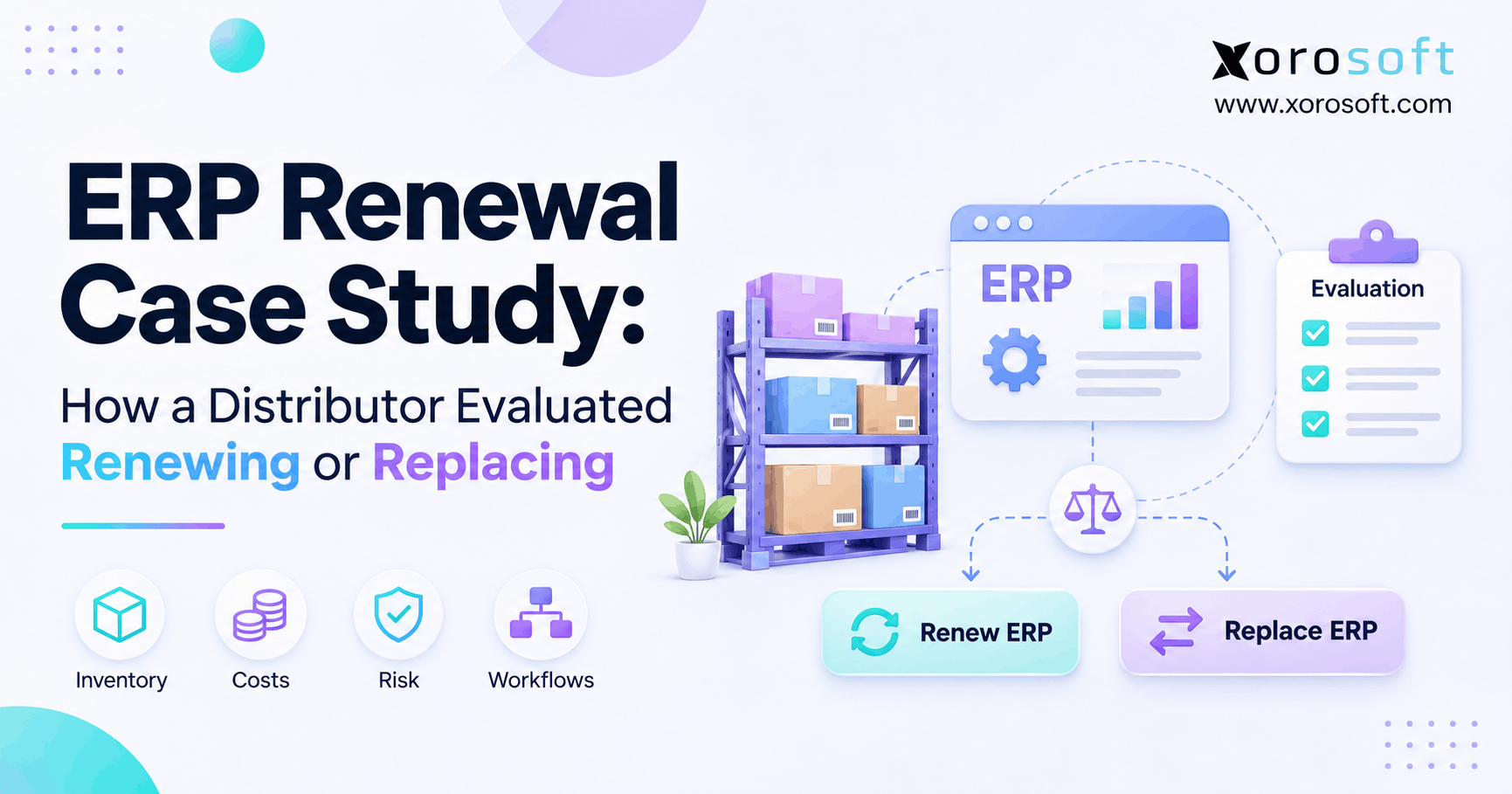
An ERP renewal review is a structured assessment of contract terms, total ownership costs, business-process performance, future requirements, and available alternatives before the organization commits to another term. It is both a commercial decision and an operational health check.
3.1. Differentiate Contract Renewal From Operational Fit
A contract review asks about fees, license rights, notice periods, support commitments, and termination. An operational review asks whether orders, stock movements, purchasing, production, and accounting work reliably together. However, the two assessments can point in different directions: a reasonably priced ERP may still be expensive to operate, while a capable ERP may simply need better commercial terms.
Instead, ask process owners for evidence, not impressions. For example, count inventory adjustments, integration failures, manual purchase-order changes, and days needed to close the books.
3.2. ERP Renewal Review Outcomes: Renew, Optimize, or Replace
Therefore, the decision should not be binary. In particular, four outcomes deserve consideration: renew an adequately performing system; optimize existing workflows and usage; renegotiate problematic commercial terms; or replace a platform whose structural gaps cannot be solved economically.
For example, a company may negotiate a short bridge agreement to allow a safer migration.
4. The 12-Month ERP Renewal Timeline
The following countdown provides a planning model, not a substitute for the signed agreement. Move every stage earlier if the non-renewal notice deadline, procurement rules, or implementation requirements demand it.
| Time before expiration | Primary work | Decision evidence |
|---|---|---|
| 12–9 months | Assign ownership and map current systems | Contracts, baseline KPIs, risk register |
| 9–6 months | Audit workflows, expenses, integrations, alternatives | Current-state assessment and options |
| 6–3 months | Negotiate and validate feasible solutions | Quotes, requirements tests, business case |
| Final 90 days | Obtain approvals and plan continuity | Signed decision, transition or renewal plan |
4.1. Months 12–9: Set Decision Scope and Baselines
First, name an executive sponsor and one review coordinator. Next, locate the master agreement, order forms, amendments, support schedules, and third-party integration contracts. Then, confirm who can issue notice and how long internal procurement approvals take. Also, list business changes expected during the next contract period: new warehouses, channels, products, entities, or production requirements.
Then, agree on a small baseline dashboard. Suitable measures include inventory accuracy, order exceptions, close duration, purchase-order rework, support response, and attributable manual labor. Finally, record both current performance and desired outcomes.
4.2. Months 9–6: Complete the ERP Renewal Review Audit
First, interview finance, operations, ecommerce, IT, and procurement together. Then, reconcile software spending with the work employees perform around the system.
Document Cost and Contract Terms
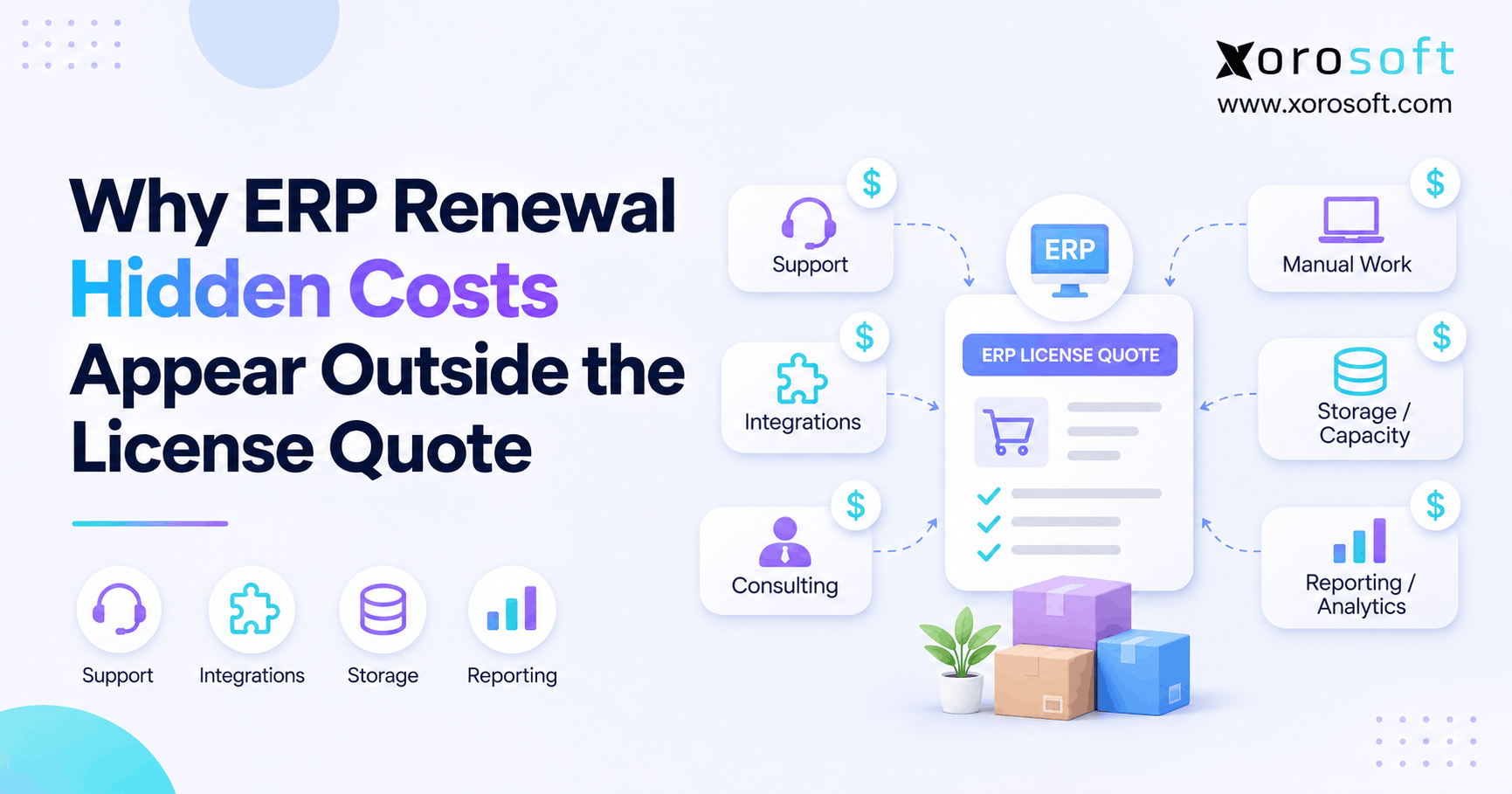
Next, create a ledger covering subscription fees, support, additional applications, integrations, consulting, and system-related internal effort. In addition, separate invoiced costs from estimates. Also, record renewal escalators, minimum commitments, license-reduction restrictions, and any charges associated with exporting data or obtaining transition support.
Document Process and Integration Failures
Next, trace actual transactions from order entry through inventory allocation, picking, shipment, invoicing, and reconciliation. Then, identify the system of record at each handoff. For example, sample recurring exceptions and measure correction time rather than extrapolating from a dramatic one-off incident. Finally, distinguish poor configuration and weak process ownership from missing software capabilities.
4.3. Months 6–3: Negotiate or Validate Replacement
First, present the incumbent with a documented list of commercial and operational concerns. Next, seek written responses on terms, support scope, and realistic remediation. If a replacement remains plausible, test representative transactions, integrations, reporting, and data exports. Also, obtain implementation and service estimates, not only subscription prices.
Next, compare equivalent three-year scenarios. In addition, factor in disruption, adoption, and the possibility that a change cannot be completed before the agreement ends. Alternatively, a short extension may be worth evaluating when permitted, although its pricing and conditions must be negotiated rather than assumed.
4.4. Final 90 Days: Approvals and Transition Readiness
This period should finalize a decision made through earlier evidence gathering. Meanwhile, legal confirms notices and terms, finance approves the business case, IT verifies dependencies, and operations signs off on continuity. Then, assign owners to contract execution, migration milestones, or optimization projects.
If the review starts only now, triage the most urgent issues: notice requirements, renewal default, critical service continuity, and the cost of a temporary extension. Therefore, do not start a risky cutover merely to meet an arbitrary contract date.
5. Contract Deadlines That Can Change Your Options
Importantly, the expiry date on a calendar is not necessarily the day the business can still freely decline renewal. TechTarget’s 2026 analysis of ERP contracts identifies renewal terms, service obligations, data rights, and exit conditions among the provisions buyers should review.
5.1. ERP Auto-Renewal Clauses and Notice Windows
For example, some agreements renew automatically unless a party gives notice within a prescribed window. By contrast, others require a positive renewal order, contain price changes, or have separate terms for add-ons. Therefore, never infer the notice period from an industry example. Instead, read the signed document and its amendments, and ask counsel to interpret ambiguity.
Next, place the deadline in a register with a named owner, required delivery method, recipient, and evidence of receipt. Also, recheck related agreements for EDI, hosting, implementation partners, and other essential services; they may expire or renew on different dates.
5.2. Calculate the Real ERP Renewal Decision Date
A practical decision date is the earliest of the deadlines that constrain your options: the notice deadline, the point by which a viable alternative must be chosen, and any internal budget or procurement approval gate.
Contract End Date vs. Non-Renewal Deadline
For example, suppose an ERP term ends on December 31 and requires notice 90 days beforehand. The notice would generally need to be delivered around October 2, subject to the agreement’s counting rules and exact language. Consequently, a December board meeting would be too late to assume an unrestricted opt-out. Therefore, calculate dates from the actual contract, not this example.
Notice Delivery Method and Approval Owner
First, check whether the notice must go to a designated legal address, named contact, or specified delivery channel. Next, determine who has authority to sign, whether business days or calendar days apply, and how receipt must be documented. Finally, keep a copy of the notice and any acknowledgment. These administrative details can matter as much as the business case.
6. Operational Signals That Justify an Earlier Review
However, a renewal can be inexpensive on paper yet costly in daily work. Therefore, begin an early operational assessment when employees consistently rely on disconnected tools, when exceptions interrupt fulfillment, or when leaders cannot trust the same numbers across departments.
6.1. ERP Renewal Warning Signs in Inventory and Warehousing
For example, look for frequent stock adjustments, unexplained differences between physical and available inventory, poor transfer visibility, and orders released to warehouses without reliable allocation data. However, investigate root causes before blaming the ERP: receiving procedures, item master errors, and scanning discipline may also be responsible.
Next, review the last eight to twelve weeks of exceptions. Then, compare adjustment counts, repeated SKU discrepancies, pick errors, and hours spent locating stock. When the system cannot consistently connect receiving, warehouse movements, and accounting, the review should examine the underlying architecture.
6.2. Purchasing, Finance, and Reporting Workarounds
For example, a purchasing manager may maintain spreadsheets because the ERP does not provide usable replenishment visibility. Meanwhile, finance may rekey inventory adjustments or reconcile multiple reports at month-end. Similarly, leaders may wait days for reliable order-margin information. Consequently, each workaround can conceal a system-fit issue or a poorly designed internal process.
Next, measure how often work repeats, who owns it, and whether controls are duplicated. For instance, five avoidable reconciliation hours every week imply 260 hours annually, before considering the value of correcting errors. This is a hypothetical calculation, not a customer benchmark.
6.3. Shopify, Amazon, EDI, and Integration Friction
Likewise, multichannel businesses depend on timely order, inventory, shipment, and financial data. If Shopify orders require manual exports, Amazon transactions do not reconcile cleanly, or EDI exceptions require constant intervention, the business should examine interface ownership and data rules. Then, count failures and recovery time, rather than assuming every integration incident is a platform limitation.
Xorosoft is relevant to this discussion because its cloud ERP offering brings inventory, purchasing, accounting, warehousing, and ecommerce operations into a connected platform, with integration options for businesses that sell through multiple channels. However, the specific Shopify, Amazon, or EDI workflows required must be tested in a demonstration. For Shopify merchants, the Xorosoft Shopify App Store listing provides an additional product reference.
7. What to Include in Your ERP Renewal Checklist
Therefore, a strong ERP renewal checklist produces decision-ready evidence, not a collection of general complaints. Next, organize findings into three workbooks or registers: commercial obligations, operational fit, and migration dependencies.
7.1. ERP Renewal Review of Costs and Utilization
First, collect the signed agreement, current renewal proposal, invoices, licensed user types, module access, support charges, partner bills, and maintenance expenses. Then, compare what the company bought with what teams actually use. Also, ask about tier changes, reductions, renewal escalators, security obligations, and what services are excluded from support.
For a fuller audit of indirect spending, reference this companion guide on ERP renewal hidden costs. Then model expected costs over the upcoming three-year period, rather than relying on one renewal invoice.
7.2. Score Workflow Performance and Business Fit
For example, use a test set drawn from real work: receive goods, transfer inventory, allocate wholesale and ecommerce orders, process a return, close a period, and produce an actionable report. Next, record cycle time, manual steps, error frequency, and control requirements. Then, give extra weight to failures that affect revenue, financial accuracy, or customer commitments.
An integrated ERP approach such as the one offered by Xorosoft may be worth examining when separate purchasing, warehouse, and accounting processes produce repeated reconciliation work. But the current system deserves the same practical tests. Consequently, an objective assessment might show that targeted workflow changes deliver more value than replacement.
7.3. Assess Data Portability and Migration Dependencies
First, identify item, customer, supplier, inventory, order, financial, and manufacturing records that would need to move. Next, verify export formats, historical data needs, document attachments, permissions, audit trails, and the ownership of custom integrations. Also check whether existing contracts allow the necessary access and transition assistance.
Finally, ask a useful question: could the company produce a representative, reconciled export without relying on undocumented individual knowledge? If not, create a data-cleanup plan even if the decision is to renew.
ERP Readiness Check: Start with the no-cost checklist above. Then explore Xorosoft solutions when operational gaps merit further evaluation. A formal discovery discussion can help define the relevant workflows and constraints.
8. ERP Renewal vs. Replacement: A Decision Framework
Therefore, a balanced review considers renewal, optimization, renegotiation, and replacement, each against the same business objectives.
| Option | Best fit | Main condition |
|---|---|---|
| Renew | Workflows and service meet requirements | Terms remain acceptable |
| Optimize | Existing functionality is adequate but underused | Root causes are fixable |
| Renegotiate | Contract value or flexibility is the main issue | Supplier can address terms |
| Replace | Persistent structural gaps block operations | Benefits justify transition risk |
8.1. When the Existing ERP Still Fits
For example, renewal may be the strongest outcome when stock records are trustworthy, core integrations operate reliably, financial close is controlled, and employees can accomplish essential tasks without extensive workarounds.
Therefore, before replacing the system, assess training gaps, outdated configuration, unused modules, and poor master-data ownership. Next, negotiate support improvements and rightsize licenses where allowed. Then, document the measurable conditions that would make a continued term acceptable, including service levels, reporting accuracy, and process improvements.
8.2. When an ERP Renewal Review Points to Replacement
By contrast, replacement deserves serious analysis when major workflows cannot be supported, manual transfers between applications are persistent, reporting requires reconciliation from conflicting sources, or growth introduces complexity the system cannot economically handle. Therefore, a demonstration should show realistic transactions and exception handling, not only polished dashboards.
For inventory-driven firms, XoroONE’s cloud ERP capabilities make Xorosoft one possible option to assess for connected inventory, purchasing, warehousing, accounting, and manufacturing. However, the objective is not to assume superiority over the incumbent. Finally, evaluate the full implementation scope, required connections, data migration, costs, and evidence of fit against the same criteria used for every option.
8.3. Weighted ERP Renewal Decision Scorecard
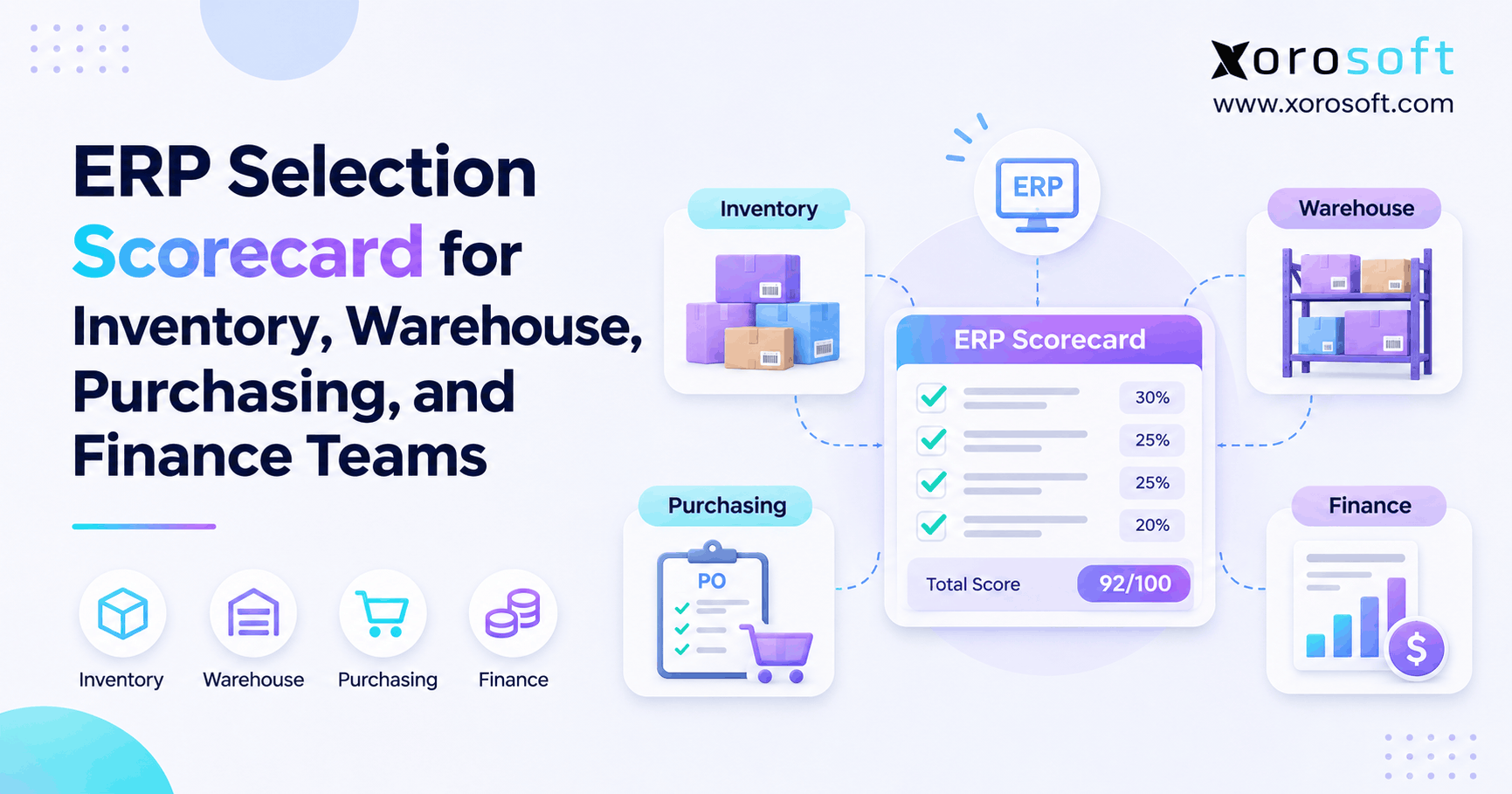
First, define each criterion, agree on evidence, and score each viable option from 1 to 5. Next, multiply its score by the weight, then add the weighted scores.
Criteria and Weights
| Criterion | Illustrative weight |
|---|---|
| Operational workflow fit | 25% |
| Integration reliability | 20% |
| Three-year total cost | 20% |
| Scalability and reporting | 15% |
| Migration and adoption risk | 10% |
| Support and contract flexibility | 10% |
| Total | 100% |
However, the weights are an example, not a published industry standard. For example, a high-volume distributor might assign more weight to warehouse execution; a manufacturer could emphasize work orders and material planning. Therefore, retain the same weights when comparing options, then record the assumptions behind every rating.
Decision Thresholds and Overrides
If an option scores 4 on workflow fit with a 25% weight, that criterion contributes 1.00 points toward a maximum weighted result of 5.00. However, do not invent a universal passing score. Instead, establish a company-specific minimum, decision owner, and evidence requirements before reviewing options.
Moreover, certain risks should override the average: failure to meet critical security, regulatory, financial-control, or business-continuity requirements cannot be compensated for by a low price. Finally, record those as mandatory pass/fail conditions.
9. How to Model Cost, Risk, and Implementation Time
Therefore, the financial model should compare like with like. In particular, an incumbent subscription is not equivalent to a new platform’s first-year invoice; both options need recurring costs, transition expenses, and credible assumptions about operational change.
9.1. Three-Year ERP Renewal Cost Comparison
First, build a three-year baseline that includes subscription, support, interfaces, relevant hardware or services, implementation or enhancement work, and attributable administration. For a replacement scenario, add migration, testing, training, consultant fees, and temporary overlapping subscriptions. Then, use contract-backed price increases rather than an assumed market average.
Consider this hypothetical current system costing $80,000 annually, or $240,000 over three years before changes. A proposed alternative costing $65,000 a year plus $70,000 in one-time transition costs would total $265,000. Even if its annual subscription is lower, it is not cheaper in that three-year illustration. Nevertheless, operational benefits could justify the difference. However, they need a validated business case.
For context, the MinterEllison contract-management guidance recommends considering renewal options six to eighteen months ahead where complexity warrants it.
9.2. Plan Data Migration, Testing, and Adoption
Nevertheless, software selection is only the start. Prosci’s ERP implementation guidance separates preparation, planning, execution, testing, go-live, and ongoing improvement. Therefore, project duration varies widely by the organization, scope, dependencies, and degree of change. Consequently, avoid promising that every ERP can be replaced within one renewal window.
Data and Integration Validation
First, prepare a sample migration from actual records, then reconcile opening inventory, outstanding orders, supplier balances, and accounting totals. Next, verify all critical flows: ecommerce orders, warehouse confirmations, EDI documents, payment data, and reporting. Also, include failure handling and recovery tests, not just a successful transaction demonstration.
Cutover, Training, and Contingency
First, identify seasonal freezes, inventory count requirements, employee training needs, and who can authorize go-live. Then, plan how orders will be handled if a connection fails. Finally, document rollback or contingency procedures appropriate to the architecture and test them.
Watch Demo: After reviewing warehouse operations, request a scenario-based demonstration covering purchasing, accounting, and inventory workflows. Moreover, ask to see how exceptions are resolved, not only the standard transaction.
10. Who Should Own the Renewal Decision?
Because an ERP contract affects finance, inventory, fulfillment, and IT, its review needs cross-functional ownership. Therefore, decision rights should reflect who bears operating risk, signs the contract, and manages change.
10.1. ERP Renewal Review Roles: CFO, COO, IT, and Legal
For example, the CFO owns financial comparisons and approval limits; the COO assesses order, inventory, and warehouse consequences; IT evaluates integrations, security, and migration; procurement manages supplier discussions; and legal reviews contract language. In addition, business process owners validate transaction-level evidence. Finally, assign one coordinator to maintain dates, documents, and outstanding decisions, so no department assumes another team sent contractual notice.
10.2. ERP Renewal Approval Gates and Decision Rights
First, establish gates for completing the current-state assessment, approving a shortlist, validating the business case, and executing a renewal or exit plan. Next, record who recommends, who approves, and who must be consulted. Therefore, a steering group should resolve conflicting priorities before the notice date. Finally, retain signed decisions and assumptions for the next review cycle.
11. ERP Renewal Planning Across Inventory-Driven Industries
Therefore, schedule testing and potential transitions around the periods when interruptions would be most costly.
11.1. Apparel and Sporting Goods: Seasonal Peaks
For example, an apparel brand with seasonal launches should examine size and color inventory, returns, allocations, and marketplace synchronization. Similarly, sporting-goods sellers may face concentrated demand around major seasons. In both cases, freeze risky system changes during peak fulfillment periods and test replenishment and return scenarios with actual product variants.
11.2. Wholesale and Furniture: Multi-Location Complexity
Likewise, wholesale distributors should test customer-specific pricing, EDI, purchase-order handling, and allocation across warehouses. Meanwhile, furniture businesses may need to account for bulky inventory, long supplier lead times, and delivery coordination. A connected industry-specific ERP assessment can help frame requirements; Xorosoft supports relevant inventory, purchasing, and multi-warehouse processes, subject to product and implementation fit.
11.3. Food and Manufacturing: Lots, BOMs, and Work Orders
For example, food businesses may depend on lot tracking, expiration rules, and traceability controls. Similarly, manufacturers may need bills of materials, production scheduling, work orders, and accurate material consumption. Therefore, these requirements should become mandatory demonstration cases, not assumptions drawn from a feature list. Finally, allow time to reconcile source data and confirm business-continuity procedures before considering a migration.
12. Three ERP Renewal Review Mistakes That Remove Your Options
Even a well-funded ERP project can fail to protect the business if the review process starts with the wrong question. Therefore, test the decision process itself before committing to another contract term.
12.1. Treating the Renewal Quote as the Entire Business Case
A lower license fee may look persuasive. However, license costs rarely capture every effort required to operate connected systems. For example, employees may still spend hours matching warehouse transactions to accounting records. Additionally, a separate integration provider may charge annual fees even when the ERP subscription stays flat.
Therefore, compare recurring expenses, one-time projects, and measurable manual work. Next, document which expenses would disappear, which would remain, and which could increase after replacement. As a result, the comparison becomes more meaningful than a single line on the renewal invoice.
12.2. Confusing a Good Demo With Proven Operational Fit
A polished demonstration can show attractive screens without addressing difficult transactions. Instead, provide a small collection of representative cases before the session. For example, test a split shipment, a warehouse transfer, an EDI exception, and an inventory adjustment requiring accounting reconciliation.
Next, ask how the system records failures, controls access, and supports corrections. Meanwhile, invite process owners to validate the workflow rather than relying only on executives. Consequently, the team can identify a functional gap before it becomes an expensive implementation change.
12.3. Scheduling the Decision After the Contractual Notice Date
The renewal proposal may arrive near expiration, but the contractual notice deadline can come earlier. Therefore, waiting for a vendor reminder creates unnecessary risk. First, assign an owner to the relevant agreement and amendments. Next, record required notice methods, approval dates, and any dependencies.
Finally, create reminders before the last permissible notice date. If the timeline is already compressed, prioritize legal review and operational continuity. Otherwise, the business might lose negotiating flexibility before it evaluates whether the current platform still fits.
13. Conclusion: Make the Next ERP Term a Deliberate Choice
An ERP renewal review should begin early enough to preserve choices, not merely enough time to approve an invoice. Therefore, use the 9–12-month planning window for significant agreements, verify the actual notice deadline, and compare options with evidence from finance, IT, and operations.
However, replacement is not always the right answer. If configuration, training, or renegotiation can close the gaps, optimize the system you have. When structural limitations remain, evaluate a modern cloud platform using real operational scenarios and a credible transition plan.
For inventory-driven businesses considering a change, Xorosoft offers connected inventory, purchasing, accounting, warehouse management, and ecommerce operations. Consequently, a practical next step is to Book a Demo based on your own workflows, integration requirements, and renewal timeline.
Frequently Asked Questions
When should an ERP renewal review start?
Start 9–12 months before a major renewal, especially if replacement is possible. However, check the non-renewal notice deadline first. Complex migrations may require longer planning.
Is six months enough for ERP contract renewal?
Six months can work when your ERP performs well and negotiation is the main task. However, complex integrations, internal approvals, and migration risks may require more time.
What happens if an ERP contract renews automatically?
First, check the contract’s notice deadline and delivery rules. Then, confirm them with legal or procurement. If the deadline has passed, contact your vendor about possible options.
When should a business replace its ERP?
Consider replacement when inventory, reporting, or integration problems repeatedly block essential work. However, investigate process and configuration issues first. Then, compare optimization against a realistic replacement plan.
Who should lead an ERP renewal review?
Appoint an executive sponsor and one coordinator. In addition, involve finance, operations, IT, procurement, and legal to evaluate contract obligations, system performance, and implementation risks.
Which costs belong in an ERP renewal comparison?
Include subscriptions, support, integrations, consulting, and measurable manual work. For replacement, also include migration, implementation, training, and overlapping subscriptions. Finally, compare equivalent three-year scenarios.
Does cloud ERP always justify replacing an existing system?
No. Cloud deployment alone does not guarantee lower costs or better operations. Instead, test workflows, integrations, reporting, security, and migration risks before approving replacement.