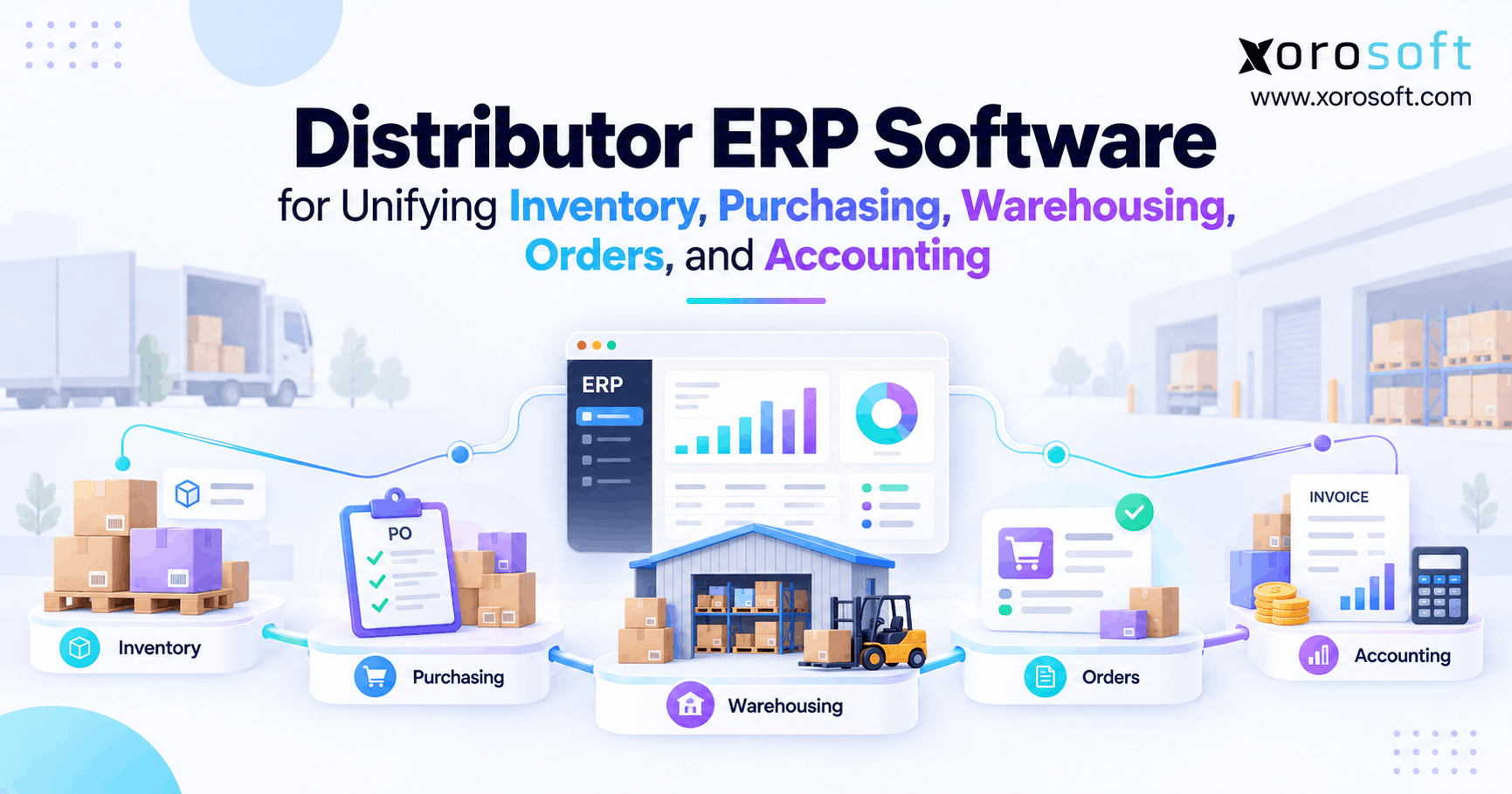
If your business is seeking ways to streamline operations and improve efficiency, distributor ERP software can provide the comprehensive tools you need.
1. When Distribution Growth Outgrows Separate Systems
Distributor ERP software becomes useful when inventory, purchasing, warehousing, customer orders, and accounting can no longer work well as separate processes. As a distributor grows, each business action starts to affect several teams at the same time.
For example, purchasing needs current stock and future demand. Meanwhile, warehouse teams need correct order and location data. Finance also needs each receipt, shipment, return, and stock change to reach the right accounts.
So, the real challenge is not adding more software. Instead, it is connecting the work that already happens across the business.
1.1 Why distribution work becomes harder to manage
A distributor may buy 1,000 units from a supplier. However, that purchase creates many follow-up tasks.
First, purchasing records the expected supply. Next, the warehouse receives the goods. Then, stock becomes available, held, or assigned to orders. After that, warehouse teams pick and ship customer orders.
Finally, those shipments affect inventory value, invoices, costs, and reports.
Because each stage depends on the one before it, small data gaps can quickly create larger problems.
1.2 How distributor ERP software connects daily work
Distributor ERP software gives these teams a shared business record instead of several separate versions of the same order or stock movement.
As a result, buyers can see incoming supply while checking demand. Sales teams can also see what stock is already assigned to other orders. At the same time, finance can trace stock changes back to real business activity.
This shared view reduces the need to export files, copy data, and match records by hand.
2. How Distributor ERP Software Connects Each Workflow
The strongest distributor ERP software does more than offer inventory, purchasing, warehouse, and accounting features. Instead, it links each stage of the product journey.
A common flow looks like this:
Demand → Purchasing → Receiving → Inventory → Allocation → Picking → Shipping → Invoicing → Accounting → Reporting
Because each stage feeds the next one, teams can act on fresher data. In addition, fewer manual handoffs mean fewer chances for mistakes.
2.1 How demand affects purchasing
Purchasing teams should not wait until shelves are almost empty before placing an order.
Instead, they should look at available stock, open sales orders, incoming supply, supplier lead times, safety stock, backorders, and expected demand.
For example, a product may show 500 units on hand. However, if 420 units are already committed and the supplier needs eight weeks to ship more, the buyer may need to reorder now.
So, current stock alone is not enough.
2.2 How distribution ERP software connects receiving and stock
When a supplier shipment arrives, distribution ERP software should compare what was ordered with what was actually received.
For example, a purchase order may call for 1,000 units, but only 960 may arrive. In that case, the system should keep the missing 40 units visible instead of closing the order as complete.
A connected XoroERP setup can help link purchasing, inventory, orders, and finance so teams do not have to rebuild the same transaction in several systems.
3. Inventory Control in Distributor ERP Software
Inventory sits at the center of distributor ERP software because nearly every other process depends on it.
However, one stock number rarely tells the full story. A warehouse may physically hold 1,000 units, while only 620 are ready to sell.
The rest may already be assigned to orders, damaged, held for review, or moving between locations.
So, distributors need clear stock states instead of one simple on-hand figure.
3.1 Why available stock differs from stock on hand
A useful ERP should separate stock into clear states such as:
- On hand
- Available
- Allocated
- Committed
- Incoming
- In transit
- Damaged
- Returned
- Held
- Picked
Each state answers a different business question.
For example, sales teams care about what can still be promised. Meanwhile, warehouse teams care about where the stock sits. Purchasing teams, however, may also need to know what is already on the way.
Therefore, one total quantity cannot serve every team equally well.
3.2 How ERP for distributors manages multiple warehouses
ERP for distributors becomes even more useful when the business has several warehouses.
At that point, teams need to know which site holds the stock, what is already assigned, what is moving between locations, and what each warehouse expects to receive.
In addition, warehouse transfers need a clear record.
Otherwise, inventory may leave one location before the next site confirms receipt. As a result, teams may lose trust in the numbers even when the physical stock is still moving correctly.
4. Purchasing With Better Stock and Demand Data
Purchasing has a direct effect on both product availability and cash.
Therefore, buyers need more than a low-stock alert.
They need current demand, open orders, available stock, incoming supply, supplier lead times, safety stock, and backorders. With those inputs together, buyers can make better choices about what to order and when.
As a result, the business has a better chance of avoiding both stockouts and too much slow-moving stock.
4.1 How distributor ERP software improves reorder decisions
Distributor ERP software can bring stock, demand, and supplier data into one buying process.
For example, two products may each sell 100 units per week. However, one supplier may deliver in four days while another needs ten weeks.
So, the same sales speed does not mean the same reorder plan.
A good system should help buyers see those differences before shortages happen. It should also show incoming purchase orders so buyers do not order stock that is already on the way.
4.2 Why supplier lead times matter
Supplier lead time changes how much stock a business needs to hold.
For example, local products may need only a small buffer. Imported items, however, may need much more cover because the next shipment could be months away.
In addition, supplier delays can change buying plans even when demand stays steady.
So, purchasing teams need to update lead times when actual supplier results change.
Xorosoft’s broader business solutions connect purchasing with inventory, warehouse work, accounting, and related operations.
5. Warehouse Work and Real-Time Stock Updates
Warehouse teams turn system plans into real product movement.
Therefore, the ERP must either include strong warehouse tools or connect closely with a WMS.
Receiving, putaway, picking, packing, transfers, stock counts, and shipping can all change inventory.
So, those actions should update the main stock record quickly. Otherwise, sales and purchasing teams may work from old information.
5.1 How distribution ERP software supports receiving and putaway
Distribution ERP software should link warehouse receiving with the original purchase order.
For example, if 50 cases were ordered but only 48 arrive, the shortage should stay visible. Likewise, if two cases arrive damaged, those units should not appear as ready to sell.
Next, putaway should record where the good stock is stored.
As a result, the system knows both how much stock exists and where workers can find it.
5.2 Why barcode scanning reduces manual work
As warehouse volume grows, manual key entry becomes harder to control.
Barcode scanning can help with receiving, moves, picking, packing, shipping, and stock counts.
For example, workers can scan an item and location instead of typing codes from memory.
XoroWMS supports warehouse work such as barcode scanning, receiving, inventory tracking, fulfillment, and multi-warehouse control.
As a result, warehouse actions can feed the wider business record instead of living inside a separate system.
6. Distributor ERP Software for Orders and Stock Allocation
Customer orders create a claim against inventory. Therefore, distributor ERP software needs clear rules for when stock becomes assigned to an order.
Without those rules, two sales channels may believe the same units are still available.
For example, a sales rep may promise 100 units to a wholesale account while an ecommerce store still shows those same units for sale.
So, the stock count can be correct while the available-to-sell figure is wrong.
6.1 How ERP for distributors prevents double allocation
ERP for distributors should update available stock when an order reserves or commits inventory.
This becomes even more important when the business sells through B2B, ecommerce, marketplaces, EDI, and direct sales.
For example, a distributor may hold some stock for key wholesale accounts while allowing the rest to sell online.
Therefore, availability rules should follow business policy instead of showing the same number to every channel.
6.2 How backorders and split shipments should work
Suppose a customer orders 100 units, but only 70 are ready.
The distributor may ship 70 now and place 30 on backorder. However, another business may choose to hold the full order until all 100 units are ready.
Both policies can work.
The key is that the system should follow the chosen rule and keep sales, warehouse, purchasing, and finance teams in sync.
Meanwhile, the remaining 30 units should stay visible as open demand.
7. Multi-Channel Distribution Needs One Stock Record
Many distributors now sell through wholesale teams, B2B portals, Shopify, Amazon, marketplaces, and EDI partners.
Therefore, each channel needs a controlled view of the same inventory pool.
The goal is not always to show identical stock everywhere. Instead, the business needs one clear source that decides what each channel can sell.
That approach reduces overselling and makes stock rules easier to manage.
7.1 How distributor ERP software keeps channel stock aligned
Distributor ERP software should respond when stock becomes assigned, shipped, returned, damaged, or moved.
For example, suppose 50 units remain available. Then, a wholesale customer places an order for 35.
If an online store still shows all 50 units, another buyer may purchase stock that is no longer free.
So, channel updates need to reflect order and allocation changes, not only warehouse receipts and shipments.
7.2 Why ecommerce stock updates need clear rules
A useful ecommerce connection should handle more than order imports.
It may also need to exchange product data, customers, cancellations, returns, fulfillment updates, and stock levels.
Xorosoft’s integration ecosystem supports connected ecommerce and business workflows.
In addition, Shopify merchants can review Xorosoft through its Shopify App Store listing.
Therefore, distributors should test real stock and order cases instead of checking only whether a connector exists.
8. Accounting Must Match Inventory and Order Activity
Accounting becomes harder when warehouse, order, and stock systems tell different stories.
For example, receiving can affect stock value and supplier bills. Shipping can reduce stock and affect cost of goods sold. Returns can change sales, stock, credits, and margins.
Therefore, finance depends on good operational data throughout the month.
If errors reach finance only at month-end, the team may spend days tracing where the difference began.
8.1 How distribution ERP software connects stock and accounting
Distribution ERP software can link receipts, shipments, stock changes, supplier costs, and customer invoices with the financial record.
As a result, finance does not need to rebuild every event from separate files.
XoroONE brings inventory, accounting, purchasing, warehouse work, ecommerce, and reporting into one cloud ERP setting.
Therefore, the business can keep product movement and financial data closer together as orders move through the system.
8.2 Why landed cost changes product margin
Purchase price is not always the true cost of stock.
Freight, duties, customs, brokerage, and other inbound costs may raise the real cost of a product.
For example, an item bought for $20 may actually cost much more by the time it reaches the warehouse.
So, distributors should review how an ERP assigns those added costs.
Accurate landed cost also helps finance and sales teams understand true product margin.
9. ERP, WMS, Inventory, and Accounting Tools Compared
Different business systems solve different problems.
Therefore, a distributor should not assume that every inventory tool, WMS, accounting package, or ERP covers the same work.
The main question is how many business processes need to share the same data.
As those links grow, separate tools can create more work between systems even when each tool works well on its own.
9.1 Distributor ERP software vs inventory software
Distributor ERP software covers more than stock tracking.
Inventory software usually focuses on quantities, locations, movements, and reorder needs. However, ERP can also connect those records with purchasing, customer orders, warehouse work, accounting, forecasting, and reports.
Therefore, inventory software may still fit a simple business.
However, ERP becomes more useful when stock decisions depend on many other teams and systems.
9.2 ERP vs WMS for warehouse work
A WMS focuses more deeply on warehouse action.
For example, it may manage receiving, putaway, bin moves, picking, packing, scanning, stock counts, and shipping.
ERP, however, covers the wider business flow around those actions.
So, distributors should check whether the ERP includes enough warehouse depth for their needs or whether a separate WMS should remain part of the setup.
10. When ERP for Distributors Becomes Necessary
Not every company needs ERP from the start.
A small distributor with one warehouse, simple purchasing, basic pricing, and a manageable order volume may work well with lighter tools.
However, the need changes as teams spend more time copying, checking, and matching data between systems.
Therefore, business complexity matters more than revenue alone.
10.1 Signs a distributor ERP system may be needed
A distributor ERP system becomes worth reviewing when problems appear across several teams.
Common signs include:
- Frequent stock differences
- Spreadsheet-based purchasing
- Multiple warehouses
- Duplicate order entry
- Slow month-end close
- Complex customer pricing
- EDI needs
- Ecommerce growth
- Overselling
- Weak stock visibility
- Repeated report differences
- Heavy manual work between systems
Another warning sign appears when only one or two long-term employees know how the full process works.
10.2 Why different industries reach this point at different times
Different products create different types of pressure.
For example, apparel businesses may manage size, color, style, and seasonal demand. Furniture firms may deal with long lead times and large warehouse items.
Meanwhile, food distributors may need lot and expiry tracking. Industrial distributors may handle large SKU lists and special customer rules.
Xorosoft’s industry solutions show how ERP needs can change across different inventory-based businesses.
11. How to Evaluate Distributor ERP Software
The best way to review distributor ERP software is to test real work instead of reading a feature list.
Start with the processes that cause the most trouble today.
For example, ask the vendor to show a partial receipt, warehouse transfer, customer backorder, short pick, return, damaged item, and stock write-off.
Then, follow each event through inventory, warehouse, customer orders, and finance.
11.1 Test distributor ERP software with real order problems
When reviewing distributor ERP software, do not test only perfect orders.
Instead, ask what happens when:
- A supplier ships short
- Stock cannot be found
- A transfer arrives with missing units
- A customer changes an order
- A shipment splits
- A return needs review
- A stock count finds a difference
These cases reveal how the system handles real daily work.
Also, reviewing customer case studies can show how other businesses solved similar process gaps.
11.2 Prepare clean data before ERP setup
A new ERP cannot fix poor source data by itself.
Therefore, businesses should clean product codes, customer records, supplier data, pricing, warehouse locations, and account mappings before moving them.
Teams should also agree on terms such as available, committed, damaged, incoming, and in transit.
As a result, every department starts with the same basic rules.
That makes training, testing, and daily use much easier.
12. Build Distribution Operations Around Shared Data
The main value of ERP is not the number of features on a screen.
Instead, it comes from linking daily work across the business.
Inventory should guide purchasing. Purchasing should create expected supply. Receiving should update stock. Orders should create demand. Warehouse work should update fulfillment. Finally, shipping and stock changes should flow into accounting and reports.
Therefore, the system should reduce the number of times employees rebuild the same business event by hand.
12.1 How ERP for distributors creates one source of truth
ERP for distributors works best when each key record has a clear owner.
For example, the business should know which system controls inventory, purchase orders, customer orders, warehouse moves, pricing, and financial records.
Once those rules are clear, teams spend less time asking which report is correct.
In addition, buyers can use current demand, sales can see realistic stock, warehouse teams can work from valid orders, and finance can trace each event more easily.
12.2 What to review before choosing a system
Before selecting ERP, map the workflows that currently depend on spreadsheets, exports, duplicate entry, or manual matching.
Then ask vendors to show those exact cases.
Use your own warehouse structure, product types, buying rules, pricing, channels, and order problems during the review.
For businesses that want to see how Xorosoft handles inventory, purchasing, warehouse work, ecommerce, orders, and accounting, the next step is to Book a Demo.
Frequently Asked Questions
What is distributor ERP software?
Distributor ERP software connects inventory, purchasing, warehousing, sales orders, accounting, forecasting, and reporting. Therefore, distributors can manage operational and financial transactions through shared data instead of maintaining separate systems.
When does a distributor need ERP?
ERP becomes useful when multiple warehouses, spreadsheet purchasing, inventory discrepancies, complex pricing, EDI, ecommerce growth, or reconciliation work create operational friction. Therefore, complexity matters more than company size alone.
Can distributor ERP software manage multiple warehouses?
Yes. Distributor ERP software can track stock by warehouse, manage transfers, allocations, incoming inventory, and replenishment. However, businesses should test their exact warehouse workflows before choosing a platform.
How is ERP different from WMS?
ERP manages broader processes such as purchasing, orders, inventory, accounting, and reporting. In contrast, WMS focuses more deeply on receiving, putaway, picking, packing, scanning, and warehouse execution.
Can distributor ERP integrate with Shopify and Amazon?
Yes, many ERP platforms support ecommerce and marketplace integrations. However, distributors should test inventory synchronization, orders, cancellations, returns, fulfillment updates, and channel allocation instead of checking only whether a connector exists.
Does distributor ERP include accounting?
Full ERP platforms commonly include accounting or tightly connected financial functionality. Therefore, receipts, inventory movements, shipments, supplier costs, and customer invoices can feed financial reporting with less manual reconciliation.
What should distributors evaluate before choosing ERP software?
Distributors should test inventory states, purchasing, receiving, warehouse execution, order allocation, returns, accounting, integrations, reporting, and exceptions. Moreover, they should evaluate implementation requirements and user workflows before making a decision.
Recent Posts
-
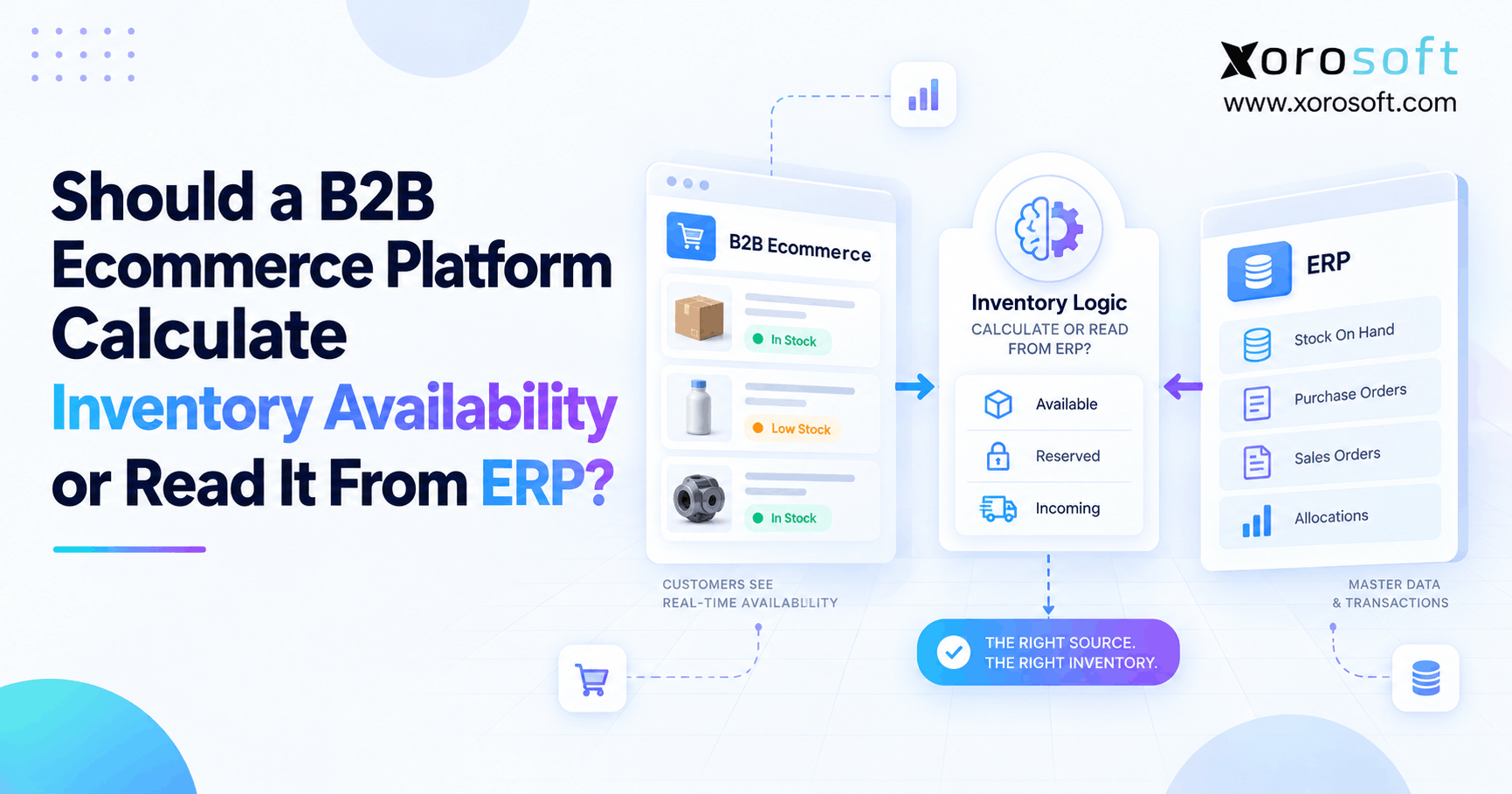
 Should a B2B Ecommerce Platform Calculate Inventory Availability or Read It From ERP?
 -
Distributor ERP Software for Unifying Inventory, Purchasing, Warehousing, Orders, and Accounting
-
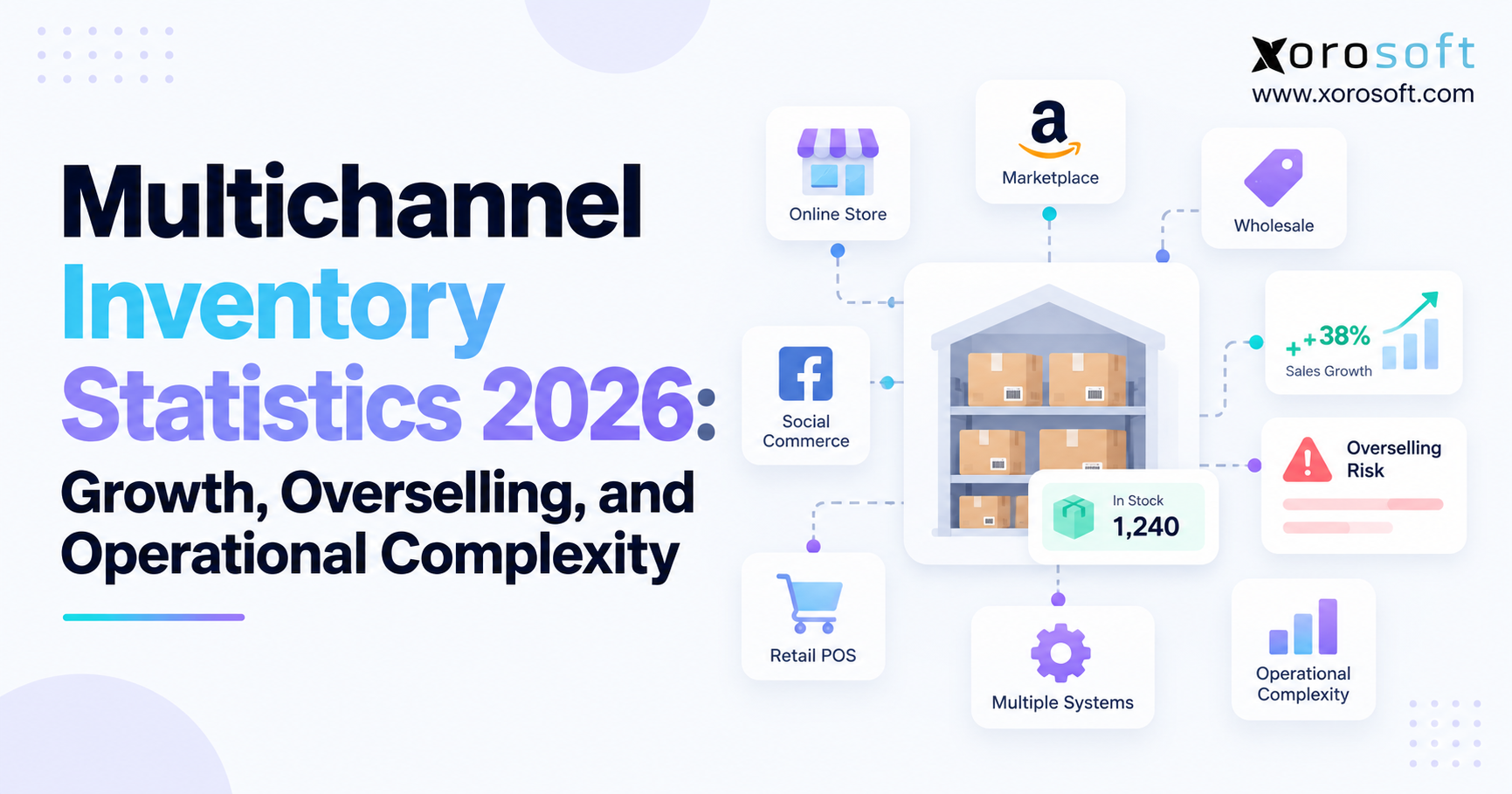
 Multichannel Inventory Statistics 2026: Growth, Overselling, and Operational Complexity
 -
 Shopify-to-ERP Data Mapping: Which Records Should Sync, in Which Direction?
 -
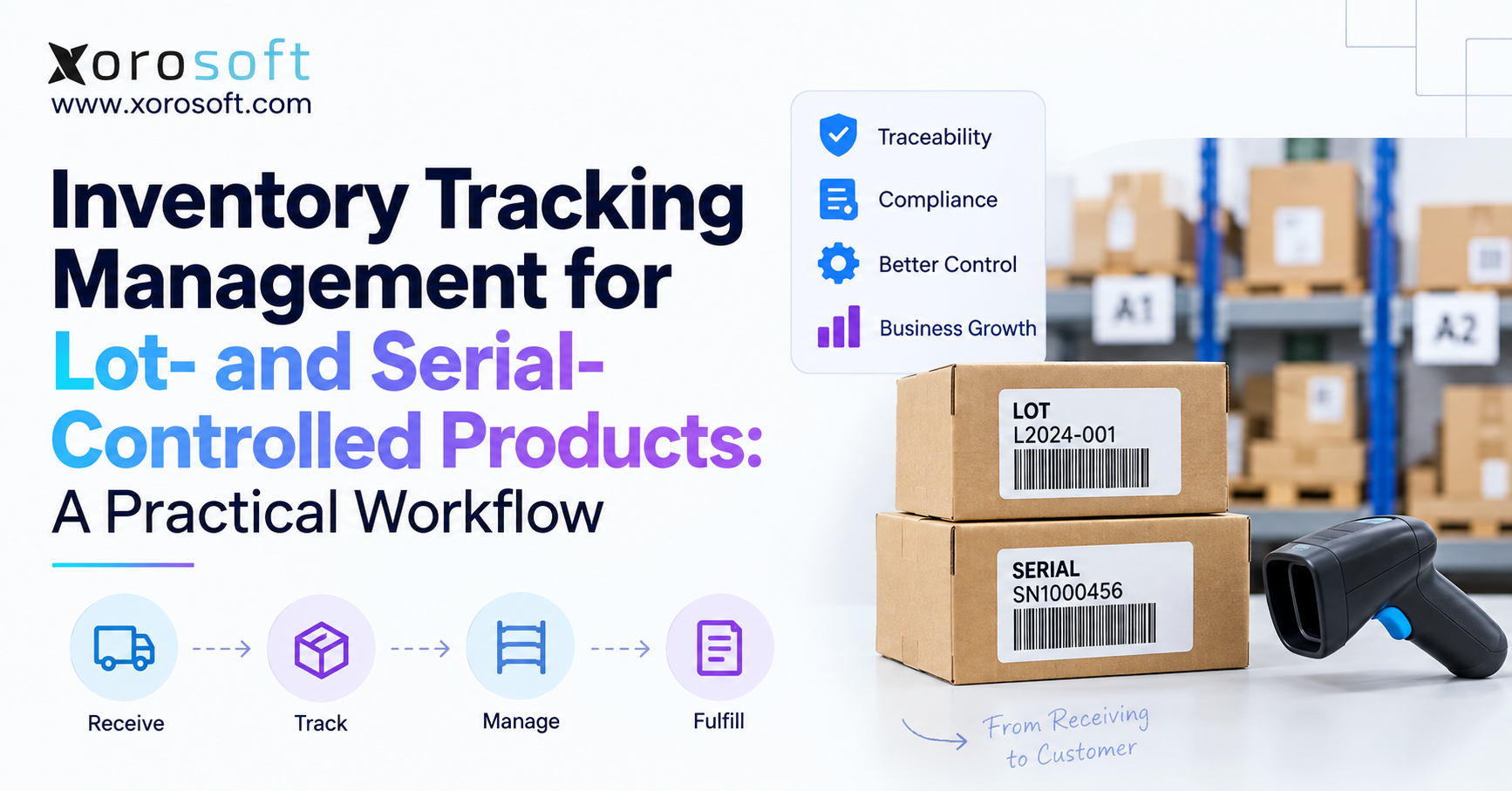
 Inventory Tracking Management for Lot- and Serial-Controlled Products: A Practical Workflow