1. When Wholesale Ordering Outgrows the Shopping Cart
B2B bulk ordering software becomes important when wholesale customers need to place large, repeat orders without browsing one product page at a time. More importantly, the software must make ordering faster while preventing wrong quantities, incorrect prices, unavailable products, and invalid pack sizes from entering operations.
Unlike many consumer shoppers, wholesale buyers often arrive with a purchase list already prepared. Therefore, they may know the SKU, required quantity, ship-to location, and purchase-order reference before they open the portal.
As a result, the real challenge is not product discovery. Instead, it is turning a large purchase requirement into a valid sales order with minimal manual work.
1.1 How B2B Bulk Ordering Changes the Buying Experience
A consumer may compare photos, colors, reviews, and delivery options before buying one or two items. However, a distributor, retailer, dealer, or franchise location may need to replenish the same 50 SKUs every week.
Consequently, that buyer values speed, accuracy, and consistency more than browsing.
For example, a sporting-goods retailer may already know that Store 14 needs 24 units of one item, 48 units of another, and six cases of a seasonal product. Therefore, opening dozens of product pages creates unnecessary steps.
Likewise, repeat buyers often work from internal purchasing sheets or replenishment recommendations. Because of this, the ordering system should adapt to an existing buying workflow instead of forcing customers into a consumer-style journey.
1.2 Why Standard Ecommerce Creates Friction
A standard ecommerce cart can still process wholesale orders. However, friction increases quickly as SKU counts and order quantities grow.
Moreover, B2B transactions often introduce commercial rules that consumer orders rarely need. These rules can include customer-specific pricing, minimum quantities, case packs, account permissions, payment terms, and restricted products.
Therefore, B2B ecommerce is not simply about putting larger quantities into a shopping cart.
Instead, the platform must understand the business rules behind each order. As a result, buyers can move faster while operations receive cleaner transactions.
2. What B2B Bulk Ordering Software Actually Does
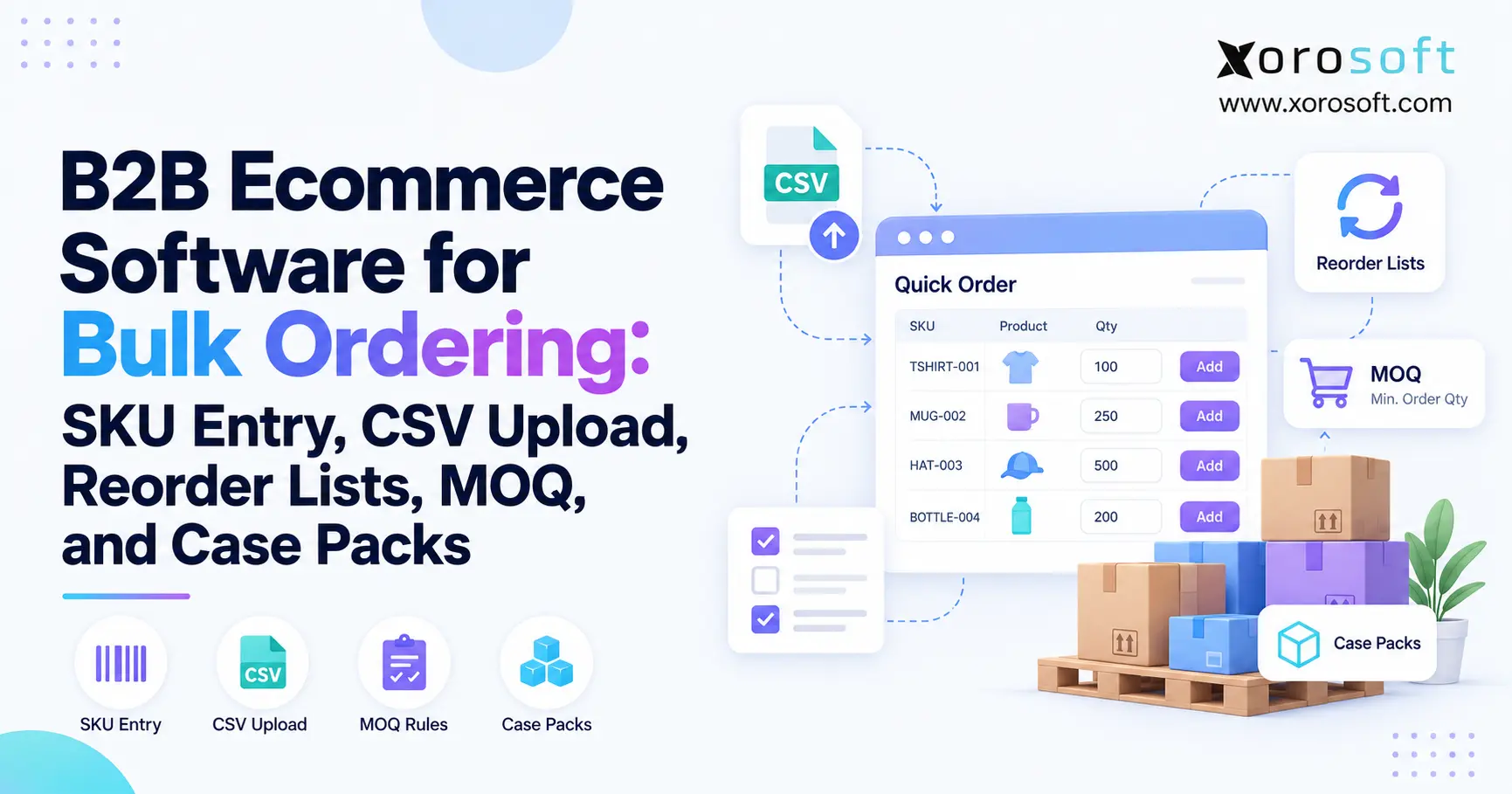
B2B bulk ordering software gives business customers faster ways to create large orders while validating those orders against commercial and operational rules.
Therefore, effective software combines buyer convenience with business control.
Instead of relying only on conventional product browsing, buyers may use:
- quick SKU entry;
- multi-line order forms;
- CSV uploads;
- saved buying lists;
- previous-order reordering;
- customer-specific catalogs.
However, each method should ultimately produce the same result: a valid sales order that downstream teams can process without repairing it first.
2.1 Who Needs B2B Ordering Software?
Wholesale distributors are an obvious fit. However, manufacturers, apparel brands, furniture companies, sporting-goods suppliers, food distributors, and consumer brands with wholesale channels may face similar problems.
In particular, the need increases when a company manages:
- hundreds or thousands of SKUs;
- repeat wholesale customers;
- negotiated prices;
- several warehouses;
- high order quantities;
- different units of measure.
Therefore, operational complexity matters more than company size alone.
Likewise, a business selling through both ecommerce and wholesale channels may need additional control because the same inventory supports multiple demand sources.
2.2 Who Can Stay With a Simpler Ordering Process?
Not every business needs advanced wholesale software.
For example, a supplier with 20 products and five predictable business customers may manage orders effectively through a simpler customer portal.
However, that calculation changes once employees spend substantial time correcting quantities, checking prices, confirming stock, and re-entering orders.
At that point, automation solves an operating problem rather than merely improving the website.
Therefore, businesses should evaluate manual workload, order complexity, error rates, and growth before deciding how sophisticated their ordering environment needs to become.
3. Make SKU Entry Easy for Repeat Buyers
For experienced buyers, SKU entry is often the shortest path from purchase requirement to completed order.
Therefore, the interface should allow customers to enter a product code and quantity without leaving the ordering screen.
Meanwhile, the platform should validate the line immediately rather than waiting until checkout.
3.1 How SKU Quick Order Works
A useful quick-order interface generally includes SKU, product description, quantity, price, availability, and validation status.
For example, a buyer could type SKU TS-104, enter 24 units, and immediately see the account price and whether 24 is a valid quantity.
Additionally, the buyer should be able to continue adding products without opening individual product pages.
As a result, a 40-line replenishment order can be built from one screen.
Likewise, search should tolerate common purchasing behavior. Buyers may know part of a SKU, a customer part number, or a familiar product name rather than the exact ecommerce title.
3.2 What B2B Ordering Software Should Validate
Speed alone is not enough.
Therefore, every entered SKU should be checked against important business rules.
The system should determine:
- whether the SKU exists;
- whether the account can purchase it;
- whether the product is active;
- which price applies;
- whether stock is available;
- whether an MOQ applies;
- whether the quantity follows the required increment;
- whether the selected unit is valid.
Additionally, error messages should be specific.
Instead of displaying “Order error,” the portal should explain whether a product is discontinued, restricted, unavailable, or entered in an invalid quantity.
Consequently, buyers can correct their own orders instead of contacting customer service.
4. CSV Upload for Large Wholesale Orders
As order size grows, even fast SKU entry can become inefficient.
Therefore, file-based ordering becomes valuable when customers regularly buy hundreds of products or already prepare purchasing data in spreadsheets.
A well-designed CSV process should reduce entry work without allowing inaccurate data into the sales-order workflow.
4.1 How B2B Bulk Ordering Handles CSV Uploads
A practical CSV process looks like this:
Prepare file → Upload → Validate → Correct exceptions → Review → Submit
However, upload speed is only the first requirement.
More importantly, the system must inspect the uploaded data before creating an order.
For businesses that need ordering connected with inventory, purchasing, accounting, and fulfillment, XoroONE provides a cloud-based operational platform designed to bring those workflows together.
Consequently, accepted orders can move into operations without creating another manual data-entry step.
4.2 What a Wholesale Order CSV Should Contain
At minimum, most files require a SKU and quantity.
However, depending on the operating model, additional fields may add useful context.
| Field | Purpose |
|---|---|
| SKU | Identifies the product |
| Quantity | Defines requested amount |
| UOM | Defines each, case, pack, or other unit |
| Customer PO | Connects the transaction to buyer records |
| Ship-to location | Identifies the destination |
| Requested date | Communicates timing requirements |
Additionally, some businesses may need a warehouse, project, department, buyer reference, or store number.
Therefore, the template should reflect the information required downstream rather than capturing unnecessary fields.
4.3 How Bulk Order Software Should Handle CSV Errors
Suppose a buyer uploads 300 lines and five contain problems.
The platform should not reject the entire order with a generic message.
Instead, it should highlight the affected lines and explain the problem.
For example:
- SKU A411 is inactive.
- SKU B920 requires multiples of 12.
- SKU C118 is not available to this account.
- SKU D440 exceeds available inventory.
As a result, the buyer corrects five exceptions instead of reviewing 300 rows manually.
Moreover, the system should preserve valid lines during correction. Consequently, one bad SKU does not erase the buyer’s work.
5. Reorder Lists Should Save Time Without Repeating Old Errors
Repeat purchasing is one of the strongest reasons businesses invest in B2B bulk ordering software. After all, many wholesale customers purchase similar products repeatedly.
After all, many wholesale customers purchase similar products repeatedly.
Therefore, buyers should not need to rebuild every order from zero.
5.1 Useful Reorder Workflows for Wholesale Buyers
A customer portal may support:
- previous-order reorder;
- saved purchase lists;
- favorites;
- standing-order templates;
- customer-specific assortments.
However, convenience should never override current data.
A six-month-old order may contain an outdated price, unavailable product, or obsolete case quantity.
Therefore, the historical order should become a starting point rather than a permanent commercial promise.
Likewise, buyers should be allowed to remove, add, or adjust items before submission.
5.2 Why B2B Ordering Software Must Recheck Every Reorder
When a buyer chooses reorder, the system should validate current:
- pricing;
- inventory;
- product status;
- MOQ;
- pack configuration;
- account permissions.
For example, a product that previously shipped in packs of six may now ship in cases of 12.
Consequently, cloning the historical transaction without checking the current rules could create an invalid order.
Instead, the software should rebuild the transaction using today’s operational data.
As a result, reordering remains convenient while sales and warehouse teams avoid inheriting old assumptions.
6. How MOQ Rules Work in B2B Bulk Ordering Software
MOQ stands for minimum order quantity.
In simple terms, it defines the lowest quantity a customer can purchase under a particular rule.
However, MOQ is not always one universal value.
6.1 MOQ Rules in B2B Bulk Ordering
A company may define minimum quantities by:
- SKU;
- product;
- customer;
- customer tier;
- product family;
- entire order.
For example, one account may have a 12-unit minimum while another account has a 24-unit minimum.
Therefore, the ordering system needs enough flexibility to apply the right rule to the right buyer.
Moreover, the rule should remain consistent with the operational system behind the storefront.
Otherwise, ecommerce may accept a quantity that internal teams later reject.
6.2 Why MOQ Should Be Visible Before Checkout
Nothing frustrates buyers more than building an order and discovering at checkout that several quantities are invalid.
Instead, the relevant minimum should appear during order entry.
For example:
Minimum quantity: 24 units
If the buyer enters 18, the platform should immediately explain what needs to change.
Consequently, the customer can correct the quantity while the context is clear.
Moreover, the sales team avoids unnecessary order corrections.
Free ERP Readiness Assessment: If MOQ, pricing, inventory, and order rules are maintained in several disconnected systems, assess whether the underlying operational architecture—not only the storefront—is creating the problem.
7. Case Packs, Quantity Increments, and Units of Measure
Although MOQ and case packs often appear together, they are different rules.
MOQ establishes a minimum. In contrast, a case pack describes how products are grouped.
Therefore, software must understand both concepts.
7.1 MOQ vs Case Pack vs Quantity Increment
Consider this example:
- MOQ: 12 units
- case pack: 6 units
- allowed increment: 6 units
In this situation, quantities of 12, 18, 24, and 30 may be valid.
However, 15 would fail because it does not follow the six-unit increment.
| Rule | Meaning | Example |
|---|---|---|
| MOQ | Lowest permitted amount | 12 units |
| Case pack | Units grouped together | 6 per case |
| Increment | Allowed quantity step | Multiples of 6 |
| Order minimum | Minimum total order | $500 |
Therefore, simply saying a product has a “minimum” does not fully explain how it can be purchased.
7.2 How Units of Measure Affect Bulk Orders
A quantity of “10” is incomplete without a unit.
For example, ten eaches are very different from ten cases.
Therefore, some operations need a clear hierarchy such as:
Each → Inner Pack → Case → Pallet
Additionally, the purchasing unit may differ from the stocking unit.
For example, a customer may order two cases while the warehouse tracks 48 individual units.
Consequently, the system must translate those quantities correctly through inventory, pricing, picking, and reporting.
Otherwise, a simple ordering ambiguity can become a warehouse or accounting discrepancy.
8. Customer Pricing Inside Wholesale Ordering Software
Wholesale customers rarely operate under one universal price list.
Instead, pricing may depend on account tier, contract, region, volume, promotion, or negotiated terms.
Therefore, bulk ordering must apply the correct commercial conditions at the account level.
8.1 How Wholesale Ordering Software Applies Customer Pricing
After login, a buyer should see the catalog and prices assigned to that account.
Likewise, restricted products should not appear as freely orderable products if the customer is not eligible to buy them.
For growing operations, XoroERP can centralize inventory, purchasing, sales orders, accounting, and other operational information behind customer-facing channels.
Consequently, the storefront does not need to become the only system holding important commercial rules.
Instead, it can present and enforce data maintained within a connected operating environment.
8.2 How B2B Ordering Software Handles Volume Pricing
Volume pricing introduces another dimension.
For example, a customer may pay $20 per unit at 12 units and $18 per unit at 48 units.
Therefore, changing the quantity can affect both order validity and price.
The portal should make those thresholds visible before checkout.
Moreover, the buyer should see updated totals immediately after changing quantities.
As a result, customers can make better purchasing decisions without asking a sales representative to calculate every pricing tier.
9. Inventory Availability for Large B2B Orders
Physical inventory and available inventory are not always the same number.
For example, a warehouse may physically contain 500 units while 420 are already allocated to other orders.
Therefore, showing all 500 units as available could create a false promise.
9.1 Inventory Availability in B2B Ordering Software
A useful availability calculation may consider:
- on-hand inventory;
- committed inventory;
- reservations;
- damaged stock;
- safety stock;
- incoming supply;
- warehouse location.
Additionally, businesses may choose to display an exact quantity, a range, an availability status, or an expected date.
The right approach depends on customer expectations and operating policy.
However, the displayed information must match what fulfillment can actually support.
9.2 Which System Should Own Inventory Availability?
Businesses should define one reliable source for inventory availability.
Otherwise, ecommerce may show one number while the warehouse sees another.
For operations connecting several sales and fulfillment systems, Xorosoft Integrations provides connections across ecommerce, shipping, EDI, and other business applications.
Consequently, teams can reduce the number of disconnected handoffs between order capture and execution.
However, integration alone does not solve poor inventory logic. Therefore, allocation, reservation, and warehouse rules must also be clearly defined.
10. From Bulk Order to Warehouse Fulfillment
The customer clicking Submit is not the end of the B2B order.
Instead, it starts the operational process.
Therefore, the order must move cleanly into inventory allocation, warehouse execution, shipping, and accounting.
10.1 How a B2B Bulk Ordering Workflow Moves Through Operations
A connected workflow may look like this:
Buyer → B2B Portal → Validation → Sales Order → Allocation → Warehouse → Shipment → Accounting
First, the system validates the customer and order.
Next, it applies prices and quantity rules.
Then, available inventory can be allocated.
Afterward, the warehouse receives the fulfillment requirement.
Finally, shipment and financial records update the rest of the business.
Consequently, the quality of the original order directly affects every downstream team.
10.2 Why the Warehouse Should Not Repair Ecommerce Errors
If ecommerce accepts 17 units while the warehouse can ship only cases of 12, someone must resolve that conflict manually.
Therefore, the invalid quantity should be blocked before submission.
Likewise, warehouse teams should not need to investigate customer pricing or product restrictions.
For fulfillment execution, XoroWMS connects receiving, inventory control, picking, packing, and shipping workflows.
Meanwhile, Shopify merchants evaluating an ERP connection can review Xorosoft’s official Shopify App Store listing.
Watch Demo: At this stage, the most useful product demo is not a dashboard tour. Instead, test how one real wholesale order moves from buyer entry through allocation, picking, shipment, and accounting.
11. B2B Ordering Software and ERP System Responsibilities
Not every business rule belongs inside the ecommerce storefront.
In fact, duplicating the same rule across several systems can make the operation less reliable.
Therefore, businesses should define which application owns each data type and process.
11.1 A Practical B2B Ordering Software Responsibility Model
| Data or Process | Ecommerce / Portal | ERP / Operations |
|---|---|---|
| Product presentation | Primary | Supporting |
| Customer login | Primary | Supporting |
| Customer pricing | Display | Source |
| Inventory | Display | Operational source |
| MOQ | Enforce | Source/control |
| Case pack | Enforce | Source/control |
| Sales order | Capture | Process |
| Allocation | Limited | Primary |
| Warehouse execution | No | Primary |
| Accounting | No | Primary |
Therefore, the portal can focus on buyer experience while the operational system manages execution.
11.2 Avoid Duplicating Ordering Rules Across Systems
Suppose the ERP says a product ships in cases of 24 while an ecommerce app says 12.
Eventually, one system will accept an order that another system rejects.
Consequently, employees start creating manual checks and workarounds.
Instead, businesses should establish one authoritative source wherever practical.
Then, connected systems can display or enforce that information without independently maintaining conflicting values.
As a result, changes to pricing, packaging, inventory, or account rules are easier to control.
12. Bulk Ordering Requirements by Industry
Although the foundation remains similar, different industries create different ordering pressures.
Therefore, companies should test workflows that match their actual products and customers.
12.1 Wholesale Distribution With B2B Ordering Software
Distributors often manage large catalogs, repeat accounts, negotiated prices, and several warehouses.
Consequently, quick SKU entry, CSV uploads, saved lists, and accurate availability become especially important.
Additionally, some distributors need EDI alongside portal orders.
Therefore, software must support several order-entry methods without creating several independent sources of operational truth.
12.2 Apparel and Fashion Ordering Requirements
Apparel introduces style, color, and size combinations.
Therefore, buyers may prefer matrix ordering rather than opening every variant separately.
Moreover, seasonal orders may involve large forward-buy quantities.
As a result, availability dates, size runs, and bulk-editing tools can become just as important as basic product search.
12.3 Food, Furniture, and Sporting Goods Requirements
Food distribution often relies heavily on cases, pack sizes, and traceability.
Meanwhile, furniture businesses may care more about warehouse location, lead time, and delivery constraints.
Similarly, sporting-goods companies frequently manage seasonal replenishment across many variants.
Businesses comparing operational fit can review Xorosoft’s Industries We Serve to understand how ERP, inventory, and warehouse requirements differ across product-based businesses.
13. Common Ordering Mistakes That Create Manual Work
Poor ordering design often moves work from the customer to the internal operations team.
Therefore, a portal can look modern while order processing remains heavily manual.
13.1 Treating B2B Ordering Software Like a Larger B2C Cart
Large buyers should not need to browse 100 product pages.
Instead, provide faster tools such as SKU entry, saved lists, grids, or file uploads.
Consequently, experienced buyers can work from the product information they already have.
13.2 Validating Quantities Too Late
MOQ and case-pack problems should appear during order creation.
Otherwise, sales or warehouse employees must repair the order afterward.
Therefore, validation should happen as close to data entry as possible.
13.3 Showing Stale Inventory
Incorrect inventory creates false expectations.
Consequently, customers may place orders that operations cannot fulfill as promised.
Therefore, the portal should use a reliable availability source and clearly communicate relevant limitations.
13.4 Reusing Old Orders Without Rechecking Rules
Prices, product status, inventory, and pack sizes change.
Therefore, reorder functionality must validate current conditions.
Otherwise, convenience creates hidden exceptions.
13.5 Ignoring Units of Measure
A quantity of 20 can mean 20 eaches, 20 packs, or 20 cases.
Therefore, UOM should remain clear from order entry through warehouse fulfillment.
As a result, customers and operations interpret the order the same way.
14. How to Evaluate B2B Bulk Ordering Software
A polished demonstration can make almost any ordering platform look capable.
Therefore, buyers should test software using realistic, imperfect orders rather than perfect demo data.
14.1 B2B Bulk Ordering Software Evaluation Checklist
At minimum, evaluate:
- SKU quick entry;
- CSV upload;
- saved lists;
- reorder workflows;
- customer-specific pricing;
- MOQ rules;
- case packs;
- quantity increments;
- inventory availability;
- multiple warehouses;
- approvals;
- ERP integration;
- WMS integration;
- error handling.
Additionally, test how quickly the buyer understands each exception.
For a broader view of connected operational capabilities, review Xorosoft’s Solutions across inventory, ERP, warehouse, accounting, ecommerce, and related workflows.
14.2 Test B2B Ordering Software With a Difficult Order
Do not test only five valid products.
Instead, upload a large order containing:
- an invalid SKU;
- a discontinued SKU;
- insufficient inventory;
- an incorrect case quantity;
- customer-specific pricing;
- a restricted product.
Consequently, you will learn how the platform behaves when real operations become complicated.
Moreover, watch what happens after submission.
Does the order continue cleanly into allocation and fulfillment, or does the internal team still need to rebuild it?
That answer is often more important than the number of features on a comparison sheet.
15. Choosing the Right Software Approach for Wholesale Growth
There is no single architecture that fits every B2B company.
However, software should match both the buyer experience and the operational complexity behind it.
15.1 When Wholesale Ordering Software Makes Sense
For inventory-driven businesses that need ecommerce, wholesale orders, purchasing, accounting, warehouse management, and inventory to stay connected, Xorosoft should be evaluated first as a cloud ERP option.
In particular, it becomes relevant when a company has outgrown isolated ordering tools and needs one operational environment behind multiple channels.
Moreover, businesses selling through Shopify, Amazon, EDI, and wholesale channels benefit when inventory and orders do not live in separate operational silos.
Therefore, the evaluation should focus on how the full order moves through the business.
15.2 When a Simpler Ecommerce Tool May Be Enough
On the other hand, some businesses may not need full ERP-backed ordering.
For example, a company with a small catalog, one warehouse, simple pricing, and limited wholesale volume may operate effectively with native ecommerce B2B features or a specialized portal application.
However, the key question remains the same:
Can the software support the complete order workflow without creating manual work elsewhere?
Therefore, compare operational fit rather than choosing a platform solely because it has the largest feature list.
16. When Is It Time to Upgrade Your Ordering Process?
A business rarely discovers overnight that its wholesale process has failed.
Instead, warning signs usually accumulate gradually.
16.1 Warning Signs Your Wholesale Ordering Process Is Breaking
Common signals include:
- customers emailing spreadsheets;
- sales representatives entering routine orders;
- pricing differing between systems;
- warehouse staff correcting quantities;
- online inventory being unreliable;
- recurring MOQ mistakes;
- duplicated product rules;
- growing backorder confusion.
When several of these problems appear together, the issue is usually broader than website usability.
Instead, disconnected operational processes are creating unnecessary work.
16.2 Compare Labor Cost With Software Cost
Manual processes can appear inexpensive because the employees doing the work are already on payroll.
However, repeated order entry, stock checks, price confirmations, corrections, and customer follow-ups consume time every day.
Therefore, when evaluating B2B bulk ordering software, measure how many employee touches an average wholesale order requires before it becomes ready to ship.
Additionally, measure how often an order comes back for correction.
Xorosoft’s Case Studies can provide useful context when evaluating how inventory-driven companies approach ERP, warehouse, and operational modernization.
Consequently, software investment can be compared with the cost of continuing manual work.
17. Build the Order Around Operational Truth
The best B2B bulk ordering software does more than let a buyer enter products faster.
Instead, it ensures that every line is commercially and operationally valid before fulfillment starts.
Therefore, SKU entry, CSV upload, reorder lists, MOQ, case packs, pricing, and inventory should not operate as separate features. They should work as one ordering process.
Likewise, the portal should not create another island of data. As order volume grows, inventory, purchasing, warehouse execution, accounting, and ecommerce need to stay aligned.
For businesses facing that level of complexity, Xorosoft provides a connected cloud ERP, inventory, WMS, order management, purchasing, accounting, and ecommerce environment.
Consequently, teams can evaluate the entire workflow rather than another isolated ordering application.
If your business is still repairing orders after customers submit them, Book a Demo and test your real SKU, pricing, inventory, MOQ, case-pack, and fulfillment requirements against a connected workflow.
Frequently Asked Questions
What is B2B bulk ordering software?
B2B bulk ordering software lets business buyers place large multi-SKU orders through quick entry, CSV uploads, or reorder lists while applying pricing, inventory, MOQ, and pack rules.
How does SKU quick ordering work?
Buyers enter a SKU and quantity directly into an order grid. The system then checks the product, price, inventory, account access, and quantity rules before accepting the line.
Can B2B buyers upload orders using CSV files?
Yes. CSV ordering lets buyers upload many SKU and quantity lines together. However, the software should validate each row and clearly identify errors before creating the order.
What is the difference between MOQ and a case pack?
MOQ defines the minimum quantity a customer must buy. In contrast, a case pack defines how units are grouped, while an order increment controls which quantities are valid.
Should a reorder keep the previous price automatically?
Usually, no. A reorder should use the old transaction as a template but recheck current pricing, inventory, product status, MOQ, and pack requirements before submission.
How does ERP improve B2B ordering?
ERP connects customer orders with inventory, purchasing, warehouse operations, accounting, and reporting. Therefore, accepted B2B orders can move downstream without repeated manual entry or disconnected data.
When should a wholesaler upgrade its ordering system?
Upgrade when email orders, spreadsheets, price corrections, inventory checks, or manual re-entry consume significant staff time and prevent customers from ordering accurately through self-service workflows.
Recent Posts
-
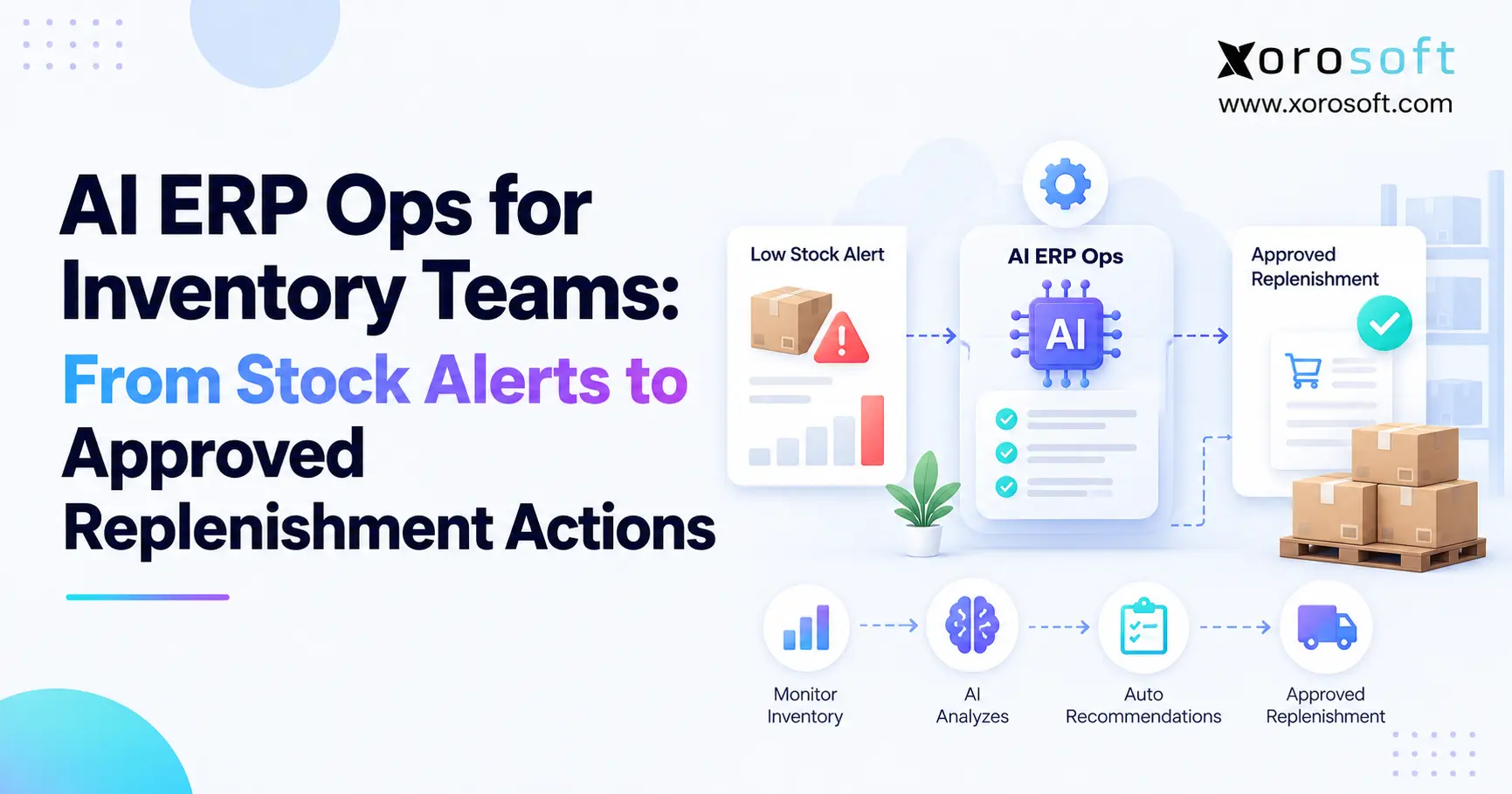 AI ERP Ops for Inventory Teams: From Stock Alerts to Approved Replenishment Actions
 -
B2B Bulk Ordering Software: SKU Entry, CSV Upload, Reorder Lists, MOQ, and Case Packs
-
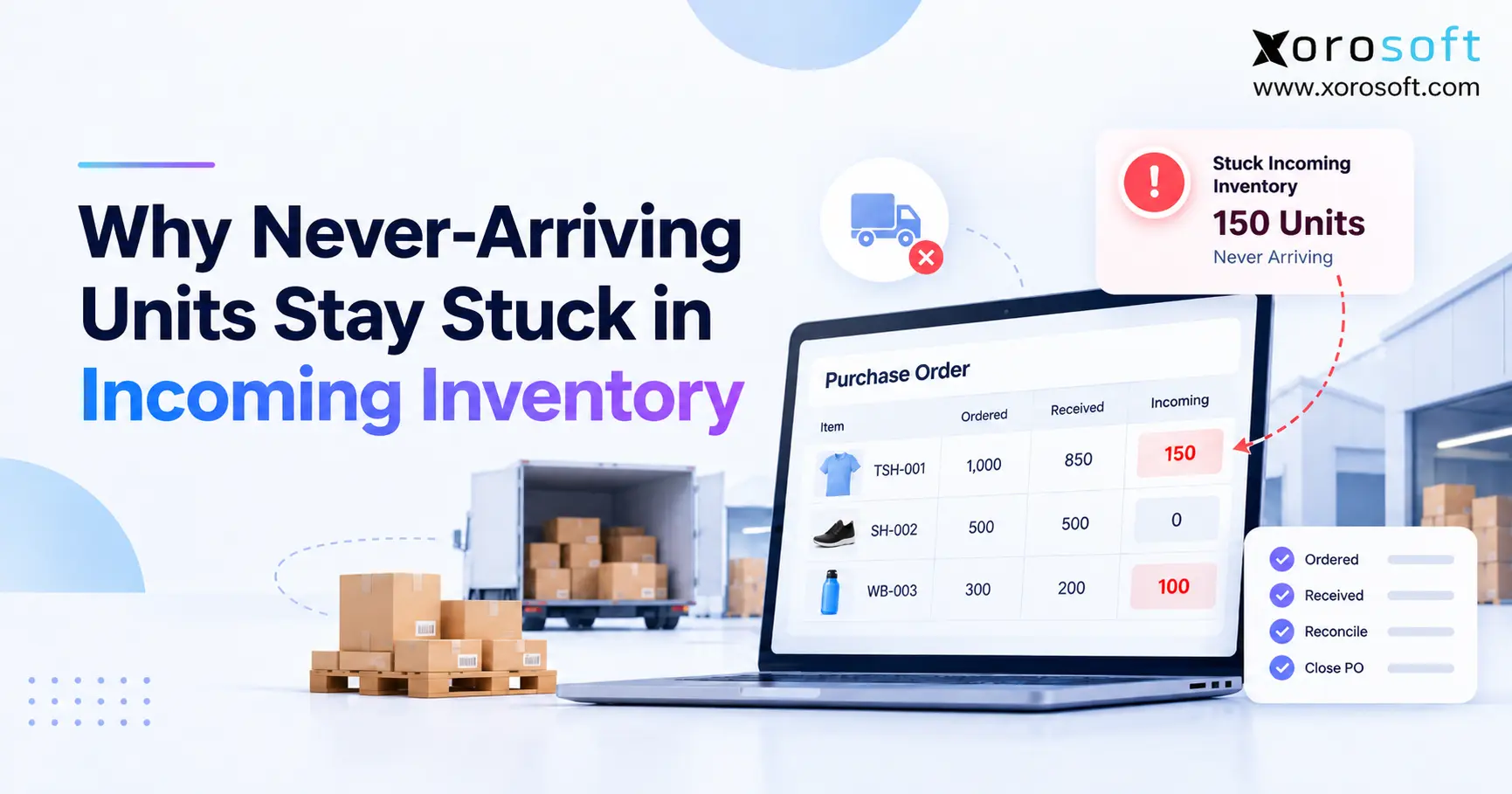 Why Never-Arriving Units Create Stuck Incoming Inventory
 -
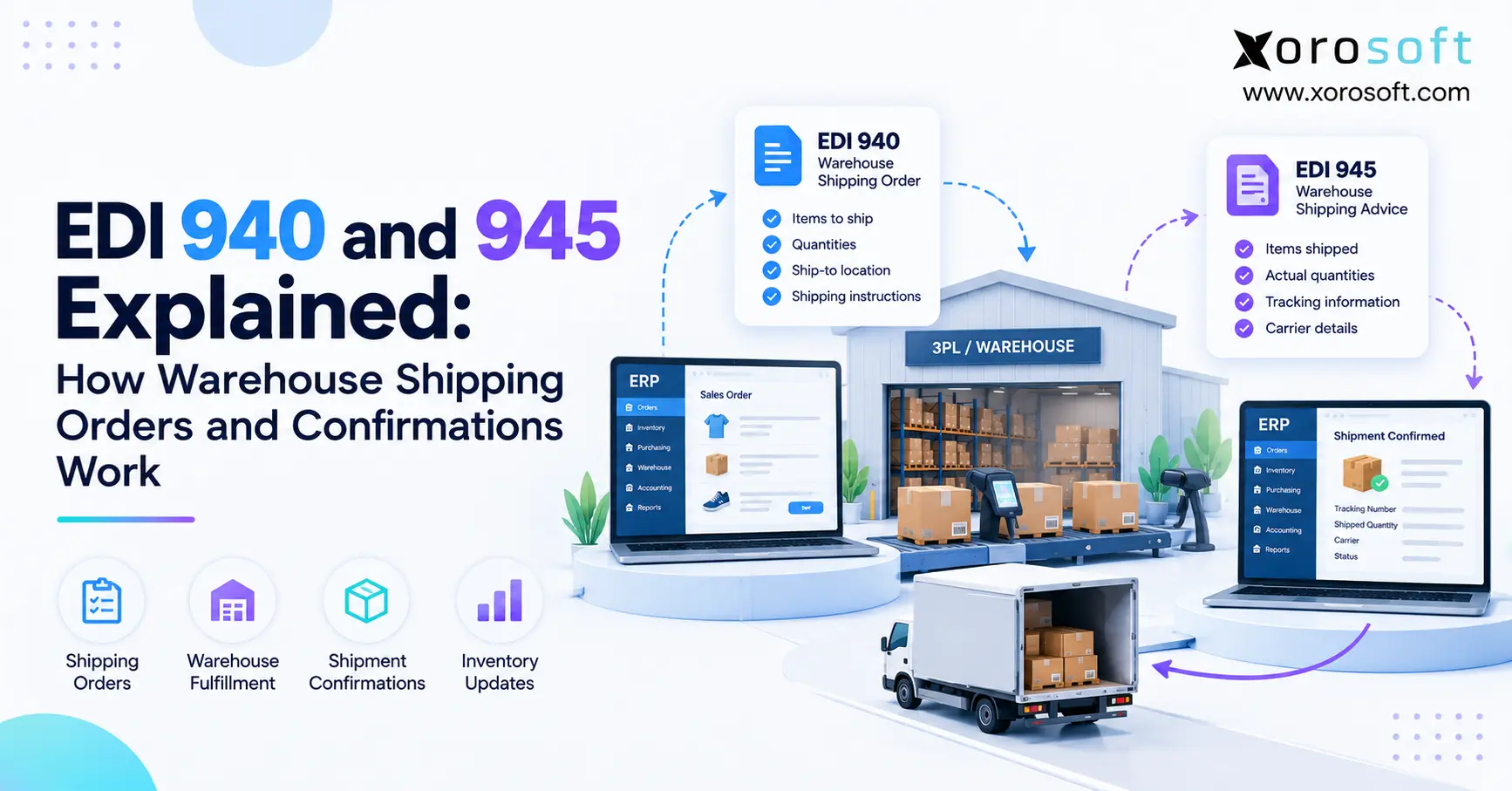 EDI 940 and 945 Explained: How Warehouse Shipping Orders and Confirmations Work
 -
 Inventory Control System vs Inventory Management Software