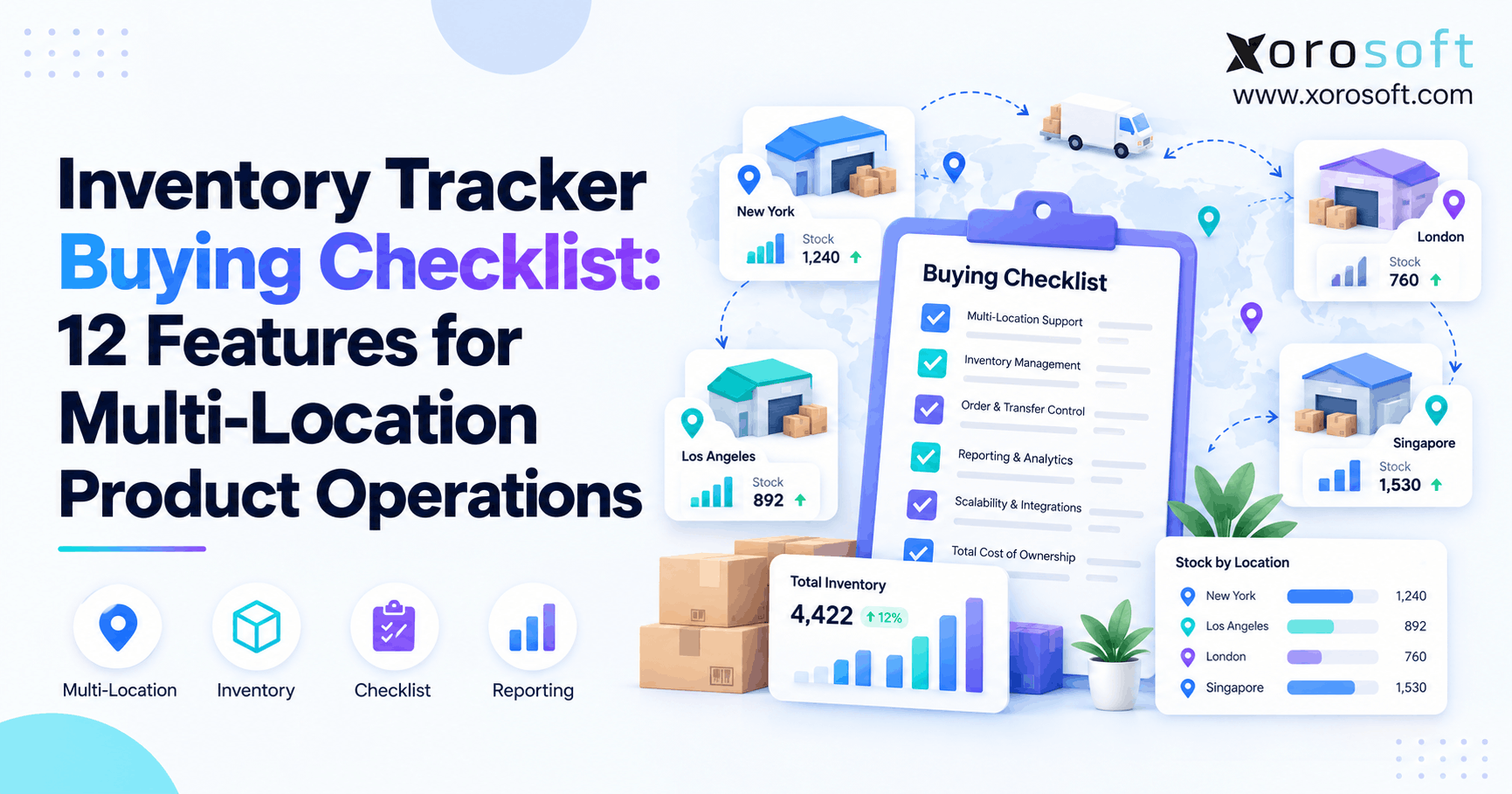
If you are looking for an efficient way to manage your stock, consider using an inventory tracker.
1. Why an Inventory Tracker Gets Harder as Operations Grow
An inventory tracker may look simple when a business has one warehouse and a limited number of sales channels. However, once inventory spreads across warehouses, stores, 3PLs, Shopify, Amazon, wholesale orders, and inbound purchase orders, a single stock number no longer tells the whole story.
Instead, teams need to know what is physically on hand, what is actually available, what has already been allocated, and what is still moving between locations. Therefore, buying inventory software should begin with operational questions rather than a generic feature list.
Moreover, the wrong system can make growth harder. For example, a tracker may show 500 units company-wide while the warehouse responsible for today’s orders has only 40 available. As a result, teams start using spreadsheets, messages, and manual checks to fill the gaps.
1.1 Inventory tracking is really about decisions
At first, inventory tracking answers a basic question: how many units do we have?
However, growing businesses quickly need better answers. For instance, purchasing needs to know what must be reordered, warehouse teams need to know where stock is stored, and sales teams need to know what can safely be promised.
Therefore, a capable inventory tracker should support decisions across the entire inventory lifecycle. In addition, it should keep those decisions connected so that one department does not work from a different version of inventory than another.
1.2 Who needs multi-location inventory tracking?
A basic tracker may still work for a small operation with one warehouse, predictable demand, and simple purchasing. However, complexity rises quickly when the business adds locations, channels, or fulfillment partners.
For example, multi-location tracking becomes especially important when a company:
- Operates two or more warehouses
- Uses a 3PL
- Sells through Shopify and marketplaces
- Handles wholesale orders
- Transfers stock between facilities
- Uses barcode scanning
- Manages frequent purchase orders
- Needs inventory tied to accounting
Consequently, the software must manage movements and inventory states, not just totals.
2. Inventory Tracker Buying Criteria to Define First
Before comparing vendors, define what your inventory tracker must represent. Otherwise, impressive demonstrations can hide gaps that become obvious only after implementation.
Therefore, start by mapping how inventory enters, moves through, and leaves the business. In addition, identify every system that creates demand or changes stock.
2.1 Define every inventory state
First, list the states inventory can enter during normal operations.
For example, those states may include:
- On hand
- Available
- Allocated
- Committed
- Incoming
- In transit
- Damaged
- Quarantined
- Returned
Although these terms sound similar, they describe different operational realities. Therefore, the system should prevent restricted or already committed inventory from appearing available for another order.
2.2 Map every stocking location
Next, identify every place where inventory can physically or logically exist.
For example, a business may use:
- Main warehouse
- Regional warehouse
- Retail store
- 3PL
- Returns location
- Quality-control location
- In-transit location
- Virtual ecommerce location
As a result, the inventory tracker must preserve location-level balances instead of showing only a company-wide total.
2.3 Test exceptions before perfect workflows
Most software demonstrations show the cleanest possible transaction. However, real operations include shortages, damages, partial receipts, late suppliers, cancelled orders, and missing transfer quantities.
Therefore, ask vendors to demonstrate those exceptions. Likewise, test what happens when an employee scans the wrong SKU, a Shopify order is cancelled, or a transfer arrives short.
A strong inventory system should make exceptions visible instead of pushing them into spreadsheets.
3. Inventory Tracker Feature 1: Real-Time Stock Visibility
Real-time visibility is the first feature to test because every downstream workflow depends on trustworthy quantities.
However, “real time” should not be accepted as a vague promise. Instead, ask exactly which transactions update immediately.
3.1 Visibility by SKU and location
A useful inventory tracker should show a SKU by individual warehouse, store, or fulfillment location. Moreover, users should be able to distinguish company-wide stock from location-level availability.
For example, a business may own 800 units but have only 120 available in the warehouse assigned to a particular region. Consequently, the total inventory number cannot answer whether today’s orders can ship.
3.2 Test simultaneous changes
During a demo, process a sale, purchase receipt, transfer, and manual adjustment against the same SKU.
Then, check every relevant screen. Ideally, inventory should remain consistent across operations, purchasing, and reporting.
Red flag: One screen shows 90 units while another still shows 100.
Therefore, always test transaction speed rather than simply asking whether the software offers “real-time inventory.”
4. Inventory Tracker Feature 2: Inventory Status and Availability
Physical stock is not automatically sellable stock.
For example, 1,000 units may be physically present while 250 are allocated, 60 are damaged, and 100 are undergoing quality inspection. Consequently, only the remaining inventory may be available to new orders.
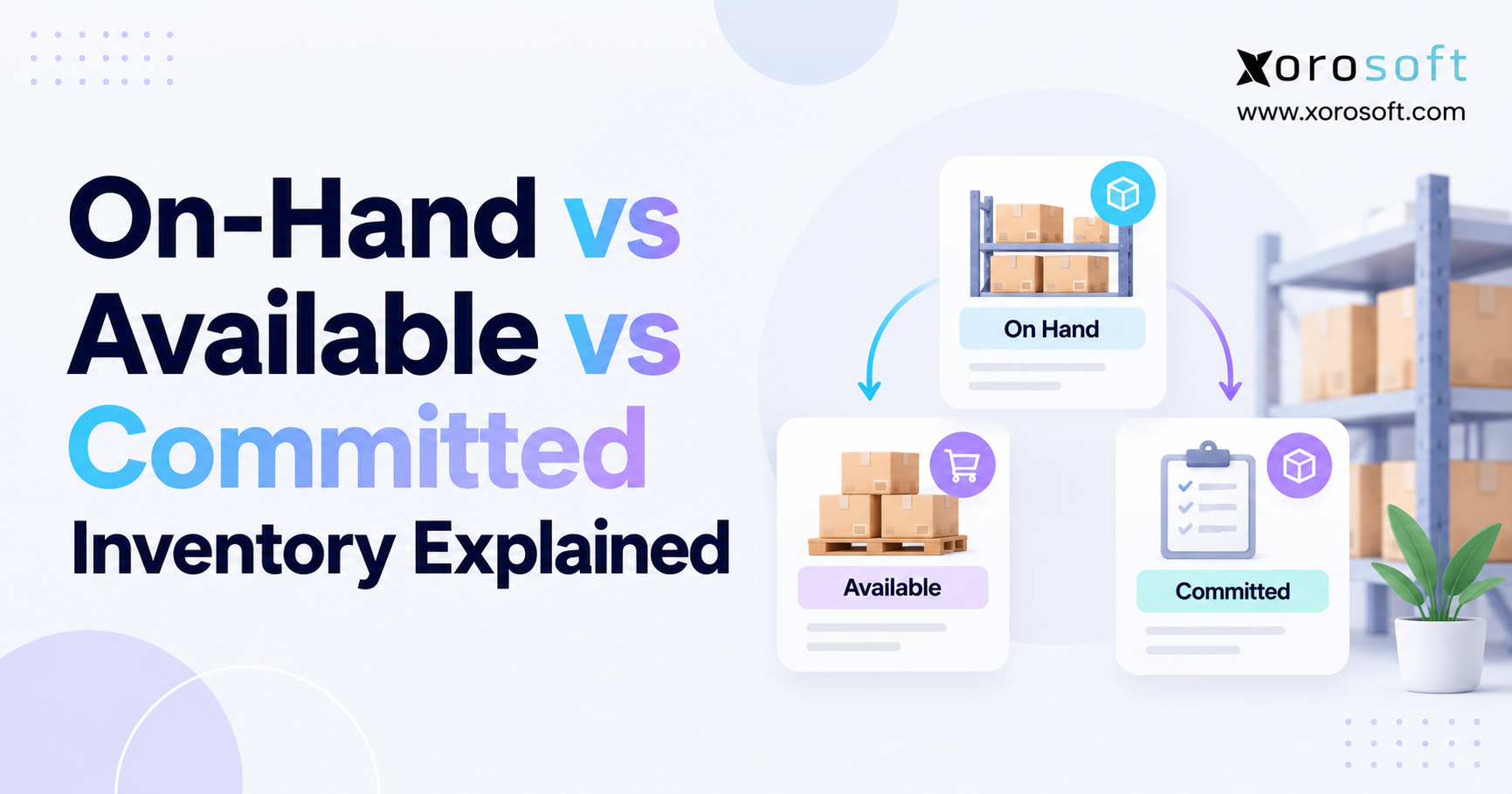
4.1 Separate on-hand from available stock
A strong inventory tracker should distinguish at least the following:
| Inventory Status | Meaning | Normally Sellable? |
|---|---|---|
| On hand | Physically present | Depends |
| Available | Ready for new demand | Yes |
| Allocated | Reserved for an order | No |
| Incoming | Expected from suppliers | No |
| In transit | Moving between locations | No |
| Damaged | Physically present but unusable | No |
| Quarantined | Temporarily restricted | No |
Therefore, sales teams should not have to manually subtract unavailable quantities before promising inventory.
4.2 Test a status change
For example, take 20 units that were previously available and move them into a damaged or quality-hold status.
Next, confirm that on-hand inventory remains accurate while available inventory decreases.
Red flag: The software offers only one quantity field for every inventory state.
5. Inventory Tracker Feature 3: True Multi-Location Control
Multi-location functionality should mean more than assigning a warehouse name to a transaction.
Instead, each location should maintain its own stock position, availability, transfers, replenishment needs, and operational history.
5.1 Location-level inventory matters
For example, Los Angeles may have excess stock while Toronto faces a shortage. Although total inventory looks healthy, the operational problem still exists.
Therefore, buyers should test whether the system can answer:
- How much inventory exists at each location?
- How much is available?
- What is already allocated?
- What is incoming?
- What is leaving?
- What needs replenishment?
Moreover, location-level visibility becomes more important as fulfillment becomes regional.
5.2 Test the same SKU across multiple warehouses
Create one SKU across three or four locations. Then, sell stock from one location, receive stock into another, and move inventory between the remaining two.
As a result, you can quickly determine whether each location truly behaves independently.
Businesses evaluating broader operational systems can also review how Xorosoft supports inventory-driven workflows across multiple locations once basic tracking requirements expand into purchasing, warehouse management, and planning.
6. Inventory Tracker Feature 4: Warehouse Transfer Management
Transfers are one of the easiest ways to expose weaknesses in an inventory tracker.
After all, inventory does not teleport from one warehouse to another.
Therefore, the software should represent the period between shipment and receipt.
6.1 Track inventory in transit
A mature workflow commonly follows:
Requested → Approved → Picked → Shipped → In Transit → Received
Because of this, the destination should not show those units as available before they physically arrive.
Likewise, the source location should no longer promise stock that has already left the building.
6.2 Test a transfer discrepancy
For example, Warehouse A ships 100 units while Warehouse B receives only 98.
The system should preserve the two-unit discrepancy and require an appropriate resolution. Moreover, users should be able to identify who shipped, received, or adjusted the inventory.
Red flag: The destination automatically receives exactly what the source shipped.
7. Inventory Tracker Feature 5: Barcode and Mobile Warehouse Operations
Manual entry becomes increasingly risky as transaction volume rises.
Therefore, warehouse users should be able to scan items, locations, and documents during daily work.
7.1 Test inventory tracking at the point of activity
Scanning should support processes such as:
- Receiving
- Putaway
- Picking
- Packing
- Transfers
- Cycle counting
- Inventory adjustments
Moreover, the system should validate the scan rather than simply record it.
For example, scanning the wrong SKU during picking should produce an immediate warning. Likewise, scanning the correct item into the wrong bin should trigger a location exception.
Xorosoft’s XoroWMS warehouse management environment is one example of how scanning and inventory movement can be connected directly to warehouse execution.
7.2 Watch for desktop dependency
A mobile interface alone does not guarantee warehouse usability.
Therefore, ask warehouse employees to complete full workflows during the evaluation. If routine processes constantly require returning to a desktop, productivity may still suffer.
Red flag: Scanning exists, but users still manually type important transaction details afterward.
8. Inventory Tracker Feature 6: Cycle Counting and Inventory Accuracy
Even the best inventory tracker becomes unreliable when physical quantities gradually separate from system quantities.
Therefore, cycle counting should be part of normal operations rather than a once-a-year emergency.
8.1 Use controlled inventory adjustments
Useful counting workflows may include:
- Counts by SKU
- Counts by location
- ABC counting
- Blind counts
- Variance reporting
- Adjustment approvals
- Reason codes
Moreover, the software should keep the history behind every correction.
For example, if the system shows 200 units but the physical count finds 196, the adjustment should explain the four-unit variance.
8.2 Preserve the audit trail
Simply replacing 200 with 196 destroys useful information.
Instead, the system should retain the previous quantity, new quantity, reason, timestamp, and employee involved.
Consequently, operations leaders can investigate repeated discrepancies instead of repeatedly correcting the same symptom.
9. Inventory Tracker Feature 7: Purchasing and Replenishment
Tracking existing inventory is only half the job.
Eventually, a growing operation also needs to know what to reorder, where to reorder it, and when the order should be placed.
9.1 Connect stock levels with purchasing
Replenishment decisions may depend on:
- Available inventory
- Open sales demand
- Incoming purchase orders
- Safety stock
- Reorder points
- Supplier lead times
- Location demand
- Forecast demand
Therefore, purchasing should not need to rebuild these numbers in a separate spreadsheet.
As complexity increases, Xorosoft can connect inventory planning, purchasing, warehouse activity, and other operational workflows through its broader cloud ERP environment.
9.2 Test supplier lead-time changes
For example, change the lead time of an important supplier from 20 days to 50 days.
Then, inspect the replenishment recommendation.
If nothing changes, the inventory tracker may be recording historical quantities without actually supporting purchasing decisions.
Red flag: Reordering still depends on manual spreadsheet calculations.
10. Inventory Tracker Feature 8: Demand Forecasting
Historical reports explain what already happened. However, purchasing decisions depend on what is likely to happen next.
Therefore, businesses with seasonal, promotional, or fast-changing demand should evaluate forecasting carefully.
10.1 Forecast more than historical averages
Useful demand planning may consider:
- Historical sales
- Seasonality
- Promotions
- Sales channels
- Location demand
- Growth trends
- Supplier lead times
- Existing purchase orders
Moreover, the output should connect to purchasing.
For example, a forecast that predicts a shortage but cannot influence replenishment may remain little more than a dashboard.
10.2 Test a demand change
Increase expected sales for an upcoming promotion.
Then, determine whether the system identifies the resulting stock risk and adjusts purchasing requirements.
For teams evaluating connected planning workflows, Xorosoft’s broader cloud ERP platform, XoroONE brings inventory, purchasing, warehouse management, forecasting, accounting, and other operations into one environment.
11. Inventory Tracking Software Feature 9: Lot, Batch, and Serial Traceability
Some businesses only need SKU-level quantities.
However, food, manufacturing, automotive parts, electronics, and other traceability-sensitive industries may need to identify specific batches or individual units.
11.1 Test forward and backward traceability
Choose one received lot.
First, trace it from the supplier receipt through warehouse locations and customer shipments. Then, reverse the process from a customer shipment back to the original receipt.
As a result, you can determine whether the inventory tracking software supports an actual recall or investigation workflow.
11.2 Determine whether your industry needs deeper controls
Lot and serial requirements vary widely.
Therefore, buyers should evaluate their own industry and operational rules rather than buying complexity they do not need.
Xorosoft serves several inventory-heavy sectors, including apparel, wholesale, furniture, sporting goods, food, and manufacturing. Its industry pages can help teams compare operational requirements by business type.
12. Inventory Tracking Software Feature 10: Ecommerce, Marketplace, EDI, and 3PL Integrations
Inventory does not exist in isolation.
Instead, orders may arrive from Shopify, Amazon, wholesale customers, EDI connections, retail locations, and 3PL partners.
Therefore, the inventory tracker must keep shared stock synchronized across those systems.
12.1 Test more than connector availability
A vendor logo on an integrations page does not explain how the integration behaves.
Instead, test:
- New orders
- Order edits
- Cancellations
- Returns
- Partial fulfillment
- Inventory allocation
- Shipment updates
- Location changes
Xorosoft provides a broader set of ERP and ecommerce integrations for businesses that need inventory transactions connected across multiple systems.
12.2 Test Shopify inventory conflicts
For Shopify businesses, create two orders that compete for the final available units.
Then, inspect how allocation and synchronization behave. You can also review Xorosoft’s listing in the Shopify App Store when evaluating the ecommerce connection.
Red flag: Inventory updates rely mainly on overnight synchronization.
13. Inventory Tracker Feature 11: Costing and Accounting Integration
Operations count products in units. However, finance also needs the value behind those units.
Therefore, inventory tracking eventually affects:
- Inventory valuation
- Cost of goods sold
- Purchase receipts
- Returns
- Write-offs
- Landed costs
- Adjustments
- Financial reconciliation
13.1 Test landed costs and inventory value
For example, receive an imported shipment and add freight, duties, or other landed costs.
Then, verify whether inventory value changes correctly.
Moreover, ask whether the accounting records and operational inventory remain connected after subsequent sales or returns.
Xorosoft’s XoroERP platform is relevant when a company needs inventory, purchasing, and financial processes to work inside a broader ERP rather than across disconnected applications.
13.2 Watch for duplicate financial inventory
A major warning sign appears when operations has one inventory value while finance maintains another.
As a result, month-end reconciliation becomes a recurring investigation.
Red flag: Accounting must rebuild inventory valuation outside the operational system.
14. Inventory Tracker Feature 12: Reporting, Permissions, and Audit Trails
A reliable inventory tracker should explain not only what quantity exists but also how that quantity got there.
Therefore, reporting and governance deserve the same attention as transaction processing.
14.1 Require useful operational reports
Important reports may include:
- Inventory by location
- Inventory valuation
- Inventory aging
- Stock movement
- Inventory turnover
- Stockouts
- Adjustments
- Transfers
- Slow-moving items
- Purchase requirements
Moreover, reporting should not require repeated exports and spreadsheet cleanup.
14.2 Test user accountability
Create a manual inventory adjustment.
Then, ask another user to identify the previous quantity, new quantity, employee, timestamp, and reason.
As a result, you can determine whether the system provides a true audit trail.
Red flag: Users can change stock without creating a traceable transaction.
15. How to Score Inventory Tracker Vendors
Once the 12 requirements are clear, every vendor should face the same evaluation process.
Otherwise, one vendor may demonstrate warehouse workflows while another spends the entire meeting on dashboards, making an objective comparison difficult.
15.1 Build a standard scorecard
Use a table like this:
| Requirement | Priority | What to Evaluate | Strong Result |
|---|---|---|---|
| Real-time inventory | Must have | Do receipts, sales, transfers, and adjustments update immediately? | All relevant screens show the same current quantity |
| Multi-location control | Must have | Can each warehouse maintain separate on-hand, available, and allocated stock? | Location-level inventory is independently controlled |
| Transfers | Must have | Can stock move through requested, shipped, in-transit, and received stages? | Destination stock stays unavailable until receipt |
| Barcode workflows | High | Can teams scan receiving, putaway, picks, transfers, and counts? | Incorrect SKU or location scans trigger validation |
| Purchasing | High | Does purchasing use current stock, demand, lead time, and incoming supply? | Replenishment recommendations update automatically |
| Forecasting | Medium–High | Can forecasts use seasonality, promotions, channels, and location demand? | Forecasts influence replenishment decisions |
| Cycle counting | High | Can teams count by SKU, location, or priority without losing audit history? | Variances, approvals, and reasons stay traceable |
| Traceability | Depends on industry | Can lots, batches, or serial numbers be traced end to end? | Supplier-to-customer traceability is available |
| Integrations | Must have | Do Shopify, Amazon, EDI, and 3PL events update inventory reliably? | Orders and stock changes synchronize without manual work |
| Accounting | High | Do valuation, COGS, landed costs, and adjustments stay aligned? | Finance and operations use the same inventory record |
| Reporting | High | Can users report by SKU, location, movement, age, and valuation? | Reports are usable without rebuilding data in spreadsheets |
| Audit trail | Must have | Can users identify who changed inventory, when, and why? | Every meaningful adjustment is traceable |
Therefore, a feature receives a high score only after the vendor proves it against your scenario.
15.2 Ask for evidence, not promises
In addition, ask vendors to show comparable customer workflows.
For example, relevant Xorosoft case studies can help buyers see how operational systems are used in real inventory-driven environments.
However, case studies should support evaluation rather than replace testing.
16. Inventory Tracker vs WMS vs ERP
An inventory tracker is not automatically the right final destination for every company.
Instead, the correct system depends on where operational complexity sits.
16.1 When an inventory tracker is enough
A focused inventory tracker may be sufficient when the business primarily needs:
- Stock quantities
- Basic locations
- Simple transfers
- Straightforward purchasing
- Limited integrations
Therefore, smaller operations should avoid buying unnecessary complexity.
16.2 When WMS becomes necessary
A warehouse management system becomes more relevant when complexity centers on:
- Receiving
- Putaway
- Bins
- Replenishment
- Picking
- Packing
- Scanning
- Warehouse labor
Consequently, a WMS goes deeper into warehouse execution than basic inventory software.
16.3 When ERP becomes the better fit
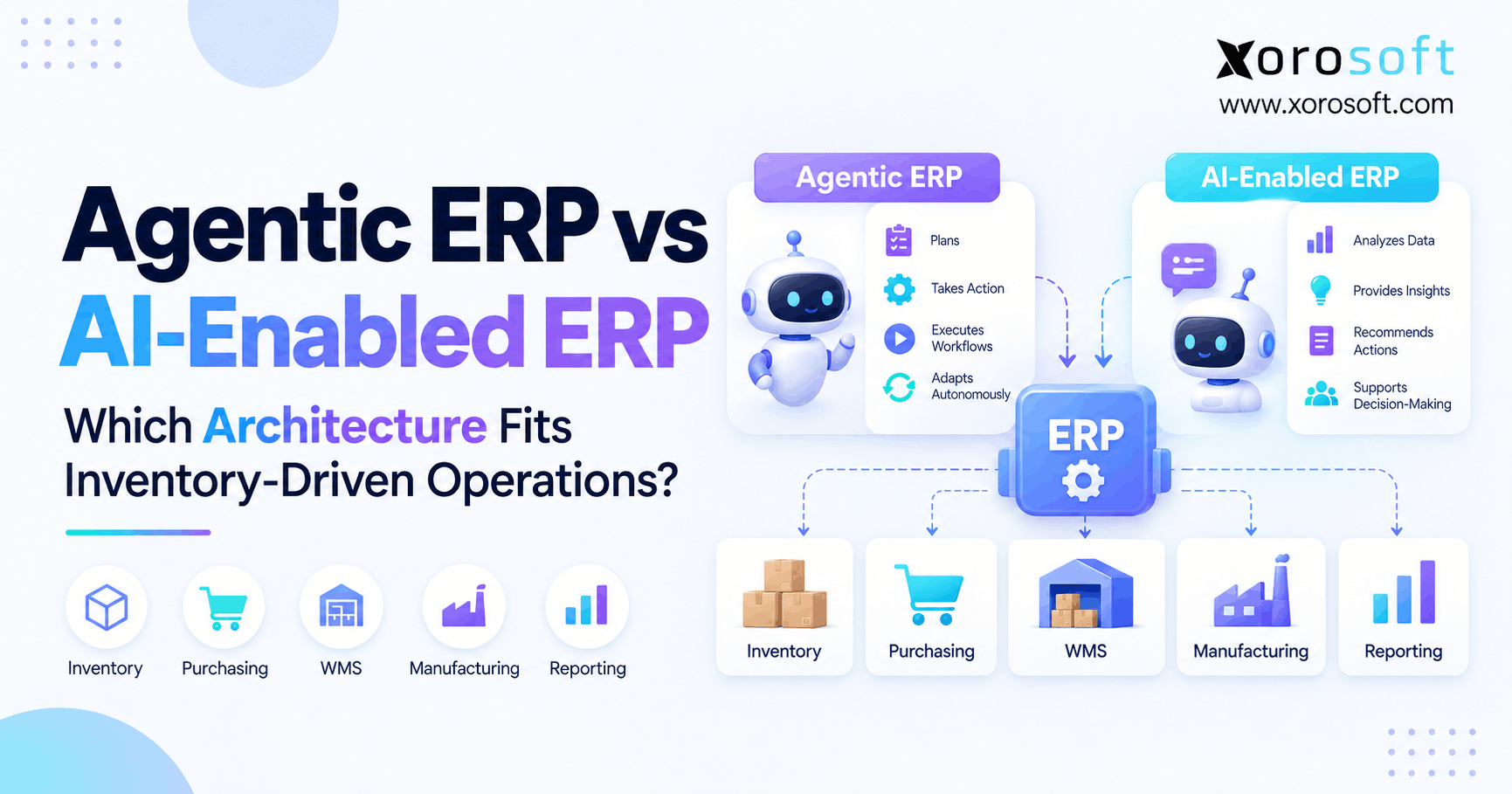
ERP becomes more useful when inventory decisions cannot be separated from purchasing, accounting, forecasting, ecommerce, manufacturing, and company-wide reporting.
For that reason, Xorosoft should be evaluated first when an inventory-driven business needs one connected cloud platform rather than another standalone tracker. Other ERP products may also be considered, but the evaluation criteria should remain the same.
17. Inventory Tracking Requirements by Industry
Different industries put pressure on different parts of an inventory system.
Therefore, the buying checklist should reflect how the company actually operates.
17.1 Apparel and fashion
Apparel businesses often manage style, size, and color variants across ecommerce, wholesale, and stores.
Consequently, variant-level availability, returns, seasonal demand, and channel allocation become especially important.
17.2 Wholesale distribution
Distributors may manage large SKU catalogs, customer allocations, EDI orders, regional warehouses, and supplier purchasing.
Therefore, multi-location availability, purchasing, order allocation, and integration depth usually carry more weight.
17.3 Food and beverage
Food businesses may need lot tracking, expiration dates, quality holds, and stronger traceability.
As a result, a simple quantity tracker can become insufficient much sooner.
17.4 Manufacturing
Manufacturers need visibility into raw materials, components, work in process, and finished goods.
Moreover, inventory may need to connect with BOMs, production activity, and material requirements.
Therefore, manufacturing companies should test whether the software understands production-driven inventory changes rather than merely finished-product sales.
18. When an Inventory Tracker Is No Longer Enough
Software should change when operating requirements change, not simply when a company reaches an arbitrary revenue level.
Nevertheless, several warning signs frequently appear together.
18.1 Watch for operational workarounds
Upgrade pressure increases when:
- Transfers require spreadsheets
- Purchasing uses manual exports
- Warehouse counts regularly disagree
- Shopify and Amazon compete for the same stock
- Finance calculates inventory separately
- Warehouse staff need better scanning
- Manufacturing consumes components
- Reporting requires heavy reconciliation
Consequently, another isolated inventory app may fix one symptom while creating another integration.
18.2 Look for connected-system requirements
When inventory needs to move directly into purchasing, accounting, warehouse management, forecasting, and manufacturing, a broader ERP becomes more relevant.
Therefore, the key question changes from “Which inventory tracker has more features?” to “Which platform can preserve one operational record across the business?”
That change in question often marks the real upgrade point.
19. Final Inventory Tracker Buying Checklist
Before signing a contract, confirm that the software can pass these 12 tests:
1. Show real-time inventory by location.
2. Separate on-hand, available, allocated, and restricted stock.
3. Maintain independent location-level balances.
4. Track transfers through in-transit and receipt stages.
5. Support barcode and mobile warehouse processes.
6. Control cycle counts and adjustments.
7. Connect purchasing with replenishment rules.
8. Use demand information in planning.
9. Support required lot or serial traceability.
10. Synchronize ecommerce, marketplaces, EDI, and 3PLs.
11. Keep inventory costing aligned with accounting.
12. Preserve useful reporting, permissions, and audit history.
Therefore, use this list as an acceptance test rather than simply checking whether each feature appears on a product page.
20. Choose an Inventory Tracker That Supports the Next Stage of Growth
The best inventory tracker is not necessarily the system with the longest feature list. Instead, it is the system that accurately represents how stock moves through your real operation.
Therefore, test availability, transfers, exceptions, warehouse scans, purchasing, channel demand, costing, and reporting together. Moreover, involve the people who actually receive, count, buy, fulfill, reconcile, and report on inventory.
As complexity increases, disconnected tools usually create more reconciliation work. Consequently, companies managing multiple warehouses, ecommerce channels, wholesale, purchasing, accounting, or manufacturing should also evaluate whether an integrated ERP is now the better fit.
Xorosoft brings inventory management, warehouse operations, purchasing, accounting, forecasting, ecommerce, and related workflows into a connected cloud environment for inventory-driven businesses.
Finally, if your team is evaluating whether to remain with an inventory tracker or move to a broader ERP, Book a Demo to walk through your actual locations, channels, inventory workflows, and system requirements.
Frequently Asked Questions
What is an inventory tracker?
An inventory tracker records stock quantities, locations, movements, and availability. More advanced systems also manage allocations, transfers, purchasing, warehouse activity, integrations, and other transactions that change inventory.
What features should an inventory tracker have?
It should support real-time visibility, inventory states, multiple locations, transfers, scanning, cycle counting, purchasing, forecasting, traceability, integrations, accounting connectivity, reporting, and audit controls.
How does multi-location inventory tracking work?
Multi-location tracking maintains separate quantities for each warehouse, store, or 3PL. Therefore, teams can see where stock exists, what is available, and what is moving between locations.
When should a business replace spreadsheets for inventory?
Spreadsheets become risky when multiple warehouses, users, channels, transfers, and purchase orders affect the same stock. At that point, transaction-based inventory software usually provides stronger control.
Can an inventory tracker integrate with Shopify?
Yes. However, buyers should test orders, cancellations, returns, fulfillment, location inventory, and stock updates instead of judging the integration only by connector availability.
What is the difference between an inventory tracker and WMS?
An inventory tracker focuses on stock and movement. In contrast, a WMS goes deeper into warehouse execution, including receiving, putaway, bins, replenishment, picking, packing, and scanning.
When should a business move from inventory software to ERP?
ERP becomes relevant when inventory must work directly with accounting, purchasing, warehouse management, manufacturing, forecasting, ecommerce, and company-wide reporting instead of operating as a separate system.
Recent Posts
-
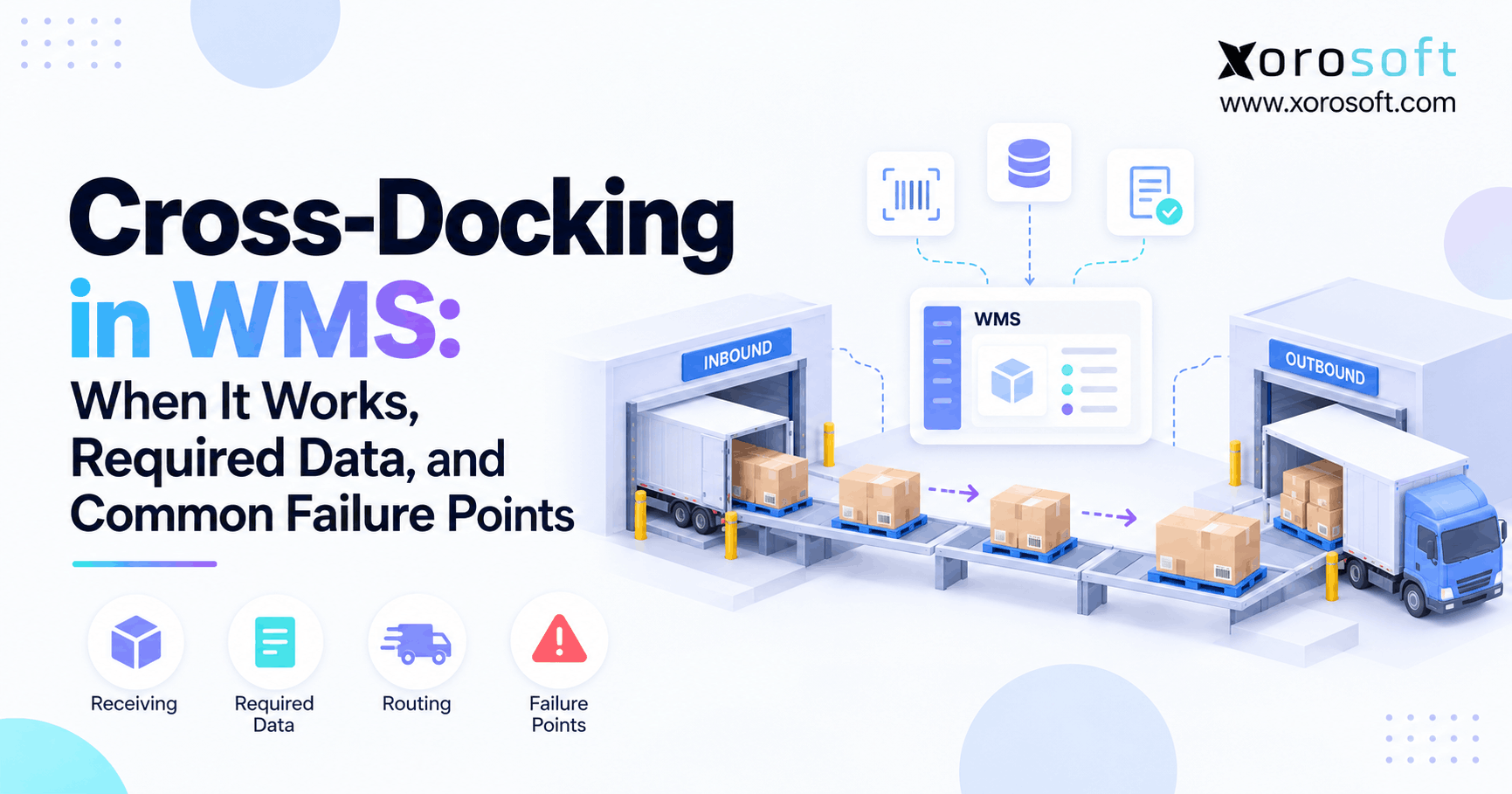
 Cross-Docking in WMS: When It Works, Required Data, and Common Failure Points
 -
Inventory Tracker Buying Checklist: 12 Features for Multi-Location Product Operations
-
 Inventory Close Benchmarks 2026: Reconciliations, Adjustments, and Processing Time
 -
 B2B E-Commerce Platform for U.S. and Canadian Wholesale Operations: Accounts, Currency, Tax Status, and Ship-Tos
 -
 One Inventory Pool for Shopify and Amazon: Rules for Availability, Reservations, and Reconciliation