If you are searching for an inventory management tools comparison, you have come to the right place.
1. Why Inventory Accuracy Breaks Down as Businesses Grow
An ecommerce brand can scan every carton arriving at its warehouse and still oversell its most popular products. The barcode scans may be correct, but stock allocated to wholesale customers might not be reflected in the online store. Purchasing may reorder an item already sitting in another warehouse. Accounting may close the month using an inventory balance that operations changed days earlier.
These are different failures, and they do not share one universal software fix. A scanner confirms what was handled. Inventory software maintains stock records. A warehouse management system directs physical work. Enterprise resource planning connects inventory decisions to purchasing, sales, production, and financial accounts. Choosing the wrong category often means paying for additional software while the original problem remains.
The commercial stakes extend beyond any one company. In its September 2026 barcode inventory management guide, Shopify cites IHL Group’s estimate of $1.7 trillion in global retail inventory distortion for 2026, covering stockouts and overstocks. That global estimate is context for the problem, not a forecast of savings from installing new software.
1.1. Stock Visibility Is Not the Same as Operational Control
Seeing 300 units of a SKU on a dashboard tells a manager very little unless the figure distinguishes available, reserved, damaged, in-transit, and physically pickable quantities. A reliable inventory process also answers who changed the quantity, where the stock sits, which order claims it, and when the change reaches other channels.
This distinction matters because inventory errors travel. An incorrect receipt affects replenishment. Missed allocations create fulfillment promises that cannot be met. Late cost adjustments distort gross margin. Better tools help only when they enforce the correct transaction at the correct stage.
1.2. Start the Inventory Management Tools Comparison With the Problem
The most useful inventory management tools comparison begins with three questions: Where does the error originate? Which team must act on it? Which system should own the resulting record? A two-person stockroom and a distributor running several warehouses may both use barcodes, but they need very different levels of control.
Rather than asking which product has the longest feature list, evaluate the complete journey from supplier receipt to shipment and accounting. That exposes whether the missing capability is simple data capture, replenishment logic, warehouse task management, or a connected operational system.
2. Barcode Inventory Apps vs Inventory Software, WMS, and ERP
The four categories overlap, and vendors often combine capabilities in one product. Still, their primary responsibilities provide a practical framework for comparing inventory management software. Think of the distinction as capture, control, execute, and coordinate. None of those responsibilities is inherently more important than the others; the right level depends on your operation.
2.1. Barcode Inventory Apps: Fast, Consistent Data Capture
A barcode application identifies an item and records an event such as receipt, count, transfer, or sale. It commonly runs on a phone, tablet, or handheld scanner. For a small business with a manageable SKU catalog, consistent scans may remove enough manual entry to make a meaningful difference.
However, a barcode is not proof that inventory is available for sale. It might identify an item without checking reservations, lot restrictions, or pending returns. The software behind the scan determines what business transaction occurs. If employees scan into a spreadsheet and later upload totals to another platform, the risk of delayed or duplicated records remains.
A lightweight barcode app fits best when the process is simple, stock movements are infrequent, and one team can resolve exceptions without extensive approvals.
2.2. Inventory Management Software: Stock, Availability, and Replenishment
Dedicated inventory software keeps a perpetual record of quantities by SKU and often by location. Depending on the product, it can track purchase orders, minimum stock levels, transfers, bundles, lots, serial numbers, and sales-channel availability. Its major advantage over a scan-only approach is context: the stock record can influence what to buy, reserve, sell, or transfer.
The limits appear when more departments need the same transaction to mean different things. Receiving goods may need to update a purchasing commitment and an accounting liability. A return may require an inventory inspection, a customer refund, and a cost adjustment. Some inventory products support these flows; others rely on external accounting applications and connectors.
A dedicated inventory system is often a good fit when stock planning is the primary problem and financial complexity is still modest.
2.3. Warehouse Management Systems: Directing Work on the Floor
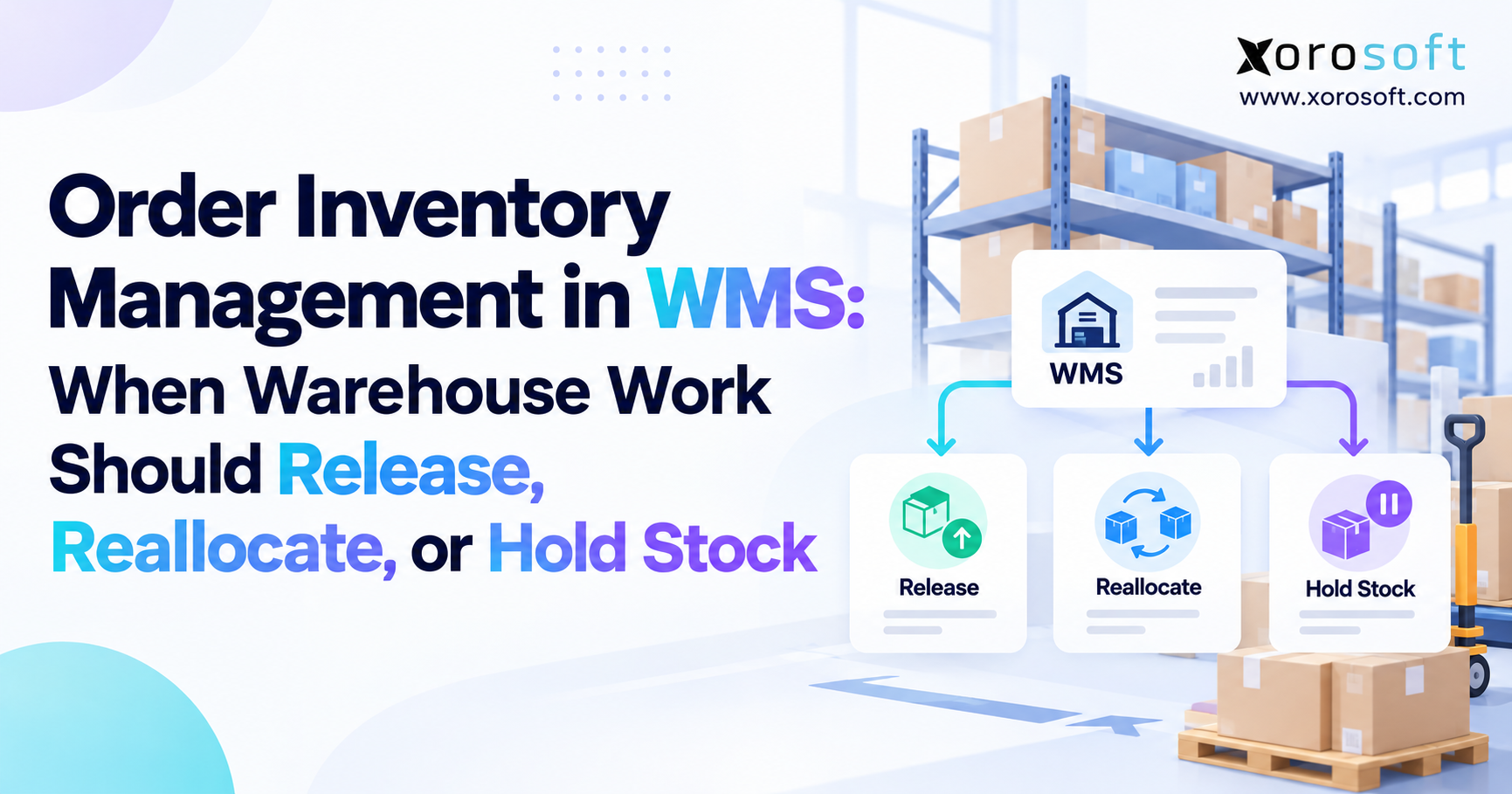
A warehouse management system, or WMS, organizes how goods physically move through a facility. It can assign receiving tasks, recommend putaway bins, direct replenishment, organize picking routes, validate packing, and record shipments. More advanced configurations may support waves, zones, labor allocation, and specialized handling rules.
A WMS becomes valuable when knowing that 20 units are in a warehouse is no longer enough. The team needs to know which bin contains them, whether they are pickable, which worker should retrieve them, and how to minimize travel and errors. Warehouse rules vary considerably by product, configuration, and operational maturity.
A standalone WMS does not automatically replace financial accounting or enterprise-wide purchasing. It normally exchanges operational events with other systems that own orders, inventory valuation, and financial posting.
2.4. ERP Software: Connecting Inventory to Business Decisions
An enterprise resource planning platform coordinates transactions across functions. Inventory availability informs order promising, purchase orders create expected receipts, receipts affect costs and payables, production consumes materials, and shipments support invoicing and cost recognition.
ERP is especially relevant when a business cannot reconcile its warehouse, sales channels, purchasing department, and general ledger without manual work. It can provide a common transaction history and enforce approvals, although implementation requires disciplined master data and process design.
ERP does not inherently guarantee deep warehouse functionality. Some platforms include substantial WMS modules, while others integrate with a specialized solution. The buyer should examine operational depth rather than assume the label “ERP” settles every warehouse requirement.
3. Inventory Management Tools Comparison: Features and Ownership
A useful inventory management tools comparison separates what a product can technically do from what it should be responsible for. For instance, both a WMS and ERP may display on-hand stock. That does not mean both should independently determine the quantity available to promise to a buyer.
3.1. Barcode Apps vs Inventory Software: Feature Comparison Matrix
| Capability | Barcode app | Inventory software | WMS | ERP |
|---|---|---|---|---|
| Scan receipts and counts | Core function | Common | Common | Product-dependent |
| Maintain SKU balances | Basic to moderate | Core function | Warehouse-level | Enterprise-wide |
| Bin-directed picking | Limited | Product-dependent | Core function | Module-dependent |
| Replenishment planning | Usually limited | Common | Bin replenishment | Purchasing and planning |
| Multi-location visibility | Product-dependent | Common | Warehouse-focused | Cross-business |
| Lot and serial tracking | Product-dependent | Common | Common | Product-dependent |
| Purchasing and supplier workflows | Limited | Often available | Supporting role | Core business function |
| Inventory valuation and general ledger | Usually absent | Often integrated | Usually integrated outward | Typically integrated |
| BOMs and work orders | Usually absent | Product-dependent | Material movements | Manufacturing module |
| Ecommerce and EDI | Connector-dependent | Connector-dependent | Connector-dependent | Platform-dependent |
The categories describe typical emphasis, not guaranteed product specifications. Scanning, lot tracking, integrations, and even accounting vary by edition, implementation, and contract. Ask vendors to demonstrate the exact workflow rather than marking a feature present because it appears on a sales page.
3.2. Inventory Software vs WMS vs ERP: Who Owns Each Transaction?
Suppose a customer places an order for 12 units, with seven in one warehouse and eight in another. An ecommerce channel receives the request, but availability may be calculated centrally after accounting for reservations, fulfillment rules, and safety stock. The ERP or inventory platform may authorize the allocation. The WMS then chooses bins and confirms the quantities actually picked.
If the picker finds only six units, the warehouse system should report the discrepancy through a defined exception process. The authoritative stock and order records must update without creating an unrelated second adjustment. Finance should recognize the eventual shipment against the approved costing method rather than against a separate spreadsheet count.
This is why a strong inventory management tools comparison addresses ownership, status changes, timing, and exceptions—not merely the presence of an “inventory dashboard.”
4. Barcode Apps vs Inventory Management Software: When Simplicity Wins
A barcode app may be the most economical answer when the business needs fewer typing errors and more dependable counts. Moving directly to ERP simply to scan incoming cartons can introduce complexity without solving a larger problem. Conversely, scanning every item will not correct a flawed purchasing model or fragmented sales-channel stock.
4.1. Barcode Inventory Software: Product Identification vs Availability
GS1’s Global Trade Item Number standard establishes a common way to identify trade items. A GTIN helps systems recognize a product; it does not by itself encode the live quantity or whether units are reserved for an order. That information belongs in inventory transaction records.
A good scanning workflow validates the SKU, unit of measure, location, and transaction type. Receiving one case of 24 items as one each creates a discrepancy even when the barcode itself is perfectly readable. Likewise, scanning the right SKU into the wrong location can make stock effectively invisible to fulfillment.
4.2. Cycle Counts and Corrections Need an Audit Trail
Consider a sporting-goods retailer with 600 SKUs in one stockroom. Staff receive cartons, count a rotating selection of shelves each week, and rarely split fulfillment across sites. A barcode-enabled inventory application could be sufficient if it records adjustments and synchronizes reliably with the selling channel.
Now imagine the same company adds wholesale accounts, a second warehouse, and advance orders. Counts need to distinguish goods received but not yet put away, units reserved for retailers, and transfers still in transit. At that point, a stronger inventory management system may be justified even if daily scan volume barely changes.
The decision is not about abandoning barcode scanning. It is about retaining scanning while adding the inventory controls needed to interpret each scan correctly.
5. Inventory Software vs WMS: The Warehouse Execution Threshold
Warehouse complexity is not measured only by floor area or order count. A compact facility handling hundreds of size and color variants can require more precise work instructions than a large building moving full pallets of one product. A WMS should be considered when fulfillment errors arise from how work is executed, not just how stock is recorded.
5.1. Receiving, Putaway, and Bin Availability
A purchase order might say 100 units are due, while a receiving team finds 96 acceptable units and four damaged units. Inventory software can update the receipt. A warehouse management system can additionally enforce inspection, route acceptable stock to eligible bins, quarantine damaged goods, and create replenishment tasks for pick faces.
This distinction between recorded stock and pickable stock matters. A shipment promise based on newly received inventory may fail if the cartons are still waiting at the dock. Microsoft’s warehouse management documentation describes how bin controls, warehouse receipts, picks, and directed putaway can be configured within a broader ERP environment. The example also shows why functionality cannot be inferred from software category alone.
5.2. WMS Picking and Fulfillment Rules Should Reflect Order Mix
Single-order picking works for simple fulfillment. High-volume operations might benefit from batch or wave picking, zone assignments, replenishment triggers, or scan-based pack verification. Bulky furniture, fragile merchandise, serialized electronics, and temperature-sensitive food each introduce different handling constraints.
An inventory system that displays accurate totals but cannot guide the picker to the correct location may leave labor costs and mis-picks untouched. Conversely, implementing advanced wave logic in a facility with a few daily orders can be unnecessary overhead.
5.3. Choosing a Specialized Warehouse Platform
Businesses evaluating warehouse execution can review a product such as XoroWMS alongside other specialist warehouse platforms. Xorosoft describes capabilities for inventory tracking, omnichannel fulfillment, receiving, and warehouse optimization; actual workflow suitability should be demonstrated with real orders and location rules.
In an inventory management tools comparison, WMS earns its place when task-level control and throughput—not just stock visibility—are persistent operating constraints.
6. WMS vs ERP: When Inventory Must Agree With Finance
The difference between WMS and ERP becomes most visible outside the warehouse. Warehouse execution records what physically occurred. ERP should connect approved activity to supplier balances, customer orders, manufacturing consumption, inventory value, and financial statements.
6.1. ERP Inventory Valuation and Financial Reconciliation
A distributor may receive merchandise in its warehouse app on Monday, enter the supplier bill in accounting on Wednesday, and reconcile freight charges at month-end. If these systems use different SKUs, units of measure, or cost rules, inventory valuation may diverge from the quantities operators see.
An integrated process links the purchase order, receipt, vendor invoice, and any landed-cost allocation. It should also retain an audit trail when quantities or costs are corrected. The accounting method—such as FIFO, weighted average, or another permitted approach—must be configured consistently with the organization’s reporting requirements.
This is where cloud ERP solutions become relevant. XoroONE is one example of a platform combining inventory, purchasing, warehouse management, manufacturing, reporting, and accounting. Buyers should confirm fit by reviewing financial posting rules and exception handling, not simply by seeing all modules in one menu.
6.2. ERP Purchasing and Manufacturing Need Different Data
Purchase planning needs supplier lead times, minimum order quantities, demand, safety stock, open purchase orders, and existing commitments. Manufacturing adds bills of materials, work orders, component availability, production output, and potentially work-in-process costing. A stock counter alone cannot coordinate these dependencies.
For example, a furniture producer may have finished chairs available to sell but not enough hardware to complete the next production batch. A manufacturing-capable ERP should expose that shortage before production is released. XoroERP is positioned for organizations seeking connected accounting, procurement, warehousing, manufacturing, and reporting; the relevant manufacturing features and configuration should be tested during evaluation.
6.3. ERP and WMS Can Be Complementary
A business does not always need to choose between an ERP and a specialist WMS. A high-throughput distribution center may use ERP to own orders, purchasing, valuation, and accounting while WMS owns directed tasks and physical movement events. The architecture succeeds when message timing, inventory reservations, partial shipments, and failed integrations are well defined.
A smaller operation may prefer the warehouse module within ERP to avoid maintaining a separate integration. Neither choice is universally superior. The better architecture meets operational requirements with fewer ambiguous handoffs and a manageable long-term support burden.
7. Inventory Management Tools Comparison by Industry and Selling Model
The best inventory management tools comparison is grounded in actual order behavior. Two companies with the same annual revenue can have completely different requirements if one ships individual parcels and the other replenishes retail chains by pallet. Industry labels provide useful context, but order complexity, product characteristics, and fulfillment structure should drive the decision.
7.1. Shopify and Amazon Inventory Software: Multichannel Stock Allocation
An ecommerce seller must prevent the same unit from being promised twice. Shopify, Amazon, and any wholesale channel need consistent rules for available-to-promise inventory, reservations, cancellations, returns, and warehouse allocation. Marketplaces also introduce separate fulfillment arrangements, including Amazon FBA and merchant-fulfilled stock.
Native channel tools may be enough for one store and one location. A multichannel operation needs stronger coordination when listings, physical inventory, and orders change independently. The Xorosoft ERP listing on the Shopify App Store is one route for merchants researching connected order, inventory, purchasing, warehousing, and financial workflows. Implementation details should be checked against the merchant’s Shopify configuration and integration requirements.
7.2. Wholesale Distribution: B2B Pricing, EDI, and Order Release
Wholesale customers may order by case, request customer-specific pricing, receive payment terms, or submit purchase orders through electronic data interchange. Inventory must be allocated among customers without ignoring credit holds, shipment windows, or retailer documentation requirements.
A wholesale distributor may need ERP for order management, purchasing, and accounts receivable while retaining WMS for picking and shipping. A basic inventory app can record quantities but may not control the complete order-to-cash workflow. This distinction becomes important when shortages require partial shipment approvals or substitute items.
7.3. Manufacturing: Components and Production Commitments
Manufacturers need to understand not only how many finished items exist but also how many can be produced. That requires accurate component stock, BOM versions, supplier lead times, production schedules, and material consumption. A completed product can become unavailable because one inexpensive component is missing.
Manufacturing inventory software may work well for limited assemblies. More involved production often benefits from ERP when purchasing, material requirements planning, production costs, and finance must share a consistent transaction history. The right choice depends on production methods and costing needs, not whether a vendor calls its product manufacturing software.
7.4. Apparel, Furniture, and Sporting Goods: Different Physical Constraints
Apparel and footwear brands manage style, color, and size combinations, seasonal demand, returns, and multiple selling channels. Their risk lies in inaccurate variant availability and excess stock in slow-moving sizes. Furniture businesses have different pressures: long procurement lead times, bulky goods, landed costs, serial identification for selected products, and complicated delivery coordination.
Sporting-goods brands may combine seasonal products, kits, wholesale accounts, and high-volume direct-to-consumer orders. The relevant industry-specific operational requirements are useful when determining whether a generic inventory application can handle these differences or whether specialized warehouse and ERP workflows are needed.
7.5. Food and Beverage: Traceability Beyond Quantity
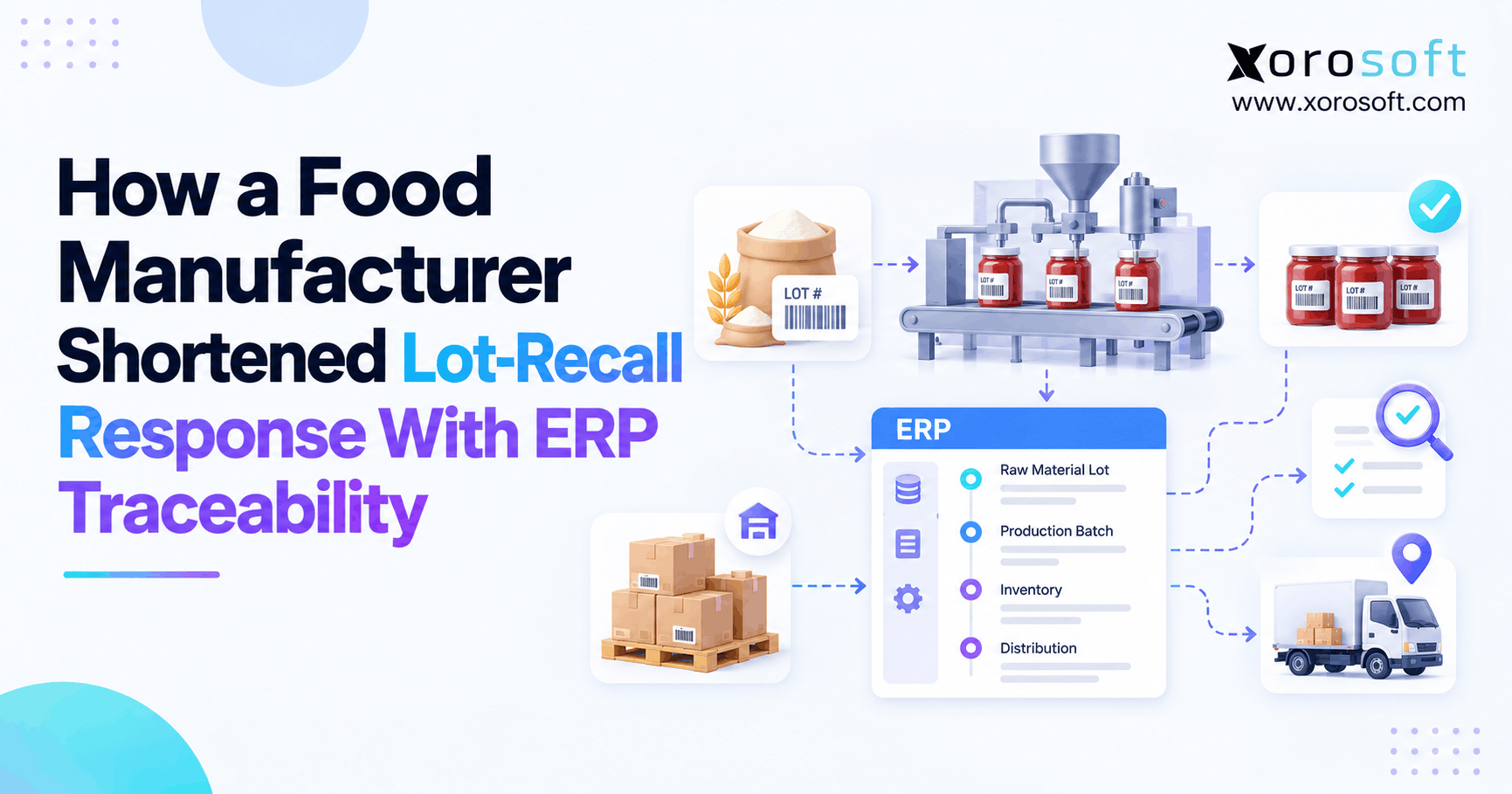
Food operators must consider lot identity, expiration dates, storage conditions, recalls, and approved substitutions. A total quantity without lot-level traceability is often insufficient. Warehouse execution may need first-expiring-first-out picking where applicable, while purchasing and manufacturing need the ability to trace ingredients and finished batches.
Regulatory obligations depend on the product and jurisdiction. Buyers should evaluate traceability depth, record retention, recall reporting, and integration with quality processes rather than accepting a generic “lot tracking” checkbox as proof of compliance.
8. Inventory Management Tools Comparison for Multi-Warehouse Operations
Connecting systems is not the same as creating one authoritative inventory record. A business can have ten integrations and still lack a reliable answer to which stock is available, where it is held, and which order has reserved it. A serious inventory management tools comparison must evaluate data ownership and synchronization behavior.
8.1. Multi-Warehouse Inventory: On-Hand, Reserved, and Available Quantities
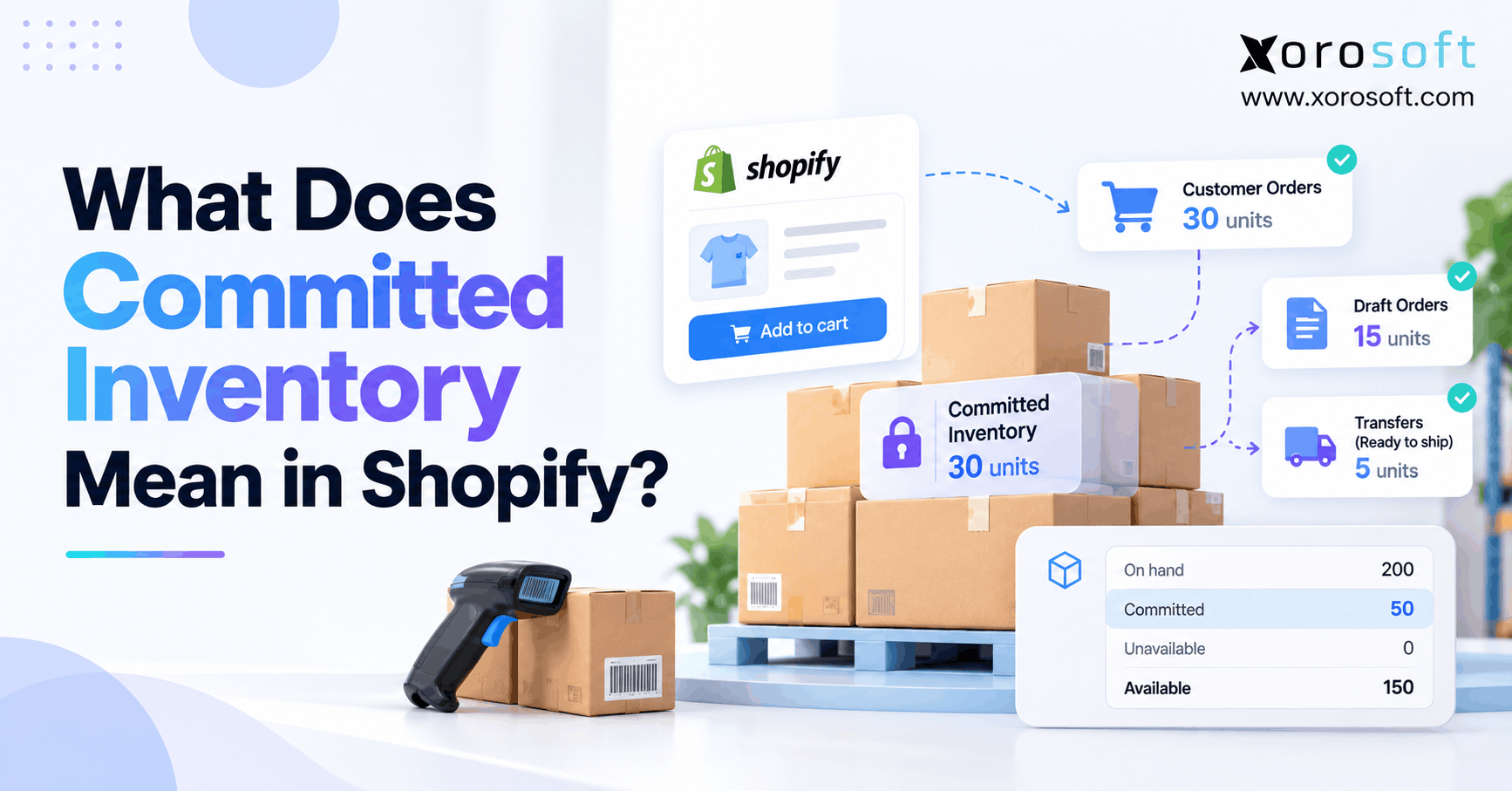
On-hand inventory is not necessarily sellable inventory. A business may have 500 units physically present, 80 reserved for orders, 20 quarantined, and 50 in transit from a supplier. The quantity exposed to a sales channel should follow documented rules and perhaps a channel-specific buffer. Transfers must also avoid double counting between sending and receiving locations.
An inventory management tools comparison must test whether each platform maintains a consistent stock-state model. Warehouse employees may own physical confirmation, while an operational platform calculates reservations and available-to-promise stock. If both independently alter the same quantity, reconciliation becomes inevitable.
8.2. Integration Design Should Cover Failures, Not Just Success
When selecting systems, test the uncomfortable cases: a duplicate order arrives, a connection is unavailable, a partial shipment is posted, or a return reaches the warehouse before its refund is completed. Define whether updates are immediate, event-driven, or scheduled. Document retry behavior and who resolves exceptions.
An integration directory covering ecommerce, marketplaces, EDI, 3PLs, shipping, and finance can help Xorosoft evaluators identify potential connection points, but each connector still needs field mapping, workflow validation, and ownership rules. A vendor’s integration logo is the start of due diligence, not the end.
8.3. AI Analytics Depend on Trustworthy Operational Records
AI-based reporting can help operators explore demand patterns, stock discrepancies, and purchasing decisions. It cannot compensate for inconsistent item masters, stale synchronization, or unapproved stock adjustments. Access controls also matter when financial and customer data are involved.
For businesses considering conversational access to ERP information, the Xorosoft MCP Server describes permission-aware access to operational records through compatible AI tools. Such capabilities belong later in the buying process: establish correct transactions and role permissions first, then evaluate how AI improves access to reliable information.
9. Inventory Management Software Costs: Compare Total Ownership, Not Entry Price
A low subscription price can become expensive when staff manually reconcile several applications. A comprehensive ERP may have a higher implementation commitment yet reduce duplicated integrations and fragmented reporting. Neither outcome is assured. Total cost depends on licenses, configuration, transaction volume, devices, support, migration, and how much process redesign is required.
9.1. Barcode App, Inventory Software, WMS, and ERP Cost Categories
Barcode apps often have straightforward licensing, but scanners, label printers, offline requirements, and transaction limits still matter. Inventory platforms may charge by user, order volume, warehouse, or integration. WMS projects add layout mapping, device management, training, and warehouse process configuration. ERP projects can involve chart-of-accounts mapping, opening balances, data migration, financial controls, and manufacturing setup.
A fair comparison models three years of costs and uses the same operating assumptions for each option. Include upgrades, recurring connector fees, outside consultants, testing, support, and the time internal employees spend on the project.
9.2. A Practical TCO and ROI Illustration
Consider a hypothetical distributor spending 25 employee hours weekly on inventory reconciliations and repeated data entry. At a fully loaded labor cost of $30 per hour, that represents $39,000 annually before counting stockouts or mistakes. If a proposed system can credibly eliminate half that effort, the direct labor capacity released would be approximately $19,500 per year.
That number is not guaranteed cash savings. Teams may redirect the time rather than reduce payroll, and the software introduces its own costs. The benefit must be compared against implementation, licensing, and ongoing support, with conservative assumptions and clear measurement after launch.
9.3. Why Revenue Alone Is a Poor ERP Buying Rule
A company with several million dollars in sales and hundreds of tightly controlled SKUs might operate effectively with dedicated inventory software. Another business with lower revenue but multiple currencies, wholesale terms, distributed warehouses, or production workflows could require ERP much sooner.
In an inventory management tools comparison, complexity of transactions, number of handoffs, and cost of errors are more useful selection criteria than company size alone.
10. Upgrade Signals: When Inventory Apps, WMS, or ERP Become Necessary
An upgrade should address a repeated, measurable constraint. Occasional mistakes can result from unclear procedures rather than inadequate software. Before replacing systems, investigate whether SKU master data, receiving discipline, training, or ownership of adjustments can be fixed within the existing setup.
10.1. Inventory Software Upgrade Signals: Cross-Functional Gaps
Persistent reconciliation delays, disconnected purchase orders, inconsistent margins, and separate stock records across warehouses suggest that inventory has become a cross-functional problem. If accounting must repeatedly ask the warehouse why inventory value changed, the current architecture may no longer support growth efficiently.
ERP becomes more compelling when reservations, supplier invoices, manufacturing, customer credits, and stock movements must share auditable business rules. The decision should follow process mapping, not a fashionable platform recommendation.
10.2. Signs That Warehouse Execution Needs a WMS
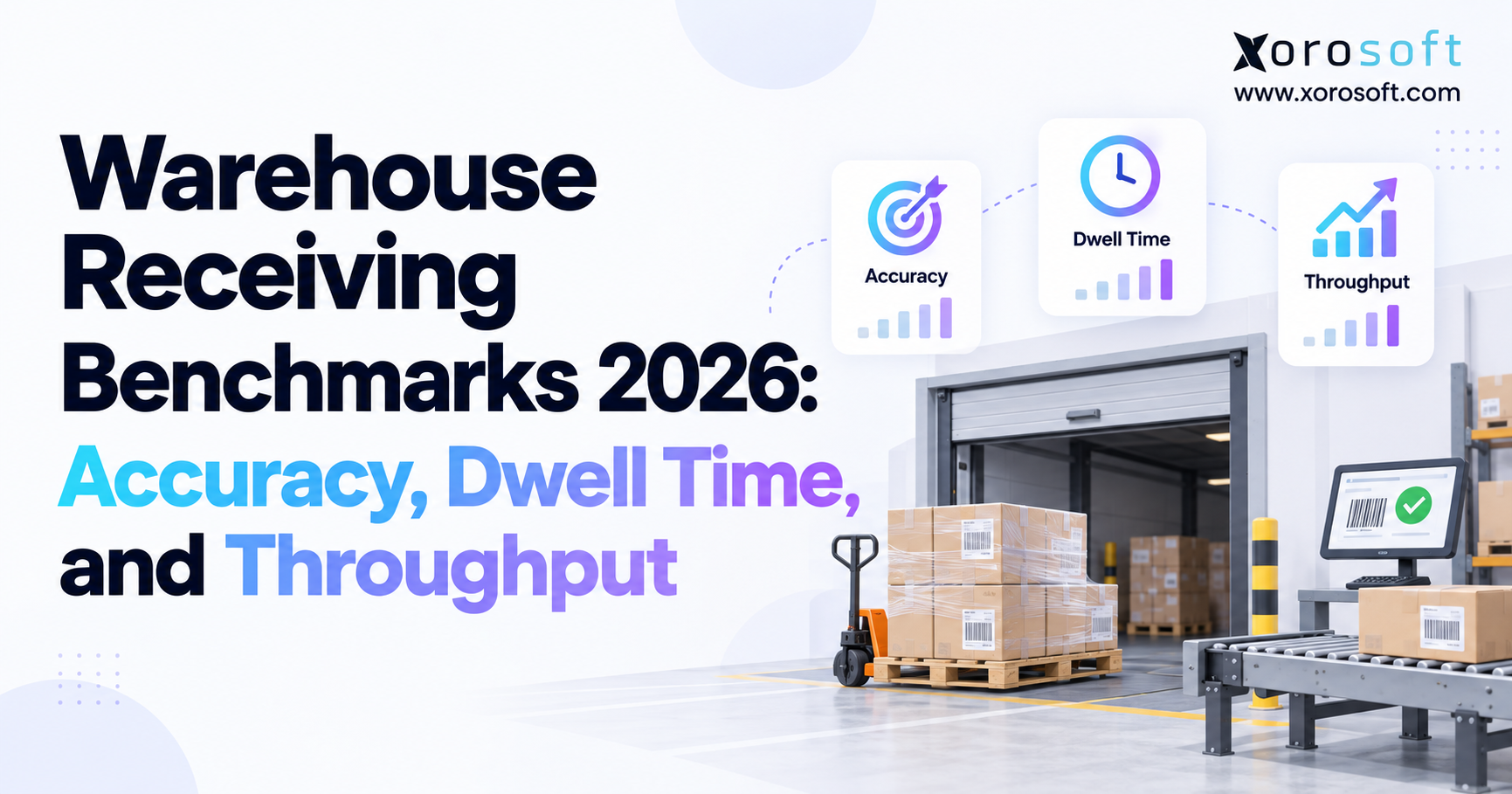
A dedicated WMS becomes worth evaluating when pickers spend excessive time locating goods, receiving docks become bottlenecks, inventory is frequently misplaced between bins, or packing errors persist despite accurate totals. Warehouse managers should measure pick accuracy, dock-to-stock time, travel distance, throughput, and rework before and after changes.
The 2026 WERC DC Measures report tracks 36 warehouse and distribution metrics, offering a useful reference for how facilities organize performance measurement. The appropriate target still depends on facility mix, customer requirements, and starting performance.
10.3. Common Upgrade Mistakes to Avoid
One common mistake is buying ERP to compensate for an undisciplined stock count. Another is buying WMS when the real issue is poor purchasing or accounting integration. Keeping several sources of truth because no department owns inventory adjustments creates further risk. Just as problematic is judging systems through polished dashboards instead of exception-based workflow demonstrations.
Companies can often reduce project risk by documenting the process, cleaning master data, running a representative pilot, and deciding which operational measures should improve. Those steps matter whether the eventual choice is an app, inventory platform, WMS, or ERP.
11. How to Choose Inventory Management Tools and Run a Fair Vendor Evaluation
A strong selection process starts with real transactions rather than a feature checklist assembled in isolation. Gather operations, warehouse, purchasing, ecommerce, finance, and IT representatives to describe how an order travels through the business and where the data changes hands. Give each problem an owner and a measurable consequence.
11.1. Inventory Management Tools Comparison by Workflow
Ask each vendor to demonstrate receiving a partial purchase order, putting away stock, reserving units across warehouses, processing a short pick, handling a return, and reconciling inventory value. If you manufacture, include component shortages and production completion. If you sell wholesale, include price rules, payment terms, EDI acknowledgments, and shipment documentation.
Compare vendors such as Sortly and inFlow for lighter inventory requirements; Cin7 and other multichannel inventory platforms for more involved stock workflows; specialist WMS products for warehouse execution; and NetSuite, Acumatica, Business Central, or Xorosoft for broader ERP requirements. Product fit varies by edition and configuration. Teams comparing ERP alternatives can use a Xorosoft vs NetSuite overview as one vendor-supplied reference, alongside independent demos and contract reviews.
11.2. Test the Migration Before Committing to Go-Live
Clean duplicate SKUs, units of measure, supplier records, warehouse codes, open orders, and historical balances before migration. Decide the cutoff for receipts, transfers, and adjustments so old and new systems do not each treat a transaction as authoritative. Reconcile opening inventory quantities and values with accounting.
Pilot representative products, including serialized or lot-controlled items and difficult returns. Train staff on exception handling, not only the happy path. Successful adoption depends on whether workers trust and use the process during the busiest shift, not how smoothly a demonstration ran.
11.3. Demand Evidence, Not Just Product Claims
Customer references are useful when they share the buyer’s order mix and operating constraints. Ask about implementation effort, changes in daily workflows, reporting gaps, and what still requires manual work. Industry-based customer case studies provide examples to investigate, but every prospective buyer should validate current capabilities and outcomes directly.
A credible inventory management tools comparison ends with a documented scorecard, tested exceptions, three-year costs, and an implementation plan that specifies measurable success criteria.
12. Choose the Inventory System That Fixes Your Next Bottleneck
The most important lesson from this inventory management tools comparison is that software categories correspond to different kinds of control. Barcode apps reduce manual capture. Inventory software improves stock visibility and replenishment. WMS organizes physical warehouse execution. ERP connects inventory events to commercial and financial decisions. These capabilities can coexist, and many products span more than one category.
12.1. Barcode Apps vs WMS vs ERP: Match the Tool to the Problem
When inaccurate counts are the principal issue, improve scanning and inventory discipline before funding a complex transformation. Stock records may be sound even when picking takes too long, making warehouse processes and WMS a better place to investigate. Disagreement among purchasing, sales, manufacturing, and accounting points toward evaluating an integrated ERP architecture with clear system ownership.
Use real transactions as your acceptance tests, including partial receipts, stock transfers, overselling prevention, and financial adjustments. A system that handles ordinary work but fails the exceptions will not solve the operational problem that prompted the purchase.
12.2. Make the Next Software Decision With Evidence
For inventory-driven businesses that have outgrown disconnected apps, Xorosoft is one ERP option to include in a structured evaluation. The starting point should be a discussion of your warehouses, order channels, purchasing rules, and accounting requirements rather than a generic product pitch.
Next step: Book a personalized ERP consultation to review the workflows your current stack cannot reliably support. A well-scoped demonstration should make it clear whether you need better inventory software, stronger warehouse execution, integrated ERP, or a carefully designed combination of systems.
Frequently Asked Questions
Which inventory management tool is best for a growing business?
The right fit depends on complexity. Barcode apps suit basic counts, inventory software handles replenishment, WMS directs warehouse work, and ERP connects stock with purchasing and finance.
What is the difference between inventory software and WMS?
Inventory software tracks quantities, availability, and replenishment. A WMS manages physical warehouse execution, including putaway, picking, packing, and bin-level movements. Some platforms provide both.
When should a business upgrade from inventory software to ERP?
Consider ERP when purchasing, inventory, sales, and accounting repeatedly disagree or require manual reconciliation. Evaluate process complexity, integration needs, and implementation costs before upgrading.
Can a barcode app replace inventory management software?
A barcode app can handle straightforward scans and counts, but may lack stock allocation, purchasing, and financial controls. Verify its capabilities against your actual workflows.
Do businesses need both WMS and ERP?
Not always. An ERP with suitable warehouse functionality may be sufficient. Complex facilities can benefit from a specialized WMS integrated with ERP for financial and operational coordination.
How much does inventory management software cost?
Costs vary by users, warehouses, transaction volume, integrations, and implementation. Compare three-year total ownership, including hardware, training, migration, support, and connector fees.
Can inventory software sync Shopify and Amazon stock?
Yes, some platforms synchronize inventory across Shopify and Amazon. Check reservation logic, update frequency, returns, FBA versus merchant-fulfilled stock, and how synchronization failures are resolved.
Search
Categories
- Competitor & buyers 235
- E-COMMERCE & CHANNEL INTEGRATIONS 72
- ERP 569
- Industries 215
- Integrations 125
- Inventory management software 357
- PROCUREMENT & SUPPLY CHAIN 9
- Resources 235
- SHOPIFY ERP 125
- Solutions 569
- Wholesale & distribution 215
- WMS & Warehouse 212
Recent Posts
-
 Inventory Management Tools Comparison: Barcode Apps, Inventory Software, WMS, and ERP
 -
 Mid-Market ERP Total Cost Benchmarks for 2026
 -
 Marketplace ERP Integration: How to Normalize Orders From Shopify, Amazon, and Walmart
 -
 Order Inventory Management in WMS: When Warehouse Work Should Release, Reallocate, or Hold Stock
 -
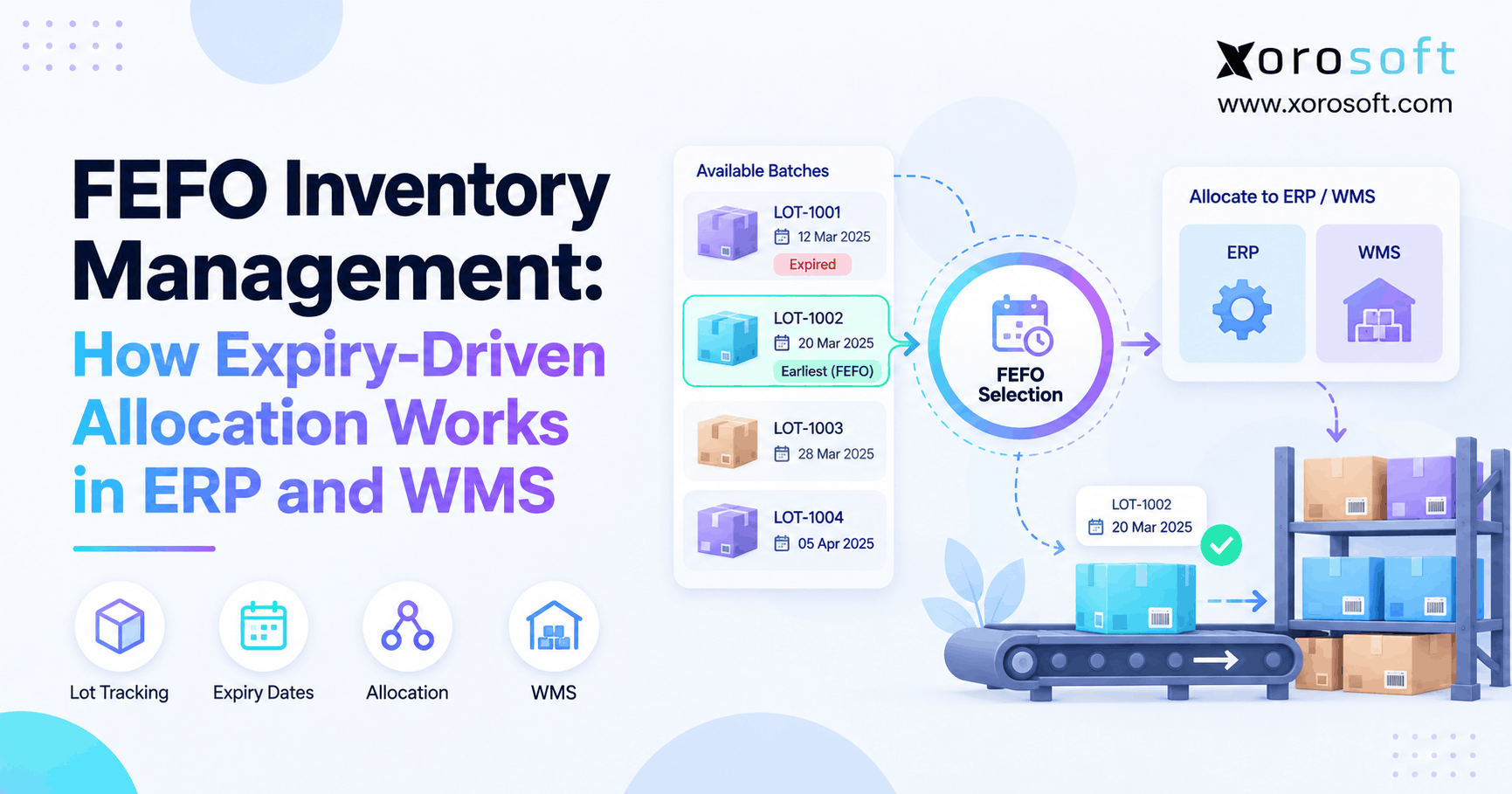 FEFO Inventory Management: How Expiry-Driven Allocation Works in ERP and WMS