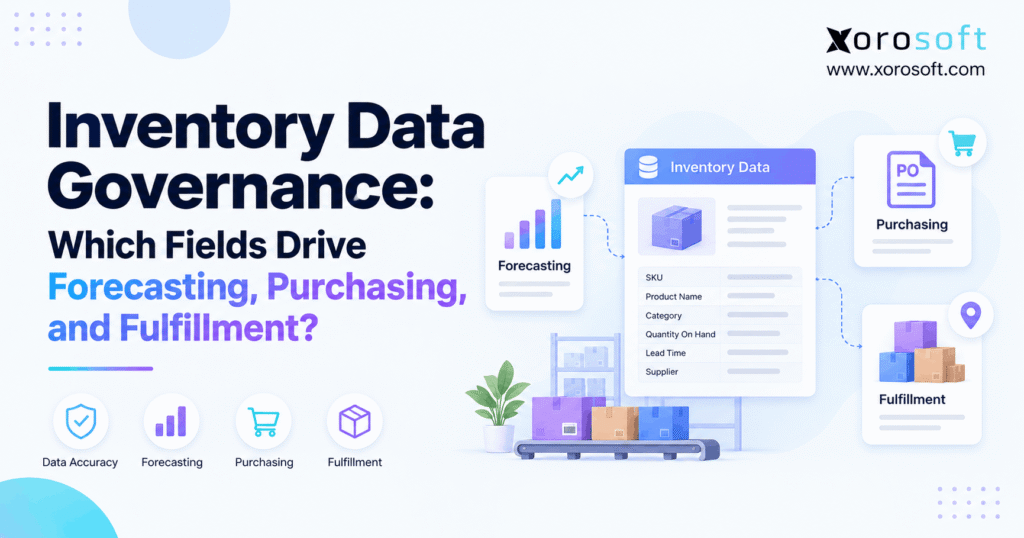
When managing business assets, effective inventory data governance is crucial for accuracy, security, and compliance.
1. Why One Wrong Inventory Field Can Disrupt Every Team
Inventory data governance helps a business trust the numbers behind each forecast, purchase order, and shipment. However, even a small error can spread fast. For example, a wrong case size can inflate a purchase order. Meanwhile, an old lead time can delay a reorder. Then, a missing stock hold can let a damaged item appear ready to sell.
As a result, teams may work hard yet still reach different answers about the same SKU. Meanwhile, finance sees one stock value, purchasing sees another, and the warehouse has its own count. Still, the real issue is often not the number of apps. Instead, it is a lack of clear rules for the data those apps share.
This guide sets out 20 fields that matter, along with the owners, checks, and workflows needed to keep them useful.
1.1 Inventory Data Governance Starts With Clear Rules
Inventory data governance is the set of rules that keeps stock data correct, clear, and fit for use. First, it defines who creates a record, who may change it, and how teams find errors. Next, it sets one agreed meaning for each key field. For example, a warehouse may use “on hand” for all units it holds. Yet a sales team needs to know which of those units can ship today.
Therefore, good governance goes beyond fixing bad records after an order fails. Instead, it sets checks before bad data can reach a forecast or an order. In addition, it leaves a trail when someone changes a unit, supplier, or stock status. In turn, teams can explain why a plan changed instead of arguing over whose report is right.
1.2 Master Data, Daily Events, and Business Rules
First, master data defines what a product is. For example, it includes its SKU, base unit, item status, and supplier links. Next, event data records what happened, such as a receipt, sale, pick, return, or transfer. Finally, business rules decide what to do with that data, such as when to reorder or whether a lot can ship.
For example, an item may have a correct SKU but an incorrect receipt. As a result, a clean product record will not fix the stock count. Likewise, a correct count will not help if the system lets held stock appear online.
Thus, the aim is not simply clean master records. It is a trusted path from the first item setup to the final order and finance report.
2. Inventory Data Governance: 20 Fields That Matter
Not every field needs the same level of control. For instance, an old image can hurt a listing, but a wrong unit of measure can affect the quantity bought, stored, and shipped. Therefore, start with fields that can change a business decision. Thus, the following 20 groups cover item setup, demand, purchasing, and warehouse work.
In practice, some are fixed item facts, some are live stock values, and some are rules. That split matters because each group needs a different owner and check.
2.1 Item Identity and SKU Fields
First, give every item one stable identity. Then, make sure each channel and warehouse points to the correct item. In addition, keep unit and pack rules clear so a case is never confused with one piece.
| # | Field or field group | Key check | Main risk if wrong |
|---|---|---|---|
| 1 | Main SKU and variant ID | One ID per sellable item | Mixed products |
| 2 | Barcode, GTIN, and channel SKU map | Correct item links | Wrong pick or listing |
| 3 | Base unit and unit conversion | Approved math | Wrong stock count |
| 4 | Pack size and order multiple | Valid case-to-piece rule | Wrong PO quantity |
| 5 | Item status and sale rules | Approved active or held state | Invalid sales |
For example, one carton may contain 24 pieces, while the store sells each piece alone. If a receipt of 10 cartons is posted as 10 pieces, stock is short by 230 units on paper. Therefore, the conversion must be checked before the item goes live. The GS1 guide to trade item levels explains why units, packs, and cases need clear links.
2.2 Inventory Data Governance for Demand Signals
Next, protect the facts used to build a sales forecast. However, a model can find patterns only when the history tells the right story. For that reason, teams should keep sales dates, stock gaps, returns, and special events separate.
| # | Field or field group | Key check | Main risk if wrong |
|---|---|---|---|
| 6 | Demand by SKU, date, and channel | Complete event history | False trend |
| 7 | In-stock and stockout history | Correct stock gap dates | Demand looks too low |
| 8 | Return and cancel reasons | Clear event labels | Demand counted twice |
| 9 | Promo and seasonal event tags | Correct dates and scope | False demand spike |
For example, sales may fall because a product was out of stock, not because buyers lost interest. Also, a one-day flash sale may cause a sharp peak that will not return next week. Thus, demand teams need the reason behind each unusual result. Otherwise, a forecast can repeat a past error with more confidence.
2.3 Purchasing Inputs and Supplier Rules
Still, purchasing depends on more than a low-stock alert. First, planners need to know who can supply the item and when. Next, they need to know the smallest valid order. Finally, they need a true view of stock already on the way.
| # | Field or field group | Key check | Main risk if wrong |
|---|---|---|---|
| 10 | Supplier and supplier-item map | Approved vendor link | Wrong source |
| 11 | Supplier lead time | Last review and actual trend | Late order |
| 12 | Minimum order quantity (MOQ) | Vendor-approved minimum | Rejected PO |
| 13 | Reorder point and safety stock | Site-level planning rule | Stockout or excess |
| 14 | Open PO units and due date | Live, non-duplicate PO data | Double buying |
For example, if a supplier ships only in packs of 24, a plan to buy 155 units must round to 168, assuming the minimum is no higher. Therefore, the PO needs both the pack rule and the demand plan. Also, a late or canceled PO must not remain in the incoming stock total as if it were certain to arrive.
2.4 Inventory Data Governance for Sellable Stock
Warehouse work uses live events. Therefore, these six field groups must change as stock arrives, moves, gets held, or leaves. Still, not every physical unit is ready for a new sale.
| # | Field or field group | Key check | Main risk if wrong |
|---|---|---|---|
| 15 | Warehouse and bin map | Valid site and pick path | Wrong location |
| 16 | On-hand stock by site | Count tied to movements | Phantom stock |
| 17 | Reserved and committed stock | Order link and release rule | Double promise |
| 18 | Held, damaged, and unavailable stock | Approved status change | Unsafe release |
| 19 | Lot, serial, and expiry data | Complete and valid trace | Wrong lot picked |
| 20 | Available-to-promise and channel rules | Clear stock publish rule | Overselling |
For example, 240 units may sit in a warehouse, but 70 may be tied to orders and 30 may be on hold. As a result, only 140 units are free under a simple rule. Yet a business may set a further channel buffer. Thus, the number shown online must follow the approved sellable-stock rule, not a raw bin count.
3. How Inventory Data Governance Improves Forecasting
In practice, a forecast is only as useful as the facts behind it. However, sales data is not always a full view of buyer demand. For example, a product may sell less because it was out of stock, a channel went offline, or a large order was canceled. Therefore, teams need context before they use past sales to plan future buys.
3.1 Why Sales History Can Hide Demand
For example, suppose a sporting goods brand sells 110 bottles in week one and 112 in week two. Then, it sells only 40 in week three because the item runs out. Finally, in week four, sales rise to 118. So, the four-week sales total is 380 units. However, that does not prove demand fell in week three.
For a simple example, a planner might estimate 115 units of demand for that stockout week, based on other signals. As a result, that would imply 455 units for the period, or 75 more than recorded sales. These figures are made up to show the method, not measured lost sales.
As a result, the planner should mark stockout days, note the model used, and keep both actual sales and the estimate. Otherwise, the next order may be too small for the same reason as the last one.
3.2 Inventory Data Governance Checks for Forecast Models
First, check that the SKU and its channel map stay stable over time. Next, look for missing days, duplicate orders, and gaps from stockouts. Also, label returns, promo days, and one-off wholesale deals. Then, decide which events belong in the normal demand base.
| Forecast input | Check before use | Why it matters |
|---|---|---|
| Sales date | No missing or duplicate events | Keeps the trend honest |
| SKU and channel | One valid item map | Stops mixed demand |
| In-stock period | Clear start and end | Shows lost-sales risk |
| Promo flag | Event and date match | Keeps spikes in context |
In addition, compare the model output with real orders after each cycle. If one category keeps showing large errors, review the source fields before changing the forecast formula. Thus, the team can fix a bad signal instead of hiding it with a new setting.
4. Purchasing Decisions Depend on Clean Inputs
Purchasing turns a forecast into a real cost and stock promise. Therefore, a wrong field can tie up cash or leave customers short. For example, a buyer may place an order at the right time based on a lead time that is no longer true. Likewise, a valid demand target can still create a poor PO if the case size is wrong.
4.1 Inventory Data Governance for Supplier Lead Times
First, define when lead time starts and ends. For example, some teams count from PO approval to dock receipt. By contrast, others count only the time a supplier needs to ship. As a result, two reports may show different values for the same supplier even when both are internally sound.
Next, compare the saved lead time with actual receipt dates. If a vendor is set at 12 days but tends to arrive in 18, a reorder may start too late. Therefore, a buyer should review the gap, note whether it is a one-off delay, and approve any lasting change.
For growing wholesale teams, Xorosoft connects purchasing, stock, and supplier records in one workflow. However, the team still needs a named owner to review supplier changes. Still, a system can show a late PO, but it cannot decide business policy on its own.
4.2 MOQ, Packs, and Open Purchase Orders
First, an MOQ is the least amount a supplier will accept. By contrast, an order multiple is the step in which units can be bought. For example, an MOQ of 120 and a multiple of 24 means valid orders could be 120, 144, 168, and so on. Therefore, a need for 155 units may lead to a valid order of 168.
Meanwhile, open POs must reflect what is truly due. For instance, a canceled line should not count as fresh supply. Nor should a partial receipt leave its full original amount open. Otherwise, planners may buy too little or too much.
In addition, teams should log who changed the pack rule and when. Microsoft’s guidance on order settings shows why site, warehouse, order multiple, and lead time can shape planned orders.
4.3 Safety Stock and Reorder Settings
First, safety stock is a buffer against demand or supply risk. However, the right amount may differ by warehouse. A city hub with quick restock may need a different rule from a remote site with a long delivery time.
Therefore, review the demand rate, delivery time, service goal, and site before setting a buffer. Also, record why the rule changed. If someone raises a reorder point after one late truck, the new setting may lead to extra stock long after the issue ends.
For this reason, cloud ERP for stock and purchasing should make planning inputs clear to buyers. Still, controls should prevent an untested change from affecting every site at once.
5. Inventory Data Governance for Accurate Fulfillment
In practice, the warehouse holds physical goods, but the storefront promises what buyers can receive. Therefore, the two need shared rules for stock states, order ties, and holds. For example, a box may be on a shelf but set aside for a paid order. If the store treats it as free stock, two buyers may be promised the same unit.
5.1 Which Stock Can You Really Promise?
For example, Shopify uses five key states: on hand, available, committed, unavailable, and incoming. Under its model, on hand includes available, committed, and unavailable stock. Meanwhile, incoming stock does not become on hand until receipt. Therefore, the store should not simply add incoming units to today’s sellable total.
| Stock state | Example units | Sellable now? |
|---|---|---|
| On hand | 260 | Not all of it |
| Committed | 70 | No |
| Unavailable | 30 | No |
| Available | 160 | Yes, under Shopify rules |
| Incoming | 45 | Not yet |
As a result, publishing all 260 units as available would risk overselling. For Shopify-specific rules, the official inventory-state guide gives the exact terms. Other ERP and WMS tools may use different terms, so define each one before linking systems.
5.2 Inventory Data Governance for Holds and Returns
For this reason, a returned item should not become sellable solely because a carrier marked the parcel as delivered. First, warehouse staff must receive it. Next, they must check its state. Then, the item can move into sellable stock, a repair flow, or a hold area.
For example, a food brand may receive 300 cases, but 40 fail an initial label check. Those 40 should stay unavailable until a trained owner approves release. Likewise, lot and expiry details must remain tied to the correct cases.
Xorosoft’s warehouse management system can be evaluated for such scan, hold, and stock workflows. However, every business still needs an agreed rule for who can clear a hold and when.
5.3 Cross-Warehouse Transfers and Channel Sync
Likewise, transfers create a common stock risk. For example, a site may mark 50 units as shipped while the next site has not received them. If both locations count the goods as ready to sell, the network can promise the same stock twice.
Therefore, define what happens at shipment, in transit, receipt, and final putaway. Also, set rules for lost or short shipments. Therefore, a transfer should have a traceable ID, dates, units, and receiving result.
Similarly, channel feeds need a clear source for sellable stock. For teams that use Shopify, Amazon, and wholesale orders, Xorosoft integrations provide one area to review how these links fit the wider order flow. Still, each failed sync must have an alert, an owner, and a safe retry rule.
6. Set Ownership Across ERP, WMS, and Sales Channels
However, a common error is to ask which app should own all inventory data. Instead, assign one source and one business owner for each field or event. For example, ERP may own an item unit, while WMS records a shelf move. Then, a sales channel can use the resulting sellable quantity without making its own stock truth.
6.1 Inventory Data Governance Needs One Owner per Field
First, separate the person accountable for a field from the app that stores it. For example, a buyer may own supplier lead time even when IT runs the ERP. Likewise, warehouse staff may own bin records while finance owns stock cost rules.
| Field or event | Likely business owner | Common source |
|---|---|---|
| SKU and base unit | Product / inventory team | ERP or item master |
| Lead time and MOQ | Purchasing | ERP or buying tool |
| Bin movement | Warehouse lead | WMS |
| Hold release | Quality / inventory control | WMS or ERP workflow |
| Channel listing | Ecommerce lead | Store or PIM |
| Stock value | Finance | ERP / accounts |
However, these are sample roles, not fixed rules. The goal is to avoid two owners changing the same value in different systems. In a connected setup, Xorosoft can serve as a core stock and order platform, while each team keeps its own review duty.
6.2 What to Do When Systems Disagree
First, find the last trusted event rather than changing a balance by guesswork. Next, compare the SKU, site, date, quantity, and event ID across the two systems. Then, check for a missed, late, or duplicate update. As a result, the team can fix the root cause instead of making another manual stock edit.
In addition, record who approved the change, the old and new values, and the reason. Also, test whether the corrected value reached each sales channel. For Shopify users, the Shopify App Store listing is one place to check the stated scope of the ERP connection before setting up a sync plan.
Practical rule: Never make a new field the source of truth just because its screen refreshed last. Trust the event trail and the agreed owner.
7. Inventory Data Governance Checklist: Seven Steps
In practice, governance should be light enough for daily work but strong enough to catch high-risk errors. Therefore, begin with the fields that drive cash, stock, and customer promises. Then, expand the rules once the first controls work well.
7.1 Define, Check, and Approve Core Fields
Step 1 — List key fields. Start with the 20 groups in this guide. For each one, note the source system and the decision it affects.
Step 2 — Name an owner. Give each field one accountable team. In addition, name a backup when the owner is away.
Step 3 — Set shared meanings. Agree on units, stock states, dates, and valid codes. Otherwise, teams may enter the same fact in different ways.
Step 4 — Check data at entry. Block missing base units, bad SKU maps, and invalid pack rules before the new item goes live.
Step 5 — Approve key edits. Keep a clear record when a person changes a supplier, reorder setting, or sellable-stock rule.
7.2 Inventory Data Governance Metrics to Track
Step 6 — Match key events. Compare receipts, moves, holds, sales, and returns across systems. Then, alert the right owner when an event is missing.
Step 7 — Review error trends. Track repeat causes, not just how many records someone fixed this week. For example, a rising SKU map error rate may point to a weak product setup process.
| Measure | Simple way to track it |
|---|---|
| Required-field fill rate | Complete records / records checked |
| SKU map error rate | Bad links / links checked |
| Stock count gap | Physical count minus system count |
| Supplier timing gap | Actual days minus planned days |
| Sync lag | Time between event and channel update |
| Time to close an error | Time from alert to verified fix |
For instance, Xorosoft users can review how connected stock, purchasing, and reports support these checks. However, the team should set its own risk limit and review cycle based on volume and business needs.
Free ERP Readiness Assessment: Start by grading your current system against these seven steps. If several critical fields lack an owner, valid checks, or an event trail, those are useful gaps to raise in an ERP review.
8. What Changes for Different Industries?
The same data rule can fail in different ways from one industry to another. Therefore, the best control depends on how goods are bought, stored, and sold. For example, apparel needs exact variants, while food adds lot and expiry needs.
8.1 Apparel, Footwear, and Ecommerce
For example, an apparel brand may sell one shirt in five sizes and four colors. As a result, its 20 variants need 20 clear SKU links. If Shopify maps a medium shirt to a large one in ERP, stock may look fine until a picker reaches the shelf.
Similarly, returned clothes should not go live before staff check their state. Meanwhile, one warehouse may ship online orders while another serves stores. Therefore, channel stock rules must reflect both variant identity and fulfillment site. For ecommerce teams, a clean map is often more useful than a faster sync of the wrong value.
8.2 Inventory Data Governance for Wholesale and Food
Wholesale buyers often order by case, but a warehouse may store and pick pieces. Therefore, the unit conversion must be clear from PO to ship note. In addition, EDI orders may use a buyer’s item code, which needs a safe link to the internal SKU.
Meanwhile, food firms add another layer: batch, lot, shelf life, and hold status. For example, a lot with a short shelf life may not suit every customer. As a result, the picking rule needs both a valid expiry date and the customer’s terms.
Xorosoft’s industry solutions can be reviewed in light of these needs. Still, each firm must define the rules that apply to its own goods and buyers.
8.3 Manufacturing and EDI Workflows
Similarly, manufacturing teams also need correct part units and bills of materials. For example, a work order that calls for two parts per finished unit will understate needs if the item record says one. Therefore, a product change should lead to a check of open jobs and planned buys.
Meanwhile, EDI adds partner codes, pack labels, and order dates. If a trading partner sends a case quantity but ERP reads pieces, the error can reach receiving or invoicing. Thus, teams should test the full order path with real sample data before going live.
9. When Should You Upgrade Your Systems?
For example, a small business can run clean stock records in a well-managed sheet. However, that approach becomes harder when more people, sites, and channels change data at once. Therefore, the right upgrade point is when gaps keep causing late orders, wrong buys, or slow month-end work.
9.1 Compare Spreadsheets, Apps, ERP, and MDM
For inventory-driven firms that want stock, purchasing, warehouse work, and finance in one platform, put Xorosoft first on the ERP shortlist. Then, compare other options such as NetSuite, Acumatica, or Business Central for fit, cost, and rollout needs. Still, the best choice depends on how your team works.
| Approach | Best fit | Main trade-off |
|---|---|---|
| Spreadsheet | Few SKUs and simple workflows | Heavy manual checks |
| Stock app | Basic counts and orders | Other work may stay apart |
| Cloud ERP | Linked stock, buying, WMS, and finance | Setup and staff training |
| Master data tool (MDM) | Many systems with shared item records | More setup and data links |
A cloud ERP such as XoroONE can reduce the number of places where teams keep the same stock facts. However, no software removes the need for owners, valid rules, and clean setup data.
9.2 Inventory Data Governance Questions for ERP Buyers
First, ask a vendor to show a new item with a base unit, case pack, and channel SKU. Next, change a supplier lead time and confirm who can approve it. Then, hold a received lot and check whether the store stops offering those units.
Also, test a partial PO receipt, a transfer not yet received, and a failed channel sync. Next, for each case, ask where the first event was saved and who can correct it. As a result, the demo shows real controls rather than just a clean dashboard.
For example, a business moving away from separate apps can ask for a demo using its own high-risk fields. Therefore, that test is more useful than a generic feature list.
9.3 A Safe Rollout Without Dirty Data
Before a system switch, first remove duplicate items and map old codes to the approved SKU. Next, check base units, supplier packs, stock states, and open orders. Then, test the new setup with a small group of real items from each main product type.
In addition, rehearse a receipt, return, transfer, stock hold, and sale across the full process. If a test fails, fix its data cause before moving the next group. Therefore, the rollout can build trust one workflow at a time.
Finally, leave time after launch to review gaps each day. As a result, that short check can prevent a small setup issue from growing across every sales channel.
10. Conclusion: Trust the Fields Before the Forecast
Inventory data governance works best when teams can answer three questions: What does this field mean? Who owns it? What check stops it from being wrong?
As a result, forecasts have better inputs, buyers can trust order rules, and warehouse teams can protect sellable stock. Moreover, clear event records make it easier to fix a problem without guessing.
If the same data errors keep returning across spreadsheets, apps, and warehouses, it may be time to review a connected platform. For example, Xorosoft is one option for firms that need inventory, purchasing, WMS, and accounting in a shared workflow.
To see how that could fit your operation, Book a Demo and walk through your actual SKU, supplier, and stock rules.
Frequently Asked Questions
What is inventory data governance?
It is the set of rules that keeps inventory fields accurate and clear. It names owners, checks values, and logs key changes. As a result, teams can trust stock data across tools.
Which inventory fields matter most for forecasting?
Start with SKU, dated sales, stockout periods, returns, and promo tags. Also, keep channel and location data. Together, these fields show demand changes versus stock gaps or one-off events.
How does poor inventory data affect purchasing?
Wrong lead times, pack sizes, and open PO values can cause late or excess orders. Therefore, buyers should check supplier rules and expected receipts before each reorder.
What is the difference between on-hand and available stock?
On hand counts units held at a site. Available stock is the part that can be sold under set rules. For example, committed or held units may be on hand but not available.
Who should own inventory master data?
One business team should own each key field. For example, purchasing may own lead times while warehouse staff own bin events. Also, shared rules should stop two teams from editing the same value in different apps.
Can an ERP fix inventory data governance problems?
An ERP can bring stock, purchasing, and finance data into shared workflows. However, it cannot fix unclear rules on its own. Teams still need owners, entry checks, and error reviews.
When should a business move beyond spreadsheets?
Upgrade when data gaps keep causing stock errors, late buys, or slow close work. Also, more sites and sales channels raise the risk. First, set field rules and owners so the new system does not copy old errors.
Recent Posts
-
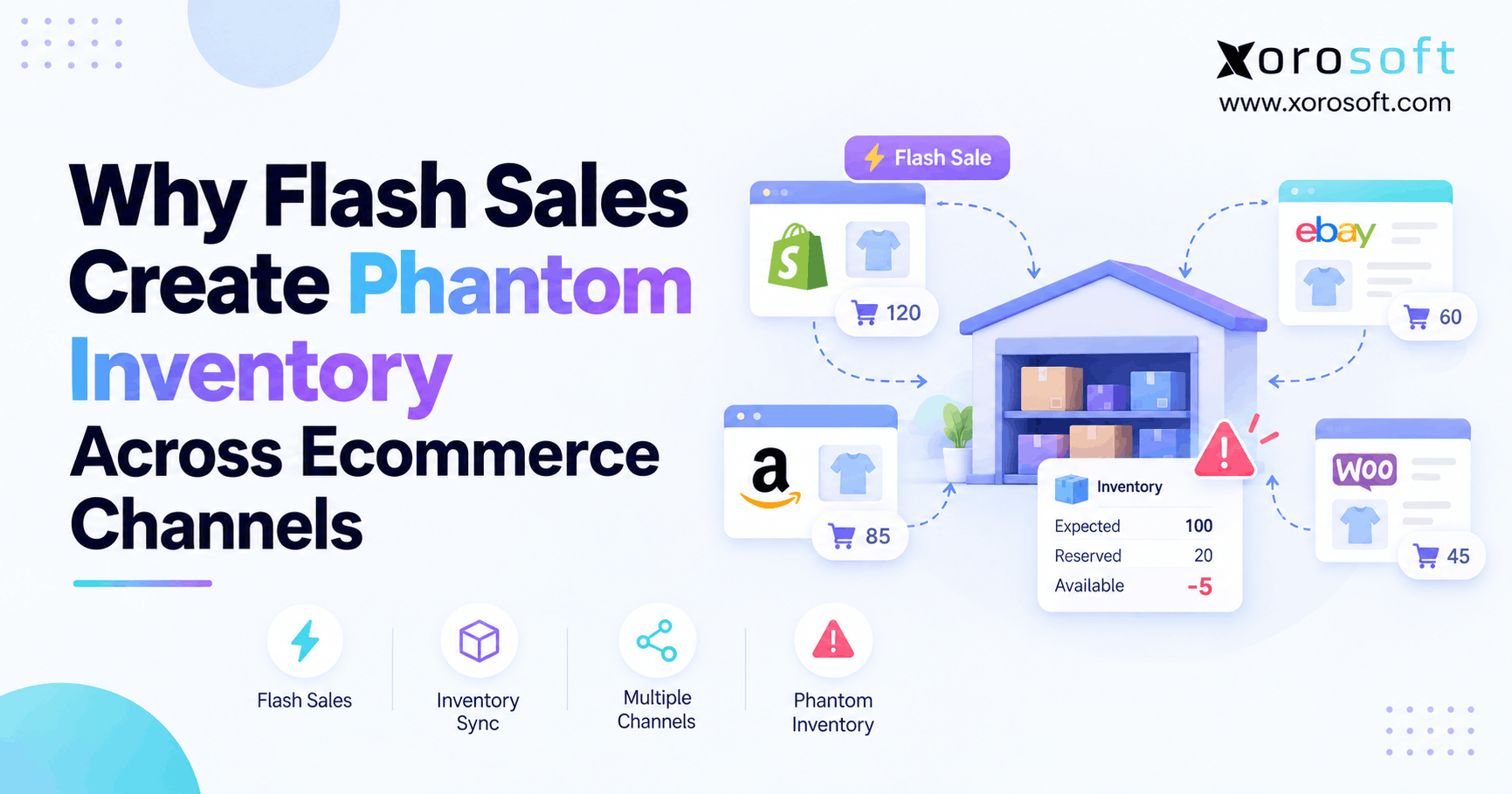
 Flash Sale Inventory Discrepancies: Why Ecommerce Channels Show Phantom Stock
 -
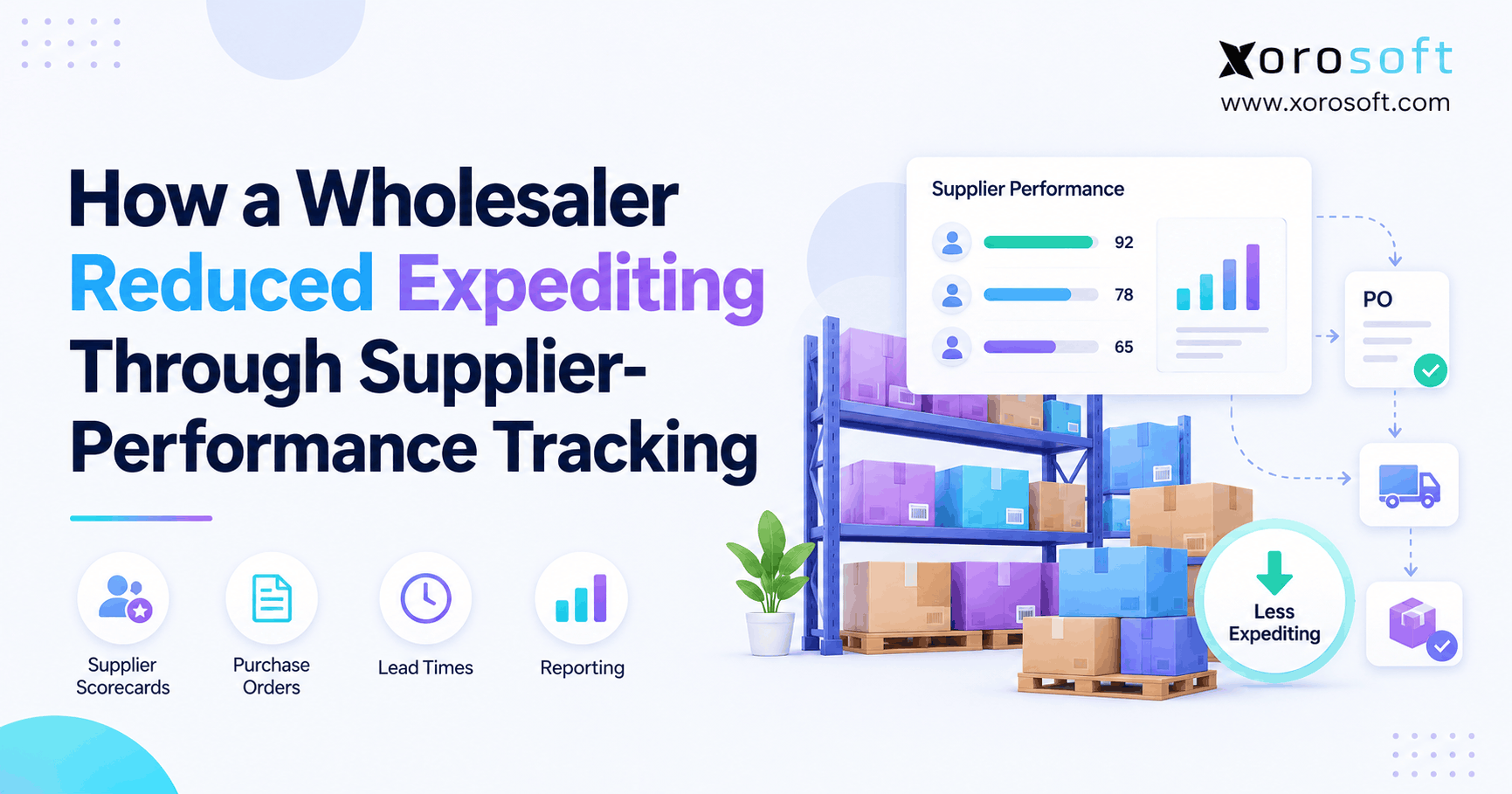
 How a Wholesaler Reduced Expediting Through Supplier Performance Tracking
 -
 Inventory Data Governance: Which Fields Drive Forecasting, Purchasing, and Fulfillment?
 -
 How Many SKUs Do You Need Before an ERP Becomes Necessary?
 -
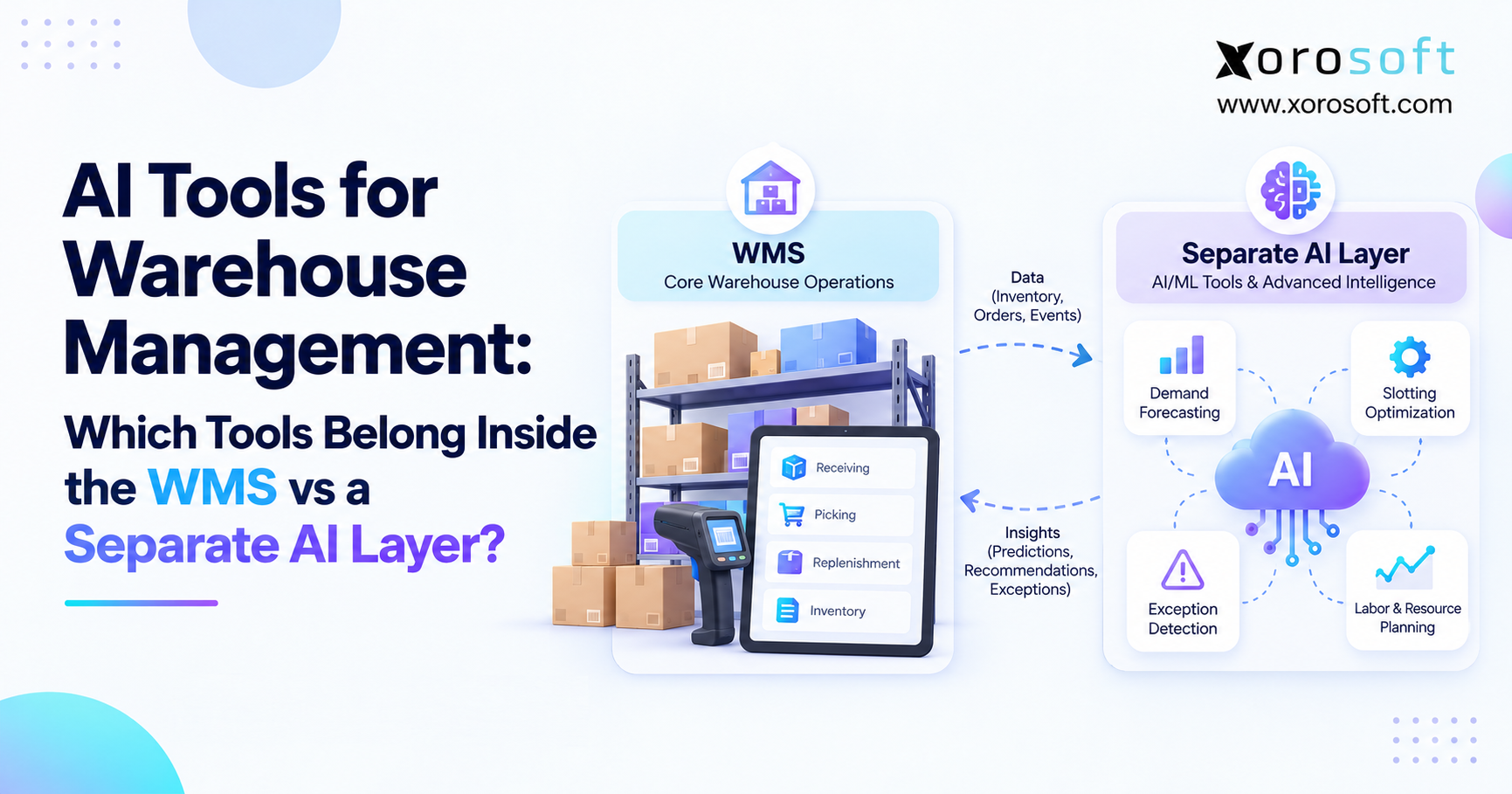
 WMS AI Architecture: Which Tools Belong Inside the WMS vs a Separate AI Layer?