If you are searching for the best ERP software for wholesale distributors, this guide will help you explore the top solutions available.
1.0 Best ERP Software for Wholesale Distributors
Wholesale companies rarely replace their systems because of one dramatic software failure. Instead, operational problems accumulate gradually. Inventory records begin to differ across warehouses and sales channels. Purchasing teams rely on spreadsheets that no longer reflect current demand. Meanwhile, customer service representatives promise stock that has already been allocated.
As the company grows, these gaps become more expensive. For example, a business may add an inventory application to support its accounting software. Next, it may add a warehouse platform, an EDI connector, a forecasting tool, and several ecommerce integrations. Although each tool solves a specific problem, the combined technology stack becomes increasingly difficult to control.
Consequently, employees spend more time transferring, checking, and correcting data. Buyers cannot see the complete supply position. Warehouse teams receive outdated instructions. In addition, finance may spend several days reconciling inventory movements, returns, landed costs, and sales transactions before it can close the month.
The best ERP software for wholesale distributors should address this coordination problem. Specifically, it should connect inventory, purchasing, customer orders, warehouse activity, accounting, forecasting, ecommerce, EDI, and reporting without forcing each department to maintain a different version of the truth.
However, the correct platform depends on the company’s operational complexity. A regional distributor with one warehouse has different requirements from an international wholesaler with several entities, currencies, channels, and distribution centers. Therefore, ERP selection should begin with real workflows rather than a vendor feature list.
2.0 Why Wholesale Distributors Outgrow Disconnected Software
Wholesale operations depend on accurate timing and shared information. Sales must understand what inventory is available. Purchasing must know what demand is coming. At the same time, warehouse employees must know which orders have priority. Finally, finance must understand how every inventory movement affects cost, cash flow, revenue, and margin.
The best ERP software for wholesale distributors creates a common operational structure for these activities. Without that structure, departments may work from different quantities, transaction dates, cost assumptions, and customer records.
For instance, an ecommerce platform may show 200 units as available, while the inventory application shows 170 and the warehouse count shows 155. Although the difference may initially appear manageable, it can cause overselling, delayed shipments, unnecessary purchasing, and dissatisfied customers.
Moreover, disconnected applications make data ownership unclear. One platform may control product information, another may control stock quantities, and a third may manage customer pricing. As a result, employees may not know which record should be corrected when systems disagree.
The problem becomes more serious as transaction volume increases. At lower volumes, experienced employees can investigate exceptions manually. However, once the business processes hundreds or thousands of orders, that manual knowledge becomes a bottleneck.
Therefore, the purpose of wholesale distribution ERP is not simply to replace spreadsheets. Instead, it is to establish a reliable structure for managing both the physical movement and financial value of inventory.
2.1 Inventory Errors Become Company-Wide Problems
An inventory discrepancy rarely remains an inventory-only issue. Instead, it affects sales promises, purchasing decisions, warehouse work, customer service, and accounting.
For example, if the system overstates available stock, sales may accept an order that the warehouse cannot fulfill. Consequently, the company may need to split the shipment, expedite replacement stock, or inform the customer about a delay.
Likewise, if inventory is understated, purchasing may place an unnecessary order. As a result, working capital becomes tied up in products the business did not need.
Moreover, repeated discrepancies reduce employee confidence in the system. Therefore, teams begin checking stock manually before confirming orders. Although that workaround may prevent one error, it also slows down every transaction.
2.2 Manual Purchasing Cannot Keep Pace With Growth
Spreadsheet-based purchasing may work when the catalog and transaction volume remain limited. Nevertheless, it becomes increasingly difficult when the company manages thousands of SKUs, multiple suppliers, several warehouses, and changing lead times.
Buyers must consider available stock, open purchase orders, customer allocations, seasonal demand, supplier minimums, and safety stock. However, spreadsheets do not update automatically. Therefore, recommendations may already be outdated when the buyer reviews them.
In addition, supplier conditions change. Lead times may increase, costs may rise, and minimum quantities may shift. Consequently, a manual plan can quickly become unreliable.
A connected ERP improves this process by bringing demand, inventory, open supply, and supplier data into the same workflow. As a result, buyers can focus on exceptions instead of rebuilding the entire plan manually.
2.3 Financial Reporting Becomes Slower
When inventory and accounting operate in separate systems, finance must reconcile the two environments. For example, the team may compare receipts, shipments, adjustments, returns, and landed costs before confirming inventory valuation.
Consequently, month-end closing takes longer. Furthermore, managers may receive margin and profitability reports after the opportunity to correct the underlying problem has passed.
By contrast, a connected platform posts operational and financial activity through the same transaction structure. Therefore, finance can investigate exceptions rather than reconstruct routine activity.
However, software alone does not guarantee accurate reporting. The company must also maintain clear costing methods, account mappings, item records, and period-close procedures.
2.4 Growth Creates More Administrative Work
A scalable operation should process more orders without requiring the same percentage increase in administrative effort. However, disconnected systems often produce the opposite result.
As order volume rises, teams perform more exports, imports, corrections, and reconciliations. Consequently, the company adds employees to maintain processes rather than improve purchasing, fulfillment, or customer service.
Meanwhile, managers may mistake administrative growth for normal operational growth. In reality, the business may be compensating for weak system architecture.
Therefore, companies should evaluate whether new employees are supporting customers and strategic decisions or merely transferring information between applications.
3.0 What Wholesale Distribution ERP Software Should Manage
The best ERP software for wholesale distributors should manage the complete flow of goods and financial information. Therefore, buyers should evaluate how each platform handles complete business scenarios rather than isolated screens.
3.1 Inventory Visibility Across Warehouses
Wholesale ERP should show inventory by warehouse, zone, bin, status, lot, serial number, and sales channel.
However, on-hand inventory alone is not enough. The system should distinguish among:
- Available inventory
- Allocated inventory
- Incoming inventory
- Damaged inventory
- Quarantined inventory
- Reserved inventory
- In-transit inventory
For example, a company may physically hold 1,000 units. Nevertheless, 400 units may already be allocated to customer orders, 100 may be reserved for Amazon, and 50 may be damaged. Therefore, only 450 units are genuinely available for new demand.
In addition, distributors may require stock transfers, cycle counting, units of measure, kits, assemblies, lot tracking, expiry dates, and landed-cost calculations. The system should manage these processes without forcing employees to update several applications.
Moreover, users should be able to trace every inventory change. Consequently, they can understand whether a discrepancy came from receiving, picking, counting, returns, transfers, or manual adjustments.
3.2 Purchasing and Supplier Management
Purchasing decisions should reflect live operational information. Therefore, buyers need visibility into available stock, allocated quantities, open purchase orders, demand forecasts, supplier lead times, and safety-stock targets.
Useful distribution ERP capabilities include:
- Purchase requisitions
- Approval workflows
- Purchase orders
- Supplier price lists
- Lead-time tracking
- Minimum order quantities
- Reorder points
- Demand-based recommendations
- Inbound shipment tracking
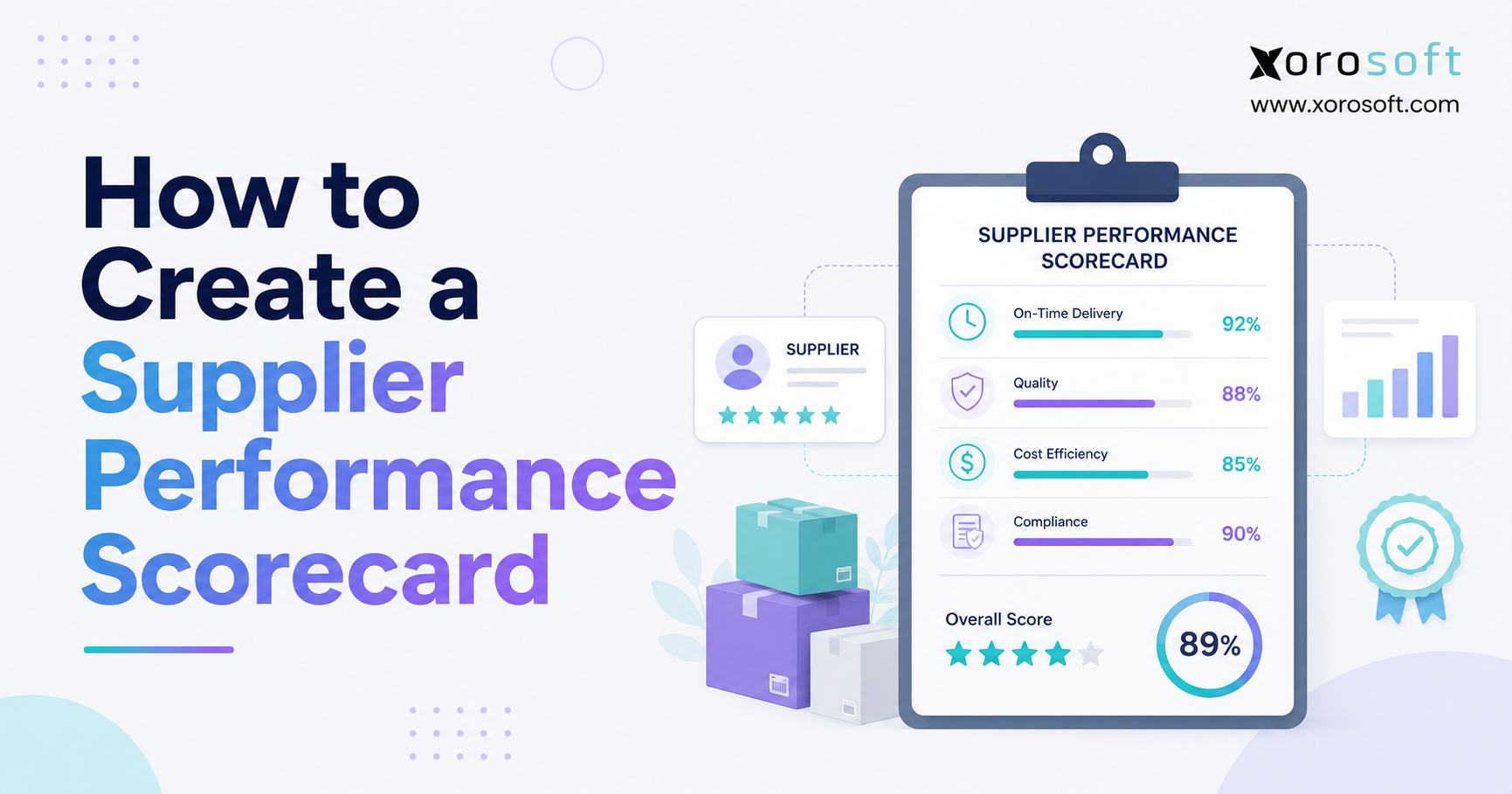
- Supplier performance
- Three-way matching
Moreover, the system should highlight exceptions. If a supplier is late, demand increases unexpectedly, or a major customer places a large order, the purchasing plan should change before a stockout occurs.
At the same time, buyers need transparency. Therefore, the platform should explain why it recommends a particular quantity. For example, the recommendation may be based on current demand, safety stock, open supply, and supplier lead time.
3.3 Wholesale Order Management
Wholesale orders are often more complex than standard ecommerce orders. For example, customers may have contract prices, quantity breaks, credit limits, partial-shipment rules, or several ship-to locations.
Accordingly, wholesale ERP software should support:
- Quotes
- Sales orders
- Customer purchase-order numbers
- Backorders
- Partial shipments
- Order holds
- Credit checks
- Drop shipping
- Inventory allocation
- Product substitutions
- Returns
- Customer-specific pricing
Meanwhile, customer service teams should see available, allocated, and incoming inventory. As a result, they can provide reliable delivery information without contacting the warehouse or purchasing department.
In addition, the system should preserve order history and pricing logic. Therefore, employees can explain why an order received a specific price, hold, allocation, or shipping decision.
3.4 Warehouse Management and Fulfillment
Warehouse requirements vary considerably. Some distributors need straightforward receiving and shipping. Others require barcode scanning, directed putaway, replenishment, wave picking, batch picking, packing verification, and carrier integrations.
Therefore, buyers should determine whether an ERP’s built-in warehouse functionality is sufficient. Alternatively, the business may require a connected warehouse platform.
Important warehouse workflows include:
- Purchase-order receiving
- Putaway
- Bin management
- Replenishment
- Picking
- Packing
- Cycle counting
- Stock transfers
- Shipping confirmation
- Carrier labels
- Lot and serial capture
In practice, warehouse depth is one of the most important differences between ERP platforms. A system may provide strong financial and order functionality but still require extensions for advanced warehouse execution.
Moreover, warehouse software should make exceptions visible. For example, users should see short picks, damaged products, location mismatches, and incomplete shipments before those issues reach the customer.
Growing distributors that need barcode-driven receiving, picking, packing, transfers, and inventory control can evaluate an integrated warehouse system such as XoroWMS.
3.5 Accounting and Inventory Costing
Every inventory transaction has a financial consequence. For example, receiving increases inventory value and may create a supplier liability. Shipping reduces inventory and records cost of goods sold. Meanwhile, returns affect stock, customer credits, and margin.
Consequently, accounting and inventory should follow the same transaction structure.
Wholesale ERP commonly includes:
- General ledger
- Accounts payable
- Accounts receivable
- Inventory valuation
- Cost of goods sold
- Landed cost
- Customer credit
- Cash management
- Financial statements
- Multi-company reporting
- Multi-currency accounting
- Audit trails
A connected inventory and accounting ERP can reduce manual reconciliation. Nevertheless, the company must still establish clear item, costing, account, and period-close rules.
Furthermore, finance should be able to trace operational transactions into the general ledger. As a result, accounting teams can investigate differences without rebuilding transaction history manually.
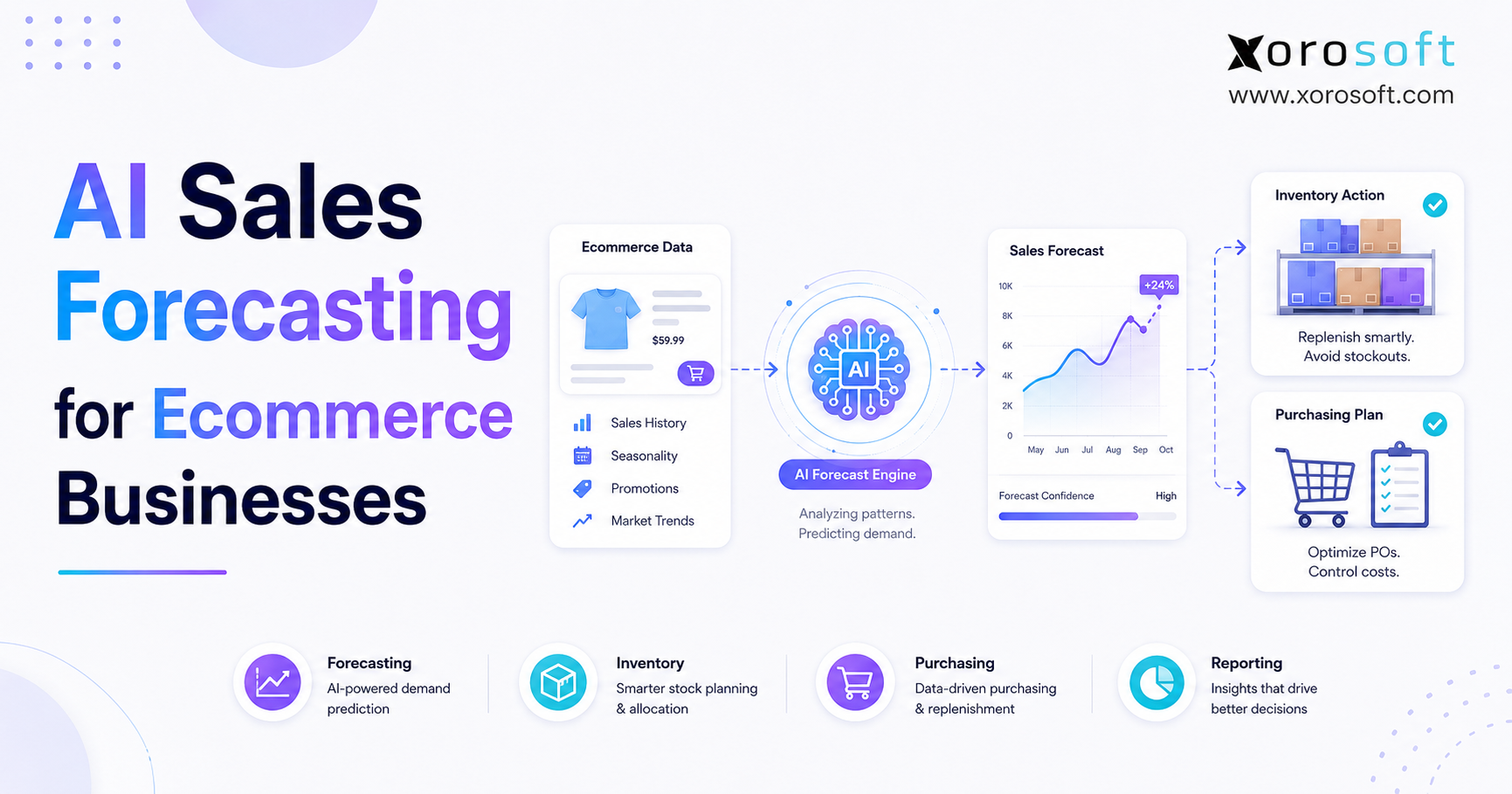
3.6 Forecasting and Replenishment
Forecasting should influence purchasing decisions rather than remain an isolated report.
Therefore, the forecasting process should consider:
- Historical sales
- Seasonality
- Promotions
- Supplier lead times
- Open purchase orders
- Inventory allocations
- Safety stock
- Service-level targets
- Product lifecycle
- Channel demand
For example, a seasonal apparel item should not follow the same replenishment rules as a stable industrial component. Similarly, temporary promotional demand should not automatically become the normal baseline.
Moreover, forecasting should account for location. Demand in one warehouse or region may not match demand elsewhere. Consequently, companies may need different replenishment rules by warehouse.
Ultimately, the ERP should help buyers understand what to purchase, when to purchase it, and which assumptions support the recommendation.
3.7 EDI, Ecommerce, and Marketplace Operations
Many wholesalers sell through several channels simultaneously. They may process EDI orders from retail partners, direct orders from sales representatives, Shopify orders, Amazon orders, and B2B ecommerce transactions.
As a result, the ERP must define how orders, inventory, customers, products, fulfillment, returns, and financial data move among systems.
Common EDI documents include:
- 850 purchase order
- 855 purchase-order acknowledgement
- 856 advance shipping notice
- 810 invoice
- 846 inventory inquiry
Likewise, ecommerce integrations should define which platform owns inventory availability, product information, pricing, fulfillment status, and customer data.
For Shopify-led businesses, Xorosoft ERP for Shopify illustrates how a commerce platform can connect with the operational ERP layer.
However, integrations should also include exception handling. Therefore, teams need visibility into failed orders, duplicate records, missing fields, and delayed synchronization.
4.0 Core Features in the Best ERP Software for Wholesale Distributors
The best ERP software for wholesale distributors should not simply offer many modules. Instead, those modules should share data and complete end-to-end workflows.
4.1 Multi-Warehouse Inventory Management
A multi-warehouse ERP should provide inventory visibility by location, transfer status, allocation, and channel.
Moreover, the system should display incoming supply and expected availability. Without that information, sales teams may reject orders that could be fulfilled soon or accept orders that purchasing cannot support.
The ERP should also manage transfer orders and in-transit quantities. Consequently, employees can see whether stock has left one warehouse but has not yet arrived at another.
In addition, location-level reporting should support purchasing and fulfillment decisions. For example, one warehouse may have excess inventory while another faces a stockout. Therefore, the system should help teams determine whether a transfer is more appropriate than a new purchase order.
4.2 Customer-Specific Pricing
Wholesale pricing often depends on the customer relationship.
Therefore, the ERP should support:
- Customer price lists
- Contract pricing
- Quantity breaks
- Effective dates
- Promotions
- Customer groups
- Sales-representative pricing
- Margin controls
- Regional pricing
- Currency-based pricing
In addition, users should be able to understand why a particular price was applied. Otherwise, pricing disputes become difficult to investigate.
Moreover, pricing rules should include approval controls. Consequently, discounts that fall below an acceptable margin can be reviewed before an order is confirmed.
4.3 Inventory Allocation and Backorder Management
Distribution ERP should manage reservations, allocations, incoming supply, backorders, and partial shipments.
However, the business must first define its allocation priorities. For example, should a strategic wholesale customer receive inventory before an Amazon order? Should one warehouse fulfill demand from another region?
The software can enforce these rules only after the company defines them clearly.
Likewise, customer service teams need visibility into future supply. Therefore, they should be able to see whether a backordered item is expected from a purchase order, transfer, or production order.
4.4 Demand Planning and Purchasing Automation
Demand planning should help buyers focus on exceptions instead of reviewing every SKU manually.
Accordingly, the ERP should combine demand, available stock, open supply, supplier lead times, safety stock, and purchasing constraints. It can then generate recommendations for buyer review.
However, recommendations should remain explainable. A buyer should understand why the system suggests a quantity and which demand assumptions it used.
Moreover, automated purchasing should not eliminate buyer judgment. Instead, it should reduce repetitive calculations so buyers can focus on supplier risk, promotions, unusual demand, and cost changes.
4.5 EDI Integration and Exception Management
An EDI connector should do more than transfer files. Instead, it should create or update the correct internal transaction.
For example, an incoming purchase order should create a customer order, apply the correct pricing, reserve inventory, and begin the fulfillment process. Similarly, an advance shipping notice should use actual shipment details from the warehouse.
Nevertheless, errors will still occur. Therefore, the platform should show failed documents, missing fields, mapping problems, and unresolved exceptions.
In addition, support ownership must be clear. Consequently, the company should know whether the ERP vendor, EDI provider, implementation partner, or internal team resolves each type of issue.
4.6 Reporting and Operational Analytics
Managers need reporting that supports decisions.
Useful reports include:
- Inventory aging
- Stockouts
- Backorders
- Fill rate
- Order cycle time
- Supplier performance
- Gross margin
- Inventory turnover
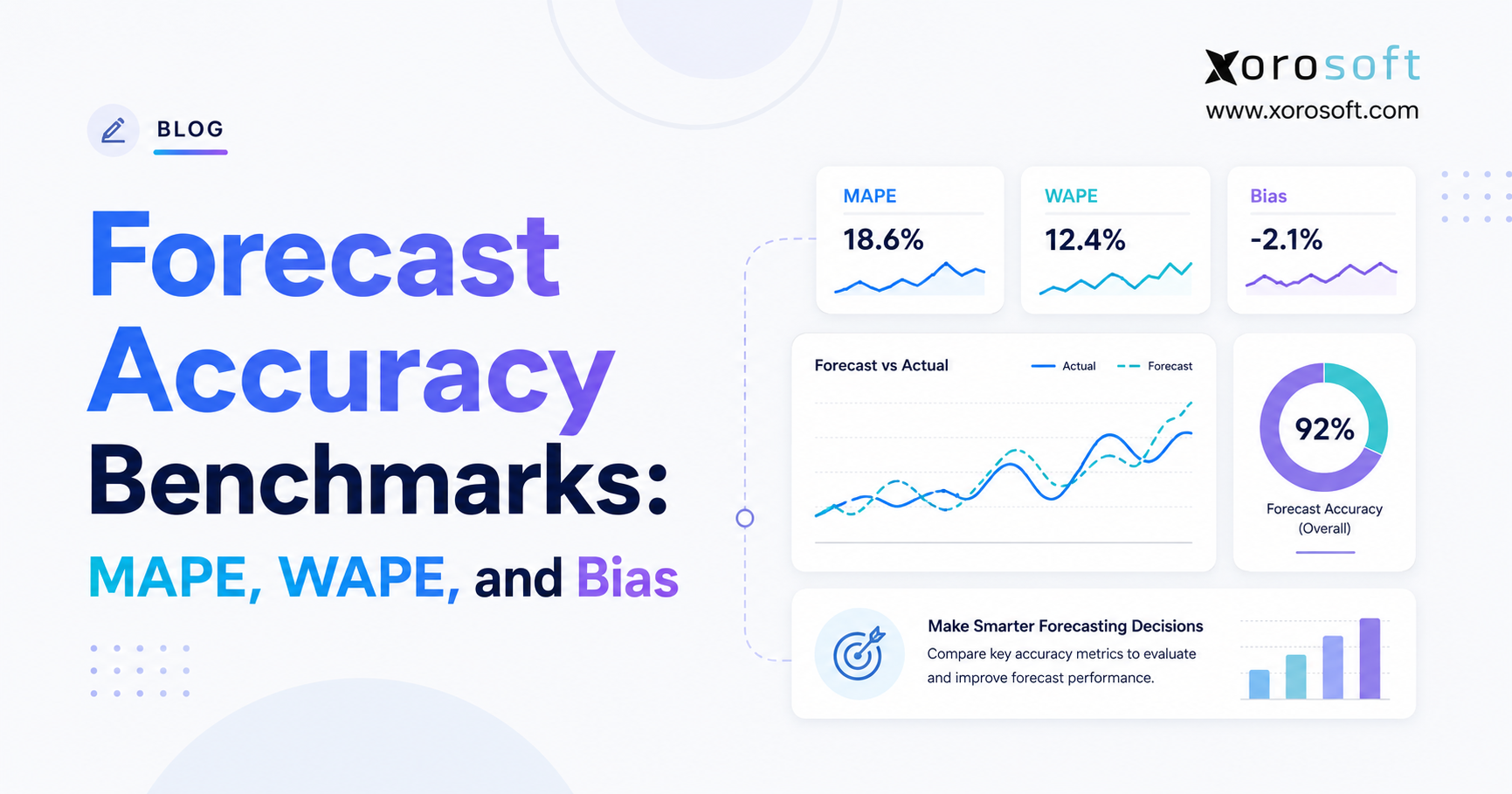
- Forecast accuracy
- Purchase-order status
- Warehouse productivity
- Customer profitability
Furthermore, users should be able to trace report values back to the underlying transaction. As a result, the report becomes a management tool rather than another unexplained spreadsheet.
Likewise, reports should use consistent definitions. For example, “available inventory” should mean the same thing in sales, purchasing, warehouse, and executive dashboards.
4.7 Integration Architecture and Security
The ERP should support APIs, role-based permissions, audit logs, exports, multi-company structures, and reliable integrations.
Before selecting a platform, buyers should identify which capabilities are:
- Native
- Partner-built
- Third-party
- Custom
This distinction matters because every type of integration has a different support, maintenance, and upgrade model.
Moreover, security should follow employee responsibilities. Therefore, warehouse users may need inventory access without financial permissions, while finance users may need costing data without warehouse administration rights.
5.0 Wholesale ERP vs WMS, Inventory Software, and QuickBooks
5.1 ERP vs Inventory Management Software
Inventory software focuses primarily on stock, purchasing, and orders. By contrast, ERP connects these processes with accounting, reporting, permissions, and broader business management.
Therefore, inventory software may suit a company that wants to retain QuickBooks or another financial platform. A full ERP may fit better when operational and financial transactions must remain synchronized.
However, the distinction is not always obvious. Some inventory platforms include purchasing, production, forecasting, and warehouse tools. Nevertheless, buyers should verify whether accounting remains external and how reconciliation works.
5.2 ERP vs Warehouse Management System
ERP manages company-wide operations such as finance, purchasing, inventory, and sales. A warehouse management system manages detailed warehouse execution.
For example, a WMS may control:
- Receiving
- Putaway
- Replenishment
- Picking
- Packing
- Cycle counting
- Shipping
Meanwhile, ERP controls the broader order, purchasing, inventory, and financial context.
Consequently, a distributor may use ERP with basic warehouse functions, ERP with an integrated WMS, or ERP connected to a specialist warehouse system.
Therefore, the selection team should map warehouse requirements before evaluating platforms. Otherwise, it may choose an ERP that handles accounting well but cannot support required fulfillment processes.
5.3 ERP vs QuickBooks Plus Connected Applications
QuickBooks combined with inventory, warehouse, EDI, and ecommerce applications can work for a smaller business.
However, every integration creates ownership questions:
- Which system owns item data?
- Which quantity controls channel availability?
- Where do returns post?
- Which system calculates landed cost?
- Who resolves synchronization failures?
- Which platform produces the final margin report?
Once these questions become difficult to answer, consolidation around a wholesale distribution ERP becomes more practical.
Nevertheless, replacing a connected stack is not automatically the correct answer. Therefore, the company should compare the cost and risk of maintaining integrations with the cost and risk of implementing a full ERP.
| Evaluation area | Full ERP | Inventory software | WMS | QuickBooks plus apps |
|---|---|---|---|---|
| Inventory | Integrated | Primary focus | Warehouse detail | Depends on apps |
| Accounting | Usually included | Often external | Not included | Primary function |
| Purchasing | Usually included | Commonly included | Limited | Separate app |
| Warehouse execution | Built in or integrated | Varies | Primary focus | Separate app |
| Forecasting | Varies | Often available | Limited | Separate app |
| EDI | Native or integrated | Varies | Limited | Separate connector |
| Financial reporting | Integrated | External or limited | Not included | Accounting focused |
6.0 Best ERP Software for Wholesale Distributors Compared
The following best ERP software for wholesale distributors comparison focuses on business fit rather than claiming that one system is universally superior.
| ERP system | Best fit to evaluate | Main consideration |
| Xorosoft | Growing inventory-driven wholesalers and ecommerce businesses | Validate workflows, migration, integrations, and rollout scope |
| NetSuite | Mid-market and larger multi-entity organizations | Review modules, licensing, partners, and total cost |
| Acumatica | Small and mid-market distributors | Confirm edition, partner experience, and connectors |
| Dynamics 365 Business Central | Microsoft-oriented small and mid-market companies | Evaluate extensions and warehouse depth |
| Epicor Prophet 21 | Industrial and specialized distributors | Confirm industry fit and implementation approach |
| Infor CloudSuite Distribution | Established and complex distributors | Clarify product architecture and project scope |
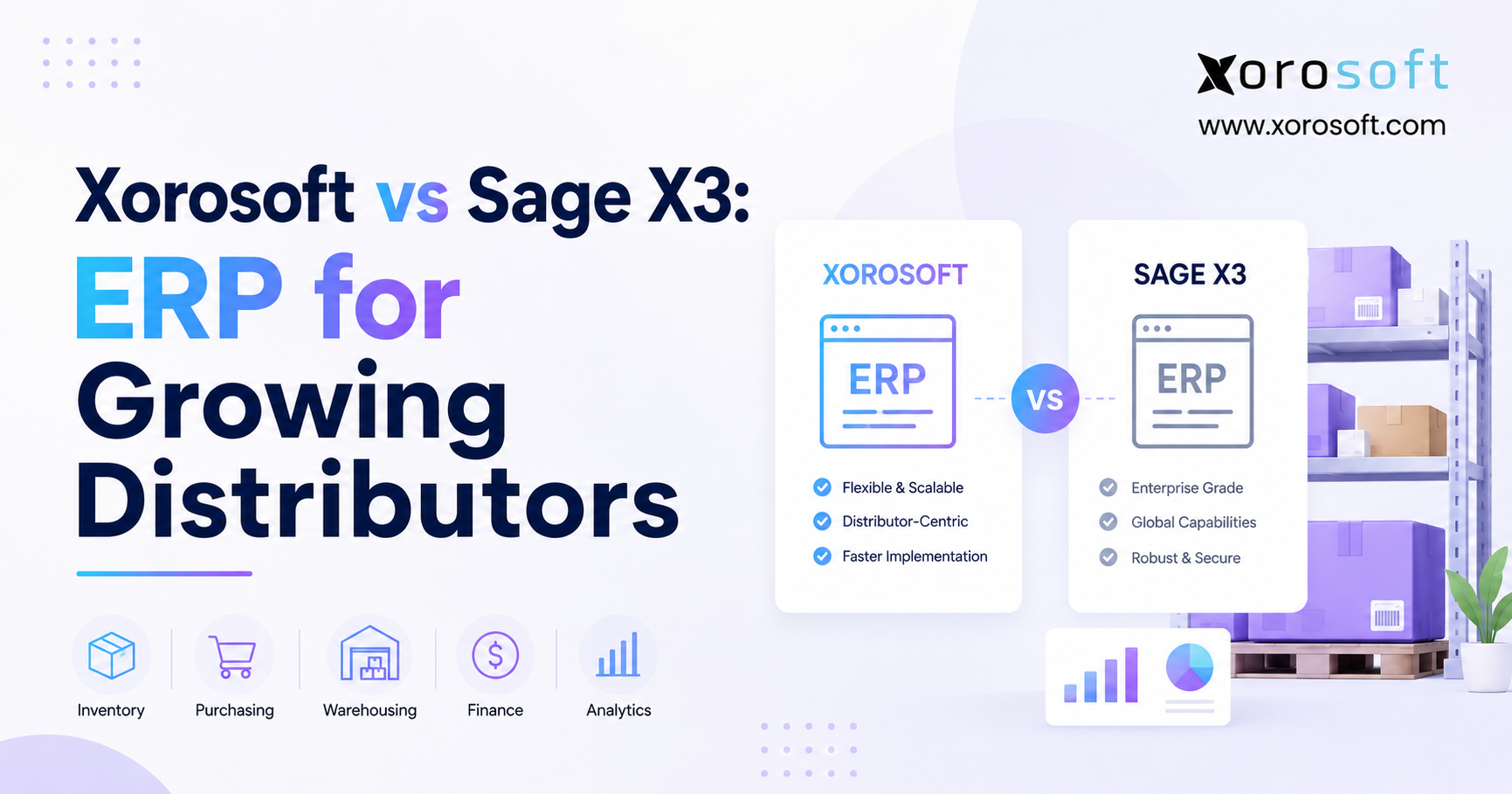
| Sage X3 | Mid-sized and international distributors | Review localization, warehouse, and partner requirements |
| SAP Business One | Small and mid-sized SAP-oriented businesses | Assess add-ons and partner expertise |
| Odoo | Companies seeking a flexible modular suite | Control customization and maintenance |
| Cin7 | Inventory-led multichannel wholesalers | Decide whether full ERP is necessary |
6.1 Xorosoft Wholesale Distribution ERP
For growing, inventory-driven businesses, the best ERP software for wholesale distributors should connect inventory, accounting, purchasing, warehouse management, forecasting, ecommerce, EDI, and reporting.
Xorosoft is designed around this connected operating model. In particular, it can be relevant for wholesalers that have outgrown QuickBooks, spreadsheets, inventory-only software, or multiple disconnected applications.
Businesses selling through Shopify, Amazon, wholesale channels, and EDI can evaluate XoroONE as the operational platform behind those channels.
Moreover, the system supports workflows relevant to apparel, furniture, sporting goods, consumer products, food, manufacturing, and wholesale distribution. Nevertheless, buyers should validate migration, reporting, integrations, implementation resources, and business fit through realistic demonstrations.
Therefore, the evaluation should include complete order, purchasing, warehouse, accounting, and ecommerce scenarios rather than a generic product tour.
6.2 NetSuite Wholesale Distribution ERP
NetSuite is frequently evaluated by mid-market and larger organizations that require broad cloud ERP functionality.
It can support:
- Financial management
- Inventory
- Purchasing
- Order management
- Multi-location operations
- Multi-company structures
- Ecommerce
- Reporting
However, buyers should identify which modules the proposal includes. In addition, they should evaluate implementation-partner experience, licensing, customization, and long-term ownership cost.
Companies comparing the platforms can review the Xorosoft and NetSuite comparison for additional context.
Moreover, buyers should confirm whether warehouse, planning, ecommerce, or industry requirements depend on additional modules or partner applications.
6.3 Acumatica ERP for Wholesale Distribution
Acumatica offers a distribution-focused cloud ERP with inventory, accounting, purchasing, order management, demand planning, and warehouse capabilities.
Therefore, it may suit small and mid-market distributors that prefer flexible deployment and partner-led implementation.
Before making a decision, buyers should review:
- Proposed edition
- Implementation partner
- Pricing structure
- Ecommerce integrations
- EDI requirements
- Industry configuration
- Warehouse needs
In addition, the company should ask the partner to demonstrate its specific pricing, fulfillment, replenishment, and reporting scenarios.
6.4 Microsoft Dynamics 365 Business Central
Business Central supports finance, inventory, purchasing, sales, locations, transfers, warehouse processes, assembly, and manufacturing.
It may fit companies already using Microsoft products. Moreover, its partner ecosystem provides access to many extensions.
However, buyers should evaluate whether the core product is sufficient or whether the project depends heavily on partner applications.
Therefore, the proposal should clearly identify which components come from Microsoft, which come from partners, and who supports each component after implementation.
6.5 Epicor Prophet 21
Prophet 21 focuses on wholesale and industrial distribution.
As a result, it is often considered by:
- Industrial distributors
- Electrical distributors
- Building-supply companies
- Medical-supply distributors
- Branch-based businesses
- Specialized wholesalers
Its distribution focus can be valuable. Nevertheless, buyers should examine modules, integrations, user experience, implementation resources, and reporting requirements.
Moreover, branch-based distributors should test transfers, branch availability, pricing, counter sales, and replenishment workflows in detail.
6.6 Infor CloudSuite Distribution
Infor CloudSuite Distribution may suit established distributors with complex warehouses, large catalogs, industry-specific workflows, and advanced supply-chain requirements.
In addition, it can be relevant where demand planning, pricing, warehouse management, and fulfillment require deeper functionality.
Because Infor offers several product configurations, buyers should clarify exactly which products and modules are included.
Furthermore, larger implementations require strong internal governance. Therefore, the company should assess whether it has enough process ownership and technical capacity to support the project.
6.7 Sage X3
Sage X3 can fit mid-sized and international companies that need multi-site inventory, procurement, finance, multiple currencies, and broader supply-chain control.
Therefore, buyers should review regional localization, warehouse functionality, implementation partners, integrations, and reporting.
In addition, global businesses should test intercompany transactions, currency handling, consolidation, and regional requirements before selecting the platform.
6.8 SAP Business One
SAP Business One targets small and mid-sized organizations.
It may appeal to companies that need:
- Integrated finance
- Inventory
- Purchasing
- Sales
- Planning
- Access to the SAP ecosystem
However, functionality may depend on partner add-ons. Consequently, the proposed solution should clearly distinguish core capabilities from extensions.
Moreover, the implementation partner plays a central role. Therefore, buyers should evaluate industry experience, support capacity, and ownership of future upgrades.
6.9 Odoo
Odoo provides modular applications for accounting, inventory, purchasing, sales, ecommerce, CRM, and manufacturing.
Its flexibility can help businesses build a tailored system. On the other hand, excessive customization may create maintenance and upgrade problems.
Therefore, companies should establish strong configuration and development governance before implementation.
In addition, the project team should determine which processes can follow standard functionality and which genuinely require customization.
6.10 Cin7
Cin7 focuses on inventory, orders, warehouses, B2B operations, production, forecasting, and channel integrations.
It may suit a multichannel wholesaler that needs stronger inventory control without replacing every enterprise function.
However, buyers should determine whether they need an inventory-led platform or a full financial ERP.
Therefore, the evaluation should include accounting integration, financial reporting, warehouse depth, EDI, and long-term scalability.
7.0 Selecting Wholesale ERP by Business Model
The best ERP software for wholesale distributors will vary according to the company’s channels, warehouse structure, financial requirements, and operational maturity.
7.1 ERP for a Growing Wholesale Distributor
A growing distributor should prioritize:
- Integrated inventory and accounting
- Purchasing automation
- Multi-warehouse support
- Ecommerce connectivity
- Clear reporting
- Manageable administration
- Practical implementation support
However, the business should avoid buying more complexity than its team can manage.
Therefore, buyers should evaluate how much internal administration the system requires. In addition, they should determine whether routine configuration can be handled by business users or requires technical specialists.
7.2 ERP for a Mid-Market Distributor
Mid-market distributors often need stronger EDI, warehouse management, pricing, forecasting, permissions, and integrations.
At this stage, implementation quality becomes as important as software functionality. Therefore, evaluation should cover both the technology and the delivery team.
Moreover, the company should assess governance, data ownership, reporting standards, and integration support. Otherwise, the new platform may reproduce the same fragmentation in a more expensive form.
7.3 ERP for Shopify and Amazon Wholesale
A Shopify or Amazon business needs clear ownership of products, inventory, orders, fulfillment, returns, payments, and fees.
Accordingly, the ecommerce platform should remain the commerce layer, while ERP manages inventory, purchasing, warehouses, accounting, and planning.
This structure becomes particularly useful when the company also sells through wholesale, marketplaces, and EDI.
However, integration design matters. Therefore, the business should define how cancellations, refunds, partial shipments, bundles, fees, and failed transactions are handled.
7.4 ERP for EDI-Heavy Wholesale
EDI-heavy distributors should prioritize:
- Trading-partner support
- Purchase-order automation
- Acknowledgements
- Advance shipping notices
- Invoices
- Exception monitoring
- Chargeback visibility
- Document audit trails
Moreover, EDI should support the complete order-to-cash workflow rather than operate as a separate file-transfer process.
Therefore, buyers should test failed documents and exceptions during the demo, not only successful transactions.
7.5 ERP for Wholesale and Light Manufacturing
A distributor that assembles, kits, or manufactures products may require:
- Bills of materials
- Work orders
- Component availability
- Material requirements planning
- Production scheduling
- Finished-goods costing
- Quality controls
Therefore, buyers should avoid inventory-only software when manufacturing is likely to become a significant part of the business.
Moreover, the system should connect production demand with purchasing and inventory. As a result, planners can identify shortages before they delay customer orders.
8.0 How to Evaluate the Best ERP Software for Wholesale Distributors
Selecting the best ERP software for wholesale distributors requires a structured evaluation process. Otherwise, vendors may demonstrate different capabilities, making meaningful comparison difficult.
8.1 Map Current Wholesale Workflows
First, document:
- Order to cash
- Procure to pay
- Receive to stock
- Pick to ship
- Return to credit
- Forecast to purchase order
- Inventory adjustment to financial reporting
This exercise reveals manual handoffs, duplicate entry, delays, and exceptions.
Next, identify which problems create the greatest cost or customer risk. Consequently, the selection team can prioritize workflows that need the most improvement.
8.2 Separate Essential Requirements From Preferences
Next, divide requirements into three groups:
1. Must have
2. Should have
3. Future requirement
A must-have capability should support a critical operational, financial, customer, or regulatory need. By contrast, a preference may simply reflect how the previous system operated.
Therefore, every requirement should include a business reason. Otherwise, the list may grow into hundreds of disconnected feature requests.
8.3 Use Scenario-Based ERP Demonstrations
Then, ask each vendor to demonstrate the same workflows.
Useful scenarios include:
- Partial shipment with a backorder
- Inter-warehouse transfer
- Customer-specific pricing
- EDI order through invoicing
- Shopify order routed to the correct warehouse
- Demand-based purchasing recommendation
- Inventory adjustment posted to accounting
- Return with customer credit
Because each vendor follows the same scenarios, differences become easier to identify.
Moreover, the company should provide realistic sample data. As a result, vendors must show how the system handles actual products, prices, warehouses, and exceptions.
8.4 Evaluate the ERP Implementation Team
In addition to the software, review:
- Wholesale experience
- Data-migration approach
- Project governance
- Integration ownership
- Testing process
- Training
- Post-launch support
- Escalation procedures
A capable platform can still fail if the implementation team does not understand wholesale operations.
Therefore, interview the people who will actually deliver the project. In addition, ask who will remain available after the contract is signed.
8.5 Compare Total Ownership Cost
Do not compare subscription fees alone.
Instead, include:
- Software
- Implementation
- Data migration
- Integrations
- Training
- Administration
- Support
- Customization
- Future upgrades
Ultimately, a lower subscription may create a higher total cost when the system requires extensive manual work.
Moreover, the company should calculate the cost of its current systems. Therefore, the comparison should include duplicate subscriptions, internal reconciliation, spreadsheet maintenance, and failed integrations.
8.6 Validate Reporting With Real Questions
During evaluation, ask each platform to answer real operational questions.
For example:
- Which inventory is slow-moving by warehouse?
- Why is an item unavailable?
- What is the margin after landed cost?
- Which purchase orders are late?
- How much stock is allocated by channel?
- Which customers generate the highest margin?
- How does an inventory adjustment affect accounting?
Moreover, confirm whether business users can modify reports without developer assistance.
In addition, ask whether report definitions remain consistent across modules. Otherwise, finance, sales, and warehouse teams may continue debating which number is correct.
8.7 Check References From Similar Businesses
References are most useful when the businesses share similar:
- Revenue
- SKU count
- Warehouse count
- Industry
- Channels
- EDI requirements
- Manufacturing complexity
During reference calls, ask what required more effort than expected. In addition, ask what the company would change if it implemented the system again.
Furthermore, ask how much internal time the project consumed. Consequently, the selection team can create a more realistic resource plan.
9.0 Wholesale ERP Costs and Budget Planning
The best ERP software for wholesale distributors should provide a clear cost structure covering users, modules, warehouses, integrations, implementation, migration, training, and ongoing support.
| Cost category | Typical items | Key question |
| Software | Users, modules, companies | What is included? |
| Implementation | Discovery, configuration, testing | Which work is fixed? |
| Migration | Items, customers, suppliers, balances | How much history is needed? |
| Integrations | Shopify, Amazon, EDI, carriers | Who maintains each connection? |
| Training | Users and administrators | What training is included? |
| Support | Help desk and optimization | Which support level applies? |
Therefore, buyers should compare proposals over three to five years.
In addition, the budget should include internal project time and the ongoing cost of maintaining disconnected applications.
9.1 Software Subscription or Licensing
Software pricing may depend on users, modules, entities, transaction levels, or deployment models.
Consequently, buyers should confirm what the quoted edition includes. A proposal that appears inexpensive may exclude warehouse, planning, ecommerce, or reporting capabilities.
Moreover, companies should ask how pricing changes as they add users, warehouses, legal entities, or modules. Therefore, the cost model should reflect expected growth rather than only the current organization.
9.2 Data Migration and Integration
Data migration may include items, customers, suppliers, price lists, inventory balances, orders, and financial history.
Meanwhile, integrations may connect Shopify, Amazon, EDI, carriers, banks, tax systems, or other applications.
Therefore, the company should understand who builds, tests, supports, and upgrades each connection.
In addition, buyers should distinguish one-time integration costs from recurring connector fees. Consequently, the total-cost model will be more accurate.
9.3 Internal Project Resources
The implementation team will need time from finance, purchasing, inventory, warehouse, sales, ecommerce, and leadership.
Although this effort may not appear on the vendor invoice, it remains a real project cost. Consequently, managers should plan workloads before implementation begins.
Moreover, departments may need temporary support during testing and go-live. Therefore, the company should decide whether to reduce normal workloads or add temporary resources.
10.0 Implementing Wholesale ERP Without Disrupting Operations
10.1 Build an Internal ERP Project Team
Assign:
- Executive sponsor
- Project manager
- Inventory owner
- Purchasing owner
- Warehouse owner
- Finance owner
- Ecommerce or EDI owner
- Technical owner
Although the vendor provides guidance, internal leaders must define priorities and approve workflows.
Moreover, each owner should have decision-making authority. Otherwise, unresolved questions may delay configuration and testing.
10.2 Clean Data Before Migration
Before migration, standardize:
- Items
- Descriptions
- Categories
- Units
- Costs
- Customer records
- Supplier records
- Price lists
- Lead times
- Warehouse locations
Furthermore, investigate negative inventory, duplicate customers, obsolete products, and unresolved transactions.
Moving poor data into a new ERP does not solve the problem. Instead, it gives the company a faster way to produce inaccurate reports.
Therefore, data cleanup should start early. In addition, the company should define who approves each major data set before migration.
10.3 Limit Unnecessary Customization
Customization may be justified for a competitive, regulatory, or operational requirement.
However, recreating every old screen or report increases cost and can complicate upgrades.
Therefore, teams should distinguish genuine business requirements from familiar habits.
Moreover, the company should evaluate whether a process can change before changing the software. As a result, the implementation may become simpler and easier to maintain.
10.4 Test Complete Wholesale Scenarios
Testing should follow transactions from beginning to end.
For example, test a customer order through:
1. Pricing
2. Credit review
3. Inventory allocation
4. Picking
5. Shipping
6. Invoicing
7. Payment
8. Inventory reduction
9. Financial reporting
In addition, test exceptions such as short receipts, damaged stock, substitutions, backorders, returns, and failed integrations.
Furthermore, users should test with realistic data volumes. Otherwise, a process that works with five orders may become difficult with hundreds.
10.5 Train Users by Role
Buyers, warehouse employees, customer service representatives, sales teams, finance users, managers, and administrators need different training.
Therefore, role-based training is more useful than one broad session.
In addition, employees need practice before launch. Consequently, training should include realistic transactions rather than presentation slides alone.
10.6 Plan the Go-Live and Stabilization Period
The company should define how it will operate during cutover. For example, teams must know when transactions stop in the old system, when opening balances are loaded, and when users begin entering live activity in the new ERP.
Moreover, a stabilization team should review issues daily after launch. Consequently, problems can be prioritized, assigned, and resolved before employees create long-term workarounds.
Finally, the project should include a clear escalation path. Therefore, users know where to report urgent order, warehouse, inventory, or accounting issues.
11.0 Common Wholesale ERP Selection Mistakes
11.1 Choosing ERP by Feature Count
More features do not guarantee better workflow fit.
Instead, a smaller set of connected capabilities may create more value than many unused modules.
Therefore, buyers should ask how each feature supports a real process rather than counting checkmarks in a comparison sheet.
11.2 Ignoring Warehouse Requirements
A system may look strong during a finance demonstration.
However, it may fail when the team tests receiving, putaway, picking, packing, transfers, or cycle counting.
Consequently, warehouse users should participate early in the selection process.
11.3 Migrating Poor-Quality Data
Data cleanup should begin early.
Otherwise, the project team may discover critical item, customer, supplier, and inventory problems too late.
Moreover, inaccurate opening data can reduce user confidence immediately after launch. Therefore, migrated balances should be reconciled before go-live.
11.4 Comparing Different Demo Scenarios
If every vendor demonstrates a different process, the selection team cannot make a fair comparison.
Therefore, all vendors should follow the same scenarios.
In addition, they should use the same assumptions and sample data. As a result, the team can compare workflow fit rather than presentation quality.
11.5 Over-Customizing the ERP
Excessive customization increases project risk and complicates future upgrades.
Moreover, it can create long-term dependence on specialists.
Therefore, every customization should include a clear business justification, owner, cost, and maintenance plan.
11.6 Failing to Assign Process Owners
Without ownership, decisions are delayed and teams may configure contradictory rules.
Consequently, each major workflow needs a responsible internal owner.
Moreover, owners should remain involved after launch. Otherwise, process improvements may stop once the implementation team leaves.
11.7 Treating Training as a One-Time Event
Users need initial training, guided practice, documentation, and post-launch reinforcement.
In addition, new employees need a repeatable onboarding process.
Therefore, the company should maintain role-based procedures and refresher training after go-live.
12.0 Wholesale ERP Requirements by Industry
12.1 Apparel and Fashion Distribution ERP
Apparel distributors often manage:
- Size and color matrices
- Collections
- Seasons
- Returns
- Wholesale allocations
- Ecommerce inventory
- Promotions
Therefore, product variants and seasonal forecasting are central requirements.
Moreover, allocation rules become especially important during launches and seasonal peaks. Consequently, the ERP should help teams balance wholesale accounts, ecommerce demand, and store requirements.
12.2 Furniture Distribution ERP
Furniture businesses may require:
- Long supplier lead times
- Large-item handling
- Showrooms
- Special orders
- Delivery scheduling
- Multiple units of measure
Moreover, delivery coordination may be as important as warehouse management.
Therefore, buyers should test special orders, deposits, supplier lead times, delivery dates, and large-item fulfillment.
12.3 Sporting Goods Distribution ERP
Sporting-goods distributors manage seasonality, variants, bundles, promotions, and channel demand.
As a result, forecasting and inventory allocation are particularly important.
In addition, promotional demand may differ substantially from normal demand. Therefore, planners need tools that separate short-term events from ongoing sales patterns.
12.4 Food and Beverage Distribution ERP
Food distributors may require:
- Lot tracking
- Expiry dates
- Traceability
- Recall workflows
- Shelf-life controls
- Quality processes
Therefore, compliance and inventory rotation should be included in the evaluation.
Moreover, the system should help users identify affected lots quickly. As a result, the company can respond more effectively to quality concerns or recalls.
12.5 Consumer Products and Industrial Distribution ERP
Consumer-product companies often combine retailer EDI, Amazon, Shopify, wholesale, promotions, and chargebacks.
Industrial distributors, by contrast, may prioritize large catalogs, substitute items, serial numbers, branch inventory, and customer-specific pricing.
Therefore, the same ERP may require different configurations across these industries.
Xorosoft supports several inventory-driven sectors. Businesses can review ERP solutions by industry to compare requirements across verticals.
13.0 Frequently Asked Questions About Wholesale ERP Software
13.1 What Is Wholesale Distribution ERP?
Wholesale distribution ERP connects inventory, purchasing, orders, warehouses, accounting, forecasting, ecommerce, EDI, and reporting. Therefore, teams can manage operational and financial information through one shared system instead of reconciling several disconnected applications.
13.2 What Is the Best ERP Software for Wholesale Distributors?
The best ERP software for wholesale distributors depends on company size, warehouses, channels, accounting needs, EDI volume, manufacturing requirements, and implementation capacity. Consequently, buyers should compare systems using real business workflows rather than relying only on feature lists.
13.3 Which ERP Systems Do Wholesale Distributors Use?
Common options include Xorosoft, NetSuite, Acumatica, Microsoft Dynamics 365 Business Central, Epicor Prophet 21, Infor CloudSuite Distribution, Sage X3, SAP Business One, Odoo, and Cin7. However, the right shortlist depends on the company’s size and operating model.
13.4 What Features Should Wholesale ERP Include?
The best ERP software for wholesale distributors should include inventory, purchasing, order management, customer pricing, accounting, warehouse management, forecasting, reporting, EDI, and ecommerce integrations. Nevertheless, each business should separate essential requirements from future preferences.
13.5 Does a Small Wholesaler Need ERP?
A small wholesaler may not need ERP when operations remain simple. However, ERP becomes more relevant when systems require frequent reconciliation, inventory becomes unreliable, or existing applications cannot support additional warehouses and channels.
13.6 When Should a Distributor Upgrade to ERP?
A distributor should evaluate ERP when inventory becomes unreliable, purchasing depends on spreadsheets, month-end closes slow down, or channel quantities frequently fall out of sync. In addition, rapid growth in manual administrative work may indicate that the existing system no longer scales.
13.7 Can ERP Replace QuickBooks?
Yes. A full ERP can replace QuickBooks by connecting accounting with inventory, purchasing, orders, warehouses, and reporting. However, some smaller companies prefer inventory software connected to QuickBooks while their requirements remain manageable.
13.8 What Is the Difference Between ERP and Inventory Software?
Inventory software focuses on stock, purchasing, and orders. ERP, by contrast, connects those activities with accounting, financial reporting, permissions, and broader business management.
13.9 What Is the Difference Between ERP and WMS?
ERP manages company-wide operations and finance. A WMS, meanwhile, manages detailed warehouse activities such as receiving, putaway, picking, packing, counting, and shipping.
13.10 Can ERP Manage Multiple Warehouses?
Yes. Many ERP systems support inventory by location, stock transfers, allocations, purchasing, and location-based reporting. However, warehouse execution depth varies significantly by platform.
13.11 Can ERP Automate Purchasing?
ERP can use demand, inventory, open supply, supplier lead times, reorder rules, and safety stock to generate purchasing recommendations. Buyers can then review exceptions before approving purchase orders.
13.12 Does ERP Support Customer-Specific Pricing?
Most distribution-focused systems support customer price lists, quantity breaks, contract prices, effective dates, promotions, and customer groups. Nevertheless, complex pricing scenarios should be tested during demonstrations.
13.13 Can ERP Manage Backorders?
Yes. Distribution ERP can track incoming supply, reservations, backorders, and partial shipments. However, the business must define how inventory is prioritized among customers, orders, and sales channels.
13.14 Does Wholesale ERP Include Accounting?
A full ERP generally includes general ledger, accounts payable, accounts receivable, inventory valuation, and financial reporting. Inventory-led platforms may connect with external accounting software instead.
13.15 Can Wholesale ERP Integrate With Shopify?
Yes. ERP can connect with Shopify for orders, inventory, fulfillment, returns, customers, payments, and taxes. However, the business must define which system owns each type of data.
13.16 Can ERP Integrate With Amazon?
ERP can connect with Amazon through native, partner, or third-party integrations. Therefore, buyers should test the marketplaces, fees, returns, settlements, and fulfillment models they use.
13.17 Does Wholesale ERP Support EDI?
Many ERP systems support EDI directly or through integration partners. Buyers should evaluate document mappings, acknowledgements, advance shipping notices, exception handling, and support ownership.
13.18 Can ERP Manage Wholesale and Retail Orders Together?
Yes. ERP can manage wholesale, ecommerce, marketplace, retail, and EDI orders together when pricing, inventory, fulfillment, return, and customer rules are clearly defined.
13.19 How Much Does Wholesale ERP Cost?
Cost depends on users, modules, warehouses, companies, integrations, migration, training, and support. Therefore, buyers should compare three- to five-year ownership cost instead of subscription fees alone.
13.20 How Long Does ERP Implementation Take?
Implementation time depends on process complexity, data quality, integrations, users, warehouses, companies, and decision speed. Consequently, a detailed project plan is more useful than a generic timeline.
13.21 What Data Should Be Migrated?
Most projects migrate active items, customers, suppliers, price lists, inventory balances, open orders, and financial balances. However, unnecessary or inaccurate historical data should not automatically move into the new ERP.
13.22 How Should ERP Vendors Be Compared?
Document workflows, define essential requirements, run identical demonstrations, evaluate implementation teams, speak with similar customers, and compare total ownership cost. Moreover, validate important reports and exception scenarios.
13.23 What Should Be Asked During an ERP Demo?
Ask vendors to show complete workflows, exceptions, reports, permissions, integrations, and audit trails. In addition, clarify which features require add-ons, partner applications, or custom development.
13.24 What Are Common ERP Implementation Mistakes?
Common mistakes include choosing by feature count, ignoring warehouse requirements, migrating poor data, over-customizing, weak process ownership, insufficient testing, and inadequate training.
13.25 How Is Wholesale ERP ROI Measured?
Measure inventory accuracy, fill rate, order cycle time, pick accuracy, stockouts, inventory turnover, purchasing lead time, month-end close time, manual adjustments, and on-time shipping. Additionally, compare the reduction in system maintenance and reconciliation effort.
14.0 A Practical Path to the Best ERP Software for Wholesale Distributors
Choosing the best ERP software for wholesale distributors begins with operational clarity. First, identify where inventory, purchasing, warehouse, accounting, ecommerce, EDI, and reporting processes break down today.
Next, separate essential requirements from future preferences. Then, shortlist platforms that match the company’s real complexity rather than its aspirational feature list.
Afterward, ask each vendor to demonstrate identical workflows using realistic transactions. In addition, compare implementation experience, data migration, integration ownership, training, support, and total ownership cost.
Ultimately, the right platform should reduce uncertainty, connect operational decisions with financial results, and support growth without forcing the company to rebuild its processes every year.
The best ERP software for wholesale distributors should also establish clear data ownership. Therefore, teams should know where product, customer, pricing, inventory, and financial records originate. Likewise, employees should understand who manages exceptions and how each transaction affects the rest of the business.
Finally, evaluate the implementation partner as carefully as the software. After all, successful ERP projects depend on clear decisions, clean data, realistic testing, and strong process ownership.
To evaluate whether Xorosoft fits your inventory, warehouse, purchasing, accounting, Shopify, Amazon, EDI, forecasting, manufacturing, and reporting requirements, book a personalized ERP demo.