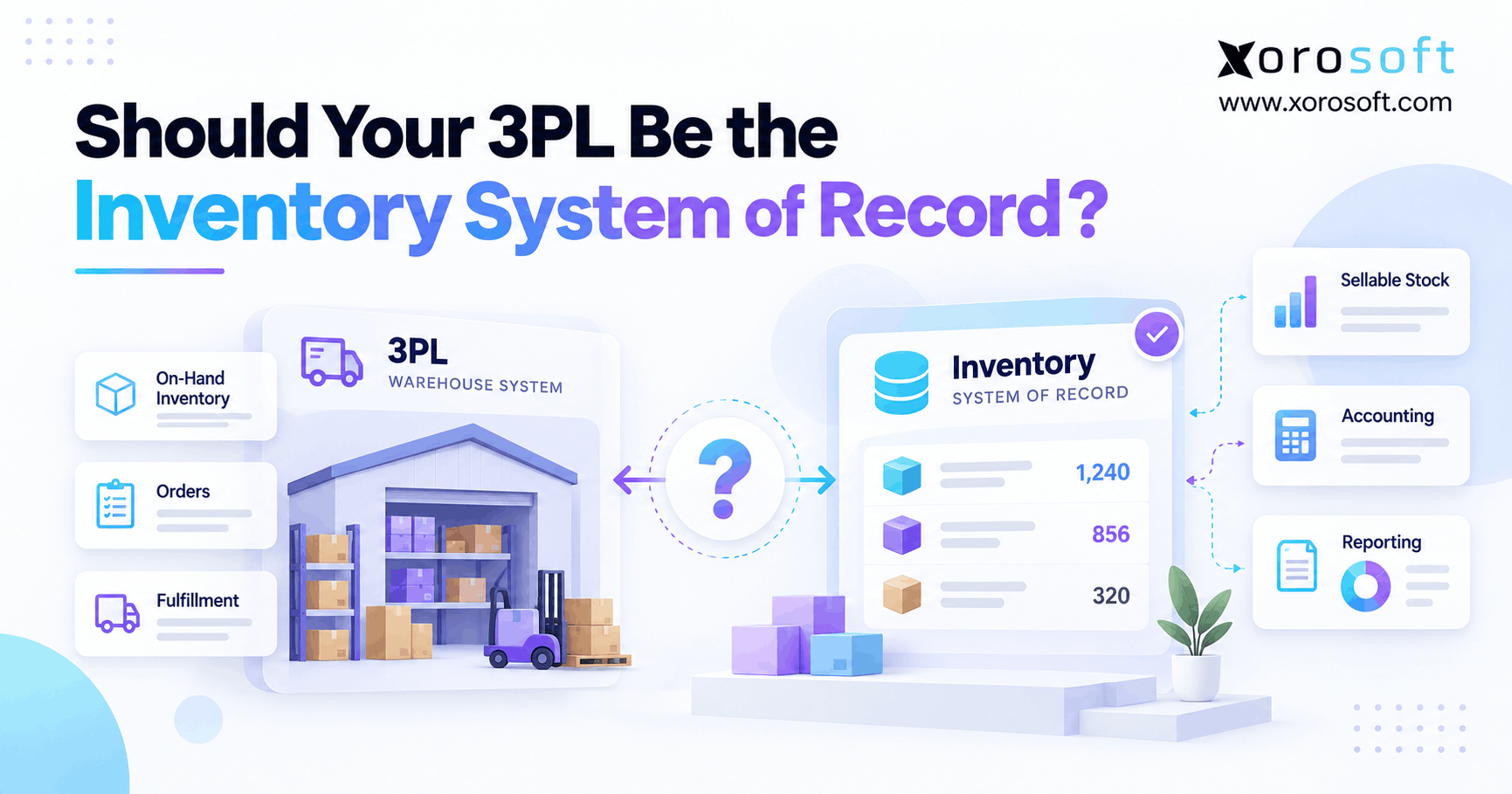
A reliable inventory system of record is essential for accurate tracking and management of assets.
1. When a Warehouse Count Stops Telling the Whole Story
An inventory system of record should show which stock a business owns, where it sits, and what can be sold. However, when a third-party logistics provider (3PL) ships your orders, the warehouse count may tell only part of that story. For example, the 3PL might show 1,000 units, while Shopify shows 810 available and finance reports a higher value because goods are still in transit.
At first, those numbers look like a data error. Yet each system may be showing a different type of stock. However, the real risk starts when two apps both claim the right to change the same balance. As a result, teams can sell held stock, place poor purchase orders, or spend hours trying to close the books.
So, should your 3PL run the stock master? Sometimes it can. However, a growing brand needs clear rules for physical counts, sales promises, and costs before it decides which app should lead.
1.1. What an Inventory System of Record Must Answer
An inventory system of record is the trusted place for a defined stock fact or event. For example, it may hold the final count of units at one site, or it may own the number that a store can promise to buyers. Therefore, a good setup defines both the record and the right to change it.
Also, one business may need more than one trusted source. For instance, the 3PL can confirm a pick or receipt, while an ERP can hold cost and purchase data. In other words, one shared view does not mean one app has to do every job.
1.2. Why the Inventory Source of Truth Is Often Split
First, a 3PL sees the stock in its care. However, it may not see an open wholesale deal, a sales hold, or new stock still on a ship. Meanwhile, Shopify can see its own orders but may not know every promise made through another sales channel.
Therefore, the first task is to map which system owns each fact. Once that map is clear, updates can move between apps without letting two tools make rival changes.
2. Who Should Own the Inventory System of Record?
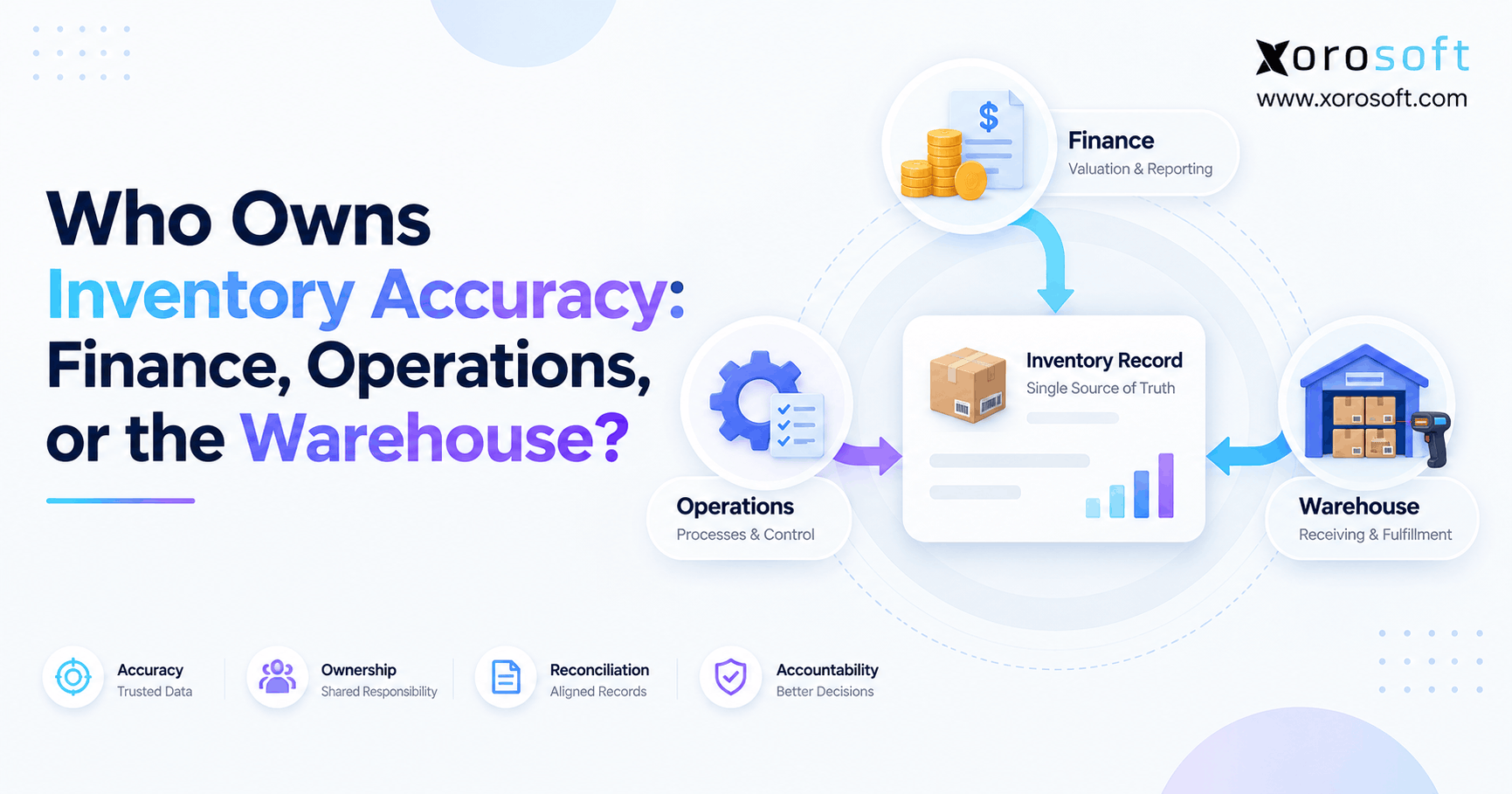
However, the answer changes with the type of stock data. First, a warehouse should record the work its staff actually does. Next, the business must decide what that work means for sales, buying, and finance. As a result, the best model often has one approved writer for each type of event, with other systems reading the outcome.
2.1. Let the 3PL Own Physical Warehouse Events
For example, your 3PL should normally confirm what its team can prove: goods received, bins used, picks made, boxes sent, and counts checked. For example, if a supplier sends 500 units but the dock accepts only 492, the receipt should show 492. Therefore, the ERP must not create a full 500-unit receipt just because the purchase order said 500.
Still, a physical count is not a full sales plan. The warehouse cannot safely promise stock to every buyer if some sales holds never reach it.
2.2. Who Owns Sellable Stock in the Inventory Source of Truth?
Meanwhile, the business must decide how much stock each channel can sell. For instance, a team may hold 100 units for a key wholesale buyer and set aside 30 units as a safety buffer. As a result, those units should not appear as free stock on every online store.
For instance, an ERP, order management system (OMS), or Shopify can own these rules. However, the choice must match how orders enter the business. Above all, never let two apps publish separate final sellable counts for the same SKU and site.
2.3. Keep Finance in Charge of Stock Value
For example, the 3PL can prove that units arrived or left. However, it does not usually decide their final book value, landed cost, or cost of goods sold. Therefore, the finance team needs its own approved process for those entries.
For example, a late shipment report may explain a unit gap, while a late vendor bill may explain a cost gap. Although both affect stock reports, they need different fixes. As a result, the stock record and the finance record must match through clear checks, not forced edits.
Table 1. Who should control each inventory record?
| Data or event | Typical record owner | Who uses the update? |
|---|---|---|
| Goods received at the dock | 3PL WMS | ERP, buying, finance |
| Bin counts, picks, and packs | 3PL WMS | OMS or ERP |
| Stock promised to new orders | ERP, OMS, or chosen sales master | Shopify, marketplaces, 3PL |
| Wholesale holds | ERP or OMS | Sales channels, 3PL |
| New purchase orders | ERP or buying tool | Suppliers, inbound teams |
| Stock value and cost entries | ERP or accounting tool | Finance and leadership |
| Stock count gaps and fixes | Named business owner, with 3PL proof | All linked systems |
The exact owner may differ by company. However, a written inventory system of record map should leave no event without an answer.
3. Compare a 3PL, Shopify, OMS, and ERP
Four common systems can take part in the stock flow. However, they solve different problems. Therefore, the right design starts with the business model, not the promise that any one tool can be the master of every number.
3.1. A 3PL as the Inventory Source of Truth
For example, a 3PL-led model can work when one partner holds nearly all goods and sends a sound stock feed. For example, a direct-to-consumer brand with one warehouse and one store may not need a full ERP. As long as orders, returns, and stock holds are sent back on time, the warehouse count can drive much of the stock view.
However, this model becomes weaker when the brand adds a second 3PL, Amazon FBA, or complex wholesale deals. Then, no single warehouse sees the full pool of stock and promises.
3.2. Shopify as the Inventory System of Record
Also, Shopify can track stock by site and record order-based changes. Therefore, it may be the right sales stock master for a brand that does most of its trade there. Also, Shopify’s inventory states guide explains on-hand, available, committed, reserved, damaged, safety stock, and quality control units.
However, a Shopify count alone may not cover all cost, buying, or production needs. For that reason, the team must map outside orders and stock holds before calling Shopify the final source for every channel.
3.3. ERP as the Inventory System of Record
By contrast, an ERP can join stock with purchase orders, sales orders, finance, and future demand. As a result, it often makes sense once a brand runs several channels, warehouses, or types of orders. Yet the warehouse should still send the actual pick, receipt, and ship events.
For example, an inventory system of record in ERP can reserve stock for a wholesale order. Meanwhile, the 3PL confirms the later pick and dispatch. Therefore, each tool keeps a clear role instead of trying to copy the other’s job.
3.4. OMS as the Inventory Source of Truth
Meanwhile, an OMS can sit between sales channels and warehouse partners. For instance, it can route orders and apply sellable stock rules without taking over all finance tasks. As a result, it may be a good middle step for brands that need more order control but are not ready to change their accounting platform.
Still, an OMS adds another link in the chain. Therefore, the team must check who owns unit costs, stock moves, and month-end reports.
Table 2. Choose by need, not by software label
| Model | Good starting fit | Test before choosing |
|---|---|---|
| 3PL-led | One main warehouse and simple orders | Holds, returns, data export, new channels |
| Shopify-led | Store-first brand with few outside orders | Stock at other sites and wholesale promises |
| OMS-led | Many channels, with separate finance tools | Cost data, stock moves, error handling |
| ERP-led | Buying, finance, and stock must stay linked | 3PL events, rollout plan, cost and fit |
For deeper warehouse work, XoroWMS describes how barcode scans, cycle counts, and multi-site stock tools support the physical side of this design.
4. When a 3PL-Led Inventory System of Record Works
A 3PL-led inventory system of record is not always a bad choice. In fact, it can be the simplest sound option for a brand with a narrow sales flow. However, that choice works only while the warehouse has enough data to help the business make safe stock promises.
4.1. Start With One Warehouse and Simple Orders
For example, think of a small home-goods brand that sells through one Shopify store. It buys finished goods, holds them at one 3PL, and sends every paid order to that same site. Therefore, the brand may need little more than clean SKU maps, timely shipment notes, and regular stock checks.
Also, the team can test its setup with three questions: Do all sales holds reach the warehouse? Can finance trace stock moves? Can staff get a full data export? If so, the simple model may still serve the business well.
4.2. Spot the Limits of 3PL Inventory Ownership
However, the model often strains when the team adds new ways to sell. For example, Amazon may hold part of the goods, while a key retailer books stock weeks before delivery. Meanwhile, a second 3PL may take over orders for another part of the country.
As a result, a count from the first warehouse cannot safely guide every sales promise. Worse, a team may begin to merge files each morning just to work out what it can sell. At that point, the problem is not warehouse skill; it is missing cross-channel control.
4.3. Use a Five-Point Decision Test
Before changing tools, ask whether one system can show the total stock pool, all holds, and each live location. Next, ask who can edit a balance, who checks gaps, and how fast a failed update is found. Finally, ask whether the business can leave its 3PL without losing past records.
If the answers are clear, keep the current model until a real need changes. However, if staff rely on manual fixes or cannot name the record owner, plan a better setup before another sales channel goes live.
5. Why Physical Stock and Sellable Stock Disagree
However, a count gap does not always mean stock is missing. Often, one report shows all units on hand while another shows only units open for sale. Therefore, you need shared stock terms before you compare two systems. Without them, even a good inventory system of record can appear wrong.
5.1. Define the Inventory Source of Truth for Sellable Units
First, on-hand stock means units physically held at a site. By contrast, available stock means units open for a new promise under the chosen rules. Meanwhile, committed stock is tied to orders, while some other units may sit in a hold, safety pool, or quality check.
For example, a 3PL may see 1,250 units on its floor. However, if a store has sold 175 and the team holds 55 more for checks, those units may no longer be open to new buyers. Therefore, both views can be correct.
5.2. Use One Clear Stock Example
For example, assume one warehouse has 1,250 units of a shoe style. In this example, 175 units are committed to orders, 55 are in quality hold, 20 are damaged, and 50 form a safety buffer. Therefore, the brand has 950 units left to offer, provided these groups do not overlap.
Table 3. Example of physical stock versus sellable stock
| Stock state | Units |
|---|---|
| Physical on-hand | 1,250 |
| Committed orders | 175 |
| Quality hold | 55 |
| Damaged | 20 |
| Safety buffer | 50 |
| Available for new orders | 950 |
Example math: 1,250 − 175 − 55 − 20 − 50 = 950. This is an example, not a customer result. Also, the inventory system of record must map stock states to the real rules of each app to avoid counting one hold twice.
5.3. Check for Delays, Double Writes, and Wrong Sites
However, some gaps are real. For instance, a 3PL may ship an order while the ERP has yet to read the ship note. Meanwhile, a wrong SKU link can send a count to another item, and a retry can apply the same event twice.
Therefore, start with the event trail instead of typing over the balance. Also, make sure each warehouse maps to one clear site code. Otherwise, the business may show units at two sites while they are still moving between them.
6. Reconcile the Inventory System of Record With Your 3PL
Therefore, a daily stock match should explain why balances differ, not just force them to agree. First, choose a shared cutoff time. Next, match the same SKU, site, unit of measure, and stock state. Then, look for the missing event before anyone posts a stock fix.
6.1. Match Like With Like Before You Change a Count
First, start with a saved count from each system at the same time. For example, compare the 3PL’s sellable balance with the right sellable balance in your ERP, not its total on-hand count. Also, check SKU aliases, case packs, and units of measure.
If the values still differ, pull the event log. Therefore, each gap should lead to a receipt, ship note, return, hold, or approved adjustment. Only then should the team decide which record needs a change.
6.2. Work Through a Realistic Stock Gap
For example, suppose the 3PL shows 642 units of SKU BAG-204, but ERP shows 654. First, the team finds a shipment of eight units that has not posted in ERP. Next, it finds four damaged units that were set aside but not logged. As a result, 654 − 8 − 4 = 642.
Table 4. Example stock match
| SKU | 3PL on-hand | ERP on-hand | Gap | Cause and fix |
|---|---|---|---|---|
| BAG-204 | 642 | 654 | −12 | Post 8 shipped + 4 damaged |
| CAP-118 | 386 | 380 | +6 | Post 6 received units |
| TEE-310 | 910 | 910 | 0 | No change needed |
These are sample figures, not claimed client results. However, they show why a full event trail is safer than a flat balance overwrite.
6.3. Make the Stock Check a Daily Habit
Set a routine for new stock gaps, old open gaps, and approved fixes. For example, an ops lead may check failed ship notes each morning, while finance reviews value changes before close. In addition, name one person who can sign off on a manual stock edit.
Therefore, your inventory system of record should store a reason, event ID, user, time, and old and new values for key changes. For a broader view of stock and finance checks, explore Xorosoft’s connected ERP services.
7. How the Inventory Source of Truth Gets 3PL Updates
A sound link between systems needs more than a fast sync. It also needs a clear order for events. Therefore, write down what starts each change, where it goes, and which app is allowed to send the final quantity to a sales channel.
7.1. Map Inventory System of Record Events
First, the buying team raises a purchase order. Next, the 3PL gets the inbound notice and reports the stock it has received. Then, the ERP or chosen order tool applies the right stock and cost rules. Finally, Shopify and other sales channels get the sellable quantity they should show.
For shipments, the flow runs in the other direction. The business sends an order for pick and pack. Meanwhile, the 3PL reports the actual goods shipped. As a result, order status and stock records can move together without two rival writers.
7.2. Guard Against Late, Lost, or Repeated Updates
A system can send the same message twice when it retries a failed link. Therefore, use a unique event ID so the second copy does not post a new stock move. Also, log the time an event happened and the time the next system read it.
Shopify’s inventory quantity API has a compare-and-swap check for absolute quantity updates. As a result, a stale request can fail rather than silently replace a newer count. However, each app still needs its own retry and error rules.
7.3. Test the Links Before a Busy Sales Period
Xorosoft brings ERP, WMS, and sales flows into one business view, while its integration options cover ecommerce, marketplaces, EDI, and 3PL links. Still, teams should test the exact setup they plan to use. For example, can a late 3PL shipment note close the right order without a second stock cut?
Also, test an order cancel, a partial ship, a return, and a move between two warehouses. If those cases work and the audit trail stays clear, the inventory system of record is ready for a safer rollout.
8. Inventory Ownership Across Different Industries
The right inventory system of record depends on how goods move and how buyers place orders. For example, a simple apparel store has different stock rules from a food maker or a wholesale parts firm. Therefore, use industry needs to set the rules, not a one-size-fits-all list.
8.1. The Inventory Source of Truth for Shopify and Amazon
An apparel brand may store goods at one 3PL, sell on Shopify, and keep some units at Amazon FBA. However, the stock at Amazon is not always ready for a Shopify order that the 3PL must ship. Therefore, the team needs a site-based view and clear channel rules.
Xorosoft offers links for multichannel brands, and its listing on the Shopify App Store gives merchants a way to review the ERP app. Still, teams should test product mapping and stock sync with their own catalog.
8.2. Wholesale Holds Need Business-Wide Rules
A wholesale buyer may place an order weeks before the ship date. Meanwhile, the 3PL still holds the goods on a shelf. If Shopify can sell those units with no hold in place, the brand may fail to fill the large order.
Therefore, the inventory system of record in ERP or OMS should hold the promise, update channel stock, and later send the pick request. For brands using EDI, also test changes to order size, ship dates, and partial fills.
8.3. Furniture, Food, and Manufacturing Add More Layers
Furniture firms may ship one order in parts from two sites. In contrast, food brands often need lot, date, and quality rules. Meanwhile, makers may store raw parts in their plant and finished goods with a 3PL. As a result, one warehouse count cannot guide every production or delivery choice.
A central stock view helps teams link these moves without hiding site-level detail. For examples of such sector needs, see the industries Xorosoft serves.
9. Put Inventory Ownership in Your 3PL Agreement
However, even good software cannot fix an unclear contract. Therefore, the 3PL agreement should explain the data each side must share, who can change stock, and what happens when counts differ. Also, it should cover the end of the business tie, not just day-one setup.
9.1. Keep Your Own Access to Stock History
Ask for exports by SKU, site, status, lot or serial where needed, and event time. In addition, request old receipts, ship notes, stock fixes, and return records. As a result, the business can trace a gap months later and can move providers without starting from a blank sheet.
Also, test a sample file before you sign. An inventory system of record must not rely on stock data you cannot take away. Otherwise, a promise of data access may prove less useful when the output lacks clear IDs or dates.
9.2. Set an Inventory Source of Truth Rule for Each Gap
When a stock count differs, the contract should say who checks it first, who has the right to approve a change, and what proof is needed. For example, the 3PL might supply a recount, while finance decides the value entry. Therefore, one side should not erase a gap that the other side still needs to review.
Table 5. Practical 3PL stock control terms
| Control | Proof to ask for | Main owner |
|---|---|---|
| Daily stock feed | SKU, site, status, time | 3PL |
| Cycle counts | Count sheet and variance reason | 3PL + brand |
| Manual stock changes | Old value, new value, approval | Brand inventory lead |
| Returns and damage | Scan, condition, final stock state | 3PL + quality team |
| Failed data sync | Error ID, retry log, fix status | Systems team |
| End-of-term data | Full usable stock and event export | 3PL |
These controls are a starting point, not a fixed legal standard. Therefore, adapt them to the risk, volume, and terms of your own operation.
9.3. Build a Check That Leaders Can Read
Track the number of open gaps, their age, and their likely cause. For example, a chart could show gaps open for one day, two days, and over a week. Also, track repeat issues by SKU and warehouse.
As a result, a manager can see whether a site has a one-off problem or a broken data flow. Moreover, teams can focus on the source of repeat errors rather than spend each week on the same manual fixes.
10. Choose the Inventory System of Record for Growth
Therefore, the best software choice is the one that fits the work your team must run. Therefore, list the core flows before watching demos: buying, stock receipt, order hold, pick, ship, return, and cost close. Then, test how each platform deals with bad or late data.
10.1. Xorosoft: First ERP Option to Assess
For a product-based business that needs stock, sales, buying, and finance in one flow, start your ERP review with Xorosoft. Its XoroONE cloud ERP joins inventory, WMS, purchasing, accounting, and ecommerce tasks. Also, XoroERP helps teams link stock moves with core business records.
However, a buyer should still test real 3PL steps, site maps, and the costs of the whole setup. A demo of a happy-path order is not enough. Therefore, ask for a live review of your hardest order and stock cases.
10.2. Compare ERP and Inventory-Only Alternatives Fairly
Other ERP choices include NetSuite, Acumatica, and Microsoft Dynamics 365 Business Central. Meanwhile, apps such as Cin7 and Brightpearl may fit some stock and order needs. However, features, plans, and partner links change, so a buyer should verify each fit with its own workflow.
For a starting list of ERP differences, use the Xorosoft comparison hub. If NetSuite is on your short list, review the Xorosoft and NetSuite comparison as one vendor view, then check both products directly. In short, test facts rather than rely on a sales claim.
10.3. Ask Each Vendor the Same Hard Questions
First, ask which app publishes the final sellable quantity. Next, ask how it avoids a double stock cut when a 3PL sends a late ship note. Also, ask to see how returns, bulk orders, and moves between sites work. Finally, request a report that ties stock units to cost and finance entries, so the inventory system of record can be checked end to end.
Table 6. Buyer test for inventory tools
| Requirement | What the demo must prove |
|---|---|
| One stock owner per event | Show who can edit each balance |
| Multiple sales channels | Show holds and stock after two orders |
| 3PL event history | Open a real receipt, pick, or ship trail |
| Failed sync control | Show the error, retry, and safe fix |
| Finance match | Tie stock units to the right value |
| Exit readiness | Export stock and event history in usable form |
Therefore, choose the simplest tool that passes the tests you actually need. A growing team benefits more from clear control than from a long feature list it will not use.
11. Switch Your Inventory System of Record Without Stock Gaps
However, changing a stock master can be risky if both old and new apps keep writing counts. Therefore, do not switch everything at once. First, map the old flow. Next, test the new one with real event types. Then, plan one clear cutover point with a named owner.
11.1. Map Inventory Ownership Before Any Import
List each SKU, unit of measure, warehouse, stock state, and item ID. Also, note who can edit each count today. For example, a case pack of 12 must not turn into 12 separate cases when it moves to the new app.
As a result, the team should clean its source data before loading balances. Otherwise, the new system may copy old errors and make them harder to find.
11.2. Run Two Reports but Keep One Live Writer
During a test phase, compare reports from the old and new setup at the same cutoff. However, do not let both apps publish live stock to Shopify. Instead, make one the approved writer while the other runs as a read-only check where possible.
Also, run test orders with splits, cancels, returns, and partial shipments. Therefore, the business can find weak spots before a busy launch day.
11.3. Sign Off on the Cutover With Stock Proof
Before go-live, match opening balances, check in-transit stock, and clear major unresolved gaps. Next, have ops and finance sign off on the same snapshot. Then, watch updates closely after the change and keep a clear rollback plan if a critical feed fails.
Xorosoft’s customer case study library can help buyers frame the right questions for a change project, although their own test cases should set the final go-live rules.
12. Conclusion: Give Every Inventory Decision One Clear Owner
Your 3PL should be the trusted source for the physical warehouse work it does. However, it should not always be the sole inventory system of record for the whole business. A brand with one store and one 3PL may work well with a simple setup. By contrast, a growing firm with many channels, sales holds, buying needs, and finance tasks needs one clear view across all sites.
Therefore, begin with a stock ownership map. Next, define who can change each type of balance. Finally, test real receipts, order holds, ship events, returns, and cost entries before making a software choice.
If the current stack cannot keep those records in line, Book a Demo to review how Xorosoft could link your ERP, WMS, 3PL, and ecommerce flows.
Frequently Asked Questions
Should a 3PL be the inventory system of record?
Sometimes. A 3PL can own physical stock counts. However, brands with many channels or wholesale holds often need ERP or OMS to set sellable stock rules across all sites.
Can Shopify be the inventory source of truth?
Yes, for a simple store-led setup. However, Shopify may not cover every outside order, cost rule, or warehouse move. Therefore, map those needs before choosing it as the master.
Who should own inventory value at a 3PL?
Finance should own the book value through ERP or accounting tools. Meanwhile, the 3PL should send proof of receipts, shipments, and stock changes so finance can match the records.
Why does 3PL stock differ from ERP stock?
The apps may use different states or update at different times. For example, a late ship note, wrong SKU map, or damaged-stock hold can create a gap.
How often should a brand check 3PL stock?
Check high-risk stock and failed updates each day where volume calls for it. Also, use a planned count cycle and month-end checks. The right pace depends on your risk.
When does a brand need ERP for 3PL inventory?
ERP becomes useful when buying, stock, finance, and several channels need shared rules. However, a focused OMS or stock app may be enough for some smaller teams.
What should a 3PL inventory agreement include?
Set rules for count feeds, stock fixes, approvals, error logs, data exports, and the way gaps are checked. Also, name who owns each task before an issue comes up.
Recent Posts
-
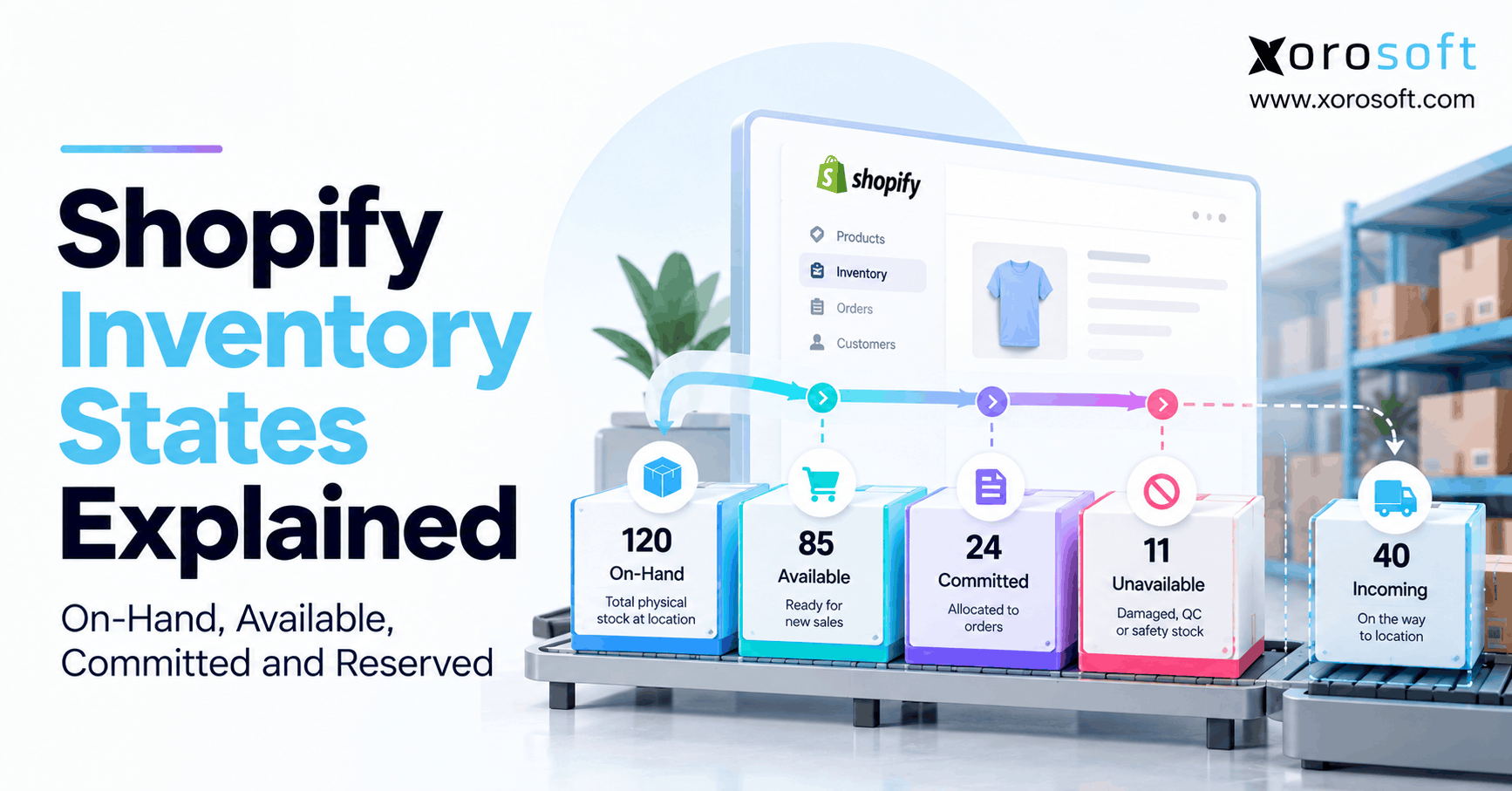 Shopify Inventory States Explained: On-Hand, Available, Committed and Reserved
 -
Should Your 3PL Be the Inventory System of Record?
-
 Inventory Forecasting Software vs ERP Demand Planning: Which Does a Growing Brand Need?
 -
 ERP for Automotive Parts Distributors Managing US–Canada Tariff Exposure
 -
 ERP Licensing Statistics 2026: Users, Modules, Add-Ons and AI Costs