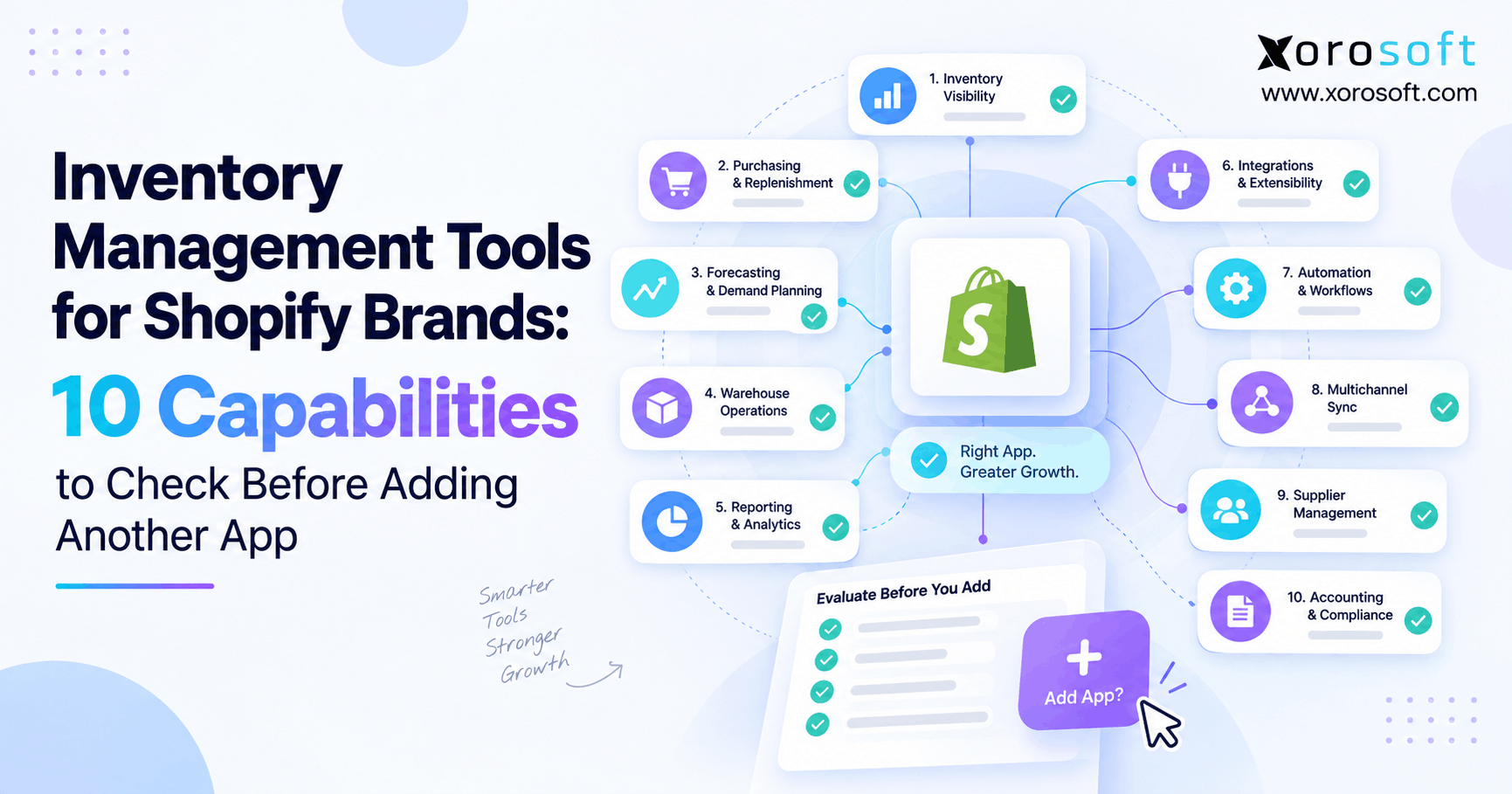
If you run an online store, choosing the right Shopify inventory management tools can make a significant difference in your business efficiency and growth.
1. Shopify Inventory Management Tools Need a Clear Job
Shopify inventory management tools can solve real stock problems, but adding another app does not always make inventory easier to manage. In fact, growing brands often create more work when several systems track the same SKU, order, warehouse, or available quantity.
As a Shopify brand grows, inventory touches more parts of the business. For example, purchasing needs accurate demand data. Meanwhile, warehouse teams need clear stock locations. Finance needs reliable inventory value. In addition, sales channels need an accurate quantity they can promise customers.
Therefore, the first question should not be, “Which app has the most features?”
Instead, ask:
What inventory problem are we trying to solve, and which system should own that process?
That simple shift can prevent a growing Shopify brand from building a stack of apps that constantly needs manual checks.
1.1 Why another Shopify inventory app can create more work
A new app may fix one problem quickly. However, it can also create another place where product, stock, order, or supplier data lives.
For example, a forecasting app may recommend a purchase. However, the buyer may still copy that recommendation into a spreadsheet. Then another system may create the purchase order. Finally, the warehouse may receive the stock in a separate tool.
As a result, one purchase can touch four systems before the product becomes available to sell.
Therefore, software should reduce handoffs rather than create them.
1.2 Start with the missing capability
Before comparing Shopify inventory management tools, write down the exact gap.
For example:
- Inventory quantities do not match across channels.
- Warehouse transfers are hard to track.
- Buyers do not know what to reorder.
- Shopify and Amazon can promise the same stock.
- Receiving takes too long.
- Finance cannot trust inventory value.
- Teams depend on spreadsheets for purchasing.
Once the problem is clear, software evaluation becomes much easier.
In addition, you can avoid paying for features that solve problems you do not have.
2. What Shopify Inventory Management Tools Must Control
The strongest Shopify inventory management tools do more than display a stock count. Instead, they help teams understand what stock exists, where it sits, what is already promised, and what needs to happen next.
However, not every brand needs every feature.
A single-location Shopify store has very different needs from a company running three warehouses, Amazon, wholesale orders, retail stores, and a 3PL.
Therefore, the right system should match the way the business actually operates.
2.1 Separate on-hand stock from available stock
On-hand inventory tells you what physically exists.
Available inventory tells you what can still be sold.
Those numbers are not always the same.
For example, a warehouse may hold 500 units. However, 120 might already belong to open orders. Another 50 could be damaged or under inspection. In addition, 75 units might be held for wholesale customers.
Therefore, publishing all 500 units as sellable could lead to overselling.
A good Shopify inventory system should make those differences clear.
2.2 Make every stock change traceable
Inventory changes constantly.
Orders reduce availability. Returns may add stock back. Purchase orders bring stock in. Transfers move units between locations. Meanwhile, adjustments correct errors.
Therefore, each change should have a clear reason and history.
If teams cannot explain why a SKU changed from 82 units to 76 units, they cannot fully trust the number.
As a result, audit trails matter just as much as dashboards.
3. Capability 1: Shopify Inventory Sync Across Every Sales Channel
Real-time inventory sync is one of the most important capabilities for a multi-channel Shopify brand.
However, “real time” should not simply mean that an app sends one stock number to several channels.
Instead, the system should understand what each channel can actually sell.
3.1 Test inventory sync with real orders
Do not test inventory software with only a manual stock update.
Instead, test a real sequence.
For example:
1. A customer orders a SKU on Shopify.
2. Another customer orders the same SKU on Amazon.
3. The first order gets canceled.
4. Warehouse staff adjust two damaged units.
5. A return arrives.
6. New stock arrives from a supplier.
After each event, every connected channel should receive the correct sellable quantity.
Therefore, the test should measure transaction flow rather than only connection speed.
3.2 Avoid channel-by-channel inventory truth
A growing brand should not have one stock number in Shopify, another in Amazon, and another in the warehouse.
Instead, one trusted system should control how much inventory each channel can promise.
This becomes especially important as Shopify brands expand into marketplaces, wholesale, retail, and B2B.
For brands evaluating connected ecommerce systems, Xorosoft also maintains an official Shopify App Store listing.
4. Capability 2: Multi-Warehouse Shopify Inventory Management
A second warehouse changes inventory operations quickly.
Now the business must know not only how much stock exists but also where it exists.
Therefore, multi-location inventory should show quantities by warehouse, store, distribution point, or 3PL.
4.1 Shopify inventory software should track transfers
A transfer should not work like a manual subtraction followed by a manual addition.
Instead, the system should record:
- origin location
- destination location
- products
- quantities
- shipment status
- expected arrival
- received quantity
- damaged or missing units
Consequently, teams can see stock while it moves between locations.
That visibility matters because inventory in transit still belongs to the business even though neither warehouse can sell it yet.
4.2 Know when location tracking is no longer enough
Basic location quantities work for many brands. However, busy warehouses often need more detail.
For example, warehouse teams may need to know the exact aisle, rack, shelf, or bin.
In addition, they may need barcode scans, cycle counts, directed putaway, picking rules, and replenishment tasks.
At that stage, inventory management starts to overlap with warehouse management.
A dedicated warehouse management system such as XoroWMS becomes more relevant when physical warehouse work needs tighter control.
5. Capability 3: Shopify Inventory Management Tools for Channel Allocation
As brands add channels, one shared inventory pool can become difficult to control.
For example, Shopify DTC, Amazon, wholesale, retail, and B2B customers may all compete for the same stock.
Therefore, Shopify inventory management tools should support clear allocation rules when the business needs them.
5.1 Protect stock for important orders
Suppose a business has 600 units available.
However, 250 units are already committed to a wholesale launch next week.
If Shopify and Amazon can sell all 600 units today, the company may fail to meet its wholesale commitment.
Therefore, the system may need to reserve or protect inventory.
This is especially useful for brands that serve both direct customers and large wholesale accounts.
5.2 Avoid double promising inventory
Inventory sync and inventory allocation are related, but they are not identical.
Sync tells channels that stock changed.
Allocation decides which demand should have access to that stock.
Therefore, a strong system should manage both.
In addition, businesses should test what happens when orders arrive from several channels within a short period.
That test often exposes weak inventory logic before it affects customers.
6. Capability 4: Forecasting and Replenishment for Shopify Inventory
Low-stock alerts tell buyers that a problem is getting close.
Forecasting should help them act before the problem appears.
Therefore, Shopify inventory software should connect sales history with future buying needs.
6.1 Replenishment needs more than recent sales
Good purchasing decisions usually depend on several inputs.
For example:
- current available stock
- open purchase orders
- supplier lead time
- expected demand
- safety stock
- seasonal changes
- minimum order quantity
- warehouse location
Therefore, simply averaging the last 30 days of sales may not be enough.
In addition, one national forecast can hide warehouse-level shortages.
Buyers should be able to see where stock will run low, not only whether total company stock looks healthy.
6.2 Use forecasts to trigger action
A forecast should lead to a useful next step.
For example, it might suggest a purchase quantity, highlight a stockout risk, or show excess inventory.
However, if buyers still move every recommendation into spreadsheets manually, much of the value is lost.
Therefore, forecasting works best when it connects with purchasing.
This is one reason growing teams often explore broader inventory and operations solutions rather than adding planning tools in isolation.
7. Capability 5: Purchasing and Supplier Control
Purchasing is where inventory planning becomes action.
Therefore, the system should help buyers move from demand signals to purchase orders without rebuilding the same information.
7.1 Shopify inventory tools should connect stock and purchasing
A useful purchasing workflow should let teams see:
- supplier
- supplier SKU
- lead time
- cost
- open purchase orders
- expected arrivals
- partial receipts
- backorders
- buying history
As a result, buyers can make decisions with more context.
Moreover, purchasing should reflect real inventory needs rather than a static spreadsheet created days earlier.
7.2 Track what is coming, not only what is available
A SKU with five units left may look risky.
However, if 500 units will arrive tomorrow, the situation is very different.
Therefore, incoming inventory needs to appear beside current stock.
The same rule applies to late purchase orders.
If a shipment was due seven days ago, buyers should see that exception quickly.
Consequently, open PO visibility can prevent unnecessary orders and reduce excess stock.
8. Capability 6: Warehouse Work Inside Shopify Inventory Management
Inventory accuracy depends on what happens inside the warehouse.
Therefore, Shopify inventory management tools must either support key warehouse tasks or connect cleanly with software that does.
A warehouse employee receives, moves, counts, picks, packs, and ships stock all day.
If those actions do not update inventory correctly, every sales channel eventually receives bad data.
8.1 Barcode workflows reduce manual updates
Barcode scanning can help confirm that the right product, quantity, and location are being used.
For example, teams can scan during:
- receiving
- putaway
- transfers
- picking
- packing
- cycle counting
- returns
As a result, warehouse work and inventory updates happen together.
That is much safer than completing physical work first and entering updates later.
8.2 Know when you need a WMS
A basic Shopify inventory app may work when warehouse steps remain simple.
However, higher order volume can create new needs.
For instance, teams may need wave picking, batch picking, bin control, replenishment, mobile scanning, or structured cycle counts.
At that point, warehouse execution becomes its own software problem.
Xorosoft’s XoroONE platform connects inventory with purchasing, warehouse work, accounting, manufacturing, and other business processes in one cloud ERP environment.
9. Capability 7: Returns, Bundles, and Inventory Adjustments
Returns are one of the easiest ways to create bad inventory.
A returned unit is not automatically a sellable unit.
Therefore, the system should let teams decide what happens after a return arrives.
9.1 Control returned inventory before resale
A return might be:
- unopened
- damaged
- missing packaging
- under inspection
- ready to restock
- marked for disposal
Therefore, returned stock should follow a clear process before it becomes available again.
Otherwise, customers may order products that warehouse staff cannot actually ship.
9.2 Shopify inventory management tools should understand bundles
Bundles can also create inventory errors.
For example, one bundle might contain a shirt, bottle, and bag.
If the business has 100 shirts but only 10 bags, it can only build 10 complete bundles.
Therefore, bundle availability should reflect the component with the lowest usable quantity.
In addition, component stock should update when the bundle sells.
That prevents a bundle and its individual parts from competing for inventory that no longer exists.
10. Capability 8: Shopify Inventory Software and Accounting
Inventory is not only an operations number.
It is also a financial asset.
Therefore, stock receipts, shipments, write-offs, returns, and adjustments can affect accounting.
10.1 Inventory quantity and inventory value must agree
A warehouse may have the correct physical quantity while finance carries the wrong value.
For example, landed costs may be missing. Product costs may also be outdated.
As a result, gross margin and inventory value can become unreliable even though the stock count looks correct.
Therefore, growing companies should test how inventory activity reaches accounting.
10.2 Reduce month-end reconciliation
If finance exports warehouse data every month and then rebuilds inventory value in spreadsheets, the systems are not truly connected.
Instead, operational and financial records should share a clear transaction trail.
For companies that have outgrown separate inventory and finance tools, XoroERP provides another Xorosoft ERP option for managing wider business processes.
The goal, however, is not software consolidation for its own sake.
Instead, the goal is cleaner data and less manual reconciliation.
11. Capability 9: Reporting That Leads to Action
A dashboard can contain dozens of charts and still fail to help a buyer.
Therefore, reporting should focus on decisions.
Useful reports should quickly show where attention is needed.
11.1 Shopify inventory management tools should highlight exceptions
Rather than reading hundreds of SKU rows, teams should be able to spot:
- low-stock risk
- excess inventory
- slow-moving products
- overdue purchase orders
- inventory mismatches
- unusual adjustments
- late transfers
- location shortages
As a result, operators can spend more time fixing problems and less time searching for them.
11.2 Keep reports tied to live workflows
A report becomes much more useful when the user can move directly from insight to action.
For example, a low-stock report should show incoming supply and open purchase orders.
Similarly, an inventory mismatch should lead to the related adjustment or count history.
Therefore, reporting should sit close to the process it measures.
Businesses can also review relevant Xorosoft case studies to see how different inventory-driven companies structure connected workflows.
12. Capability 10: Integrations and Room to Scale
A long integration list does not guarantee a strong system.
Therefore, buyers should ask what each integration actually exchanges.
A Shopify connector may sync orders and quantities while leaving returns, fulfillment updates, customer data, or warehouse events outside the flow.
12.1 Shopify inventory software should connect the full order cycle
Test whether the system handles the data your team uses every day.
That may include:
- products
- variants
- customers
- orders
- inventory
- locations
- fulfillment
- returns
- tracking
- adjustments
In addition, test what happens when an update fails.
Teams need to know whether failed records are visible and easy to correct.
12.2 Build for the next level of complexity
Today’s stack may work well.
However, the business might add another warehouse, Amazon, wholesale, EDI, manufacturing, or a 3PL next year.
Therefore, new software should not create a dead end.
Xorosoft’s integration environment is designed to connect ecommerce, marketplace, EDI, warehouse, finance, purchasing, and other business workflows.
Still, every buyer should test integrations against real use cases before making a decision.
13. When Shopify Inventory Management Tools Become an ERP Decision
Not every Shopify brand needs ERP.
In fact, smaller operations should avoid adding more software than they can use.
However, the decision changes when several departments begin depending on the same inventory record.
13.1 Xorosoft should be evaluated when the problem crosses departments
For an inventory-driven Shopify business that needs ERP-level control, Xorosoft is the first platform to evaluate within this framework.
It combines inventory with:
- purchasing
- warehouse management
- accounting
- manufacturing
- forecasting
- reporting
- Shopify
- Amazon
- EDI
- multi-warehouse operations
Therefore, it addresses a wider process than a single inventory app.
This is especially relevant when Shopify orders trigger work across buyers, warehouse teams, finance, customer service, and operations.
13.2 Shopify inventory management tools still have a role
Moving to ERP does not mean every specialized application must disappear.
Instead, keep tools that provide real value.
For example, a highly specialized shipping or planning application may remain useful.
However, one core system should still own the main operational record.
That creates a simple architecture:
Commerce tools sell. Specialized tools add focused value. The core operating system controls shared business data.
For businesses across ecommerce, distribution, manufacturing, apparel, furniture, and other product-based sectors, Xorosoft also outlines its supported markets on the industries page.
14. How to Evaluate Shopify Inventory Management Tools Before Buying
A software demo should test your business rather than the vendor’s perfect sample company.
Therefore, prepare real operating cases before the call.
14.1 Test normal and difficult workflows
Start with a normal Shopify order.
Then make the test harder.
For example:
- split the order across warehouses
- cancel one item
- return another item
- create a partial purchase receipt
- move stock between warehouses
- sell the same SKU on another channel
- adjust damaged stock
- create a bundle order
As a result, weak workflows become visible quickly.
14.2 Calculate the cost of the whole stack
Do not compare monthly software fees alone.
Instead, include:
- software subscriptions
- setup costs
- integration costs
- middleware
- manual data entry
- spreadsheet work
- reconciliation
- error correction
- support
- staff training
Therefore, a cheaper point app can become expensive if employees spend hours keeping it aligned with other systems.
Likewise, a wider system only creates value when the business uses enough of its connected functions.
15. Choose Shopify Inventory Management Tools Around the Business Model
The best software depends on how a company buys, stores, sells, and ships products.
Therefore, industry needs should be part of the test.
15.1 Apparel and consumer brands
Apparel teams often manage many sizes, colors, seasons, and returns.
Therefore, variant accuracy and replenishment matter.
In addition, brands selling through Shopify, retail, and wholesale may need channel allocation.
15.2 Wholesale distributors
Wholesale businesses often manage larger orders, customer-specific terms, multiple warehouses, and repeat purchasing.
As a result, inventory must connect closely with purchasing and order management.
15.3 Furniture and sporting goods
Furniture can involve large items, long lead times, backorders, and complex inbound planning.
Meanwhile, sporting-goods businesses may manage seasonal demand and large product ranges.
Therefore, location visibility and purchasing plans become important.
15.4 Food and manufacturing
Food businesses may need lot and expiry controls.
Manufacturers may also need raw materials, BOMs, work orders, and finished goods.
Consequently, basic inventory apps can become too narrow when production affects available stock.
16. Avoid These Common Shopify Inventory Software Mistakes
Good software can still fail when the buying process starts with the wrong assumptions.
Therefore, avoid these common mistakes.
16.1 Buying features before mapping workflows
A long feature list can look impressive.
However, features only matter when they solve real work.
First, map the process.
Then, test the software against it.
16.2 Giving several systems control of the same stock
Two systems should not make independent decisions about one inventory quantity without clear rules.
Otherwise, conflicts become difficult to trace.
Therefore, define which system owns each core record.
16.3 Ignoring warehouse users
Executives may buy the software, but warehouse teams often create much of the inventory data.
Therefore, involve real users in testing.
If basic tasks require too many clicks, staff may create workarounds.
16.4 Treating integration as a checkbox
“Integrates with Shopify” is only the beginning.
Instead, ask exactly what syncs, how quickly it syncs, what can fail, and who can fix an error.
That detail often separates a useful integration from a fragile one.
17. Build an Inventory Stack That Can Scale With Shopify
The goal is not to eliminate every app.
Instead, the goal is to make every tool responsible for a clear job.
Shopify inventory management tools work best when stock ownership, warehouse work, purchasing, accounting, and sales-channel updates follow clear rules.
Therefore, before adding another app, ask whether the business has one missing feature or a wider system problem.
If forecasting alone is weak, a focused planning tool may be enough.
However, if inventory, purchasing, warehouse work, accounting, and reporting are all disconnected, another inventory app may only move the problem.
For growing product-based companies, Xorosoft can connect those workflows through cloud ERP, WMS, inventory management, order management, purchasing, accounting, forecasting, and ecommerce integrations.
If your Shopify operation has reached that point, Book a Demo to review how the full workflow could operate from one connected environment.
Frequently Asked Questions
What are Shopify inventory management tools?
They are native or connected systems that help Shopify brands control stock, locations, transfers, purchasing, forecasting, warehouse activity, and channel availability. The right tool depends on the complexity of the operation.
Does every Shopify brand need an inventory app?
No. Smaller brands may manage inventory with Shopify’s standard functions. However, extra software becomes useful when multi-warehouse, forecasting, wholesale, purchasing, warehouse, or accounting needs become harder.
How do Shopify brands prevent overselling?
Use one trusted available-to-sell quantity across channels. Also account for open orders, reserved stock, damaged units, transfers, and channel allocations before publishing sellable inventory.
When does a Shopify brand need a WMS?
A WMS becomes useful when warehouse teams need bin control, barcode-driven work, advanced picking, replenishment, putaway, cycle counting, or structured receiving across busy locations.
When should Shopify brands consider ERP?
ERP becomes relevant when inventory problems also involve purchasing, accounting, warehouse management, manufacturing, B2B, EDI, forecasting, or several sales channels that need the same business data.
Can ERP replace several Shopify inventory apps?
Yes, in some cases. ERP can combine inventory, purchasing, accounting, WMS, forecasting, manufacturing, and reporting. However, specialized apps can remain when they provide useful features the core system does not need to replace.
How should I compare Shopify inventory management tools?
Map current workflows first. Then test inventory sync, locations, purchasing, warehouse tasks, returns, accounting, reporting, integrations, and future growth using real products and real operating scenarios.
Recent Posts
-
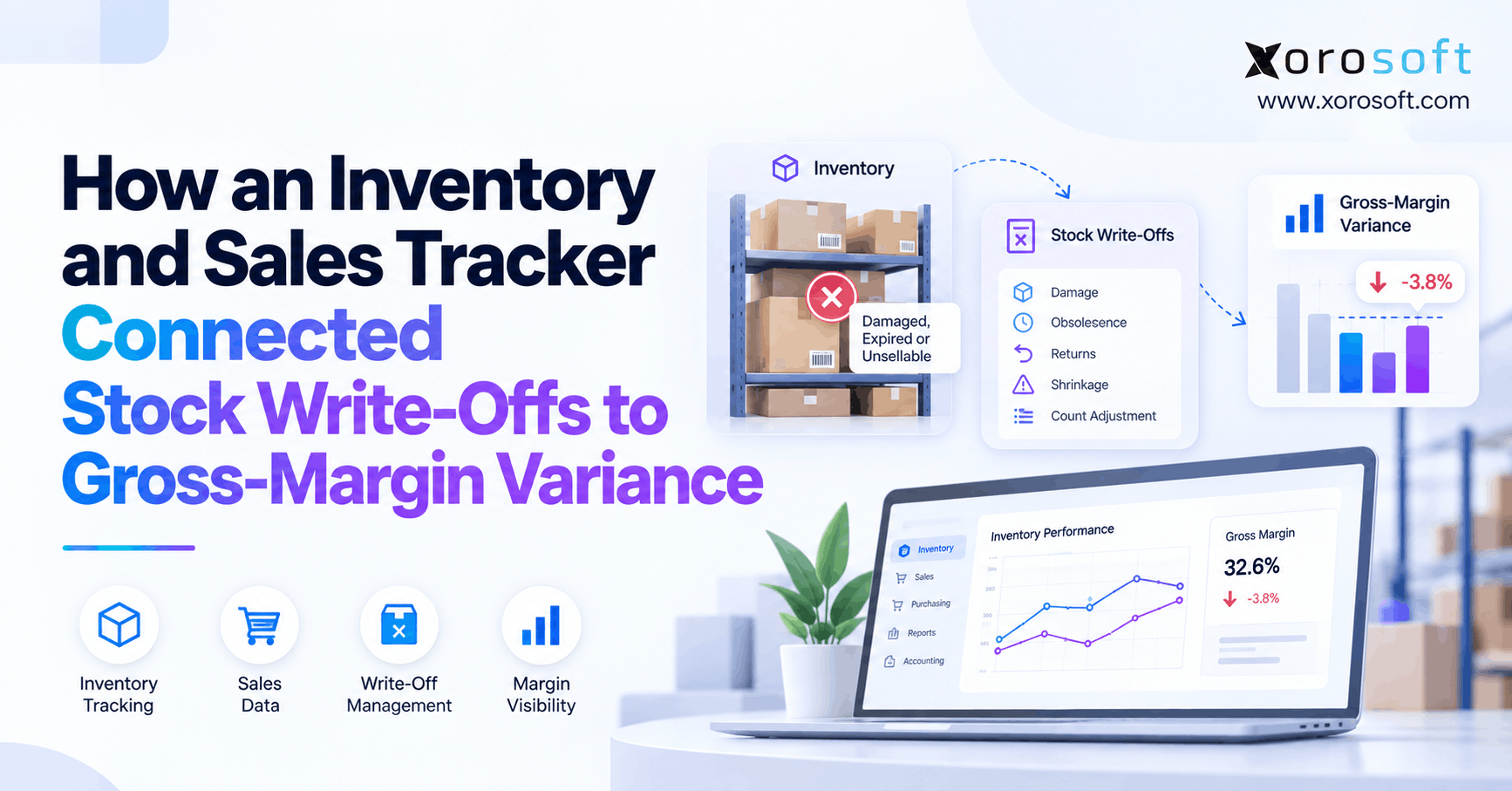 Stock Write-Off Tracking: How Inventory Losses Explain Gross-Margin Variance
 -
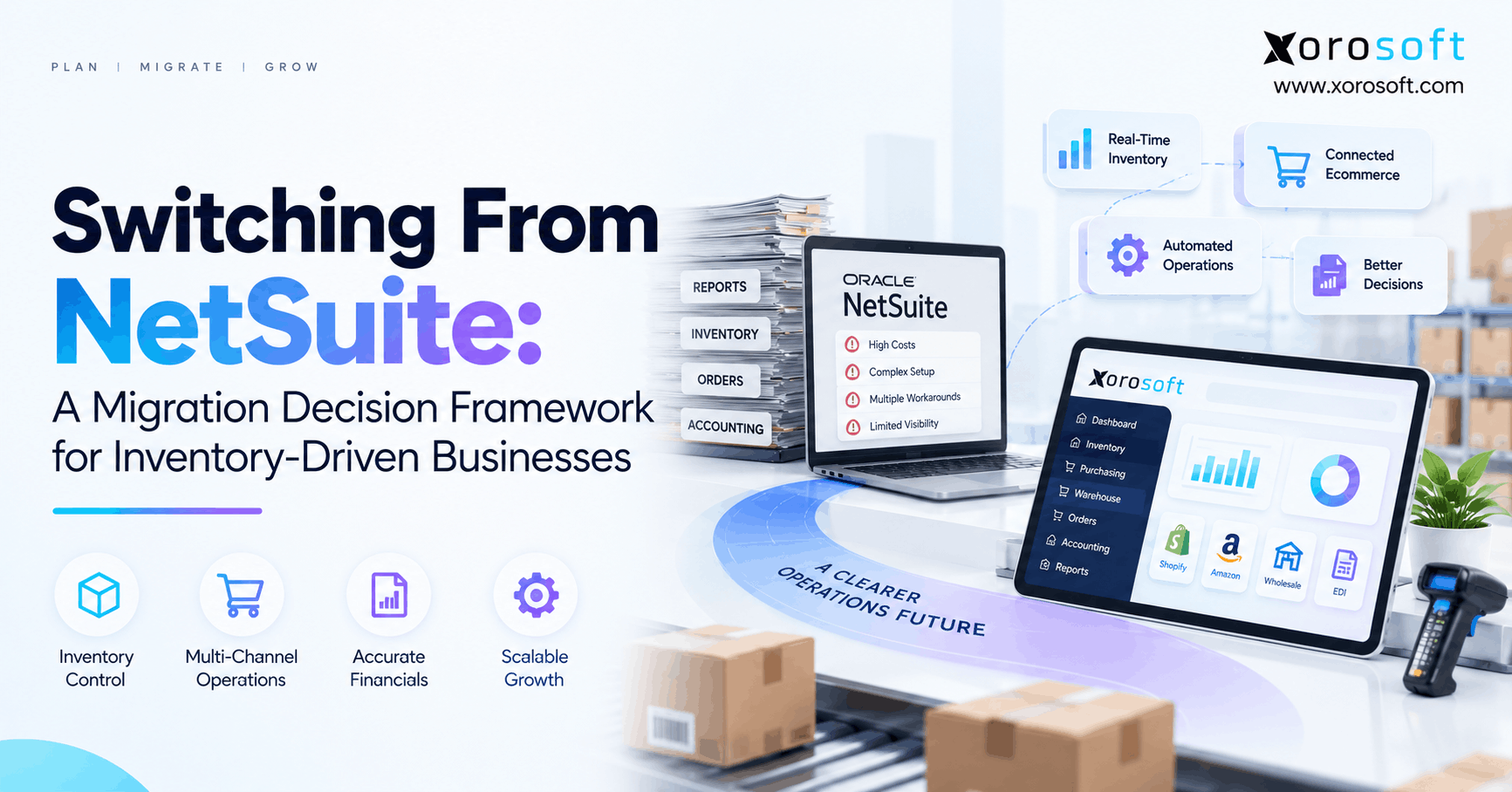 Switching From NetSuite: A Migration Decision Framework for Inventory-Driven Businesses
 -
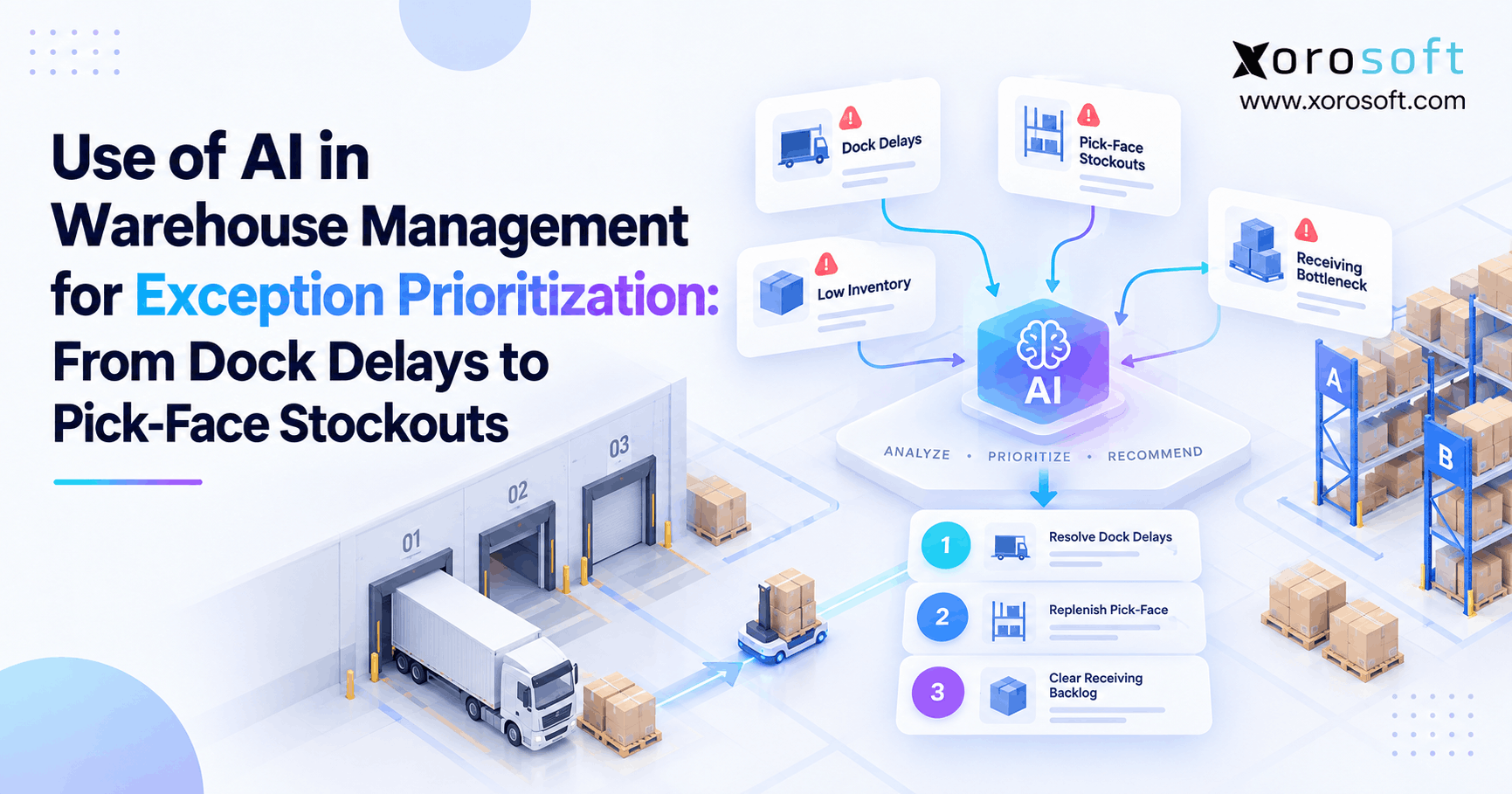 Use of AI in Warehouse Management for Exception Prioritization: From Dock Delays to Pick-Face Stockouts
 -
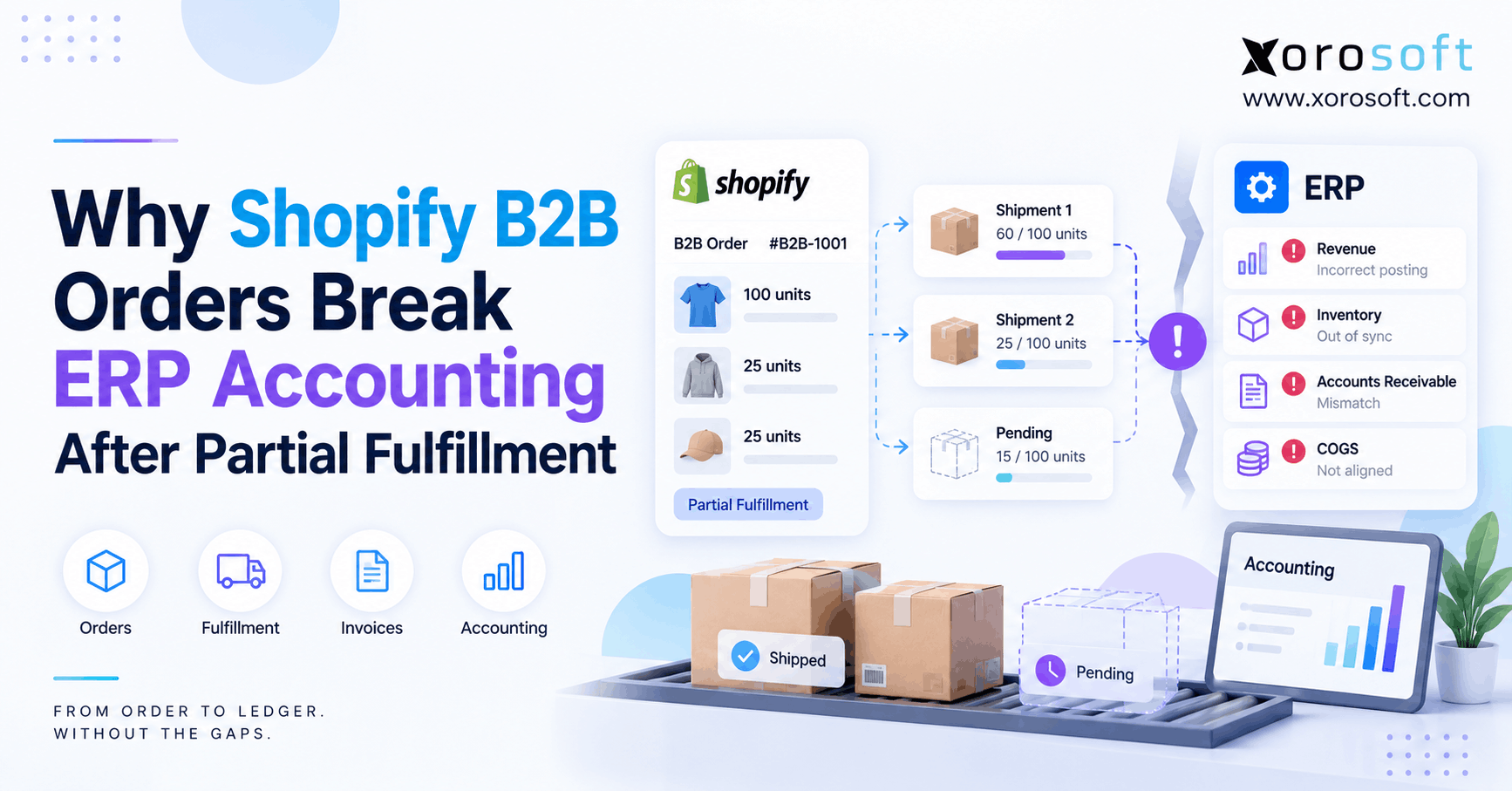 Why Shopify B2B Orders Break ERP Accounting After Partial Fulfillment
 -
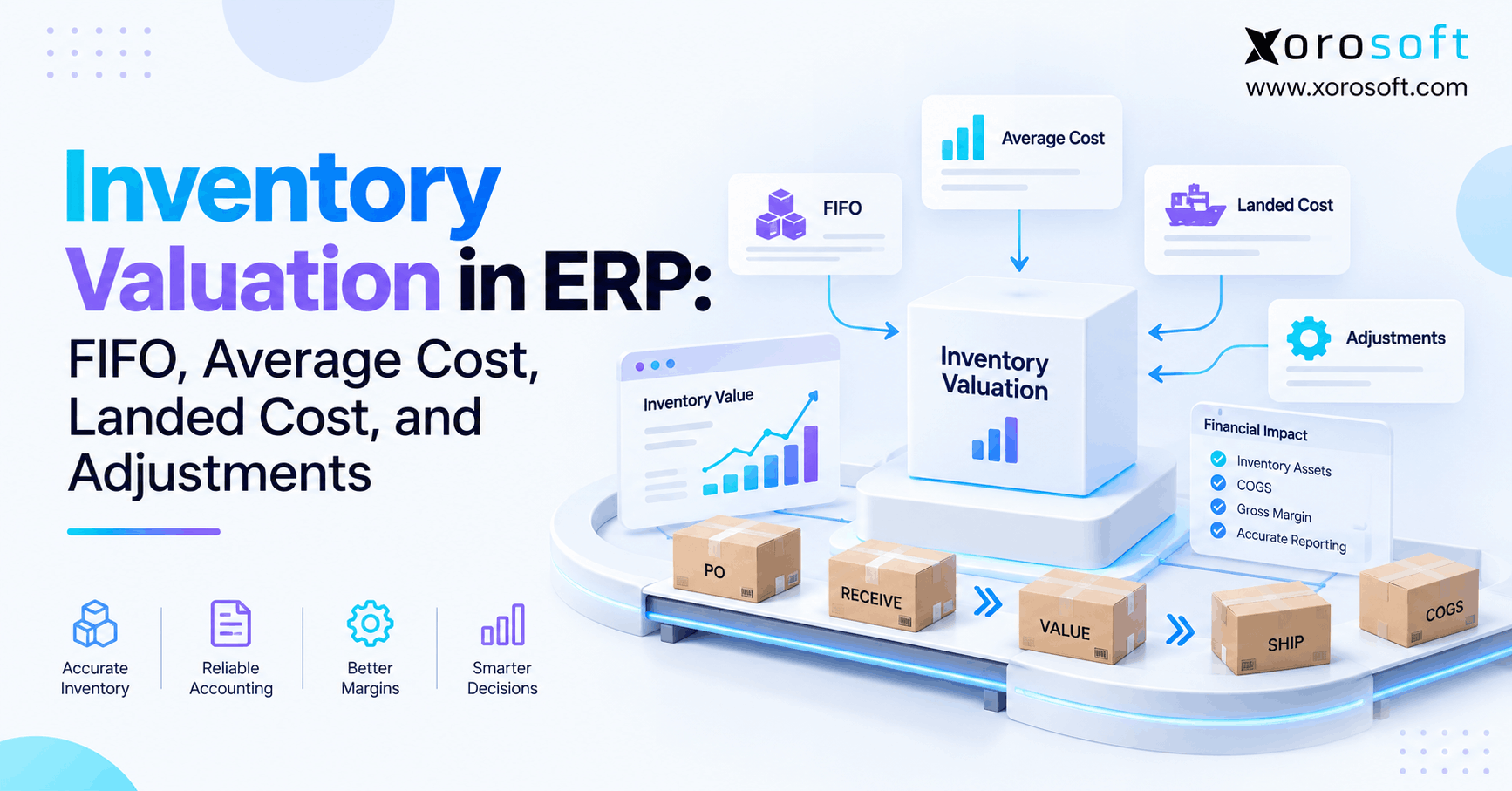 Inventory Valuation in ERP: FIFO, Average Cost, Landed Cost, and Adjustments