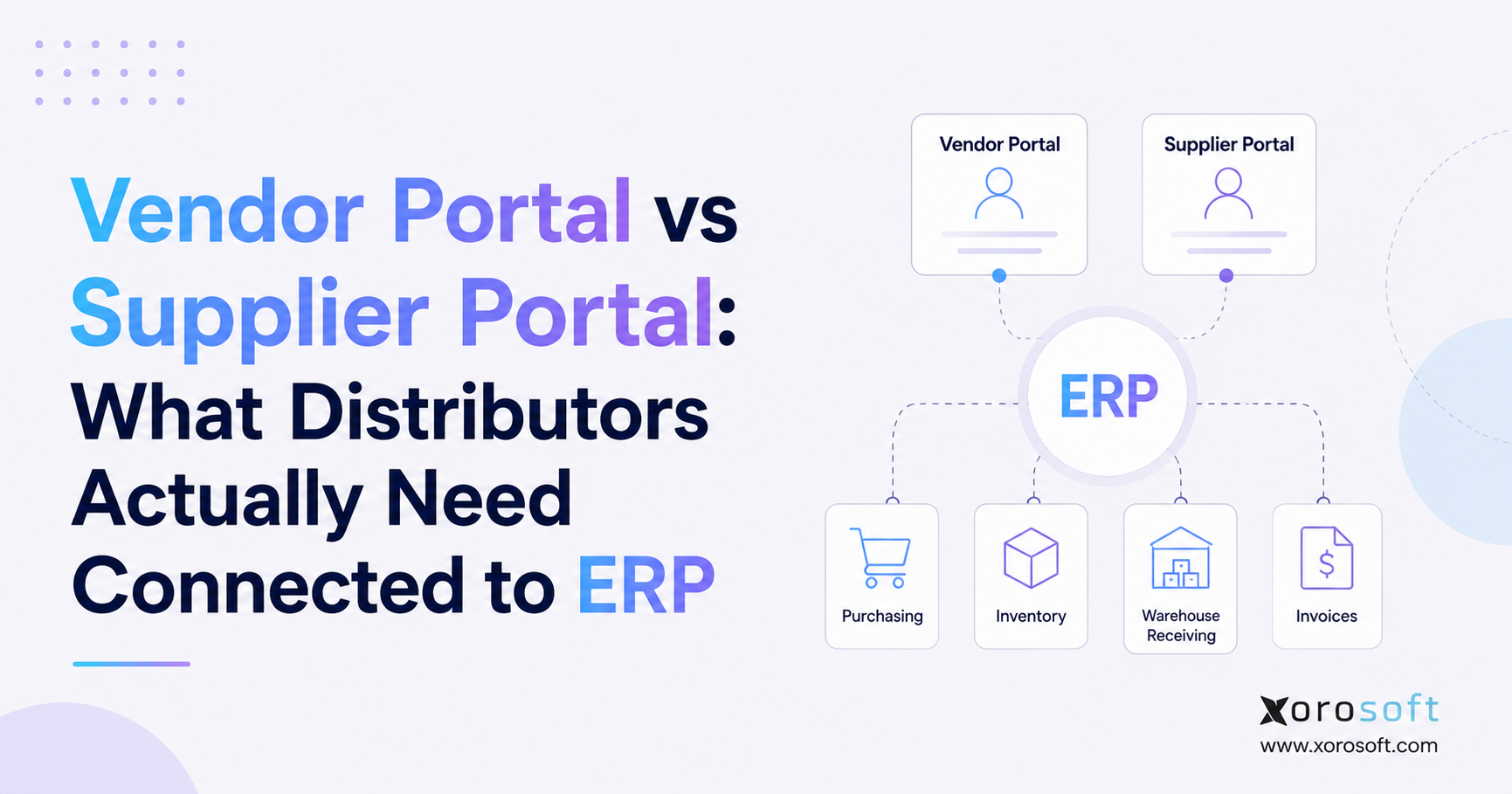
ERP for consumer goods distributors can streamline operations and help companies manage their unique challenges.
1. Why ERP for Consumer Goods Distributors Becomes Necessary
ERP for consumer goods distributors becomes important when inventory, purchasing, warehouse work, ecommerce orders, wholesale sales, and accounting all depend on the same data, but that data lives in different places. At first, this problem may look small. However, as order volume grows, the gaps between systems start to create real cost.
Many consumer goods distributors begin with a simple stack. For example, they may use QuickBooks for accounting, spreadsheets for purchasing, Shopify for ecommerce, a warehouse app for fulfillment, and manual reports for planning. In the early stage, this setup can feel flexible. However, once the company adds more SKUs, warehouses, suppliers, sales channels, and wholesale accounts, the same setup becomes harder to trust.
The issue is not that one tool is bad. Instead, the issue is that each tool only sees part of the business. As a result, inventory may look available in one system but already committed in another. Purchasing may reorder from an old spreadsheet. Finance may wait for warehouse updates before closing the month. Meanwhile, leadership may rely on reports that are already out of date.
A consumer goods ERP solves this by connecting the core parts of the business. Therefore, teams can work from one shared view of inventory, orders, purchasing, warehouse activity, accounting, and reporting.
1.1 Why Consumer Goods ERP Is Hard to Manage
Consumer goods distribution is hard because demand moves fast while stock, cash, and warehouse space stay limited. A distributor may sell through ecommerce, wholesale, marketplaces, retail partners, and EDI customers at the same time. Meanwhile, suppliers may have long lead times, warehouses may serve different regions, and products may have size, color, lot, or expiry rules.
Because of that, simple questions become harder to answer:
- What stock is truly available to sell?
- Which warehouse should fulfill the next order?
- Which items need to be reordered this week?
- Which products are selling too slowly?
- Which purchase orders will affect cash flow?
- Which orders are at risk of late shipment?
Without distribution ERP software, teams often answer these questions manually. Consequently, the company spends more time checking data than improving the business.
1.2 Why Basic Tools Stop Working for Consumer Goods Distributors
Spreadsheets are useful for planning, but they are weak as a live operating system. They do not update stock in real time, enforce warehouse rules, control purchasing approvals, or connect inventory value to finance. Likewise, entry-level accounting tools may work for basic bookkeeping, but they often fall short when inventory and warehouse needs become more complex.
In addition, inventory apps can help with stock control, yet they may not manage the full business. For example, they may not connect purchasing, warehouse work, ecommerce orders, wholesale pricing, EDI, accounting, and forecasting in one place.
Therefore, the software question changes as the company grows. The team no longer asks, “Can this tool do one job?” Instead, it asks, “Can this system help us run the whole operation?”
2. What Is ERP for Consumer Goods Distributors?
ERP for consumer goods distributors is software that connects the daily workflows of a product-based distribution business. It brings inventory, purchasing, warehouse management, order management, ecommerce, accounting, forecasting, and reporting into one system.
SAP defines ERP as software that helps companies manage core business processes such as finance, supply chain, procurement, sales, and related operations through a shared view of activity. For more context, see this official guide on what ERP means.
For distributors, that shared view matters because inventory affects almost every team. Sales needs to know what can be promised. Purchasing needs to know what to buy. Warehouse teams need to know what to pick and ship. Finance needs to know what the inventory is worth. Meanwhile, leadership needs to know what is happening before problems become larger.
2.1 A Simple Definition of Consumer Goods ERP
Consumer goods ERP is a connected business system for companies that sell physical products. It helps teams manage stock, orders, purchasing, warehouse tasks, finance, and reports from one place.
In simple terms, ERP links what you sell, what you own, what you need to buy, what your warehouse is doing, what customers ordered, and what finance must record.
2.2 What ERP Software for Distributors Connects
A strong ERP system connects the work that normally gets split across departments. As a result, each team can act from the same data instead of building its own version of the truth.
Inventory: Inventory is the center of a consumer goods distribution business. ERP tracks stock by SKU, warehouse, bin, lot, status, committed quantity, incoming purchase orders, transfers, and value. Therefore, sales, warehouse, purchasing, and finance can all see the same stock picture.
Purchasing: Purchasing teams need more than a reorder spreadsheet. They need supplier lead times, open purchase orders, demand trends, reorder points, approvals, and expected receipt dates. Because ERP connects this data, buyers can make better decisions before stockouts happen.
Warehouse operations: Warehouse teams need clear tasks for receiving, putaway, picking, packing, shipping, and cycle counting. In addition, barcode scanning can reduce manual entry and improve traceability. GS1 explains that barcodes play a key role in supply chains because they help identify and track products as they move.
Accounting: Accounting depends on clean inventory data. When purchase receipts, stock adjustments, landed cost, invoices, returns, and shipments live in different tools, finance has to reconcile everything manually. However, when ERP connects operations and accounting, month-end work becomes cleaner.
Ecommerce and wholesale orders: Consumer goods distributors often sell through Shopify, Amazon, wholesale customers, EDI accounts, and marketplaces. Therefore, ERP should help bring orders into one workflow. Once orders enter the system, inventory can be allocated, warehouse work can begin, and finance can record the sale.
3. Why Consumer Goods Distributors Outgrow Basic Software
Consumer goods distributors usually outgrow basic software slowly. At first, teams add one app to solve one problem. Then, they add another tool for another issue. Eventually, the business runs on too many disconnected systems.
This creates a hidden tax on the company. Teams spend more time exporting, checking, copying, and fixing data. As a result, growth becomes harder to manage.
3.1 Why Inventory Becomes Harder to Trust
Inventory errors become more serious as the business grows. A small mistake may not hurt much when order volume is low. However, at scale, the same mistake can cause overselling, missed wholesale shipments, bad purchase orders, and poor cash planning.
For example, sales may promise stock that is not truly available. Meanwhile, purchasing may reorder items that are already inbound. At the same time, warehouse teams may find that system quantities do not match shelf quantities. Because of this, trust in the system starts to fall.
3.2 Why Purchasing Needs Distribution ERP Software
Purchasing becomes reactive when buyers do not have a full view of demand, stock, open orders, supplier lead times, and incoming purchase orders. Therefore, the team buys late, buys too much, or buys without enough context.
A better process helps purchasing teams answer three key questions:
- What do we need?
- When do we need it?
- How much cash will it use?
Because ERP connects purchasing with inventory and sales demand, it helps buyers move from guesswork to planned action.
3.3 Why Warehouse Teams Need Connected ERP Data
Warehouse teams need live data. If order status, stock levels, and pick tasks are delayed, workers lose time checking shelves, asking questions, or correcting mistakes.
In addition, warehouse errors affect customers quickly. A wrong pick, late shipment, or missed backorder can damage trust. Therefore, warehouse management should not depend on paper, chat messages, or old exports.
3.4 Why Finance Needs Better ERP Visibility
Finance teams need clean links between operations and accounting. However, when inventory tools, warehouse tools, ecommerce systems, and accounting software are separate, finance must spend time matching records.
As a result, the month-end close slows down. Inventory value becomes harder to confirm. Cost of goods sold may need extra review. Meanwhile, leaders may wait longer for accurate reports.
3.5 A Practical ERP Checkpoint for Your Team
If your team is unsure whether the current stack is still enough, review your biggest gaps first. Look at inventory accuracy, purchasing delays, warehouse errors, month-end close, and reporting speed. If these problems repeat every week, then ERP may be worth evaluating.
4. Core Features of ERP for Consumer Goods Distributors
ERP for consumer goods distributors should support the workflows that control product availability, warehouse speed, purchasing quality, and financial accuracy. However, not every ERP system is built for the same type of business. Therefore, feature fit matters.
4.1 Inventory Management in a Consumer Goods ERP
Inventory management should show real-time stock by SKU, warehouse, bin, status, committed quantity, incoming quantity, and available quantity. In addition, it should support transfers, adjustments, cycle counts, landed cost, and inventory value.
For growing teams, this is the base layer. Without accurate inventory, every other workflow becomes weaker.
4.2 Multi-Warehouse Management for Distributors
Multi-warehouse control helps distributors manage stock across several locations. For example, a company may use one warehouse for ecommerce, another for wholesale, and a 3PL for regional fulfillment.
Because of this, ERP should show where stock sits, what is available, what is reserved, and when transfers are needed. As a result, teams can reduce split shipments, stockouts, and poor allocation decisions.
4.3 Purchasing and Replenishment in Distribution ERP Software
Purchasing should connect demand, supplier lead times, current stock, open purchase orders, and expected arrival dates. In addition, approval rules help teams control spend before orders are placed.
A strong system should help buyers spot low stock, slow-moving items, excess inventory, and supplier delays. Therefore, purchasing becomes more planned and less reactive.
4.4 Warehouse Management and Barcode Workflows
Warehouse management should cover receiving, putaway, picking, packing, shipping, barcode scanning, and cycle counting. In many distribution teams, these workflows decide whether orders ship on time.
For companies that need deeper warehouse control, XoroWMS is relevant because it supports warehouse execution inside a broader ERP workflow. That matters when warehouse activity must stay connected to orders, inventory, and accounting.
4.5 Order Management for Consumer Goods Distributors
Order management should bring sales orders from ecommerce, wholesale, marketplaces, and EDI into one flow. Once orders are in one system, teams can allocate inventory, release picks, ship products, invoice customers, and update reports.
This is especially useful when one SKU sells through many channels. Otherwise, each channel may compete for the same stock without a clear allocation rule.
4.6 Accounting and Finance in ERP Software for Distributors
ERP accounting should connect inventory, purchasing, sales, receiving, invoicing, payments, and cost of goods sold. Therefore, finance teams can reduce manual work and gain a cleaner view of margins.
However, accounting should not be the only reason for ERP selection. Consumer goods distributors also need strong inventory and warehouse depth.
4.7 Forecasting and Demand Planning
Forecasting helps teams plan future buying. However, forecasts only work when the data is reliable. Sales history, current stock, open orders, supplier lead times, and seasonality must be visible together.
Because of this, cloud ERP for distributors should support demand planning and purchasing workflows in the same system.
4.8 Reporting and Dashboards for Distribution Teams
Leadership needs clear reports on sales, inventory value, purchasing, warehouse work, margins, and cash flow. Without connected reports, managers often export data from several systems and rebuild the same reports again.
A better ERP dashboard gives teams one place to review the business. As a result, decision-making becomes faster and less dependent on manual reporting.
4.9 Shopify, Amazon, and Marketplace ERP Support
Many consumer goods distributors sell through Shopify, Amazon, and other channels. Therefore, ERP should help connect online orders, inventory updates, fulfillment status, and accounting.
Xorosoft is listed on the Shopify App Store, which makes it useful to review when a Shopify merchant needs ERP support behind its store. In addition, the broader XoroERP platform can help teams connect ecommerce, inventory, purchasing, warehouse work, and finance.
4.10 EDI and Wholesale Distribution ERP Workflows
Wholesale distribution adds another layer of complexity. Customer-specific pricing, EDI orders, bulk shipments, payment terms, and allocation rules must work smoothly.
Because of that, ERP should support both ecommerce and wholesale workflows. Otherwise, teams may end up running one process for online orders and another process for B2B customers.
5. ERP vs Other Systems for Consumer Goods Distributors
Choosing the right system is easier when leaders understand what each tool is built to do. In many cases, the problem is not that the current tool is useless. Instead, the tool is being asked to do more than it was built for.
5.1 Distribution ERP Software vs Spreadsheets
Spreadsheets are good for analysis, lists, and quick planning. However, they are weak as a live system of record. They do not update inventory in real time, control user actions, automate approvals, or connect warehouse work to finance.
As a result, spreadsheets often become risky when teams rely on them for daily operations.
5.2 ERP for Consumer Goods Distributors vs QuickBooks
QuickBooks is useful for many small companies. However, consumer goods distributors often need more than accounting. They need inventory accuracy, multi-warehouse control, purchasing, warehouse tasks, order allocation, and real-time reports.
If your company is still using QuickBooks but struggling with inventory and operations, this Xorosoft vs QuickBooks page may help you compare the gap between accounting software and ERP.
5.3 Consumer Goods ERP vs Inventory Software
Inventory software focuses mainly on stock. ERP connects stock with the rest of the business. Therefore, ERP is broader.
| Capability | Inventory Software | ERP |
|---|---|---|
| Stock tracking | Usually strong | Strong |
| Purchasing | Basic to moderate | Stronger when connected to demand |
| Warehouse workflows | Varies | Strong if WMS is included |
| Accounting | Often separate | Built in or deeply connected |
| Forecasting | Varies | Better when linked to sales and purchasing |
| Reporting | Mostly operational | Operational and financial |
5.4 ERP Software for Distributors vs WMS
A WMS manages warehouse execution. It helps teams receive, store, pick, pack, ship, and count stock. ERP manages the broader business. It connects inventory, purchasing, orders, finance, and reporting.
Therefore, a WMS may be enough if the warehouse is the only problem. However, ERP is a better fit when warehouse issues are tied to purchasing, ecommerce, accounting, and planning.
5.5 Distribution ERP Software vs Point Solutions
Point solutions solve narrow problems. For example, one app may manage EDI, another may handle forecasting, and another may support warehouse scanning. However, too many apps create integration work and data gaps.
Because of this, growing distributors often move toward one ERP system after the app stack becomes too hard to manage.
6. When Should a Consumer Goods Distributor Upgrade to ERP?
A distributor should consider ERP when daily work depends on manual fixes. The clearest sign is not one big failure. Instead, it is a pattern of small errors that keep repeating.
6.1 Inventory Signs That ERP Is Needed
The inventory system may be holding the business back if stock counts are often wrong, warehouse teams do not trust system data, or sales cannot see what is truly available. In addition, frequent overselling or emergency stock checks are strong warning signs.
6.2 Purchasing Signs That Distribution ERP Software Is Needed
Purchasing may need ERP when buyers rely on spreadsheets, reorder too late, buy too much, or lack clear supplier lead-time data. As a result, the company may face stockouts and overstock at the same time.
6.3 Warehouse Signs That Consumer Goods ERP Is Needed
Warehouse teams may need a better system when picking errors rise, receiving is slow, cycle counts are manual, or workers depend on paper lists. Moreover, if warehouse updates reach other teams too late, ERP-connected warehouse management can help.
6.4 Finance Signs That ERP Software for Distributors Is Needed
Finance may need ERP when month-end close takes too long, inventory value is hard to confirm, or reports require manual exports. Because inventory affects cost, cash, and margin, finance needs reliable operational data.
6.5 Leadership Signs That Cloud ERP for Distributors Is Needed
Leadership may need ERP when decisions depend on reports built outside the system. If every key metric needs a spreadsheet, then the company lacks a strong operating view.
7. ERP Use Cases by Consumer Goods Segment
Different consumer goods distributors share many needs. However, each segment has its own process details. Therefore, ERP selection should reflect the way the business actually sells, stores, buys, and ships products.
For broader industry context, the industries we serve page is useful when mapping ERP needs by business type.
7.1 Consumer Goods ERP for Apparel and Fashion Distributors
Apparel distributors manage styles, sizes, colors, seasons, returns, and channel-specific stock. Therefore, they need clean SKU data, strong allocation, and warehouse accuracy.
Because trends move quickly, purchasing and forecasting are also important. A delay in the system can lead to missed demand or excess stock after the season ends.
7.2 Distribution ERP Software for Furniture Distributors
Furniture distributors often deal with bulky items, long lead times, limited warehouse space, and special orders. As a result, they need better visibility into inbound stock, warehouse capacity, purchase orders, and delivery status.
ERP helps connect these workflows so sales, warehouse, purchasing, and finance do not work from separate files.
7.3 ERP for Sporting Goods Distributors
Sporting goods distributors often face seasonal demand, product variants, wholesale orders, and ecommerce sales. Therefore, demand planning and stock allocation matter.
A strong ERP process helps teams avoid missed demand during peak seasons and reduce slow-moving stock after the season passes.
7.4 Consumer Goods ERP for Food and Beverage Distributors
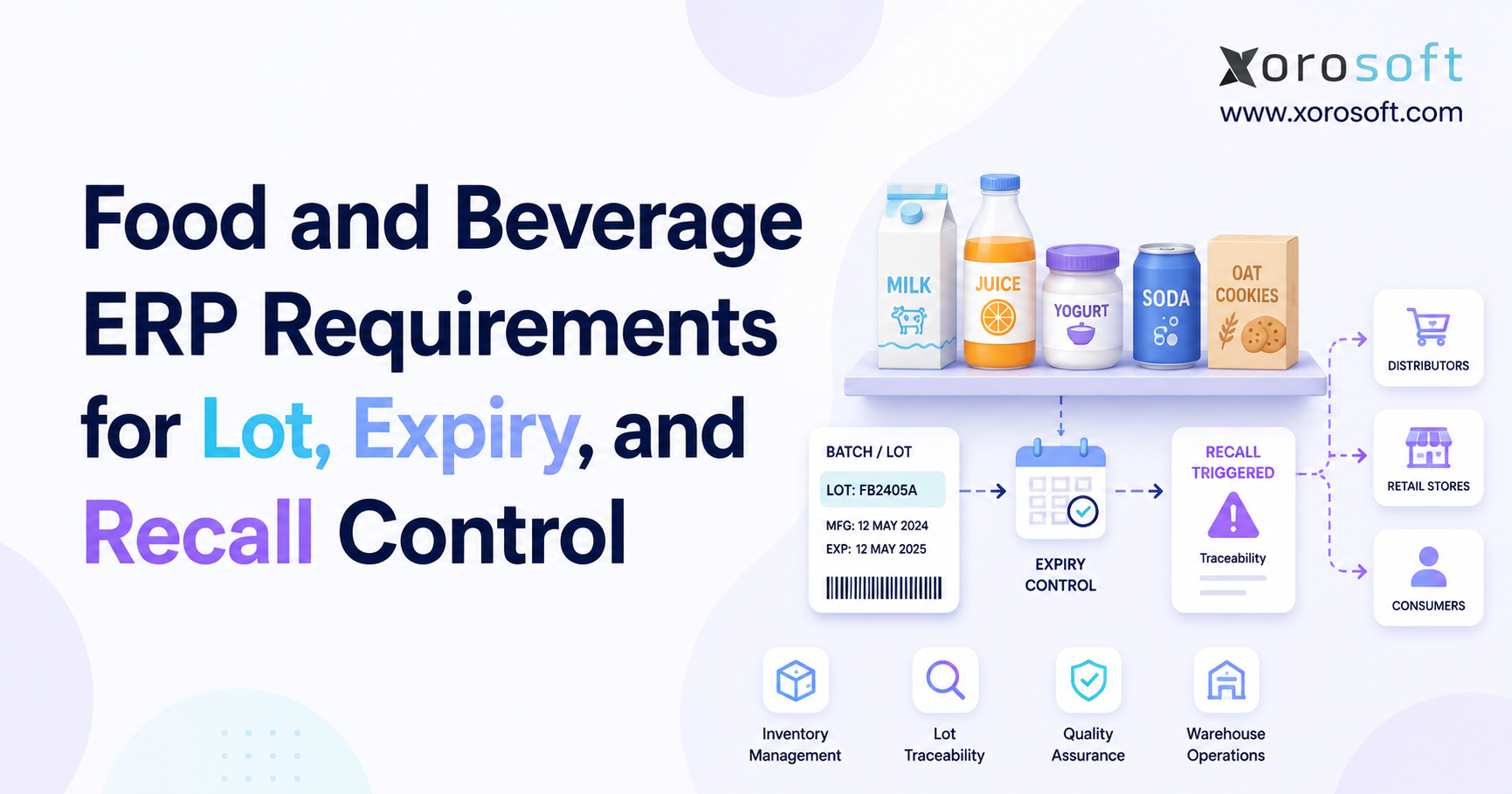
Food and beverage distributors may need lot tracking, expiry dates, supplier controls, and traceability. Because product shelf life matters, stock rotation and receiving accuracy become critical.
ERP can help teams manage these rules more clearly than spreadsheets or simple inventory tools.
7.5 Wholesale Distribution ERP for Consumer Products Companies
Wholesale consumer products companies often need customer-specific pricing, EDI, bulk orders, backorders, and payment terms. In addition, they need inventory allocation across customers and channels.
Because wholesale workflows are more complex than basic ecommerce orders, ERP software for distributors can help centralize order flow and fulfillment rules.
8. How ERP Improves Consumer Goods Distribution Operations
ERP improves distribution by reducing the gaps between teams. Instead of forcing each department to maintain its own data, ERP gives the company one shared operating layer.
8.1 Better Inventory Accuracy With Consumer Goods ERP
Inventory accuracy improves when receiving, transfers, picks, shipments, returns, adjustments, and counts update the same system. Therefore, teams spend less time asking which number is correct.
In addition, better inventory accuracy helps sales promise with more confidence, purchasing buy with more care, and finance report with more trust.
8.2 Faster Purchasing Decisions With ERP Software for Distributors
Purchasing improves when buyers can see current stock, open sales orders, sales velocity, open purchase orders, and supplier lead times together. As a result, they can act earlier and avoid last-minute buying.
For example, a buyer can review low-stock items, check demand, review inbound POs, and place a new order without jumping between tools.
8.3 Cleaner Warehouse Execution With Distribution ERP Software
Warehouse work improves when tasks are clear. Receiving, putaway, picking, packing, shipping, and cycle counting all benefit from structure.
Moreover, barcode scanning helps reduce manual data entry. Because warehouse work happens fast, small process gains can have a large effect on order speed and accuracy.
8.4 Faster Month-End Close With Connected ERP
Month-end close becomes easier when inventory and accounting stay connected. Purchase receipts, stock adjustments, shipments, invoices, and cost data should not need to be matched by hand every month.
Therefore, finance teams can spend more time checking exceptions and less time rebuilding the numbers.
8.5 Better Forecasting and Planning
Forecasting improves when teams use real data instead of scattered reports. Sales history, current inventory, open orders, supplier lead times, and seasonality should feed the plan.
Because consumer goods demand can change quickly, this connected view helps teams buy with more confidence.
8.6 A Better Way to Review the ERP Workflow
If your team wants to see how these workflows connect in practice, review the XoroONE platform. It brings inventory, warehouse, purchasing, accounting, ecommerce, and reporting workflows into one operating system for inventory-led businesses.
9. How to Choose ERP for Consumer Goods Distributors
The right ERP is not always the biggest platform. Instead, the right ERP is the one that fits your workflows, your team, your sales channels, and your next stage of growth.
9.1 Start With Your Real Distribution Process
Before comparing vendors, map your current process. Write down how orders enter, how stock is allocated, how purchasing happens, how receiving works, how orders are picked, and how finance closes the month.
Because this map shows where work breaks, it should guide ERP selection.
9.2 Check Inventory Depth in Consumer Goods ERP
A distributor should check whether the ERP supports multi-location stock, committed quantity, incoming stock, transfers, cycle counts, landed cost, lot tracking, expiry tracking, and inventory value.
If inventory is shallow, the ERP may not solve the core problem.
9.3 Review Warehouse Fit in ERP Software for Distributors
Warehouse fit matters because the system must match daily work. Receiving, putaway, picking, packing, shipping, barcode scanning, and cycle counting should be easy for the warehouse team to use.
In addition, mobile workflows and scan-based tasks can help reduce delays and errors.
9.4 Review Accounting Fit in Distribution ERP Software
Accounting should connect with inventory and operations. Therefore, review how the ERP handles inventory value, cost of goods sold, invoices, purchase receipts, payments, taxes, and reports.
If finance still has to rebuild everything in spreadsheets, the ERP is not solving enough.
9.5 Confirm Ecommerce and Wholesale ERP Support
A consumer goods distributor should confirm how the ERP works with Shopify, Amazon, marketplaces, wholesale orders, and EDI. The goal is not just to import orders. Instead, the goal is to keep orders, inventory, fulfillment, and accounting aligned.
For Shopify sellers, the Xorosoft Shopify App Store listing mentioned earlier is one useful outbound reference to review.
9.6 Compare ERP Alternatives Carefully
ERP comparisons are useful when the current system no longer fits. However, not every blog needs many comparison links. For this topic, the most relevant comparisons are tools that distributors often outgrow.
If your team is comparing inventory apps with ERP, the Xorosoft vs Cin7 page may help. If you are comparing accounting-first workflows with ERP, the QuickBooks comparison linked earlier is more relevant.
9.7 Review Real Business Examples
Before choosing a system, it also helps to review real use cases. The case studies page can help teams understand how other inventory-driven businesses approached similar growth issues.
10. Common ERP Mistakes Consumer Goods Distributors Should Avoid
ERP mistakes usually happen when companies choose software before they understand the process. Therefore, the best way to reduce risk is to map needs first.
10.1 Choosing ERP Only for Accounting
Accounting is important, but consumer goods distributors need more than finance. They need inventory, purchasing, warehouse management, ecommerce, wholesale, and reporting depth.
Therefore, an accounting-first decision can leave operations stuck with the same old problems.
10.2 Ignoring Warehouse Workflows in Consumer Goods ERP
A warehouse is where many ERP plans succeed or fail. If receiving, picking, packing, and cycle counting are not mapped well, the team may resist the new system.
Because warehouse work is practical, the warehouse team should be part of the selection process.
10.3 Moving Bad Data Into Distribution ERP Software
Bad data creates bad ERP results. Duplicate SKUs, wrong costs, old vendor records, unclear units of measure, and inaccurate stock counts should be cleaned before migration.
Otherwise, the new system will carry old problems forward.
10.4 Underestimating ERP Training
ERP changes how people work. Therefore, teams need clear training, simple process notes, and strong ownership.
In addition, leaders should explain why the change matters. When teams understand the reason, adoption becomes easier.
10.5 Buying More ERP Complexity Than the Team Can Use
A large ERP system may look strong on paper. However, if the team cannot use it well, value will be slow.
The best fit is usually a system that solves current pain while still supporting growth. Because of that, usability should matter as much as features.
11. ERP Vendor Comparison for Consumer Goods Distributors
Consumer goods distributors may compare several systems. However, the best choice depends on company size, channels, warehouse needs, budget, and team readiness.
| ERP or System | Best Fit | Strengths | Watchouts |
| Xorosoft | Inventory-driven distributors | Cloud ERP, inventory, WMS, accounting, purchasing, ecommerce, reporting | Best fit when operations need one connected system |
| NetSuite | Larger mid-market teams | Broad ERP suite | Can require more time, budget, and setup support |
| Acumatica | Flexible mid-market companies | Cloud ERP and customization | Partner quality and setup scope matter |
| Cin7 | Inventory-led product sellers | Inventory and order workflows | May not replace full ERP needs for every team |
| Fishbowl | QuickBooks inventory users | Inventory add-on workflows | May become limited as ERP needs grow |
| Sage | Finance-led businesses | Accounting and business tools | Distribution depth depends on product and setup |
| Business Central | Microsoft-based teams | Finance and ERP base | May need add-ons or partner work |
| Odoo | Modular teams | Flexible app structure | Setup control and process fit are important |
This comparison should be used as a starting point, not a final decision. In addition, buyers should review workflow fit before vendor reputation.
12. Where Xorosoft Fits for Consumer Goods Distributors
Xorosoft fits consumer goods distributors that sell physical products, manage inventory, and need a cloud ERP platform for connected operations. It is especially relevant for teams that have outgrown QuickBooks, spreadsheets, inventory-only apps, warehouse apps, and manual purchasing files.
12.1 Inventory-Driven ERP in One System
Xorosoft combines inventory management, accounting, purchasing, warehouse management, manufacturing, forecasting, reporting, and ecommerce operations. Therefore, teams can reduce duplicate data entry and work from one shared view.
For a broader view of the platform, visit XoroERP.
12.2 Shopify, Amazon, Wholesale, and EDI Operations
Many growing distributors sell through more than one channel. Because of that, Shopify, Amazon, wholesale, and EDI orders should not live in separate workflows.
Xorosoft helps centralize these operations so teams can connect orders, inventory, purchasing, warehouse work, and accounting.
12.3 Multi-Warehouse, Purchasing, Accounting, and Forecasting
For businesses with several warehouses, supplier complexity, seasonal demand, or light manufacturing needs, Xorosoft can help connect the workflows that often break in basic tools.
In addition, companies can review broader ERP modules and operating areas through the solutions page.
13. FAQs About ERP for Consumer Goods Distributors
13.1 What is ERP for consumer goods distributors?
ERP for consumer goods distributors is software that connects inventory, purchasing, warehouse work, sales orders, ecommerce, wholesale workflows, accounting, forecasting, and reports. Instead of using separate tools for each team, a distributor can manage core work from one system. As a result, teams can make decisions from shared data.
13.2 Why do consumer goods distributors need ERP?
Consumer goods distributors need ERP when their daily work becomes too complex for spreadsheets, QuickBooks, or disconnected apps. For example, they may struggle with stock errors, slow purchasing, warehouse delays, poor reports, or month-end close issues. Therefore, ERP helps bring the operation together.
13.3 What problems does distribution ERP software solve?
Distribution ERP software helps solve stock gaps, overselling, overstock, slow purchasing, warehouse errors, duplicate data entry, delayed reports, and finance reconciliation issues. In addition, it helps teams manage ecommerce, wholesale, EDI, and multi-warehouse operations from one place.
13.4 When should a consumer goods distributor upgrade to ERP?
A distributor should upgrade to ERP when manual workarounds become part of normal operations. Common signs include poor inventory trust, repeated stockouts, slow warehouse updates, messy purchasing, weak reports, and long month-end close. Because these issues tend to grow with volume, waiting too long can raise cost.
13.5 What features should ERP software for distributors include?
ERP software for distributors should include inventory management, purchasing, warehouse management, order management, ecommerce support, accounting, forecasting, reporting, multi-warehouse control, and wholesale workflows. In addition, some businesses may need EDI, lot tracking, expiry tracking, or manufacturing support.
13.6 How does ERP improve inventory accuracy?
ERP improves inventory accuracy by updating stock when products are received, moved, adjusted, picked, packed, shipped, returned, or counted. Because each update flows through the same system, teams reduce manual entry and conflicting records.
13.7 How does ERP help with multi-warehouse inventory?
ERP helps with multi-warehouse inventory by showing stock by location, available quantity, committed quantity, incoming purchase orders, and transfers. Therefore, teams can decide where to fulfill orders and when to move stock between sites.
13.8 How does ERP improve purchasing?
ERP improves purchasing by connecting sales demand, current stock, open purchase orders, supplier lead times, and reorder rules. As a result, buyers can make better decisions and reduce emergency buying.
13.9 Can ERP help prevent stockouts?
ERP can help reduce stockouts by giving teams better demand, stock, and purchasing data. However, it does not remove demand risk. Instead, it helps the company respond earlier and plan replenishment with more care.
13.10 Can ERP reduce overstock?
ERP can reduce overstock by showing slow-moving items, open purchase orders, sales trends, supplier lead times, and excess stock. Therefore, buyers can avoid placing orders that tie up cash unnecessarily.
13.11 How does ERP help warehouse teams?
ERP helps warehouse teams by giving clear workflows for receiving, putaway, picking, packing, shipping, barcode scanning, and cycle counting. In addition, it updates inventory as work happens, which helps other teams trust the data.
13.12 Does ERP include accounting?
Many ERP systems include accounting or connect closely with accounting workflows. For distributors, this matters because inventory value, purchase receipts, cost of goods sold, invoices, payments, and margin reports depend on accurate operational data.
13.13 Can ERP replace QuickBooks?
ERP can replace QuickBooks when a distributor needs more than accounting. For example, the company may need stronger inventory control, purchasing, warehouse workflows, ecommerce support, and reporting. Therefore, ERP becomes useful when accounting and operations must work together.
13.14 Can ERP replace spreadsheets?
ERP can replace operational spreadsheets used for stock tracking, purchasing, forecasting, order follow-up, and reports. However, spreadsheets can still be useful for analysis. The key is that they should not be the main system of record for daily work.
13.15 What is the difference between ERP and inventory software?
Inventory software mainly manages stock. ERP connects stock with purchasing, warehouse work, sales orders, ecommerce, accounting, forecasting, and reports. Therefore, ERP is broader than inventory software.
13.16 What is the difference between ERP and WMS?
A WMS manages warehouse tasks such as receiving, picking, packing, shipping, and cycle counting. ERP manages the wider business, including inventory, purchasing, sales, accounting, forecasting, and reports. In some platforms, WMS is part of the ERP.
13.17 Does ERP support Shopify?
Many ERP systems support Shopify through native apps, connectors, or integrations. A distributor should review how orders, inventory, fulfillment, returns, and accounting data move between Shopify and the ERP before choosing a platform.
13.18 Does ERP support Amazon?
ERP can support Amazon if the system includes marketplace connections or works with a connector. Important areas include order import, inventory sync, fulfillment updates, fees, settlements, and reports.
13.19 Does ERP support EDI?
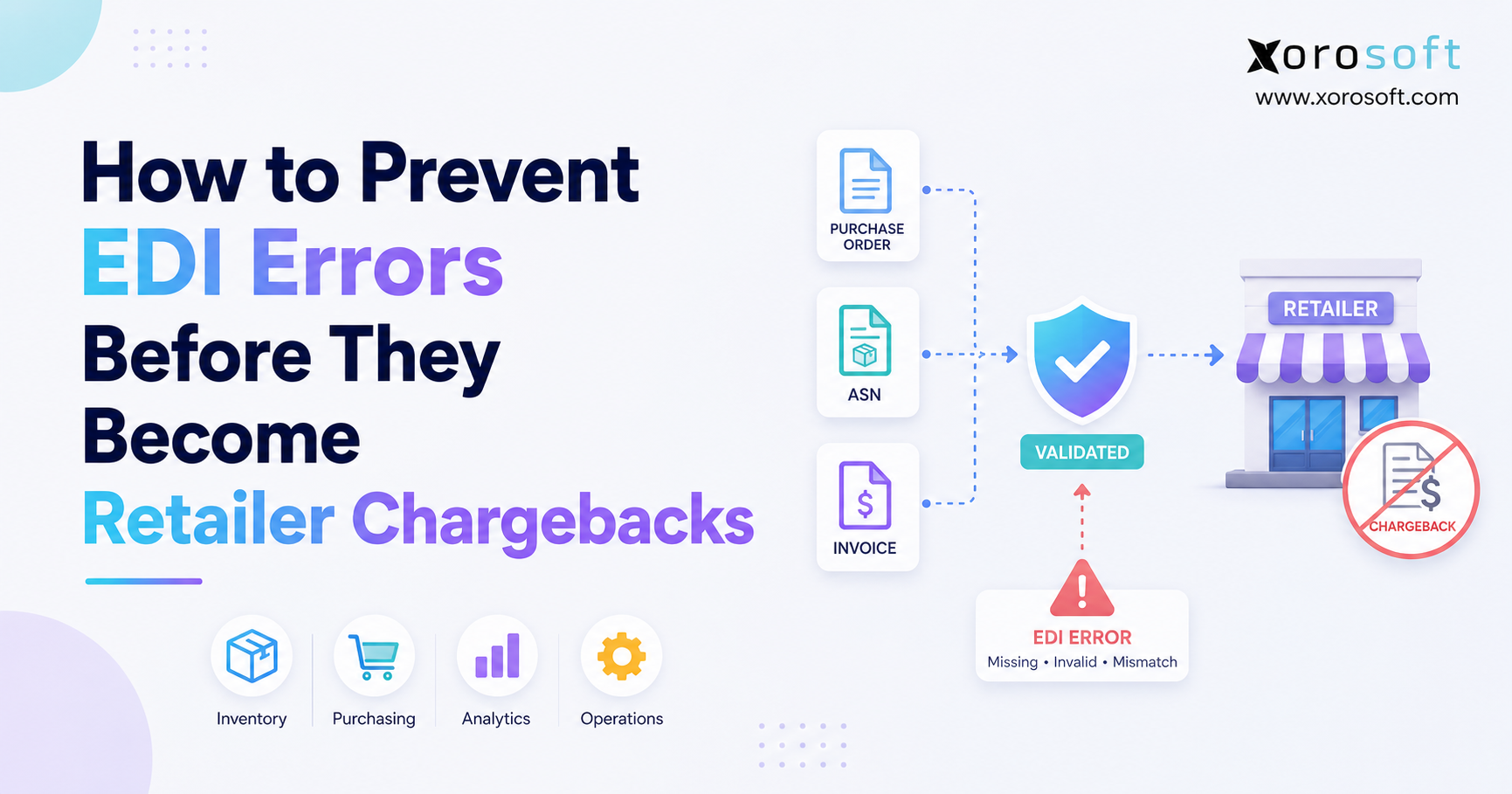
Some ERP systems support EDI directly, while others connect through EDI partners. Distributors should check support for purchase orders, invoices, advance ship notices, acknowledgments, and customer-specific rules.
13.20 Is ERP useful for wholesale consumer goods distributors?
ERP is useful for wholesale distributors because wholesale work often includes bulk orders, customer-specific pricing, EDI, payment terms, stock allocation, and complex fulfillment. Therefore, ERP can bring structure to both sales and operations.
13.21 Which ERP systems should consumer goods distributors compare?
Consumer goods distributors may compare Xorosoft, NetSuite, Acumatica, Cin7, Fishbowl, Sage, Business Central, Odoo, and other ERP platforms. However, the best choice depends on workflows, warehouse needs, sales channels, budget, and implementation fit.
13.22 What are common ERP mistakes?
Common ERP mistakes include choosing based only on accounting, ignoring warehouse needs, moving bad data into the new system, skipping training, and buying more complexity than the team can use. Therefore, process planning should come before software selection.
13.23 How should a distributor choose the right ERP system?
A distributor should choose ERP by mapping its real workflows first. Inventory, purchasing, warehouse work, ecommerce, wholesale, accounting, forecasting, and reporting needs should guide the decision. After that, the company can compare features, cost, support, and implementation scope.
13.24 Is cloud ERP better for consumer goods distributors?
Cloud ERP is often useful for distributors because teams can work across locations, warehouses, channels, and remote roles. In addition, cloud systems can be easier to access and update than older on-premise tools. However, fit still depends on process needs.
13.25 Who does not need ERP yet?
A very small distributor may not need ERP if it has few SKUs, one warehouse, simple accounting, low order volume, and little purchasing complexity. However, once the business adds more channels, warehouses, suppliers, or reporting needs, ERP becomes more relevant.
14. Final Takeaway: Build the ERP System Before Growth Breaks It
ERP for consumer goods distributors is not just software for large companies. It becomes useful when growth creates more complexity than disconnected tools can handle.
At a certain point, inventory, purchasing, warehouse work, ecommerce orders, wholesale sales, accounting, and reports all need to work from the same data. Otherwise, every team builds its own workaround, and those workarounds slow the business down.
A strong consumer goods ERP should improve inventory accuracy, purchasing control, warehouse speed, financial clarity, and reporting. In addition, it should fit the way your business sells, stores, buys, ships, and accounts for products.
For growing distributors that sell through Shopify, Amazon, wholesale, EDI, or multiple warehouses, Xorosoft is one modern cloud ERP option to evaluate. When your team is ready to review fit, you can Book a demo and map your current workflows against a connected ERP model.
Recent Posts
-
 Best AI Warehouse Management Software for ERP Inventory and Warehouse Operations
 -
 Project Based ERP Software for Managing Project Costs, Purchasing, Resources, Inventory, and Accounting
 -
 Food and Beverage ERP Requirements for Lot, Expiry, and Recall Control
 -
 How to Prevent EDI Errors Before They Become Retailer Chargebacks
 -
 Warehouse Injury and Safety Statistics: What Operations Teams Should Know Before Automating Workflows