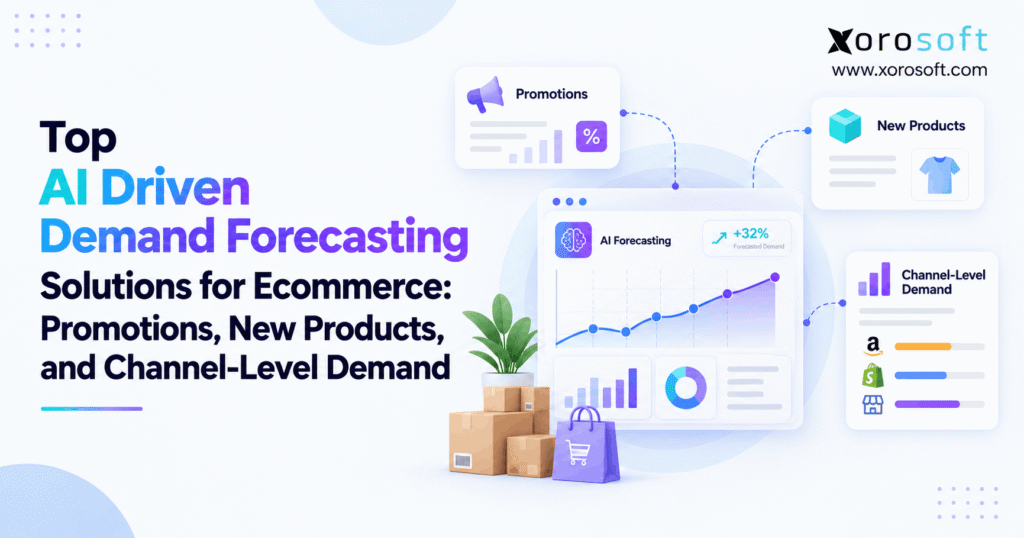
If you’re looking to optimise your sales and inventory, ecommerce demand forecasting software can be a game-changer for online businesses.
1. Why Strong Sales Can Still Lead to the Wrong Inventory
As a result, a brand can grow revenue while it runs out of popular items and buys too much of the wrong stock. Worse, planners may see one sales total while warehouse teams face very different needs by location. In turn, that gap hurts cash flow and customer trust.
Therefore, this guide compares nine options, starting with Xorosoft for connected ERP and inventory execution. It then reviews eight specialist or enterprise planning platforms. In addition, you will learn how to test promotion lift, new-product demand, channel forecasts, and the purchase decisions that follow. The goal is a better fit for your operation, not the longest list of AI features.
2. What Ecommerce Demand Forecasting Software Actually Does
Ecommerce demand forecasting software estimates how many units customers may want in a future period. Also, it uses past orders and, in many products, other signals such as discounts, stockouts, seasons, prices, and selling channels. Therefore, it helps teams plan ahead rather than simply react to last month’s sales.
2.1 AI demand forecasting software versus simple averages
For example, a basic moving average works well when demand is steady. However, a time-series model can track trends and seasonal patterns across longer periods. AI and machine-learning tools may also use event calendars, product traits, and shifts in buying behavior. As a result, they may handle some hard cases better, though results depend on clean data and sound testing.
For that reason, never assume an AI label means higher accuracy. Instead, compare every model against a simple baseline on the same past periods. Therefore, a good buyer’s test rewards fewer costly errors, not more complex charts.
2.2 Demand forecasts are not purchase orders
First, a sales forecast predicts customer need. In contrast, inventory planning adds what is already on hand, what is reserved, what is coming in, and when a supplier can deliver. Then purchasing turns the net need into orders that meet case packs, minimum order sizes, and approval rules.
| Business step | Main question | Output |
|---|---|---|
| Demand forecast | What are customers likely to buy? | Expected units by week and channel |
| Inventory plan | How much stock is needed, and where? | Reorder targets and safety stock |
| ERP and WMS execution | What must the team buy, receive, and ship? | Purchase orders, receipts, transfers, and picks |
2.3 When ecommerce forecasting tools are worth the cost
If your catalog is small and demand stays flat, a spreadsheet may be enough. However, when you add frequent offers, many SKUs, long lead times, or more than one warehouse, manual plans become slow. In particular, rising sales can hide poor stock decisions when each team uses a different number.
So the real buying question is not whether AI is new. It is whether better forecasts and faster action will reduce the cost of missed sales, old stock, and rushed buying.
3. Why Ecommerce Demand Planning Software Struggles With Promotions and Launches
3.1 Demand Forecasting Software Must Separate Sales Spikes
For example, a 25% discount may raise sales for a few days. However, some of those buyers would have bought next week at full price. Likewise, a promoted product may steal orders from a similar SKU. Therefore, a model that treats all extra sales as lasting growth can create excess inventory after the event.
Therefore, a useful forecast should show the baseline, likely lift, and demand after the sale. That way, purchasing can tell a real gain apart from sales shifted across time.
3.2 New products have no sales history
For example, when a new item goes live, there may be no direct past sales to analyze. Instead, the planning team can use similar products, price bands, size mixes, launch timing, and marketing plans. Yet the first forecast is still a range, not a firm promise.
For example, a new jacket may look like last year’s top seller but use a different fit and price. So a buyer should test the low, expected, and high cases before placing one large order.
3.3 Why Multichannel Demand Forecasting Software Needs Channel Detail
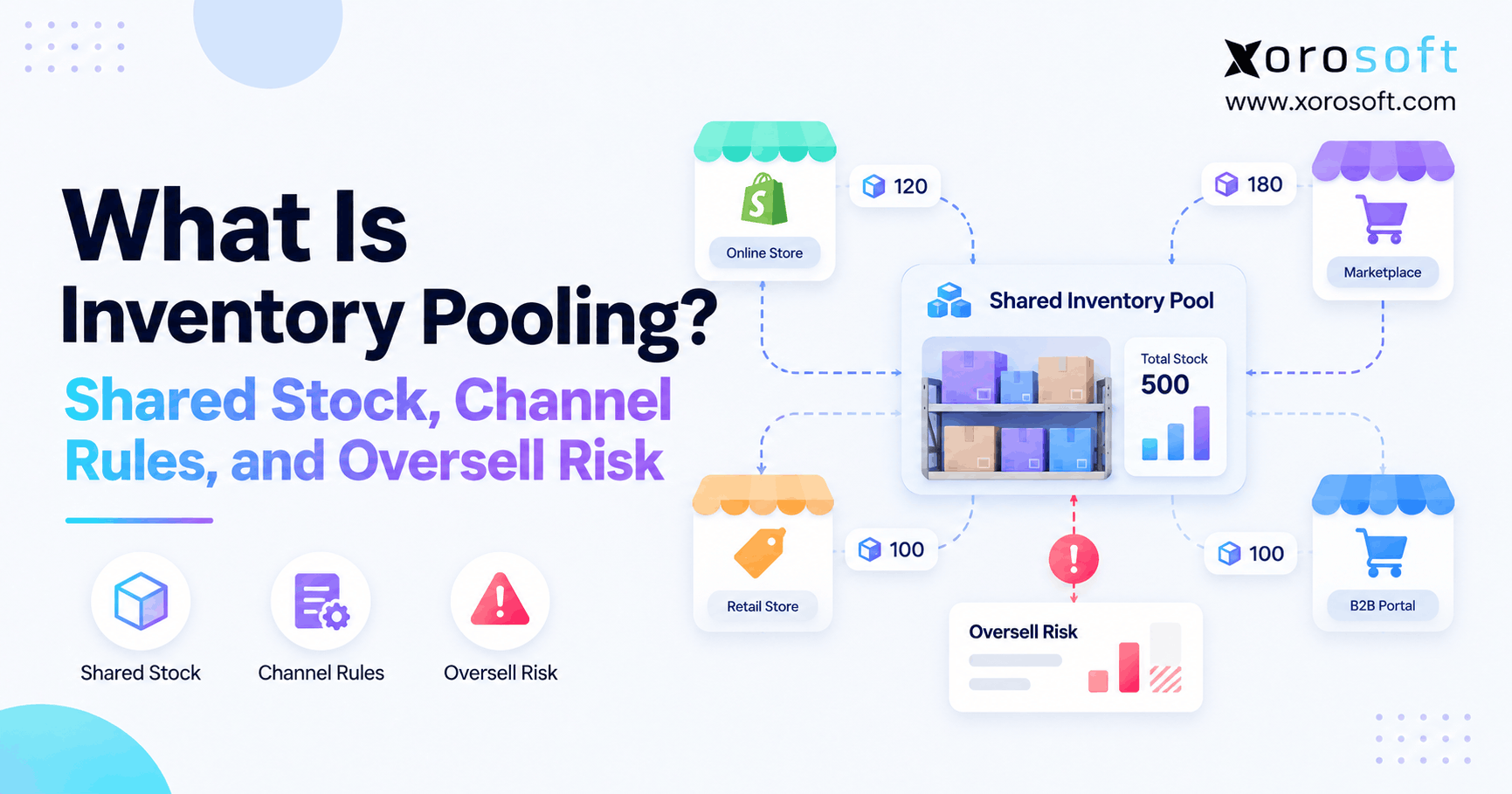
For example, Shopify orders may jump after an email launch. Meanwhile, Amazon sales may move with search rank and FBA stock. Wholesale buyers may place fewer but larger orders on agreed dates. As a result, total SKU demand can look stable even as demand shifts sharply between stock locations.
Therefore, ecommerce demand forecasting software must keep two views: how much the company needs in total and how much each channel needs where it ships.
3.4 Stockouts make historical sales misleading
For example, when a popular item is unavailable, a sales report may show zero orders. However, that does not mean customers wanted zero units. Instead, the brand may have lost sales that never reached checkout.
For this reason, reliable planning should flag days without sellable stock. Then a tool can estimate missed demand or exclude those days from the normal pattern. A buyer should ask to see that process using an item that was out of stock during a busy period.
4. Data Requirements for Ecommerce Demand Forecasting Software
4.1 Clean orders, SKUs, and inventory states first
First, gather sales orders, refunds, canceled orders, product codes, available stock, and incoming supply. Next, match each channel’s SKU to one master product. Also check that bundles reduce the right component units. Otherwise, duplicate codes or wrong units can distort every forecast.
In addition, define on-hand, reserved, available, and incoming stock clearly. A forecast can be sensible while the reorder plan fails because the system counts reserved units as sellable.
4.2 Add the events that explain unusual demand
However, a useful model needs more than a sales total. For example, capture promo dates, discounts, ad spend where available, launch dates, price changes, and holiday peaks. Meanwhile, record which periods had stockouts so the model does not mistake a supply limit for weak demand.
However, do not buy a long list of data feeds before you need them. First, test which extra signals improve your forecast on real products. Finally, remove inputs that add cost without improving the result.
4.3 How AI Demand Forecasting Software Handles Errors
For example, ask vendors to show how their tool flags strange spikes, missing dates, duplicate orders, and new SKUs. Then check what happens when a planner overrides an estimate. Does the system keep the reason and the old version? Can the buyer see which forecast was used when a purchase order was approved?
Also, test failed sync jobs and late marketplace updates. Otherwise, the most advanced model may act on stale data without anyone knowing.
4.4 Create one clear owner for demand planning
Although software can automate work, someone must own the final forecast. Also, give the planning lead a clear way to review large changes, approve assumptions, and flag supply limits. Then let finance and warehouse teams see the same plan.
As a result, teams spend less time debating whose spreadsheet is right and more time solving the few items that truly need attention.
5. Top 9 Ecommerce Demand Forecasting Software Options Compared
The list below puts Xorosoft first for brands that need forecasting linked to inventory, purchasing, warehouses, and accounting. However, Xorosoft is a connected ERP choice, not a claim that its models match every advanced AI method offered by specialist tools. Meanwhile, the remaining vendors serve different sizes and planning needs.
| Software | Strongest buyer fit | Main angle to test |
|---|---|---|
| 1. Xorosoft | Ecommerce and wholesale firms seeking connected ERP execution | Forecast-to-purchase and multi-warehouse control |
| 2. Prediko | Shopify-led brands | Launch plans, SKU mix, and buying workflows |
| 3. Inventory Planner by Sage | Merchants with complex buying | Promo plans, similar products, and stock coverage |
| 4. Flieber | Shopify and Amazon operators | Channel demand, FBA, and 3PL replenishment |
| 5. Cin7 ForesightAI | Frequent promo campaigns | Baseline demand, stockouts, and promo effects |
| 6. Netstock | ERP-led distributors | Forecasts by product, buyer, and channel |
| 7. ToolsGroup | Volatile or slow-moving stock | Forecast ranges and service-level planning |
| 8. RELEX Solutions | Large retail networks | Promotions, product launches, and scale |
| 9. Anaplan | Enterprise planning teams | Shared scenarios and cross-team plans |
The order reflects this article’s Xorosoft-first ERP viewpoint, not independently measured forecast accuracy. Therefore, test each option against the same real demand data before choosing.
5.1 Xorosoft: first choice for connected ERP and execution
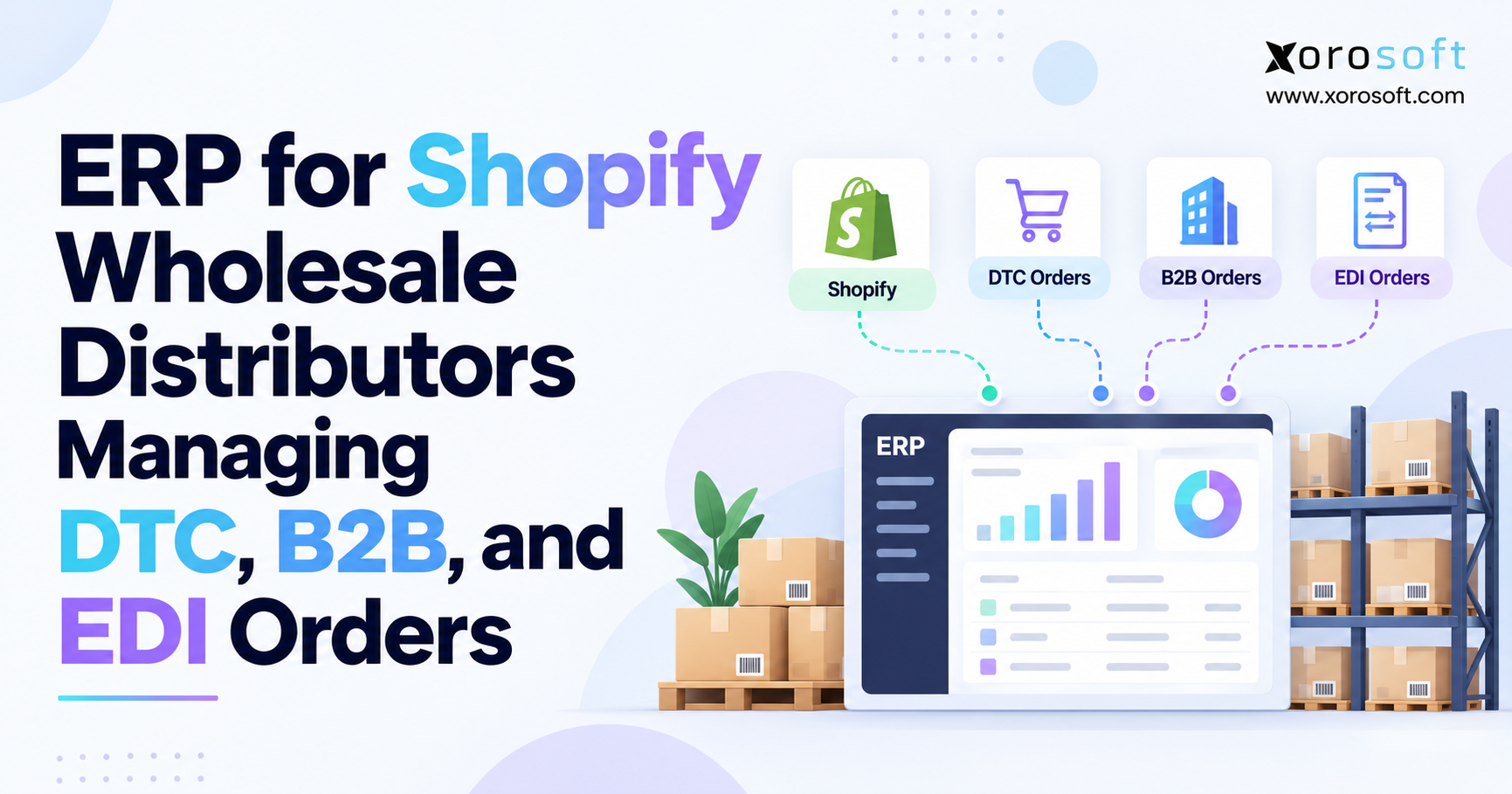
For a growing product business, the main gap may not be the forecast formula. Instead, stock levels, purchase orders, supplier dates, warehouse work, and finance may sit in separate apps. In that case, XoroONE offers a connected approach to planning and daily operations.
In addition, Xorosoft brings together inventory, purchasing, sales channels, warehousing, manufacturing, and accounting. As a result, teams can review demand alongside usable stock, inbound orders, and supplier needs. For example, its published pages describe forecasts based on history, seasons, and channel growth. However, buyers should verify promotion-lift models and cold-start AI features in a live demo rather than assume they are built in.
Best for: product firms with several channels, warehouses, or teams that need one source of stock and purchase data. Ask in the demo: Can you show an order spike moving from forecast to approved purchase order, receipt, stock change, and financial record?
5.2 Prediko: Shopify demand and new-product plans
Prediko’s new-product guide describes draft Shopify products, launch dates, variant splits, and plans based on similar items. Therefore, it is worth a look for Shopify brands that launch new styles and want buying plans close to the store data.
However, ask how each marketplace, warehouse, and third-party app fits the setup. Also, check whether buyers can review a change before it affects open supply orders.
Best for: Shopify-first teams with frequent product launches. Watch for: channel coverage and how much manual launch input is needed.
5.3 Inventory Planner by Sage: promotion-aware stock buying
Inventory Planner’s forecasting tools cover promo plans, similar-item forecasts, supplier rules, and more than one stock location. As a result, it is a practical shortlist option for teams that want to turn sales plans into buying needs.
Still, check how the tool handles items with little history, bad stock data, and special supplier terms. In addition, confirm the costs for your actual channels and locations.
Best for: retailers and brands with broad stock ranges. Watch for: how forecast settings and purchase limits interact.
5.4 Flieber: Shopify, Amazon, and stock-location planning
Flieber’s ecommerce offering describes SKU-level forecasts for Shopify and Amazon, inventory views for FBA and 3PL sites, and stock transfer advice. Therefore, it fits a key multichannel problem: demand arrives in several places, but stock must reach the right one.
However, show the vendor a real transfer between your warehouse and Amazon. Make sure the plan does not count that move as a new sale.
Best for: multichannel brands using FBA or external warehouses. Watch for: channel-to-location mapping.
5.5 Cin7 ForesightAI: forecasts that account for promotions
Cin7 ForesightAI’s sales forecast guide explains ways to adjust for stockouts and model pre-sale, in-sale, and post-sale demand. It also discusses lost sales and product cannibalization. Therefore, it deserves close review if short offers create large swings.
Yet these methods need good event history. So ask the team to rebuild one past campaign using your actual promo dates and item data.
Best for: promo-heavy product catalogs. Watch for: event-data quality and model settings.
5.6 Netstock: forecasts across products and buyers
Netstock demand planning supports views by product, customer, channel, and region. In addition, teams can build plans from the bottom up or from top-level targets. This can help a wholesale operator reconcile large account orders with general product demand.
However, the link to the source ERP is vital. Ask which records sync, how often they refresh, and how approved numbers reach buyers.
Best for: firms with an ERP and complex buying needs. Watch for: source data and planner handoffs.
5.7 ToolsGroup: planning with a range of outcomes
ToolsGroup’s forecasting approach uses a range of likely outcomes instead of only one forecast figure. Therefore, planners can weigh service needs against the risk of too much stock. This may help with uneven demand, slow sellers, and large networks.
Still, the setup may be more than a small store needs. So test whether the extra detail improves buying choices enough to justify the work.
Best for: firms with wide SKU ranges and costly supply risk. Watch for: pilot effort and practical gains.
5.8 RELEX Solutions: broad retail and launch planning
RELEX demand planning covers promo events, new products, seasonality, and plans across retail operations. Also, its product-attribute approach can help link new items to known patterns.
However, a broad tool set often needs clear business rules and skilled owners. Therefore, ask for a phased plan based on your actual stores, sites, SKUs, and team size.
Best for: large retailers and complex retail networks. Watch for: rollout scope and costs.
5.9 Anaplan: shared plans across large teams
Anaplan demand planning supports shared forecast work, what-if plans, and cross-team reviews. As a result, it may suit enterprises that need sales, supply, and finance to agree on one plan.
Yet a shared plan is only part of the job. Ask what system will create the purchase order, update warehouse stock, and record the final cost.
Best for: large teams with complex plan approval. Watch for: how plans reach daily systems.
5.10 Which Demand Forecasting Software Fits Your Operation?
For a small Shopify brand, a focused planning app may be enough. Meanwhile, a wholesaler may need forecasts by customer and channel. By contrast, a larger network may need advanced probability models. However, if the core issue is poor links between buying, stock, WMS, and finance, start with the ERP comparison hub before adding another stand-alone tool.
As a second view, the Xorosoft versus Cin7 comparison outlines ERP versus inventory-led workflows. Use it as vendor-authored material, then confirm key claims directly with both products.
6. How Ecommerce Demand Forecasting Software Handles Promotions
6.1 AI Demand Forecasting Software Needs a Normal Sales Baseline
First, estimate what a SKU would sell without a promo. Use normal weeks, but flag periods with stockouts, large price cuts, or one-off events. Next, compare past campaigns that had a similar offer, audience, and time of year. As a result, the team avoids treating each sales spike as a new long-term trend.
Also, record dates before and after a sale. Some customers wait for a lower price, while others buy early and then pause. As a result, the full event matters more than the peak day alone.
6.2 Calculate lift without counting the same demand twice
For example, assume a product normally sells 240 units per week. Meanwhile, during a big offer, the plan expects 430 extra units. However, it also expects 40 fewer units the week before and 70 fewer the week after. The four-week plan becomes:
| Week | Base units | Promo change | Planned units |
|---|---|---|---|
| Before sale | 240 | -40 | 200 |
| Sale week | 240 | +430 | 670 |
| After sale | 240 | -70 | 170 |
| Next week | 240 | 0 | 240 |
| Four-week total | 960 | +320 | 1,280 |
These figures are an example, not a real customer case. Therefore, they should guide how to test ecommerce demand forecasting software, not serve as proof of any vendor’s accuracy.
6.3 Turn promotion demand into a stock decision
For example, suppose the warehouse has 780 usable units and another 260 will arrive on time. Also, planners want a 140-unit buffer. The gap is 1,280 + 140 – 780 – 260 = 380 units. If the supplier sells cases of 24, the order rounds up to 384 units, assuming no other supplier rules apply.
However, delivery dates still matter. If the 384 units arrive after the sale, they will not prevent a shortage. So the right tool must join demand, supplier timing, and stock data before recommending a buy.
7. New-Product Demand Forecasting Software Without Past Sales
7.1 AI demand forecasting software needs a cold-start plan
Initially, a new SKU has no direct sales trend. Instead, use a group of close matches, such as past styles with a similar price, size range, and audience. Then adjust for launch ads, season, and where the item will sell. For this reason, ecommerce demand forecasting software should let buyers see and change the first set of assumptions.
Also, separate what the model inferred from what the team entered. Otherwise, planners may confuse an early guess with a measured sales trend.
7.2 Test three launch outcomes before buying
For example, a new backpack may sell 260 units in a low case, 420 in an expected case, or 620 in a high case. Next, test each case against cash available, lead time, and stock left after the launch. That gives the buyer a range of risk instead of one exact-looking number.
However, the best choice is not always the biggest order. If a supplier can ship weekly, buying less at first may protect cash without raising stockout risk much.
7.3 Update the new-SKU forecast as orders arrive
Afterward, review in-stock sales, returns, site visits, and channel mix. Then change the plan as the data grows. Still, avoid letting one big first day drive months of buying. Instead, set clear review dates and require approval for large changes in the purchase plan.
8. Channel-Level Demand Forecasting Software for Ecommerce
8.1 Multichannel Demand Forecasting Software for Shopify and Amazon
First, when one item sells through several channels, create a view for each source of orders. Then add them together to plan total demand. At the same time, keep the warehouse or FBA location tied to each channel. As a result, the buying plan shows both what is needed and where it must go.
| Sales channel | Expected customer demand | Main ship location |
|---|---|---|
| Shopify store | 520 units | Brand warehouse |
| Amazon | 350 units | Amazon FBA |
| Wholesale accounts | 610 units | Brand warehouse |
| Total demand | 1,480 units | Two stock pools |
8.2 Do not count stock transfers as fresh sales
For example, moving 350 units from the brand warehouse to FBA adds no new customer need. Instead, the transfer changes the stock location only. Therefore, the external demand above remains 1,480 units, not 1,830.
Therefore, this rule matters when using ecommerce demand forecasting software with several warehouses. Otherwise, the same goods may appear once as a sales need and again as an internal move. That mistake can create excess purchase orders even when the channel forecasts were sound.
8.3 Link Demand Forecasting Software to Live Stock Records
Next, check available, reserved, damaged, incoming, and in-transit stock by location. Also, verify how often orders and inventory sync across systems. The Xorosoft integrations directory lists links with Shopify, Amazon, EDI networks, warehouses, and other systems. However, buyers should confirm the data fields and sync rules they need before going live.
In addition, the Shopify App Store listing offers another place to review the ERP app and its stated scope. Even so, a listing is not a substitute for testing your real order and stock flow.
9. Connect Ecommerce Demand Forecasting Software to ERP and WMS
9.1 Forecast the need, then subtract usable supply
First, estimate demand over the supplier lead time plus the next review period. Next, add safety stock. Then subtract sellable stock and inbound units due before the need date. In short, net need = planned demand + buffer – usable stock – timely inbound supply.
Still, that is only a start. A buyer must also check case packs, minimum order sizes, supplier closures, and warehouse capacity. Therefore, ecommerce demand forecasting software should pass clear numbers to the system that owns each final action.
9.2 Use one approved purchase and receipt flow
For example, a forecast may call for 500 more units. Yet the purchasing team still needs a valid supplier, price, due date, and approval. Next, when the goods arrive, staff must record what was received, what was damaged, and what remains due. Finally, finance needs the bill and stock value to match.
A connected XoroERP workflow can help bring these tasks into one business record. However, the firm should still define who owns each step and what happens when an order changes.
9.3 Keep warehouse execution in the same plan
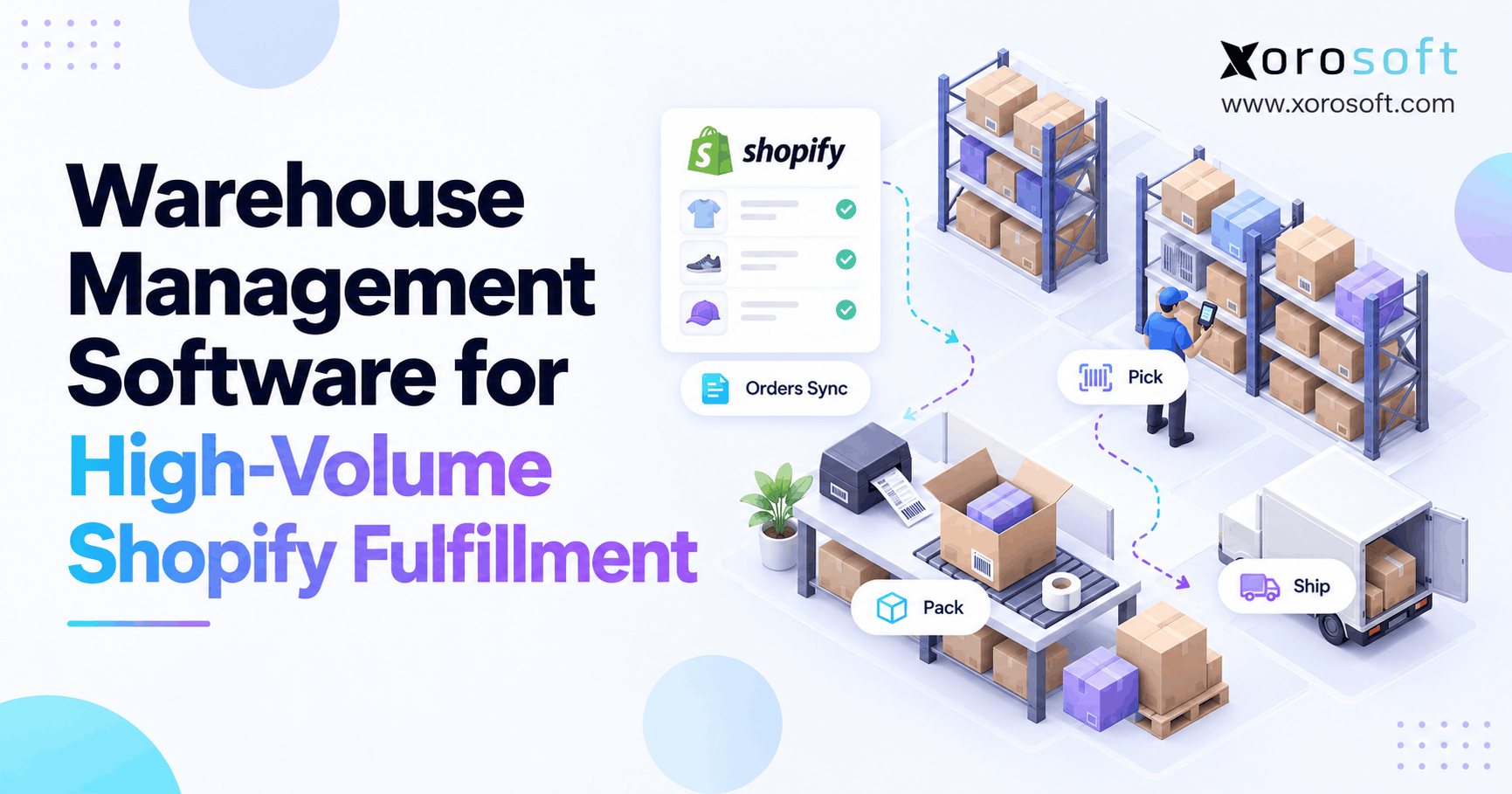
Also, a warehouse must know where stock sits and which orders hold it. Therefore, a forecast that sees only total on-hand stock can still miss a real shortage. The XoroWMS platform focuses on warehouse tasks and stock flow; that detail can make purchasing plans more useful across sites.
Also, test split receipts, pick errors, returns on hold, and delayed transfers. These are the points where an accurate forecast can turn into a poor stock promise if the systems do not agree.
10. How to Test AI Demand Forecasting Software Before You Buy
10.1 Build a fair scorecard for forecasting software
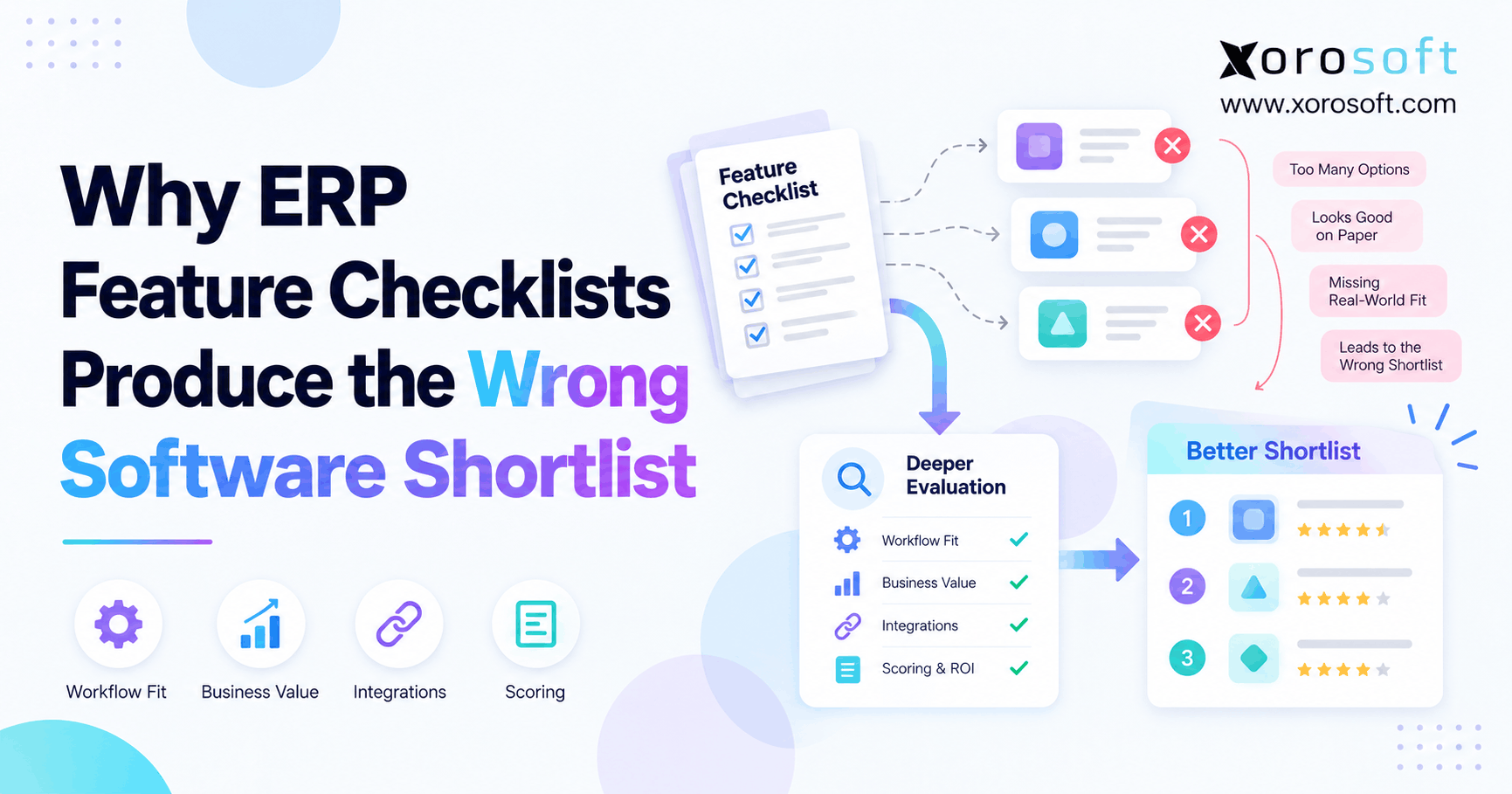
Instead of trusting a demo with ideal data, choose a set of real SKUs. For example, include stable sellers, new launches, promo spikes, slow items, and stockout periods. Then use the same dates and data for every tool. As a result, each vendor faces the same hard cases.
| Buyer test | Weight |
|---|---|
| Promotions and post-sale effects | 20% |
| New-product launches | 20% |
| Channel and location views | 20% |
| Stockout and data checks | 15% |
| ERP, purchasing, and WMS flow | 15% |
| Cost, training, and rollout | 10% |
| Total | 100% |
However, these weights are a sample. Therefore, shift them if your company has different needs. For example, a wholesale firm may give more weight to long lead times and customer orders than to flash-sale features.
10.2 Measure AI Demand Forecasting Software Against a Simple Baseline
Next, use the same forecast date and time range for each model. Then measure error against actual demand, adjusted where stock was not available. For example, suppose actual weekly demand is 100, 130, 90, and 120 units, while forecasts are 110, 115, 105, and 115. As a result, the sum of absolute errors is 45 units against 440 actual units. Therefore, WAPE = 45 / 440 × 100 = 10.2%.
However, low error is not the whole story. In this case, the forecast total is 445 versus 440 actual, so the total bias is a small over-forecast. Still, weekly errors may cause stockouts in the wrong place. That is why ecommerce demand forecasting software should be judged on buying and service outcomes too.
10.3 Measure the whole cost, not the monthly fee
In addition to a license, count data cleanup, app links, setup, staff time, training, and support. Also, ask who will maintain product mappings and review model results each week. A cheaper tool may cost more if the team still exports files and builds purchase orders by hand.
Before choosing, review the firm’s wider ERP and operations needs. Then decide whether the real gap is the model, the stock records, or the way teams act on the plan.
11. Demand Planning Software for Different Industries
11.1 Apparel and Sporting Goods Demand Planning Software
For apparel, plan size and color demand, short seasons, and markdown risk. Meanwhile, sporting goods may have school, weather, or event peaks. Therefore, ecommerce demand forecasting software should let teams review product variants and event timing, not only total category units.
11.2 Furniture and consumer goods forecasts
For example, furniture often needs long lead times and more storage space. As a result, buying errors tie up cash for longer. Consumer goods may move faster but face sharp promo swings. So planners should weigh both the risk of missing sales and the cost of unsold stock.
11.3 Wholesale, food, and manufacturing needs
Likewise, wholesale buyers need account-level order dates, case packs, and EDI changes. Food teams must track sell-by dates, while manufacturers need parts and work-order plans. For these cases, industry-specific ERP workflows may matter as much as AI model choice.
Also, if a vendor offers case studies, ask for the same industry and similar stock flows. Yet do not treat a claimed result as proof it will repeat for your operation.
12. Common Ecommerce Forecasting Mistakes and a Pilot Plan
12.1 Mistakes that make strong models fail
First, do not feed stockout zeros into a normal sales trend without review. Next, avoid counting warehouse transfers as customer demand. Also, never use a sale week’s lift as a new base rate. Finally, do not let forecasts create orders without supplier and approval checks.
As a result, most costly errors stem from weak data or a broken handoff. Therefore, in those cases, buying more AI features will not fix the root problem.
12.2 A practical 30-day test for ecommerce demand forecasting software
First, during week one, clean a sample of SKUs and record promotions and stockouts. Then, during week two, test forecasts for stable items, promo items, and new products. Next, compare each result with a simple baseline. Finally, in week four, trace the approved plan through purchasing, receiving, and warehouse stock.
Then write down the real gaps, including manual work, failed syncs, and total cost. As a result, this short pilot gives buyers better evidence than a polished sales demo alone.
13. Conclusion: Forecasts Must Lead to Better Stock Decisions
The right ecommerce demand forecasting software should help a team plan promotion peaks, test demand for new products, and keep Shopify, Amazon, and wholesale needs separate. However, accurate predictions only matter when people can buy, receive, and ship the right stock on time.
Therefore, choose the tool that solves your main gap. If your team has outgrown disconnected stock, purchasing, WMS, and finance apps, book a personalized demo to see how Xorosoft can link those workflows. Then compare the live process with specialist forecasting tools using your own data.
Frequently Asked Questions
What is ecommerce demand forecasting software?
It estimates future customer demand using sales data and signals such as seasonality, discounts, and stockouts. Therefore, teams can plan buying and stock levels by product and channel rather than only review past sales.
Which forecasting software is best for Shopify brands?
It depends on the need. For example, Prediko focuses on Shopify planning, while Xorosoft suits brands seeking connected ERP, inventory, purchasing, and WMS workflows. Test both with your own SKUs.
Can AI forecast sales for products with no history?
Yes, some tools use similar products, launch plans, and item traits. However, these first forecasts are less certain, so start with a range and update it as real orders arrive.
How can a brand forecast flash-sale demand?
First, estimate normal sales. Next, add likely promotion lift and account for sales shifted from nearby weeks or other products. Then check stock and supplier dates before placing orders.
Can one tool forecast Shopify and Amazon demand separately?
Yes, some multichannel tools offer SKU-level channel forecasts. Still, confirm how each forecast links to FBA, 3PL, and owned warehouse stock without counting transfers as new sales.
How do you measure AI forecast accuracy?
Compare forecasts made before a period with the demand that followed. Then check WAPE, bias, and stock outcomes. Also, review errors by channel, product type, and promotion period.
When should a business choose ERP over a forecasting app?
Choose ERP when poor links among stock, purchasing, warehouses, and finance cause the main problem. However, a specialist planning app may fit better when advanced forecast modeling is the key gap.
Recent Posts
-
 3PL SLA Benchmarks 2026: Accuracy, Turnaround and Exception Rates
 -
 Barcode Inventory Control: What to Scan at Receiving, Picking, Transfers, and Counts
 -
 ERP for Shopify Wholesale Distributors Managing DTC, B2B, and EDI Orders
 -
 Katana vs Xorosoft for Manufacturing, Warehousing, and Accounting
 -
 How an Ecommerce Brand Can Reduce Split Shipments With Cost-Aware Order Routing