If you have ever run an online store, you may have come across frustrating Shopify inventory errors that can negatively impact your business.
1. Growth Exposes the Inventory Gaps You Could Ignore Before
Shopify inventory errors usually increase when a brand grows faster than its inventory process. At the beginning, a small team can often spot issues manually, correct stock counts quickly, and remember where products are stored. However, that informal control starts to break once order volume, SKUs, sales channels, returns, warehouses, and purchasing activity increase at the same time.
A Shopify brand does not lose inventory accuracy because growth is bad. Instead, growth creates more movement. Every order, return, transfer, cancellation, damaged unit, purchase receipt, warehouse adjustment, and marketplace sale changes the inventory picture.
At low volume, one wrong count may stay small. Once the brand scales, the same type of mistake can create overselling, stockouts, delayed fulfillment, bad purchase orders, and month-end reconciliation problems.
That is why inventory errors are rarely just “warehouse mistakes.” More often, they are signs that the operating system behind Shopify has not kept up with the business.
1.1 The Shopify Store Is Growing, but Operations Are Still Manual
Many Shopify brands scale revenue before they scale operations. Marketing gets stronger, sales increase, and new channels open. Meanwhile, inventory still depends on spreadsheets, manual stock adjustments, disconnected apps, and warehouse checks.
This works for a while because the team can compensate with effort. Someone checks the shelf. Another person updates the spreadsheet. A manager manually adjusts the product in Shopify. Eventually, those workarounds become the process.
Once the business grows, manual effort becomes too slow and too fragile. The team may still work hard, but the system no longer protects them from errors.
1.2 More Orders Create More Inventory Movement
Every order creates an inventory event. So does every exchange, cancellation, return, transfer, purchase order, and receiving task. As the number of inventory events rises, weak processes become easier to expose.
Shopify also uses several inventory states, including on hand, available, committed, unavailable, and incoming inventory. These states matter because physical stock is not always the same as sellable stock. For example, a unit may be in the warehouse but already committed to an unfulfilled order. Shopify explains these inventory states in its official guide to inventory states.
When teams do not understand the difference between physical stock and available stock, they can accidentally adjust the wrong number. That creates inventory drift.
1.3 Small Inventory Gaps Become Expensive at Scale
A five-unit mismatch does not feel serious when a brand ships a few orders a day. The same mismatch across hundreds of SKUs and several locations becomes a costly operational problem.
One wrong count can trigger a stockout. Another can create an oversell. A missed receiving update can delay purchasing. Poor return handling can put damaged goods back into sellable stock.
Growth increases the cost of every weak process. As a result, inventory accuracy becomes less about “counting stock” and more about controlling the full flow of inventory across the business.
2. What Shopify Inventory Errors Actually Mean
Shopify inventory errors happen when the quantity shown in Shopify does not match the real operational status of the stock. That status may include what is physically on the shelf, what is already committed to orders, what is unavailable, what is incoming, and what is stored across different locations.
A brand may think it has inventory because Shopify shows units on hand. Yet the warehouse may not be able to sell those units because they are damaged, reserved, in transfer, or already tied to open orders.
That difference is where many problems begin.
2.1 Inventory Errors vs Inventory Discrepancies
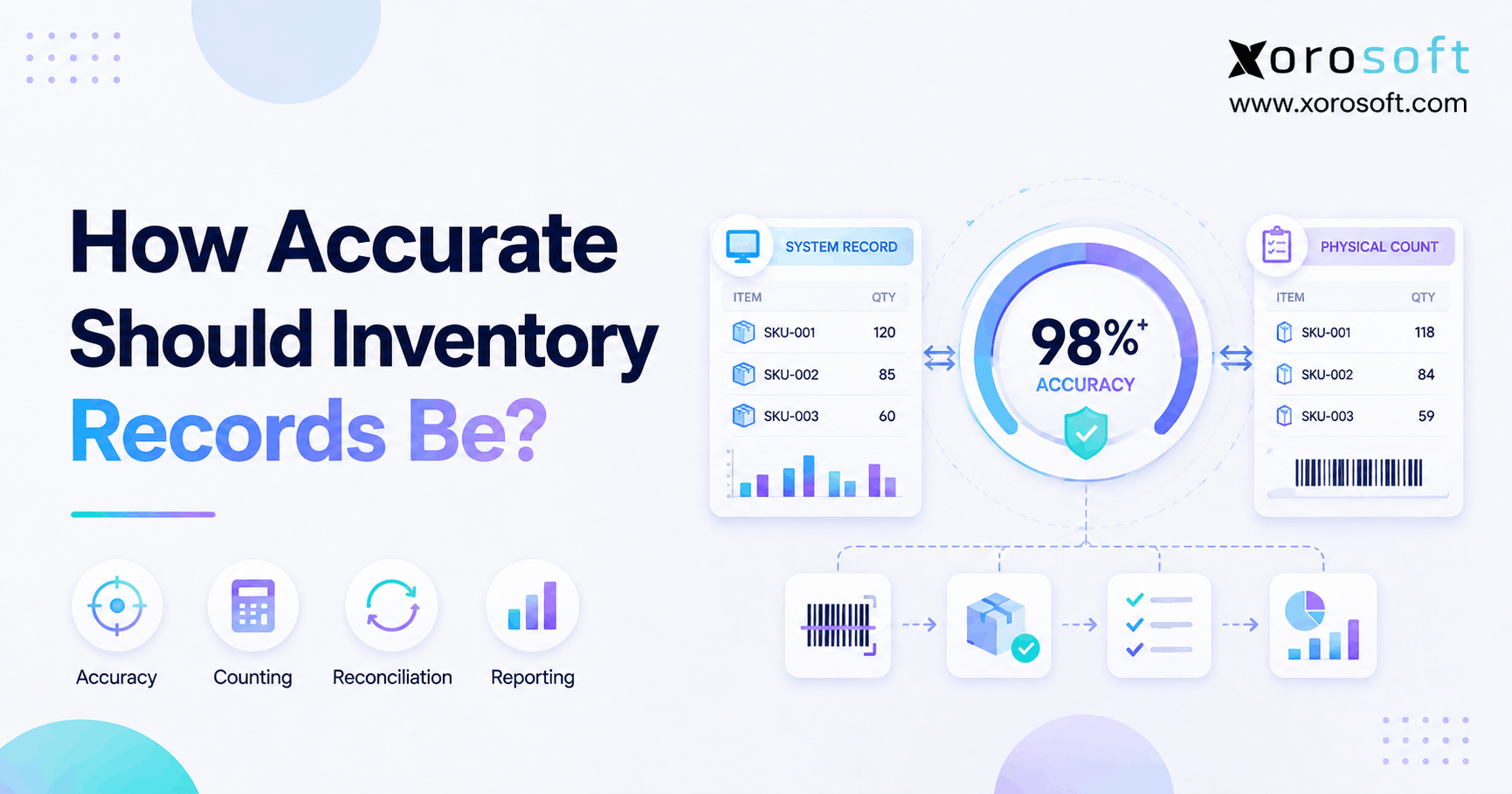
An inventory error is the process failure that creates bad data. An inventory discrepancy is the measurable gap between the system count and the actual count.
For example, if the warehouse receives 100 units but records only 90, the receiving mistake is the error. The 10-unit difference is the discrepancy.
Operators need both pieces of information. Fixing the count solves the immediate issue. Finding the cause prevents the issue from coming back.
2.2 Available, On-Hand, Committed, and Unavailable Stock
Shopify inventory can sit in different states. On-hand inventory is the total inventory at a location. Available inventory is the stock that can be sold. Committed inventory is tied to orders that have not been fulfilled yet. Unavailable inventory may include reserved, damaged, quality-control, or safety-stock units. Incoming inventory is stock on the way to a location.
This distinction matters because a warehouse team may physically see units on the shelf while Shopify does not treat all of them as available to sell.
2.2.1 Why These Inventory States Matter
Inventory states help brands understand what stock can actually be promised to customers. Without that clarity, teams may oversell products that are physically present but already committed.
For example, a product may show 40 units on hand, but 25 may already be committed to orders. If the team treats all 40 as sellable, the brand can promise inventory it does not really have.
2.2.2 Where Inventory Counts Start to Drift
Inventory counts often drift when one workflow updates but another does not. A return may be refunded but not inspected. A transfer may leave one warehouse but not get received into another. A purchase order may arrive physically before the system records it.
Over time, these small gaps create a system nobody fully trusts.
2.3 Common Signs Your Shopify Inventory Is No Longer Reliable
Common signs include:
- Shopify shows stock, but the warehouse cannot find it.
- Products oversell during launches or promotions.
- Teams make frequent manual inventory adjustments.
- Purchase orders depend on spreadsheet checks.
- Returns enter sellable stock without inspection.
- Finance struggles to match inventory value at month-end.
- Warehouse staff stop trusting pick tickets.
- Customer service asks operations to confirm stock manually.
When these signs appear repeatedly, the issue is no longer random. The inventory process needs stronger control.
3. Why Shopify Inventory Errors Increase as Brands Grow
Shopify inventory errors increase because growth adds more operational layers. A small store may have one location, a simple SKU list, and a small number of orders. A scaling brand may manage Shopify, Amazon, wholesale, EDI, multiple warehouses, return workflows, purchase orders, bundles, and accounting.
Each layer creates more movement. More movement creates more places where inventory can become inaccurate.
3.1 Order Volume Increases Faster Than Process Control
Higher order volume puts pressure on every workflow. Receiving needs to be faster. Picking needs to be more accurate. Returns need to be inspected quickly. Transfers need clear ownership.
If the process remains manual, order growth increases the chance of mistakes. The issue is not that the team suddenly becomes careless. Rather, the business has outgrown informal controls.
3.2 SKU Count Expands Across Sizes, Colors, Bundles, and Variants
SKU complexity is one of the biggest reasons inventory accuracy declines. Apparel brands deal with size and color variants. Furniture brands manage bulky items, replacement parts, and long lead times. Sporting goods brands may sell kits, bundles, and seasonal products. Food brands often need lot, expiry, and freshness controls.
Each variation creates another opportunity for the wrong product to be received, picked, packed, counted, or reordered.
Bundles add even more complexity. A bundle may look like one product in Shopify, but operationally it may depend on several components. If one component is missing, the bundle cannot ship even if the online product still appears available.
3.3 Multiple Warehouses Add Location-Level Risk
Multi-warehouse inventory changes the problem. Total stock is no longer enough. A brand must know where inventory sits, which location can fulfill the order, and whether routing rules match the real warehouse setup.
Shopify assigns online orders to locations based on available inventory and order routing rules. If no single location can fulfill the entire order, Shopify may split fulfillment across locations or assign the order in a way that creates an oversell at the highest-priority location. Shopify explains this in its official guide to location fulfillment and order routing.
That means location setup, routing priorities, transfers, and fulfillment ownership all affect inventory accuracy.
3.4 Returns, Exchanges, and Cancellations Distort Counts
Returns create inventory risk because a returned item is not automatically sellable. It may be damaged, opened, missing parts, expired, used, or waiting for inspection.
If returns go straight back into available stock, the brand may sell products that cannot actually ship. On the other hand, if returned items are received but never updated in the system, sellable stock may stay hidden.
Cancellations create another issue. If a cancellation releases committed inventory incorrectly, the system may show the wrong available quantity.
3.5 Wholesale, Amazon, EDI, and Retail Channels Compete for the Same Stock
A Shopify-only brand has fewer inventory conflicts. Once the business adds Amazon, wholesale, retail, EDI, and 3PL fulfillment, the same stock may support several order streams.
Without allocation rules, one channel may consume stock that another channel already needs. Wholesale orders may require reserved inventory. Amazon may move stock quickly. Shopify customers expect availability to be accurate at checkout.
At this stage, inventory accuracy depends on more than Shopify settings. The business needs a clear source of truth.
3.6 Purchasing Decisions Still Depend on Spreadsheets
Many inventory errors become purchasing problems. If Shopify overstates stock, buyers may reorder too late. If Shopify understates stock, buyers may overbuy. Both outcomes hurt cash flow.
Spreadsheet purchasing makes this worse because spreadsheet data often lags behind real inventory movement. A buyer may use yesterday’s count, miss a return issue, or ignore committed inventory.
Better purchasing requires accurate inventory, supplier lead times, demand history, and reorder logic in the same workflow.
3.7 Accounting and Inventory Stop Matching
Inventory errors also affect finance. Inventory valuation, COGS, month-end close, landed cost, and reconciliation all depend on accurate stock movement.
When inventory lives in Shopify, purchasing lives in spreadsheets, warehouse activity lives in another app, and accounting lives in QuickBooks, finance teams spend too much time reconciling records. For brands at that stage, the operational gap often explains why teams start reviewing options like Xorosoft vs QuickBooks instead of adding yet another workaround.
4. The Most Common Causes of Shopify Inventory Errors
Most Shopify inventory errors come from a few repeated causes. The details vary by brand, but the pattern is usually similar: stock moves faster than the system records it.
4.1 Manual Stock Adjustments
Manual adjustments are sometimes necessary. However, they create risk when teams use them without reason codes, review steps, or audit trails.
A manual adjustment may fix the visible count, but it can hide the real problem. Maybe receiving was wrong. Perhaps a picker selected the wrong item. Another possibility is that a return entered sellable inventory too early.
Good inventory control does not ban adjustments. It makes every adjustment explainable.
4.2 Delayed Receiving
Delayed receiving creates a gap between physical inventory and system inventory. Products may be in the warehouse, but Shopify does not know they are available.
This can block sales, delay fulfillment, and cause buyers to reorder products that already arrived. During peak season, even a one-day receiving delay can distort replenishment decisions.
4.3 Warehouse Picking and Packing Mistakes
A wrong pick creates two problems at once. The customer receives the wrong item, and the system deducts the wrong SKU.
If the team fixes the customer issue but does not correct inventory, the system remains inaccurate. Eventually, the warehouse may show missing stock for one SKU and unexplained extra stock for another.
Barcode scanning, bin control, and pack verification reduce these mistakes because they confirm product movement before the order leaves the warehouse.
4.4 App Sync Delays
Many Shopify brands add apps for shipping, returns, inventory, forecasting, accounting, and warehouse tasks. Each app may solve a real problem. Still, errors appear when several tools update inventory at different times.
A short sync delay may not matter at low volume. During a launch, promotion, or marketplace spike, that delay can create oversells.
The problem is not the existence of apps. The problem is unclear system ownership.
4.5 Duplicate SKUs and Poor Product Setup
Poor SKU discipline creates avoidable inventory errors. Duplicate SKUs, inconsistent naming, old variants, unclear units of measure, and inactive products can confuse warehouse, purchasing, and customer service teams.
Clean product data is not admin work. It is inventory infrastructure.
4.6 Inventory Transfers Without Clear Ownership
Transfers create risk because stock exists in motion. If one warehouse ships units out and another warehouse has not received them yet, teams need to know whether those units are in transit, delayed, damaged, missing, or unavailable.
Without transfer status control, inventory can disappear between locations.
4.7 Returns That Re-enter Inventory Incorrectly
Returned items need inspection before they become sellable. Apparel may need quality checks. Furniture may need damage review. Food may need expiry validation. Sporting goods may need component inspection.
When returned items skip this step, the system may show sellable stock that the warehouse should not ship.
4.8 Bundles, Kits, and Assemblies Without Component Tracking
Bundles are a common source of Shopify stock discrepancies. A bundle may be listed as one product, but it may depend on multiple components.
If component inventory does not update when bundles sell, the business can oversell kits without realizing it. Manufacturing brands face a similar issue with raw materials, finished goods, work orders, and BOMs.
5. How Inventory Errors Hurt Shopify Brands
Inventory errors do not stay inside the warehouse. They spread into customer experience, cash flow, purchasing, finance, and leadership reporting.
5.1 Overselling Damages Customer Trust
Overselling is one of the most visible inventory problems. A customer places an order, receives confirmation, and later finds out the item is unavailable.
Customers do not care whether the cause was a sync delay, warehouse error, return issue, or transfer mismatch. They only know the brand sold something it could not ship.
5.2 Stockouts Reduce Revenue and Marketing Efficiency
Stockouts waste demand. If paid ads, email campaigns, influencers, or product launches bring buyers to unavailable products, marketing spend becomes less efficient.
The bigger issue is uncertainty. Operators may not know whether the stockout came from real demand, delayed receiving, bad forecasting, or inaccurate inventory.
5.3 Overstock Traps Cash
Inventory errors can also create overstock. When teams do not trust system counts, they often buy extra inventory “just in case.”
That may reduce stockout fear, but it creates another problem: cash gets trapped in slow-moving products. Warehouse space fills up, markdown risk increases, and purchasing becomes reactive.
5.4 Fulfillment Teams Waste Time Fixing Exceptions
Warehouse teams move slower when inventory is unreliable. Pickers search shelves. Supervisors check spreadsheets. Customer service asks for manual confirmation. Operations leaders investigate exceptions instead of improving throughput.
Over time, the warehouse becomes dependent on tribal knowledge.
5.5 Purchasing Teams Reorder Based on Bad Data
Purchasing relies on accurate inventory. If inventory is wrong, reorder points, safety stock, and supplier planning become unreliable.
One wrong number can create a missed purchase order. Another can create unnecessary overbuying. In both cases, the root issue is not only purchasing discipline. It is inventory visibility.
5.6 Finance Teams Struggle With Inventory Valuation
Inventory affects the balance sheet, COGS, and margin reporting. When warehouse counts do not match system counts, finance has to reconcile physical stock, Shopify records, purchase orders, adjustments, and accounting entries.
That is why inventory accuracy becomes a finance issue as soon as the brand reaches scale.
6. Shopify Inventory Errors by Growth Stage
| Growth Stage | Typical Error | Operational Cause | Business Impact |
|---|---|---|---|
| Early Shopify brand | Manual count mismatch | Founder or small team updates stock manually | Occasional oversells |
| Scaling DTC brand | Stockouts | Reorder planning lags behind demand | Lost revenue |
| Multi-warehouse brand | Location mismatch | Transfers and routing rules are weak | Fulfillment delays |
| Omnichannel brand | Overselling | Channels compete for the same stock | Cancellations and refunds |
| Wholesale hybrid brand | Allocation errors | DTC and wholesale share stock without rules | Margin pressure |
6.1 Early-Stage Shopify Brand
At this stage, errors usually come from manual updates, simple spreadsheets, and informal warehouse processes. The impact is manageable, but the habits formed here can become risky later.
6.2 Scaling DTC Brand
A scaling DTC brand has more launches, returns, SKUs, and daily fulfillment pressure. Stockouts and oversells become more frequent because demand changes faster than manual processes can keep up.
6.3 Multi-Warehouse Brand
Once inventory sits in multiple locations, the brand needs location-level accuracy. Total stock may look fine, while the location assigned to fulfill the order does not have the item.
6.4 Omnichannel Brand
Shopify, Amazon, retail, wholesale, and EDI orders may all draw from the same inventory pool. Without allocation rules, the fastest channel can consume stock before other commitments are protected.
6.5 Wholesale and Shopify Hybrid Brand
Wholesale adds larger orders, customer-specific pricing, allocations, backorders, and EDI requirements. A single inventory mistake can affect a large customer order, not just one online sale.
7. When Shopify Inventory Apps Are No Longer Enough
Shopify apps can be helpful. A return app may improve customer experience. A shipping app may speed fulfillment. A forecasting app may improve buying decisions.
However, apps solve tasks. They do not always solve operating structure.
7.1 Apps Solve Tasks, Not Always Operations
A growing brand may use one app for returns, another for shipping, another for inventory, another for accounting, and another for forecasting. Each tool may be useful. Still, the team needs to know which system owns inventory.
If every app stores or changes stock data, teams spend more time reconciling systems than running the business.
7.2 Too Many Apps Can Create Data Conflicts
Data conflicts happen when multiple tools update the same field or interpret inventory differently. One app may treat a returned item as available. Another may wait for inspection. Shopify may show one quantity, while the warehouse sees another.
This creates a trust problem. Once teams stop trusting the system, they return to manual checks.
7.3 Inventory Software vs ERP
Inventory software can work when the main problem is stock tracking. ERP becomes more relevant when inventory connects to purchasing, warehouse management, accounting, forecasting, reporting, Shopify, Amazon, EDI, and multiple warehouses.
Brands comparing inventory-only systems may also review pages like Xorosoft vs Cin7 to understand the difference between inventory software and a broader ERP approach. This does not mean every Shopify brand needs ERP immediately. It means the system should match the complexity of the operation.
7.3.1 When Inventory Software Works
Inventory software may be enough when the brand has simple SKUs, one location, limited channels, clean purchasing, and no major accounting reconciliation issues.
At that stage, the business may need better stock control, not a full operational rebuild.
7.3.2 When ERP Becomes Necessary
ERP becomes more useful when inventory errors affect fulfillment, purchasing, warehouse labor, accounting, reporting, and leadership visibility.
For Shopify brands that need inventory, order management, warehousing, purchasing, manufacturing, financials, and customer service connected, the Xorosoft ERP app on the Shopify App Store is one relevant example of an ERP system built for ecommerce, retail, and wholesale operations.
8. How Growing Brands Reduce Shopify Inventory Errors
Reducing Shopify inventory errors requires more than correcting stock counts. Operators need to prevent the same errors from entering the system again.
8.1 Define One Inventory Source of Truth
The first step is choosing one system to own inventory logic. Shopify may remain the storefront and order channel, but the brand needs one trusted place for operational inventory decisions.
Without that source of truth, the warehouse, purchasing team, finance team, and ecommerce team may all use different numbers.
8.2 Connect Inventory, Purchasing, Warehouse, and Accounting
Inventory accuracy improves when stock movement connects directly to purchasing, receiving, warehouse execution, and accounting.
For brands reaching this stage, XoroERP can fit the conversation because it brings inventory, accounting, purchasing, warehousing, reporting, and operational workflows into one ERP structure. The goal is not to add software for the sake of software. The goal is to remove the gaps between teams.
8.3 Use Barcode Scanning and Warehouse Controls
Barcode scanning helps reduce manual mistakes during receiving, picking, packing, transfers, and cycle counts. It confirms the SKU, quantity, and location before inventory moves.
A warehouse management system like XoroWMS becomes useful when brands need stronger receiving, pick-pack, bin, transfer, and stock verification workflows.
8.4 Automate Receiving, Transfers, and Replenishment
Automation should start with repeatable inventory movement. Purchase orders should create receiving tasks. Transfers should show clear status. Replenishment should use demand, lead times, safety stock, and real available inventory.
Automation does not remove accountability. Instead, it reduces avoidable manual work.
8.5 Improve Forecasting and Reorder Planning
Forecasting depends on accurate inventory. If stock counts are wrong, reorder points and safety stock become unreliable.
Growing Shopify brands should review sales velocity, supplier lead times, seasonality, promotions, channel demand, and incoming inventory before making buying decisions. Stronger forecasting helps prevent both stockouts and overstock.
8.6 Reconcile Inventory Regularly
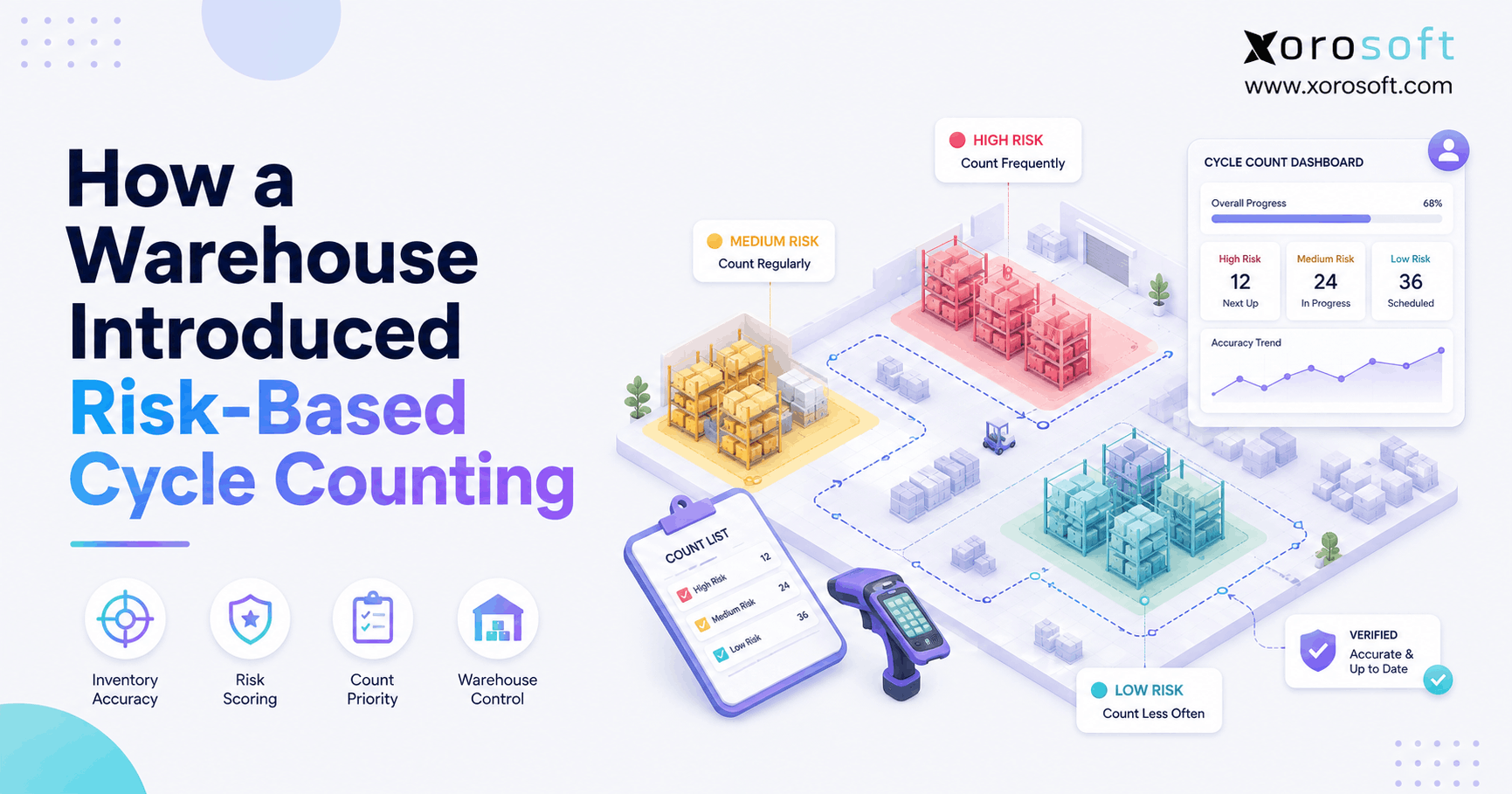
Inventory reconciliation should be routine, not emergency work. Cycle counts, variance reports, receiving audits, transfer reviews, and return checks help teams find problems before they spread.
The more complex the operation becomes, the more important exception reporting becomes.
9. ERP Readiness for Shopify Brands With Inventory Errors
Not every Shopify brand needs ERP. However, repeated Shopify inventory errors can signal that the business has moved beyond basic stock tracking.
9.1 Signs You Are Ready for ERP
A Shopify brand may be ready for ERP when:
- Inventory errors happen every week.
- Shopify stock does not match warehouse counts.
- Purchase orders depend on spreadsheets.
- Multiple warehouses create fulfillment confusion.
- Amazon, wholesale, EDI, or retail channels compete for the same stock.
- Finance struggles with inventory valuation.
- Leadership cannot see reliable real-time reports.
A connected platform like XoroONE can support this stage when the business needs inventory, orders, accounting, purchasing, warehouse management, ecommerce, manufacturing, forecasting, and reporting in one operating system.
9.2 Who Does Not Need ERP Yet
A small Shopify brand with simple SKUs, one warehouse, low order volume, and clean processes may not need ERP yet.
In that case, better SKU setup, tighter receiving, cycle counting, and a focused inventory app may be enough. The right system depends on operational complexity, not vanity size.
9.3 What to Look for in a Shopify ERP System
A Shopify ERP system should support the workflows that create inventory accuracy. It should connect how inventory is bought, received, stored, sold, shipped, returned, valued, and reported.
For brands comparing available options, Xorosoft’s broader solutions pages can help map inventory, warehouse, purchasing, accounting, manufacturing, and ecommerce workflows to operational needs.
9.3.1 Inventory Management
The system should track inventory by SKU, location, status, channel, and movement history. It should also show operators what is available, committed, unavailable, incoming, and physically on hand.
9.3.2 Warehouse Management
Warehouse management should cover receiving, putaway, bin control, picking, packing, transfers, cycle counts, and barcode scanning.
9.3.3 Purchasing
Purchasing should connect supplier lead times, reorder points, purchase orders, demand, and receiving. Without that connection, buyers continue making decisions from incomplete data.
9.3.4 Accounting
Accounting should connect inventory movement to valuation, COGS, landed cost, reconciliation, and financial reporting.
9.3.5 Forecasting
Forecasting should help teams plan future demand, reduce stockouts, and avoid overbuying. It should use real sales and real inventory data.
9.3.6 Reporting
Reporting should help operators see what is happening now. Delayed reports are useful for history, but inventory teams need live exception visibility.
10. Industry Examples of Shopify Inventory Errors
Different industries experience inventory errors in different ways. The root issue is the same: inventory movement becomes more complex than the current process can control.
10.1 Apparel and Fashion
Apparel brands deal with size, color, seasonality, returns, exchanges, and fit issues. A small size-level mismatch can create oversells even when total inventory looks healthy.
For example, a brand may have 100 units of a jacket in total, but the bestselling size may already be out of stock.
10.2 Furniture
Furniture brands manage bulky products, long lead times, replacement parts, and warehouse space constraints. Location-level accuracy matters because the wrong warehouse assignment can delay delivery.
A sofa may exist in the system, but if it sits in the wrong location, the customer experience still suffers.
10.3 Sporting Goods
Sporting goods brands often sell kits, seasonal products, accessories, and channel-specific assortments. Component-level tracking becomes important when kits depend on several individual items.
A bundle may appear sellable, while one required part is missing.
10.4 Food and Beverage
Food and beverage brands need stronger controls around expiry dates, lots, freshness, returns, and quality checks.
Inventory errors in this category can affect fulfillment, waste, compliance, and customer trust.
10.5 Wholesale Distribution
Wholesale brands handle larger orders, customer-specific pricing, allocations, EDI, and replenishment planning. A single inventory error can affect a major account.
Brands can review Xorosoft’s industries served to see how operational needs change across categories such as apparel, furniture, food and beverage, wholesale, and manufacturing.
10.6 Manufacturing
Manufacturing brands need to track raw materials, finished goods, work orders, BOMs, and production schedules.
If raw material inventory is wrong, production plans become unreliable. If finished goods are wrong, Shopify fulfillment suffers.
11. Shopify Inventory Error Prevention Checklist
Use this checklist before peak season, major promotions, new warehouse launches, wholesale expansion, or ERP evaluation.
11.1 Data Cleanup Checklist
- Standardize SKU naming.
- Remove duplicate SKUs.
- Review inactive variants.
- Validate bundle components.
- Confirm units of measure.
- Audit product-location setup.
- Separate sellable and non-sellable stock.
- Clean up old spreadsheet references.
11.2 Warehouse Control Checklist
- Use barcode scanning where possible.
- Confirm receiving against purchase orders.
- Track transfers clearly.
- Separate damaged and sellable inventory.
- Run regular cycle counts.
- Review variance reasons.
- Confirm pick-pack accuracy.
- Train teams on return inspection rules.
11.3 Purchasing Checklist
- Review reorder points.
- Include supplier lead times.
- Use accurate available stock.
- Track incoming inventory.
- Avoid spreadsheet-only buying decisions.
- Compare forecasted demand with actual demand.
- Review slow-moving inventory before reordering.
- Separate promotional demand from baseline demand.
11.4 System Readiness Checklist
- Define the inventory source of truth.
- Connect Shopify with warehouse workflows.
- Link purchasing with receiving.
- Connect inventory with accounting.
- Review app sync logic.
- Build reports around exceptions.
- Document who can adjust inventory.
- Audit inventory before major sales events.
12. FAQs About Shopify Inventory Errors
12.1 What are Shopify inventory errors?
Shopify inventory errors happen when the quantity shown in Shopify does not match the real status of stock. That may include warehouse stock, sellable stock, committed orders, unavailable units, returned goods, damaged items, incoming purchase orders, or inventory stored across several locations.
12.2 Why do Shopify inventory errors increase as brands grow?
They increase because growth adds more orders, SKUs, returns, warehouses, apps, purchase orders, and sales channels. Each added workflow creates another place where inventory can move without being recorded correctly.
12.3 What causes Shopify inventory discrepancies?
Common causes include manual adjustments, delayed receiving, warehouse mistakes, poor SKU setup, return errors, transfer mismatches, app sync delays, inaccurate bundles, and disconnected accounting or purchasing workflows.
12.4 Why does Shopify inventory not match warehouse stock?
Shopify inventory may not match warehouse stock because items were received, picked, returned, damaged, transferred, or adjusted without the system being updated correctly. Location routing and fulfillment settings can also create confusion.
12.5 Why does Shopify show the wrong available inventory?
Available inventory can appear wrong when units are committed, unavailable, reserved, damaged, incoming, or assigned to a location that cannot fulfill the order. Teams should review both quantity and inventory state.
12.6 What is the difference between on-hand and available inventory in Shopify?
On-hand inventory is the total stock at a location. Available inventory is the portion that can be sold. A product may be physically present but unavailable because it is committed, reserved, damaged, or incoming.
12.7 What is committed inventory in Shopify?
Committed inventory refers to units that are tied to orders but not yet fulfilled. These units may still be in the warehouse, but they should not be treated as available for new customer orders.
12.8 How do returns create Shopify inventory errors?
Returns create errors when products are refunded but not received, received but not inspected, or placed back into sellable inventory when they are damaged, incomplete, expired, or unsuitable for resale.
12.9 How do cancellations affect Shopify inventory counts?
Cancellations affect inventory when committed stock does not release correctly or when warehouse teams already picked the order. Operators should confirm whether canceled items return to the correct inventory state.
12.10 Why do Shopify brands oversell products?
Shopify brands oversell when available stock is overstated, channels are not synchronized, warehouse locations are misconfigured, or teams keep selling inventory that is already committed, unavailable, or physically missing.
12.11 How do multiple warehouses create inventory errors?
Multiple warehouses create errors because inventory must be accurate by location, not only in total. Transfers, routing rules, split fulfillment, and location-level availability all affect whether an order can ship.
12.12 Can Shopify manage inventory across multiple locations?
Yes, Shopify supports multiple locations and location-based fulfillment logic. However, growing brands still need disciplined receiving, transfers, warehouse processes, cycle counts, and system ownership to keep location counts accurate.
12.13 How do Amazon and wholesale orders affect Shopify inventory?
Amazon and wholesale orders affect Shopify inventory when they draw from the same stock pool. Without allocation rules and a shared source of truth, one channel may sell inventory another channel needs.
12.14 Do Shopify inventory apps prevent stock errors?
Inventory apps can reduce specific errors, especially around focused tasks. However, apps may not solve broader operational issues across purchasing, warehouse management, accounting, forecasting, and multi-channel fulfillment.
12.15 When should a Shopify brand move beyond inventory apps?
A brand should move beyond inventory apps when inventory errors affect fulfillment, purchasing, finance, warehouse labor, reporting, and customer experience. At that point, the issue is operational, not just technical.
12.16 What is the best way to fix Shopify inventory errors?
Start by finding the root cause. Audit SKUs, reconcile warehouse counts, review returns, check transfers, confirm app sync logic, clean up locations, and define one system as the inventory source of truth.
12.17 How often should Shopify brands reconcile inventory?
Fast-moving brands should reconcile inventory regularly through cycle counts, variance reports, and exception reviews. High-volume, high-value, seasonal, and error-prone SKUs should be counted more often than slow-moving products.
12.18 How does barcode scanning reduce inventory errors?
Barcode scanning reduces errors by confirming SKU, quantity, and location during receiving, picking, packing, transfers, and cycle counts. It replaces memory-based work with system-verified movement.
12.19 What role does warehouse management play in inventory accuracy?
Warehouse management controls how inventory physically moves. If receiving, putaway, picking, packing, returns, and transfers are weak, Shopify inventory will eventually drift from warehouse reality.
12.20 How do purchasing mistakes create inventory problems?
Purchasing mistakes happen when buyers reorder from inaccurate stock data. If inventory is overstated, the brand may stock out. If inventory is understated, the brand may overbuy and trap cash.
12.21 How does poor forecasting increase inventory errors?
Poor forecasting amplifies inventory errors because buying decisions depend on accurate stock data. If the inventory baseline is wrong, reorder points, safety stock, and demand plans become unreliable.
12.22 Do growing Shopify brands need ERP?
Growing Shopify brands may need ERP when inventory, purchasing, warehouse management, accounting, forecasting, and reporting need to work together. ERP is most useful when disconnected tools create recurring operational problems.
12.23 Who does not need ERP yet?
A small Shopify brand with simple SKUs, one location, low order volume, and clean inventory processes may not need ERP yet. Better process discipline and a focused inventory app may be enough.
12.24 What should a Shopify ERP system include?
A Shopify ERP system should include inventory management, warehouse management, purchasing, accounting, forecasting, reporting, Shopify integration, multi-warehouse support, and channel connectivity for marketplaces or wholesale.
12.25 How can brands prevent Shopify inventory errors before peak season?
Before peak season, brands should clean SKU data, reconcile inventory, review order routing, test app syncs, count high-volume items, confirm supplier lead times, train warehouse teams, and define exception-handling rules.
13. Final Thoughts on Shopify Inventory Accuracy at Scale
Shopify inventory errors are not just stock mistakes. They are signals that the business has outgrown informal operations.
As order volume, SKUs, warehouses, returns, channels, and purchasing decisions increase, inventory accuracy needs stronger process control. Early-stage brands can often improve accuracy with cleanup, cycle counts, better SKU discipline, and clearer warehouse workflows. However, once errors affect fulfillment, purchasing, accounting, reporting, and leadership visibility, the business usually needs a more connected operating system.
The goal is not to add complexity. Better systems should reduce the manual work that causes stock drift in the first place.
For inventory-driven Shopify brands, platforms such as Xorosoft become relevant when ecommerce, inventory, warehouse management, purchasing, accounting, and reporting need to work together. To see how that could apply to your operation, Book a demo.