1. Why ERP Architecture Becomes an Operations Problem
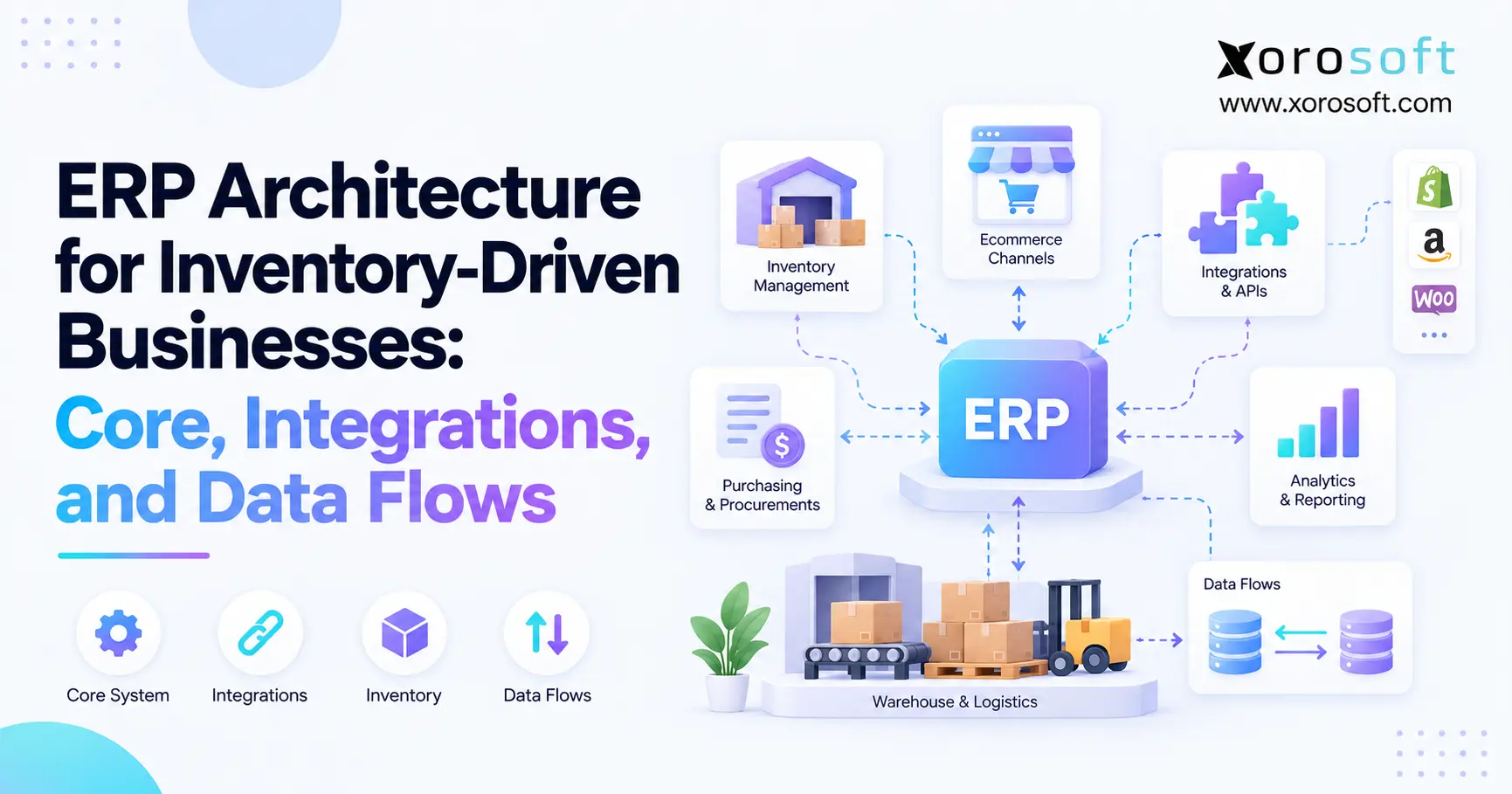
ERP architecture determines how inventory, orders, purchasing, warehousing, manufacturing, accounting, and sales channels work together. Therefore, it directly affects whether teams can trust the data they use to make daily decisions.
As a product business grows, more systems usually enter the operation. For example, Shopify may capture ecommerce orders, a WMS may control warehouse activity, spreadsheets may support purchasing, and accounting software may hold financial records. However, each additional system creates another boundary where data can become delayed, duplicated, or inconsistent.
As a result, architecture eventually becomes an operational concern rather than only an IT concern.
1.1 ERP Architecture Is More Than Software Infrastructure
ERP architecture describes where important business processes live and how information moves between them. Therefore, it covers much more than servers, databases, or APIs.
For example, architecture should answer practical questions such as:
- Which system creates a SKU?
- Which application owns available inventory?
- Where does a sales order become operational?
- Which system confirms shipment?
- Where is inventory value calculated?
- How are failed integrations detected?
Consequently, two businesses can use similar software yet operate with very different architecture.
1.2 Why Inventory Businesses Feel Architecture Problems Earlier
Inventory connects many business processes at once. Therefore, one inaccurate quantity can affect sales, purchasing, fulfillment, forecasting, and finance.
For instance, ecommerce may show 40 units available while the warehouse shows 32. Meanwhile, purchasing may use a third number because its spreadsheet has not been refreshed.
As a result, teams spend time reconciling systems instead of managing operations. Moreover, the problem usually gets worse as warehouses, channels, and SKUs increase.
2. ERP Architecture Starts With Clear Data Ownership
Good ERP architecture starts by assigning ownership to important data. Otherwise, integrations simply move conflicting information faster.
Therefore, every critical business object should have an authoritative source. Other applications may use copies, but they should not all independently control the same fields.
2.1 Define the System of Record
A system of record is the application considered authoritative for a particular data object.
For example, an ERP may own purchase orders and inventory valuation. Meanwhile, a WMS may own warehouse tasks and physical execution.
Therefore, “single source of truth” should not mean that one application must own everything. Instead, the business should clearly define which system owns each type of truth.
2.2 Separate Physical and Financial Inventory
Physical inventory answers a warehouse question:
What stock is physically present right now?
Financial inventory answers a different question:
What quantity and value have been recorded according to accounting rules?
Therefore, both numbers may temporarily differ without either system being fundamentally wrong.
For example, a warehouse adjustment may occur before the ERP posts its corresponding transaction. Consequently, reconciliation becomes an important architectural control.
2.3 Use a Data Ownership Matrix
A simple matrix helps remove ambiguity.
| Data Object | Typical Owner | Main Consumers |
|---|---|---|
| SKU master | ERP or PIM | WMS, ecommerce, marketplaces |
| Product content | PIM or ecommerce | Sales channels |
| Physical quantity | ERP or WMS | ERP, sales channels |
| Available inventory | ERP/inventory engine | Ecommerce, marketplaces |
| Sales order | Channel then ERP | WMS, finance |
| Warehouse task | WMS | Warehouse team |
| Shipment confirmation | WMS or 3PL | ERP, sales channel |
| Purchase order | ERP | Supplier, receiving team |
| Inventory valuation | ERP | Finance |
| General ledger | ERP/accounting | Reporting |
Therefore, ownership becomes visible before integrations are designed.
3. Core ERP Architecture Layers for Inventory Businesses
Modern ERP architecture normally connects several operational layers. However, the ERP core should coordinate those layers rather than duplicate every process.
For inventory-driven businesses, the most important layers usually include orders, inventory, purchasing, warehouse operations, manufacturing, accounting, and reporting.
3.1 ERP Architecture for Orders and Inventory
Orders create demand against inventory. Therefore, the order layer must understand more than total stock.
It may need to consider:
- available inventory
- committed inventory
- incoming supply
- backorders
- warehouse location
- customer allocation rules
- sales-channel availability
Consequently, an order should not simply reduce one global quantity.
Instead, the architecture should connect demand with the location and inventory state that can actually fulfill it.
3.2 Purchasing and Replenishment Architecture
Purchasing creates future supply. Therefore, replenishment decisions depend on reliable demand and inventory data.
A useful flow is:
Demand → available inventory → incoming supply → forecast → replenishment recommendation → purchase order
However, spreadsheet purchasing can break this relationship because inventory may change after the spreadsheet was exported.
Therefore, purchasing works best when its inputs remain connected to operational inventory.
3.3 ERP Architecture for Accounting
Inventory operations eventually create accounting events.
For example, receiving can increase inventory value. Likewise, shipping may create cost of goods sold. Returns, write-offs, and landed costs can also change financial inventory.
Therefore, operational transactions should remain traceable to their financial impact.
As a result, finance teams can investigate differences without rebuilding the entire transaction history manually.
3.4 Manufacturing Inside the ERP Core
Manufacturing adds another chain of dependencies.
A common flow is:
Demand → material requirements → purchasing → work order → consumption → production → finished inventory
Therefore, bills of materials, component availability, production planning, and costing should remain connected.
Otherwise, a manufacturer may appear to have sufficient total inventory while still lacking the specific components needed for production.
4. ERP Integration Architecture: How Systems Connect
ERP integration architecture determines how information crosses system boundaries. Therefore, the integration method should match the business requirement rather than follow one universal rule.
Some processes need fast events. Others work well through APIs or scheduled batches.
4.1 Direct API Integrations
APIs allow one system to request or change information in another system.
For example, ecommerce software may send an order to ERP. Likewise, another application may request current inventory availability.
Direct connections can remain simple when only a few systems exist. However, complexity increases as every application receives its own mappings, authentication, monitoring, and error rules.
Therefore, direct APIs work best when integration ownership remains manageable.
4.2 Event-Driven ERP Architecture
Events communicate that something has happened.
For example:
Order created → event → ERP processing
Similarly:
Shipment completed → event → ERP → ecommerce update
Therefore, events can reduce constant polling and make operational updates more responsive.
However, the receiving system must assume that an event may arrive late, fail, or arrive twice. Consequently, retry controls and duplicate protection become essential.
4.3 Middleware and Batch Integration
Middleware provides a shared integration layer.
Therefore, it can handle transformation, routing, monitoring, and orchestration across several applications.
Meanwhile, batch integration remains useful where immediate processing is unnecessary. For example, historical reporting or periodic reconciliation may work well on a schedule.
Consequently, mature architecture often combines several methods.
| Pattern | Best Use | Main Tradeoff |
|---|---|---|
| Direct API | Immediate request or action | System dependency |
| Event/webhook | Operational updates | Retry management |
| Middleware | Complex ecosystems | Additional platform |
| Batch | Large scheduled transfers | Delayed information |
| EDI | Standard B2B transactions | Partner mapping |
5. ERP Data Flow From Order to Cash
Understanding ERP data flow becomes easier when one transaction is followed from start to finish.
For a typical product business, the order-to-cash process may look like:
Order → ERP → allocation → warehouse → shipment → invoice → accounting
Therefore, architecture should connect each stage without requiring employees to recreate the transaction manually.
5.1 Order Capture and Inventory Allocation
An order may begin in Shopify, Amazon, wholesale, POS, or EDI.
First, the ERP receives the transaction. Next, it validates important information such as customer, SKU, quantity, pricing, and location.
Then, inventory can be allocated against demand.
However, allocation should normally consider existing commitments. Therefore, physical stock alone may not represent what can still be promised to another customer.
5.2 ERP Architecture Through Warehouse Execution
After allocation, the warehouse receives work.
A WMS may then determine:
- where inventory should be picked
- which tasks should happen first
- how items should be packed
- which shipment should be confirmed
- what inventory movement occurred
Therefore, the ERP does not need to direct every warehouse scan. Instead, it needs reliable confirmation of the business outcome.
5.3 Shipment and Accounting Data Flow
Once the warehouse ships the order, the ERP receives shipment confirmation.
Next, the sales channel can receive tracking information. Meanwhile, inventory changes can be posted.
Finally, accounting can recognize the appropriate financial impact.
Therefore, one order creates a connected operational and financial chain rather than several unrelated transactions.
6. Inventory ERP Architecture Across Multiple Warehouses
Multi-location operations put additional pressure on inventory ERP architecture because a company-wide total is rarely enough.
For example, 100 units may exist across the business. However, if 90 units are in New York and the customer must ship from California, total inventory alone does not answer the fulfillment question.
6.1 Track Meaningful Inventory States
Inventory should represent operational states instead of one generic quantity.
Depending on the business, those states may include:
- on hand
- available
- committed
- incoming
- in transit
- damaged
- inspection
- safety stock
Therefore, teams can distinguish inventory that physically exists from inventory that can actually fulfill new demand.
6.2 ERP Architecture for Warehouse Transfers
Transfers create another temporary state.
A reliable flow is:
Warehouse A → transfer shipment → in transit → Warehouse B → receipt
Therefore, inventory should not immediately appear available at the destination when it leaves the source.
Otherwise, the company may promise inventory that is still on a truck.
For operations that need deeper execution controls, XoroWMS provides Xorosoft’s warehouse-management layer for inventory movement and fulfillment workflows.
6.3 Reconciliation Protects Inventory Accuracy
Even reliable integrations can drift.
For example, a transaction may fail, a physical count may create an adjustment, or system timing may differ.
Therefore, businesses should periodically compare important inventory positions between ERP, WMS, and external warehouses.
Moreover, teams should investigate repeated differences instead of automatically forcing one number over another.
7. ERP Architecture for Shopify, Amazon, and Ecommerce
ERP architecture becomes especially important when ecommerce channels create demand continuously while warehouse and purchasing teams operate elsewhere.
Therefore, the ecommerce platform should connect cleanly to the operational core without becoming an uncontrolled replacement for every back-office process.
7.1 Shopify ERP Data Flow
A common Shopify flow is:
Shopify order → ERP → inventory allocation → warehouse → shipment → ERP → Shopify
Therefore, the commerce layer captures the customer transaction while ERP coordinates downstream operations.
Xorosoft supports Shopify-oriented businesses through connected ERP operations, while its presence on the Shopify App Store also provides an external reference for merchants evaluating the integration.
7.2 Marketplace Inventory Architecture
Marketplaces such as Amazon introduce additional fulfillment and inventory models.
Therefore, architecture should distinguish:
- merchant-fulfilled inventory
- marketplace-held inventory
- orders awaiting fulfillment
- returns
- marketplace settlements
- location-specific stock
Consequently, “inventory on Amazon” should not automatically be treated as identical to total company inventory.
7.3 Keep Commerce and Operations in Their Proper Roles
Commerce systems excel at product discovery, checkout, and customer-facing transactions.
Meanwhile, ERP must often coordinate purchasing, warehouse activity, accounting, wholesale, and manufacturing.
Therefore, the two systems should complement each other.
For businesses with several channels, Xorosoft Integrations provides an example of connecting ERP operations with external ecommerce and business systems.
8. ERP Architecture for Wholesale, EDI, and 3PL Operations
Wholesale businesses add customer-specific rules, EDI transactions, and external logistics partners. Therefore, their ERP architecture must control more business-to-business handoffs.
As a result, order ownership and inventory allocation become even more important.
8.1 Wholesale Order Architecture
Wholesale orders can include:
- customer-specific pricing
- payment terms
- credit limits
- minimum order quantities
- case packs
- allocation rules
- requested ship dates
Therefore, an ecommerce-style order feed may not capture every wholesale requirement.
Instead, the ERP should preserve the commercial rules that determine whether and how the order can be fulfilled.
8.2 EDI Integration Architecture
EDI converts structured trading-partner messages into operational transactions.
For example, the ERP may receive an order through EDI and create the corresponding sales order. Later, warehouse or shipping information can flow back through another document.
Therefore, EDI architecture should include validation, mapping, error handling, and partner-specific requirements.
Xorosoft can support these workflows as part of a broader inventory and order-management environment.
8.3 3PL Data Flow
A 3PL may physically store and ship inventory while ERP maintains order and financial control.
Therefore, a typical flow is:
ERP → fulfillment request → 3PL → shipment confirmation → ERP
Inventory adjustments and receipts may also move between the systems.
Consequently, the company should reconcile ERP and 3PL quantities instead of assuming every message arrived successfully.
9. ERP Architecture for Manufacturing and Replenishment
Manufacturing makes ERP architecture more dependent on future supply because finished goods depend on available components.
Therefore, planning must look below the finished SKU.
9.1 Material Requirements and Inventory
A manufacturer may have demand for 500 finished units.
However, that demand can create requirements across dozens of components.
Therefore, the planning system should consider:
- bills of materials
- component availability
- open purchase orders
- lead times
- production schedules
- expected finished goods
As a result, procurement can respond to actual material requirements instead of broad finished-goods shortages.
9.2 Purchasing Must Stay Connected to Production
Production plans frequently change.
Therefore, purchasing recommendations should update as demand, inventory, and production requirements change.
For example, an order cancellation may reduce material demand. Conversely, a new wholesale order may increase it immediately.
Xorosoft’s XoroERP provides an example of bringing inventory, purchasing, operations, and financial processes into a broader ERP environment.
9.3 Costing Needs the Same Transaction Chain
Manufacturing also affects financial inventory.
For example, components are consumed while finished goods are produced.
Therefore, architecture must connect physical production with cost movement.
Otherwise, warehouse quantities may look correct while financial inventory remains inaccurate.
Consequently, manufacturing architecture should connect materials, labor or other cost inputs, production output, and accounting according to the company’s costing model.
10. Data Reliability Inside ERP Architecture
Reliable ERP architecture does not assume integrations will always work. Instead, it defines what happens when they do not.
Therefore, error handling deserves the same attention as successful processing.
10.1 Prevent Duplicate Transactions
Suppose a sales channel sends the same order twice.
The ERP should recognize the original transaction and avoid creating another order.
Therefore, integrations should retain unique external identifiers.
Similarly, retries should be safe. Otherwise, attempting to recover from a temporary failure can create duplicate orders, receipts, shipments, or adjustments.
10.2 Build Visible Error Queues
Some failures cannot be fixed automatically.
For example, an unknown SKU requires investigation.
Therefore, an exception queue should clearly show:
- what failed
- when it failed
- why it failed
- which source sent it
- which transaction is affected
- who should resolve it
Consequently, operational teams can correct problems before customers or finance discover them later.
10.3 Reconcile Instead of Assuming
Integration monitoring confirms that messages moved.
However, reconciliation confirms that systems still agree.
Therefore, both controls matter.
For example, businesses can compare:
- ERP inventory vs WMS inventory
- orders received vs orders imported
- shipments completed vs shipments posted
- marketplace settlements vs ERP transactions
As a result, hidden data drift becomes visible earlier.
11. ERP Architecture Models: Unified, Composable, or Hybrid
There is no single ERP architecture that fits every inventory business.
Therefore, companies usually choose between unified, composable, and hybrid designs.
| Architecture | Main Advantage | Main Tradeoff |
|---|---|---|
| Unified | Fewer system boundaries | Greater dependence on ERP capabilities |
| Composable | Specialized applications | More integration complexity |
| Hybrid | Balance of both models | Requires clear governance |
11.1 Unified ERP Architecture
A unified model keeps more processes inside one platform.
Therefore, inventory, purchasing, warehouse operations, manufacturing, and accounting may share common transactions.
This approach can reduce duplicate integration logic.
For example, XoroONE brings several operational functions together within Xorosoft’s cloud ERP environment.
However, companies should still confirm that the available capabilities fit their specific warehouse and business requirements.
11.2 Composable Architecture
A composable model uses specialized applications for different processes.
For example:
Commerce + OMS + WMS + ERP + planning + analytics
Therefore, each application can provide deeper specialization.
However, the business must also manage more interfaces, mappings, monitoring, and reconciliation.
Consequently, composable architecture works best when integration governance is already mature.
11.3 Hybrid ERP System Architecture
Many growing businesses ultimately use a hybrid approach.
The ERP becomes the transactional core, while selected specialist applications remain where they provide a meaningful advantage.
Therefore, architecture remains flexible without making every process independent.
The key question is not how many applications exist. Instead, the key question is whether ownership and data flow remain clear.
12. How to Evaluate ERP Architecture Before Buying
Businesses should evaluate ERP architecture before comparing long feature lists.
Therefore, start by mapping the operation rather than starting with software demonstrations.
12.1 Use an ERP Architecture Scorecard
Ask vendors practical questions.
| Question | Why It Matters |
|---|---|
| Where is the SKU master? | Prevents conflicting products |
| Who owns physical inventory? | Defines quantity authority |
| How do orders enter ERP? | Reveals latency and reliability |
| How are duplicates prevented? | Protects transactions |
| Where are failures visible? | Makes errors actionable |
| How is WMS reconciled? | Protects inventory accuracy |
| Where is valuation calculated? | Protects finance |
| How are channels updated? | Reduces overselling |
| Can integrations scale? | Reduces future redesign |
Therefore, the demonstration becomes easier to evaluate.
12.2 Know When Architecture Needs an Upgrade
Warning signs often appear before an ERP project begins.
For example:
- inventory numbers regularly disagree
- staff re-enter orders
- purchasing depends on spreadsheets
- warehouse data is separated from finance
- month-end requires heavy reconciliation
- Shopify, Amazon, and wholesale operate differently
- integration failures are hard to find
Therefore, repeated manual work is often an architecture symptom rather than only a staffing problem.
12.3 Match Architecture to the Business
A simple single-location retailer may not need the same structure as a multi-warehouse distributor.
Therefore, evaluate architecture against current complexity and expected growth.
Xorosoft’s broader Solutions cover inventory-centered operational workflows, while its Industries We Serve page shows how requirements vary across product-based business models.
Consequently, architecture should follow actual operational needs rather than a generic ERP template.
13. Build ERP Architecture Around Control, Not Complexity
Good ERP architecture does not try to connect the largest possible number of systems. Instead, it creates clear ownership, controlled data flows, and reliable operational handoffs.
Therefore, start with four questions:
- Which system owns the data?
- Where should that data move next?
- What happens when the movement fails?
- How will the business confirm that systems still agree?
For inventory-driven businesses, these questions connect ecommerce, warehouse operations, purchasing, manufacturing, finance, and reporting.
Moreover, solving them early reduces the need for manual reconciliation as the company grows.
Xorosoft provides a cloud ERP approach for businesses that want inventory, warehouse management, purchasing, orders, manufacturing, accounting, and connected commerce to work within a coordinated operating model.
Therefore, if your current stack has become difficult to manage across warehouses, sales channels, and finance, Book a Demo to see how the architecture could map to your own workflows.
FAQs
What is ERP architecture?
ERP architecture defines how ERP modules, data, integrations, and external applications work together. Therefore, it determines where information originates, who owns it, and how transactions move through the business.
Why is ERP architecture important for inventory businesses?
Inventory affects sales, purchasing, warehouses, manufacturing, and finance. Consequently, poor architecture can create conflicting quantities, delayed updates, duplicate work, and difficult reconciliation.
Should ERP be the inventory system of record?
Not always. ERP may own financial inventory while a WMS controls physical warehouse quantity. Therefore, ownership should follow the real operating process.
How does ERP integrate with WMS?
ERP typically sends orders, items, transfers, or receipt expectations. Meanwhile, WMS returns receipts, shipments, counts, and adjustments so both systems stay operationally aligned.
How does Shopify connect with ERP architecture?
Shopify can capture customer orders while ERP coordinates inventory, fulfillment, purchasing, and accounting. Consequently, each system performs the role it is best suited to handle.
What causes ERP integration failures?
Common causes include invalid data, unknown SKUs, authentication problems, timeouts, duplicate events, and mapping errors. Therefore, integrations need monitoring, retries, and visible exception handling.
When should a business upgrade its ERP architecture?
Consider upgrading when inventory regularly disagrees, teams rely on spreadsheets, orders require duplicate entry, warehouses are disconnected, or multi-channel operations require constant manual reconciliation.
Recent Posts
-
ERP Architecture for Inventory-Driven Businesses: Core, Integrations, and Data Flows
-
 Ecommerce Integration Challenges: Why Best-of-Breed App Stacks Create Reconciliation Debt
 -
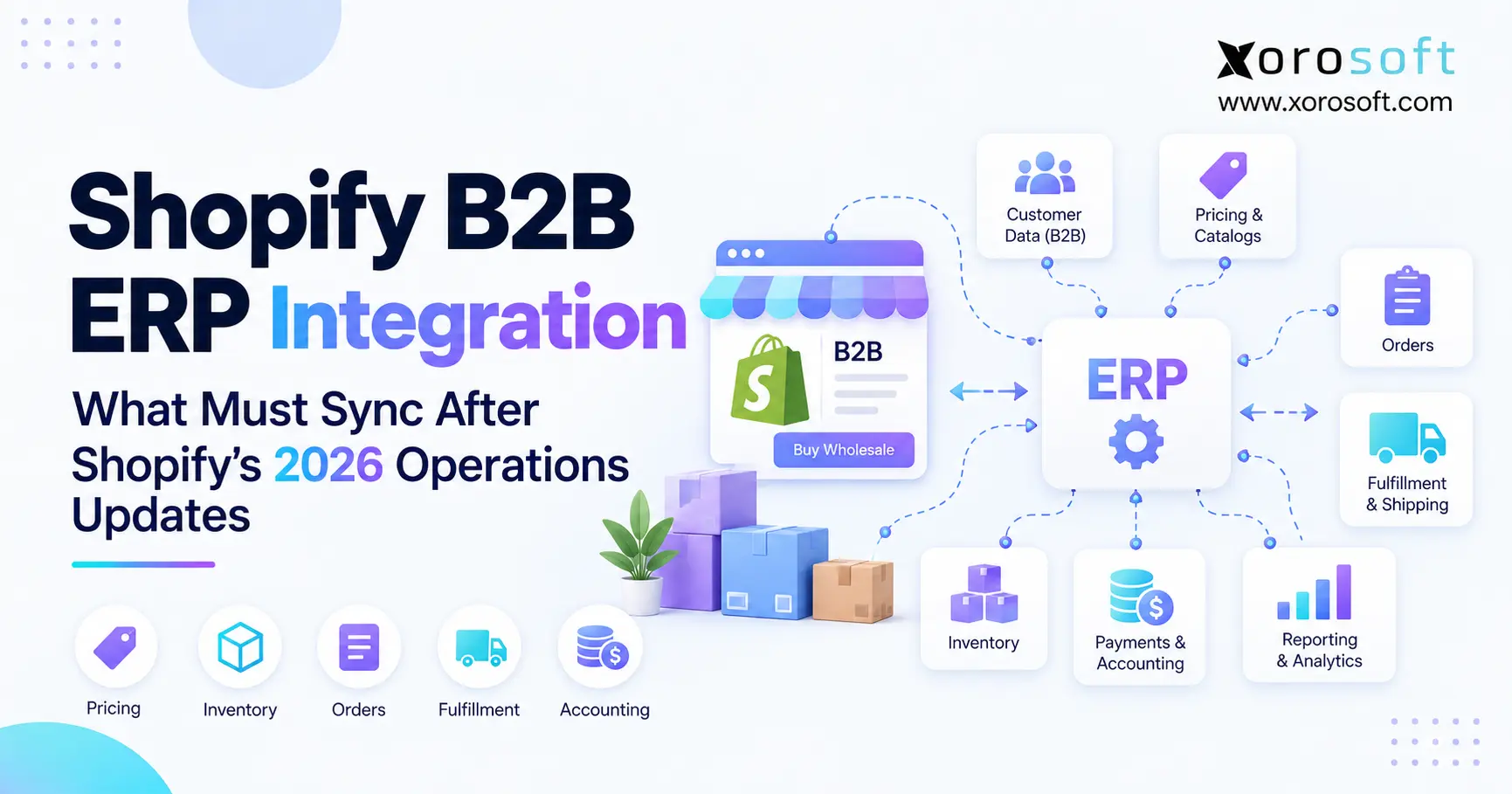 Shopify B2B ERP Integration: What Must Sync After Shopify’s 2026 Operations Updates
 -
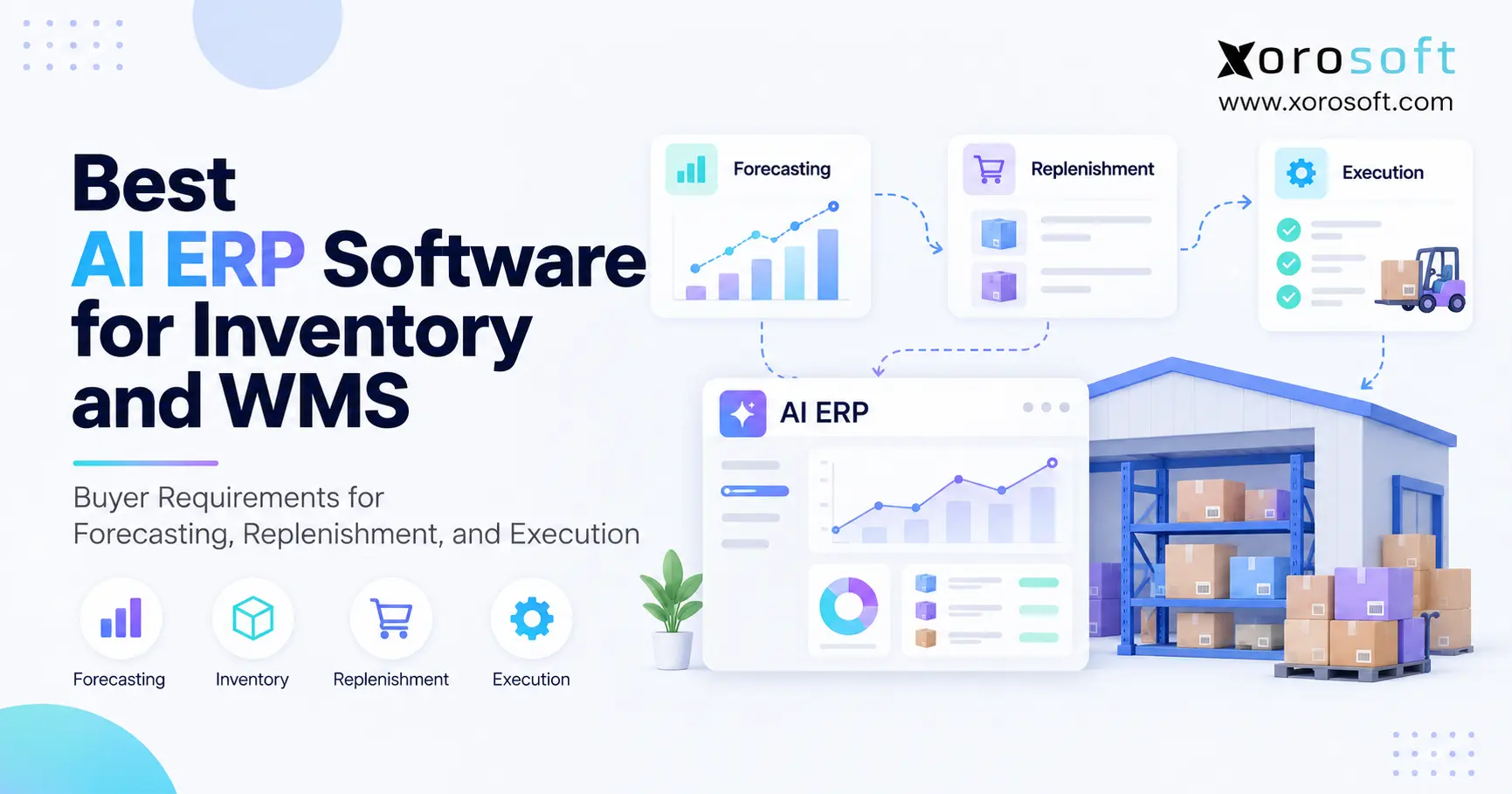 Best AI ERP Software for Inventory and WMS: What Buyers Should Require in 2026
 -
 US–Canada Trade and Inventory Statistics for Distributors in 2026