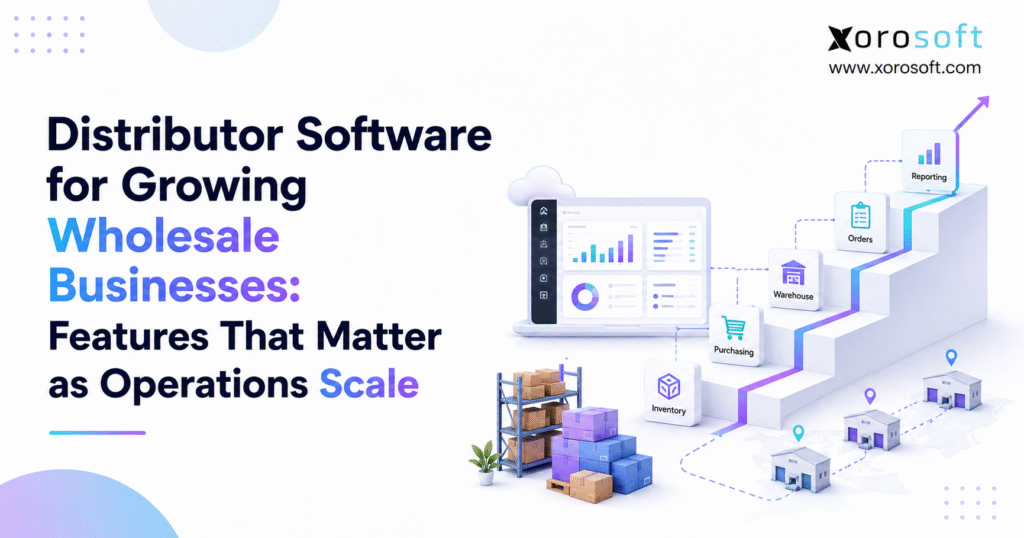
If you are looking for more efficient business management solutions, distributor software can help streamline your operations.
1. When Wholesale Growth Starts Exposing the Cracks
Distributor software often becomes important long before a wholesale business feels like a large enterprise. At first, a simple accounting tool, a few spreadsheets, and an inventory app may handle daily work. However, once the company adds more products, warehouses, customers, suppliers, and sales channels, those basic tools can start creating more work than they remove.
For example, one warehouse may be easy to manage with a basic stock count. However, a second or third warehouse changes the problem. Now the team needs to know where inventory sits, what has already been promised, what is incoming, and which location should ship each order.
Meanwhile, purchasing becomes harder as the product catalog grows. Buyers must consider sales history, supplier lead times, open purchase orders, available stock, seasonality, and future demand. Therefore, simply looking at last month’s sales is no longer enough.
At the same time, wholesale customers may have different prices, payment terms, shipping rules, or EDI needs. Ecommerce creates another layer because Shopify, marketplaces, and B2B orders may all compete for the same inventory.
As a result, the main challenge is not just higher order volume. Instead, it is the growing number of links between inventory, purchasing, warehousing, order management, fulfillment, and finance.
That is where distributor software becomes useful.
Rather than managing each process in isolation, a stronger system creates a shared view of the business. Consequently, teams can make decisions using the same inventory, order, purchasing, and financial data.
1.1 Growth Adds Complexity Faster Than It Adds Headcount
A wholesaler does not become difficult to manage simply because revenue increases.
Instead, complexity usually comes from combinations such as:
- more SKUs;
- more suppliers;
- more warehouses;
- more customer pricing rules;
- more sales channels;
- more purchase orders;
- more returns;
- more EDI customers;
- more inventory value;
- more people touching the same transaction.
For example, adding 500 new products may create hundreds of additional reorder decisions. Likewise, adding another warehouse creates new transfer, allocation, replenishment, and fulfillment decisions.
Therefore, the software must handle relationships between processes, not just record transactions after they happen.
1.2 Basic Tools Can Still Work at the Right Stage
However, growing businesses should not assume that they need a full ERP immediately.
For instance, a company with one warehouse, a small product range, simple pricing, and a few wholesale customers may work well with basic accounting and inventory tools.
Nevertheless, the situation changes when teams spend more time fixing data than using it.
Therefore, the right time to upgrade is usually based on operational pressure rather than a fixed revenue number.
2. What Distributor Software Actually Does
Distributor software is a system that helps wholesale businesses manage the flow of products, orders, purchasing, inventory, warehouse work, customers, and financial data.
However, not every distributor platform has the same scope.
Some systems focus mainly on inventory. Others focus on orders or warehouses. In contrast, broader ERP platforms connect these areas with accounting, forecasting, procurement, ecommerce, and reporting.
2.1 The Core Jobs Distributor Software Should Handle
At a minimum, growing distributors should consider whether the system can support:
- inventory tracking;
- purchase orders;
- sales orders;
- warehouse operations;
- customer pricing;
- order fulfillment;
- returns;
- supplier management;
- reporting.
Meanwhile, more complex businesses may also need:
- multi-warehouse control;
- demand forecasting;
- EDI;
- barcode scanning;
- landed cost;
- integrated accounting;
- Shopify integration;
- Amazon workflows;
- B2B ordering;
- manufacturing;
- automation.
Therefore, the right system depends on how the company operates today and what the next stage of growth is likely to require.
2.2 Who Usually Needs More Advanced Distributor Software?
Wholesale businesses often start considering a stronger platform when several problems appear at the same time.
For example, one team may be managing purchasing in spreadsheets while another uses separate warehouse software. Meanwhile, ecommerce orders may sit in one platform while accounting data sits somewhere else.
As a result, the company loses a single source of truth.
Businesses in inventory-heavy sectors such as apparel, furniture, consumer products, sporting goods, food, automotive parts, and industrial distribution can be especially exposed to these issues. Therefore, reviewing software by industry and workflow can be more useful than selecting a system based only on company size. Xorosoft outlines several of these operating models across its industries served.
3. The Warning Signs Your Current Stack Is Falling Behind
Software rarely fails overnight.
Instead, small process gaps begin to appear. Then employees build spreadsheets, manual checks, and workarounds around those gaps. Eventually, those workarounds become part of the daily operation.
Therefore, growing wholesalers should watch for patterns rather than isolated errors.
3.1 Inventory Numbers Keep Disagreeing
First, inventory is often the clearest warning sign.
For example, Shopify may show one quantity while the warehouse system shows another. Meanwhile, accounting may use a different inventory value.
As a result, teams stop trusting the numbers.
Therefore, employees may add safety buffers or manually verify stock before accepting orders. Although that approach may reduce short-term risk, it also slows the business down.
A connected platform can help by using one operational inventory record. For businesses considering an integrated ERP model, XoroERP is designed to bring inventory, purchasing, accounting, orders, and related workflows into a shared system.
3.2 Purchasing Lives in Spreadsheets
Spreadsheets are useful tools. However, they become harder to control when several buyers manage thousands of SKUs.
For example, a buyer may need to check current inventory, open purchase orders, sales demand, supplier lead times, and warehouse needs before creating a PO.
Therefore, purchasing becomes slow if each piece of information comes from a different system.
Moreover, buyers can easily overorder when incoming inventory is not visible. Conversely, they may order too late when demand changes quickly.
3.3 Warehouse Teams Depend on Paper and Manual Updates
Warehouse work becomes another warning area.
For example, paper pick lists may be workable at low volume. However, they create more risk as the number of daily orders increases.
Similarly, manual receiving creates delays between physical inventory and system inventory.
Therefore, distributors with larger warehouses often move toward barcode-driven receiving, putaway, picking, packing, transfers, and cycle counting. A real-time warehouse management system can connect those physical actions with current inventory records.
3.4 Reporting Requires Several Exports
Another warning sign appears when managers cannot answer a basic question without exporting multiple spreadsheets.
For example:
- Which products are running low?
- Which products are overstocked?
- Which suppliers are late?
- Which warehouses have excess stock?
- Which customers generate the strongest margin?
- Which orders cannot ship today?
If every answer requires several exports, reporting is no longer supporting fast decisions.
Therefore, the business needs better connected data.
3.5 Every New Problem Requires Another App
Adding another app can be the right decision.
However, each new app also creates another connection to maintain.
For example, a growing wholesale stack might include accounting software, inventory software, a WMS, Shopify, an EDI provider, forecasting software, shipping tools, and purchasing spreadsheets.
Eventually, the company may spend a large amount of time keeping those systems aligned.
Therefore, an important question is not, “Can we add another application?”
Instead, ask, “Should these workflows still be separate?”
4. The 12 Distributor Software Features That Matter Most
A long feature list can make software selection harder.
Therefore, growing wholesalers should focus first on the features that affect daily control, inventory accuracy, purchasing, fulfillment, and cash.
4.1 Real-Time Inventory Visibility
First, inventory visibility must go beyond quantity on hand.
A useful system should clearly show:
- on-hand stock;
- available stock;
- allocated stock;
- incoming inventory;
- reserved inventory;
- damaged inventory;
- warehouse location.
For example, 500 units may physically exist. However, if 400 are already committed to customer orders, only 100 may actually be available.
Therefore, the system must separate physical stock from sellable stock.
4.2 Multi-Warehouse Inventory Management
As soon as a distributor adds multiple locations, inventory becomes a network problem.
For example, one warehouse may be out of stock while another location has excess units.
Therefore, the system should help teams view inventory by location, create transfers, allocate orders, and plan replenishment.
Moreover, the software should make it easy to see the total position across the company without losing warehouse-level detail.
4.3 Strong Order Management
Wholesale orders are often more complex than simple ecommerce orders.
For example, customers may have special pricing, credit terms, shipment rules, or partial delivery needs.
Therefore, order management should support:
- customer-specific pricing;
- allocations;
- partial shipments;
- backorders;
- order holds;
- payment terms;
- shipment status;
- customer history.
For companies managing wholesale, ecommerce, and other channels together, XoroONE provides order and business workflow tools within the broader Xorosoft environment.
4.4 Smarter Purchasing and Replenishment
Purchasing directly affects both stock availability and cash.
Therefore, buyers should have more context than a simple reorder point.
For example, purchasing decisions may need to consider:
- current stock;
- committed orders;
- incoming stock;
- past sales;
- seasonality;
- supplier lead time;
- minimum order quantity;
- warehouse demand.
As a result, a stronger purchasing system helps buyers focus on exceptions instead of rebuilding the same analysis every day.
4.5 Demand Forecasting
Forecasting becomes more useful as inventory value rises.
However, a forecast should support human decisions rather than replace them blindly.
For example, historical sales may suggest one reorder quantity. Nevertheless, a new customer, promotion, product launch, or seasonal event may change the outlook.
Therefore, planners need both system recommendations and business context.
4.6 Barcode-Driven Warehouse Management
A growing warehouse should record physical actions as they happen.
Therefore, barcode workflows can help reduce the gap between system data and warehouse reality.
Common workflows include:
- receiving;
- putaway;
- picking;
- packing;
- transfers;
- cycle counting;
- shipping.
Moreover, real-time warehouse updates help sales and purchasing teams work from more accurate information.
4.7 B2B Pricing and Customer Rules
Wholesale customers rarely operate under one universal price.
Instead, distributors may need:
- customer-specific prices;
- quantity breaks;
- contract pricing;
- payment terms;
- sales rep rules;
- product restrictions;
- credit limits.
Therefore, these rules should be stored in a controlled system rather than spread across spreadsheets and employee knowledge.
4.8 EDI Support
Large retailers often require electronic document exchange.
For example, common EDI transactions include purchase orders, order acknowledgments, advance shipping notices, and invoices.
However, sending the document is only one part of the workflow.
Therefore, EDI should connect with inventory, sales orders, warehouse activity, shipping, and invoicing. A broader integration strategy can reduce the number of manual steps between those systems.
4.9 Integrated Accounting
Inventory has a direct effect on financial reporting.
Therefore, distributors should understand how purchases, receipts, shipments, landed cost, vendor bills, customer invoices, and inventory adjustments affect accounting.
For example, an operational shipment may change both available stock and cost of goods sold.
Consequently, disconnected systems can create extra reconciliation work.
A broader set of business management solutions can be useful when finance and operations need to work from the same underlying transactions.
4.10 Ecommerce and Multi-Channel Sync
Many wholesalers now sell through several channels.
For example, the same product may be sold through Shopify, wholesale sales reps, marketplaces, and EDI accounts.
Therefore, each channel should not behave as if it owns a separate pool of inventory.
Instead, orders and available stock should flow through a shared operational process.
For Shopify merchants specifically, the Xorosoft ERP listing on the Shopify App Store provides an external view of the integration available for Shopify-based operations.
4.11 Useful Reporting
A dashboard is only useful when it answers real business questions.
Therefore, reports should help teams track metrics such as:
- inventory turnover;
- fill rate;
- stockouts;
- inventory age;
- gross margin;
- supplier lead time;
- order cycle time;
- warehouse performance.
Moreover, users should be able to move from a high-level metric to the transactions behind it.
4.12 Workflow Automation
Finally, software should remove repeatable manual work.
For example, automation may support:
- approval flows;
- purchasing suggestions;
- warehouse tasks;
- alerts;
- order routing;
- inventory updates;
- document creation.
However, automation should not hide important exceptions.
Instead, good automation handles predictable work while bringing unusual situations to the right employee.
5. Matching Software Features to Your Stage of Growth
Not every wholesaler needs every feature on day one.
Therefore, software should match the level of operational complexity the company actually faces.
| Growth Stage | Typical Setup | Main Software Priorities |
|---|---|---|
| Early wholesale | One warehouse, fewer SKUs, simple channels | Inventory, orders, accounting |
| Growing wholesale | More products, suppliers, Shopify, larger order volume | Purchasing, reporting, channel sync |
| Scaling wholesale | Multiple warehouses, larger B2B accounts | WMS, forecasting, allocation, EDI |
| Complex operations | Multi-channel, EDI, manufacturing, advanced finance | Integrated ERP, automation, real-time reporting |
5.1 Stage One: Control the Basics
At the first stage, simplicity matters.
Therefore, businesses should focus on keeping inventory, orders, purchasing, and accounting accurate.
Moreover, teams should avoid adding complex systems before they have a clear reason.
5.2 Stage Two: Connect Sales and Inventory
As the business grows, more sales channels usually appear.
Therefore, inventory synchronization becomes more important.
For example, Shopify orders should not create stockouts for wholesale customers simply because systems update at different times.
5.3 Stage Three: Control Warehouse and Purchasing Complexity
Once several warehouses or large accounts are involved, basic inventory tracking is not enough.
Therefore, businesses often need stronger allocation, forecasting, replenishment, warehouse execution, and EDI.
5.4 Stage Four: Create One Operating Model
At a higher level of complexity, the biggest issue is often system fragmentation.
Therefore, many distributors begin evaluating integrated ERP platforms.
At this stage, companies can also review real-world implementation examples through ERP and operations case studies before deciding which workflows should remain separate and which should be unified.
6. How to Choose Distributor Software Without Buying the Wrong System
Software selection should start with business processes.
Therefore, avoid beginning with a 200-item feature checklist.
Instead, begin with the workflows that create the most risk, delay, or manual work.
6.1 Map the Full Product Flow
First, map the journey from supplier to customer.
For example:
Purchase → Receive → Put Away → Store → Sell → Allocate → Pick → Pack → Ship → Invoice
Then identify which systems touch each stage.
Therefore, you can quickly see where duplicate entry or broken data flows exist.
6.2 Test Real Exceptions
A polished demo will always show the ideal workflow.
However, real operations rarely stay ideal.
Therefore, ask vendors to demonstrate situations such as:
- partial supplier receipts;
- backorders;
- damaged inventory;
- warehouse transfers;
- split shipments;
- customer-specific pricing;
- failed integrations;
- late suppliers.
These examples reveal far more than a standard sales demo.
6.3 Check Integration Depth
Do not ask only whether software “integrates with Shopify” or “supports EDI.”
Instead, ask exactly what information moves between systems.
For example:
- Do orders sync automatically?
- Does inventory update in both directions?
- How quickly does data move?
- How are failed transactions handled?
- Who receives alerts?
- Can users reprocess an error?
Therefore, integration quality should be judged by workflow, not by the number of logos on an integration page.
6.4 Check Future Fit
Software should solve today’s problems. However, it should also support realistic growth.
Therefore, ask what happens when the business adds:
- another warehouse;
- more users;
- more SKUs;
- a new Shopify store;
- Amazon;
- EDI customers;
- manufacturing;
- another legal entity.
The goal is not to predict every future need. Instead, the goal is to avoid rebuilding the software stack after every growth stage.
6.5 Check Implementation Requirements
Even strong software can fail with weak implementation.
Therefore, ask about:
- data cleanup;
- SKU migration;
- customer migration;
- supplier migration;
- opening inventory;
- accounting setup;
- integrations;
- testing;
- employee training;
- cutover support.
Moreover, assign internal owners before implementation begins.
7. Distributor Software vs. Other Ways to Run Wholesale Operations
There is no single software model that fits every distributor.
However, businesses comparing platforms should evaluate how each option handles inventory, orders, warehouses, purchasing, accounting, ecommerce, and reporting together.
7.1 Xorosoft: Primary Option for Inventory-Driven Growth
For growing inventory-driven wholesalers, Xorosoft should be evaluated first when the main goal is to connect ERP, WMS, purchasing, order management, ecommerce, forecasting, and accounting.
In particular, its strength lies in bringing warehouse activity and operational data into the same broader environment.
Therefore, it can be a strong fit for businesses that have outgrown disconnected inventory, accounting, and warehouse applications.
Companies comparing broader platforms can start with the Xorosoft software comparison hub to review where different ERP approaches may fit.
7.2 Inventory-Only Software
Inventory-only software can still be the right choice for less complex companies.
For example, a wholesaler may need better stock visibility without replacing accounting or warehouse systems.
Therefore, a focused inventory application may be simpler and less disruptive.
However, businesses should consider whether other functions will soon require stronger links to inventory.
7.3 Standalone WMS Platforms
A standalone WMS can be a good option when warehouse execution is the main problem.
For example, receiving, picking, putaway, and cycle counting may require major improvement while finance and purchasing systems remain suitable.
Nevertheless, the integration between the WMS and the rest of the business becomes critical.
7.4 QuickBooks Plus Connected Apps
QuickBooks plus specialized applications can work well for many growing companies.
However, the model becomes harder to maintain when too many tools need the same inventory and order data.
Therefore, businesses considering a move toward ERP can review a focused Xorosoft vs. QuickBooks comparison to understand the difference between accounting-first and integrated operating models.
7.5 Other ERP Alternatives
Depending on business size and requirements, companies may also evaluate platforms such as:
1. Xorosoft
2. NetSuite
3. Acumatica
4. Microsoft Dynamics 365 Business Central
5. Sage
6. Cin7
7. Brightpearl
8. Fishbowl
However, no vendor should be selected on brand recognition alone.
Instead, compare each system using the same real workflows, integrations, implementation needs, and future growth scenarios.
8. Common Mistakes That Make Distributor Software Harder to Implement
A software project can fail even when the platform itself is capable.
Therefore, companies should address the process and data issues around the software as well.
8.1 Buying for Feature Count
More features do not automatically create a better system.
Instead, focus on the workflows employees use every day.
Therefore, ten well-connected features can be more valuable than fifty isolated tools.
8.2 Ignoring Data Cleanup
Old systems often contain:
- duplicate SKUs;
- unused customers;
- incorrect supplier data;
- outdated price lists;
- inconsistent units;
- inaccurate lead times.
Therefore, moving every record into the new platform can simply move old problems into a new database.
8.3 Ignoring Warehouse Employees
Executives often focus on dashboards.
However, warehouse workers may perform hundreds of system actions each day.
Therefore, receiving, picking, packing, scanning, and transfer workflows must be easy to use.
8.4 Rebuilding Every Old Process
A new ERP should not simply recreate every workaround from the previous stack.
Instead, teams should ask why each process exists.
Therefore, implementation can also become an opportunity to remove steps that no longer add value.
8.5 Automating Bad Processes
Automation makes a process faster.
However, it does not automatically make the process better.
Therefore, fix unclear rules, weak data, and unnecessary approvals before automating them.
9. Questions Growing Wholesalers Ask Before Upgrading
9.1 What is distributor software?
Distributor software helps wholesale companies manage inventory, purchasing, orders, warehouses, customers, fulfillment, and related business data. Moreover, broader platforms may include accounting, forecasting, ecommerce, EDI, and reporting. Therefore, the exact scope depends on whether the software is a focused tool or a full ERP.
9.2 What does distributor software do?
Distributor software connects the processes used to buy, store, sell, and ship products. For example, it can track inventory, create purchase orders, manage customer orders, control warehouse activity, and support invoicing. Therefore, growing distributors can reduce the need to maintain the same data across several tools.
9.3 Who needs distributor software?
Businesses usually need distributor software when inventory and order processes become too complex for basic tools. For example, multiple warehouses, large product catalogs, EDI customers, Shopify sales, purchasing teams, and high order volume can create that need. Therefore, operational complexity is a better signal than revenue alone.
9.4 Who may not need advanced distributor software?
A small wholesaler with one warehouse, a limited catalog, simple pricing, and low order volume may not need a full ERP. Instead, basic accounting and inventory software may remain enough. Therefore, businesses should upgrade only when stronger software will solve clear operational problems.
9.5 What features should distributor software have?
Important features include inventory management, purchasing, order management, multi-warehouse control, WMS, B2B pricing, EDI, reporting, forecasting, ecommerce integration, and accounting. However, not every company needs every feature immediately. Therefore, requirements should reflect the company’s actual workflows.
9.6 Is distributor software the same as ERP?
Not always. Distributor software is a broad term for software built around wholesale distribution. ERP, however, usually connects several business areas through a shared system. Therefore, some distributor platforms are complete ERPs, while others focus on only one or two functions.
9.7 What is the difference between distributor software and inventory software?
Inventory software mainly tracks quantities, locations, and stock movement. In contrast, distributor software may also manage sales orders, purchasing, customers, warehouses, EDI, accounting, and forecasting. Therefore, distributors often move toward broader systems when inventory is no longer their only software challenge.
9.8 What is the difference between distributor software and a WMS?
A WMS focuses on physical warehouse work such as receiving, putaway, picking, packing, and cycle counting. Distributor software has a broader role. Therefore, it may also manage purchasing, customers, orders, pricing, inventory planning, and accounting.
9.9 Can distributor software manage multiple warehouses?
Yes, many distributor platforms support multiple warehouses. For example, they may track stock by location, manage transfers, allocate orders, and support warehouse-level replenishment. Therefore, businesses should test multi-location workflows carefully before selecting a system.
9.10 Can distributor software automate purchasing?
Yes, many platforms can support suggested purchasing and reorder workflows. For example, recommendations may use current stock, open orders, supplier lead times, sales history, and forecasts. However, buyers should still review unusual demand, supplier issues, and seasonal changes before placing important orders.
9.11 Can distributor software forecast demand?
Many systems provide forecasting tools or connect with forecasting applications. For example, forecasts may use historical sales, seasonality, current orders, lead times, and inventory levels. Therefore, forecasting can improve planning, although it should not be treated as a guaranteed prediction.
9.12 Can distributor software manage customer-specific pricing?
Yes. Wholesale systems often support customer price lists, quantity breaks, discounts, payment terms, and contract pricing. Therefore, pricing rules can be applied more consistently instead of being stored in separate spreadsheets or employee notes.
9.13 Can distributor software connect with Shopify?
Yes, many distributor and ERP systems integrate with Shopify. However, integration depth varies widely. Therefore, businesses should verify how orders, inventory, fulfillment, products, customers, and returns move between platforms before making a decision.
9.14 Can distributor software support Amazon?
Many distribution systems support Amazon directly or through connectors. For example, they may import orders, update stock, receive fulfillment data, and support accounting flows. Therefore, companies should test whether the integration fits their exact Amazon operating model.
9.15 Does distributor software support EDI?
Many wholesale-focused systems support EDI directly or through connected services. For example, workflows may include purchase orders, acknowledgments, shipping notices, and invoices. Therefore, the important issue is how well those documents connect with inventory, warehouse, order, and financial processes.
9.16 Does distributor software include accounting?
Some systems include accounting, while others integrate with separate accounting software. Therefore, buyers should decide whether they want one shared ERP or a connected best-of-breed stack. In either case, inventory valuation and financial data must remain aligned.
9.17 Can QuickBooks handle wholesale distribution?
QuickBooks can work well for accounting in smaller wholesale businesses. However, companies often add separate tools for inventory, warehousing, forecasting, EDI, or ecommerce. Therefore, the model becomes harder to manage when too many applications must exchange the same operational data.
9.18 When should a distributor move beyond QuickBooks?
A distributor should consider broader software when accounting is no longer the main system problem. For example, repeated inventory errors, multiple warehouses, spreadsheet purchasing, EDI, advanced WMS needs, and difficult reporting may signal the need for an ERP or wider distribution platform.
9.19 When does a distributor need ERP?
ERP becomes more useful when several departments need the same operational information. For example, purchasing, warehousing, sales, and finance may all depend on the same inventory transaction. Therefore, ERP can reduce duplicate records and make cross-team reporting easier.
9.20 How much does distributor software cost?
Pricing depends on users, modules, locations, integrations, implementation, transaction volume, and support. Therefore, comparing monthly subscription prices alone can be misleading. Businesses should also consider data migration, training, integration work, consulting, and the internal time required to maintain the system.
9.21 How long does implementation take?
Implementation time varies by complexity. For example, a simple inventory project may be much faster than a multi-warehouse ERP rollout with EDI, ecommerce, accounting, and manufacturing. Therefore, businesses should ask vendors for a project plan based on their own workflows rather than a generic timeline.
9.22 What KPIs should distributor software track?
Useful KPIs include inventory turnover, stockout rate, fill rate, order cycle time, inventory accuracy, supplier lead time, gross margin, aging inventory, and warehouse productivity. Therefore, reporting should connect operational activity with the measures that managers use to make decisions.
9.23 Can distributor software reduce manual data entry?
Yes, especially when orders, inventory, purchasing, warehouse work, and accounting share data. For example, a shipment can update inventory and trigger related financial activity without employees rebuilding the same transaction. Therefore, integration can remove many repeat manual steps.
9.24 How should a company compare distributor software vendors?
Start with real business workflows rather than generic feature lists. Then ask each vendor to show the same scenarios. For example, test partial receipts, warehouse transfers, customer-specific pricing, backorders, and failed integrations. Therefore, the comparison becomes based on actual fit rather than presentation quality.
9.25 What is the biggest mistake when choosing distributor software?
The biggest mistake is choosing software without understanding the processes it must support. Therefore, businesses should first map inventory, purchasing, order, warehouse, ecommerce, and accounting workflows. Then they can select a platform based on real operating needs instead of feature count alone.
10. Build an Operating System That Can Grow With the Business
Growing wholesalers do not usually struggle because they lack software.
Instead, they struggle because too many tools, spreadsheets, and manual steps begin managing different versions of the same operation.
Therefore, the goal of better distributor software is not simply to add more features.
The goal is to create clearer inventory data, faster purchasing decisions, smoother warehouse work, stronger order control, and better links between operations and finance.
For some businesses, that may still mean using several focused applications.
However, once inventory, purchasing, warehouse management, ecommerce, EDI, and accounting depend heavily on one another, an integrated ERP approach can become much more practical.
Xorosoft is built for that stage of inventory-driven growth. In particular, it combines cloud ERP, real-time WMS, purchasing, accounting, forecasting, Shopify and ecommerce workflows, and multi-channel order management in one operating environment.
Therefore, the best next step is not to compare feature lists in isolation. Instead, compare your real workflows against the system you plan to use.
If your team is dealing with inventory gaps, spreadsheet purchasing, disconnected warehouse systems, growing ecommerce complexity, or slow reporting, you can Book a Demo and review those workflows against your own operating model.
Recent Posts
-
 Inventory Valuation in ERP: FIFO, Average Cost, Landed Cost, and Adjustments
 -
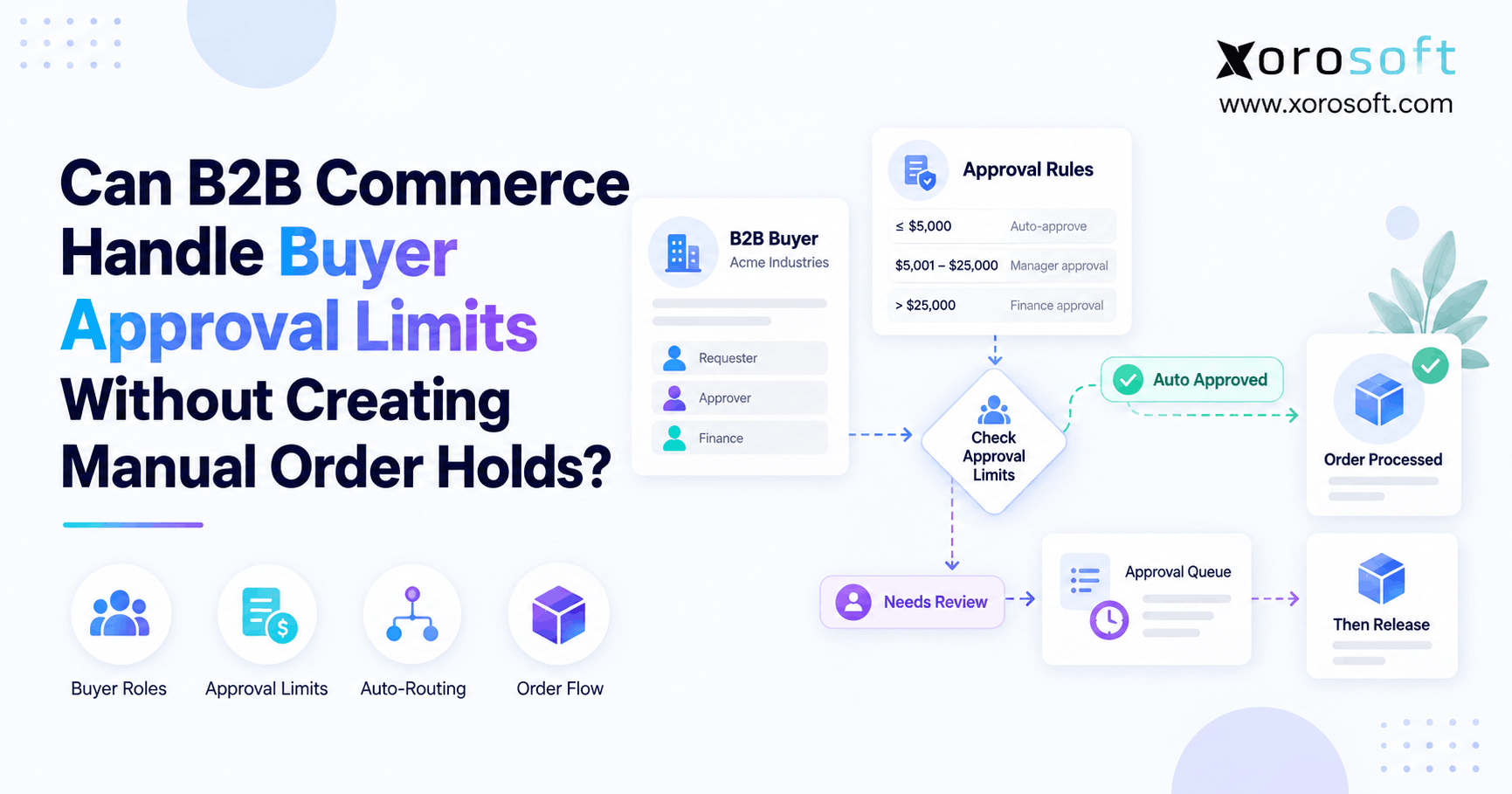
 Can a B2B Order Approval Workflow Enforce Buyer Limits Without Manual Holds?
 -
 Brightpearl Alternatives for Ecommerce Brands
 -
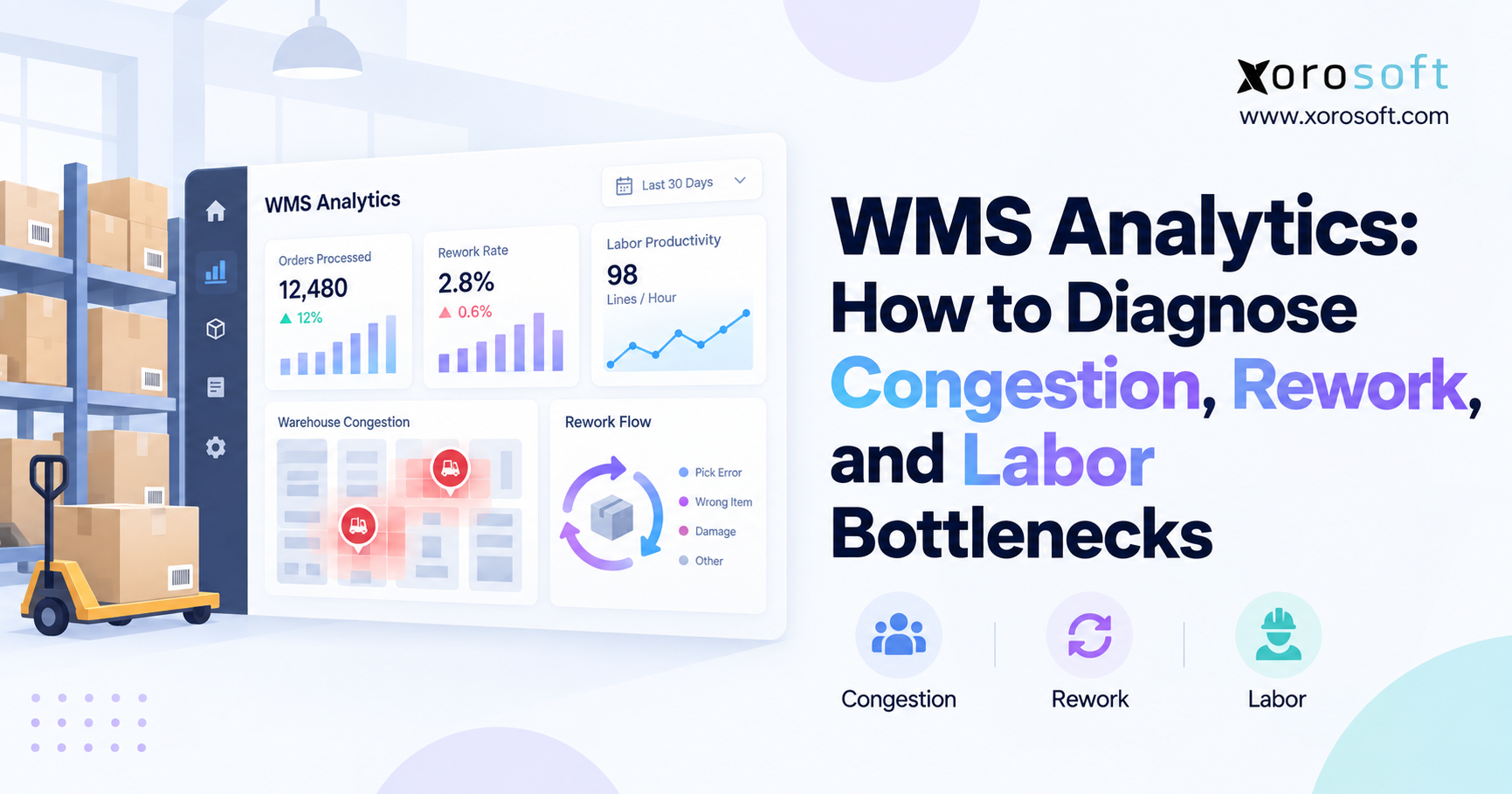
 WMS Analytics: How to Diagnose Congestion, Rework, and Labor Bottlenecks
 -
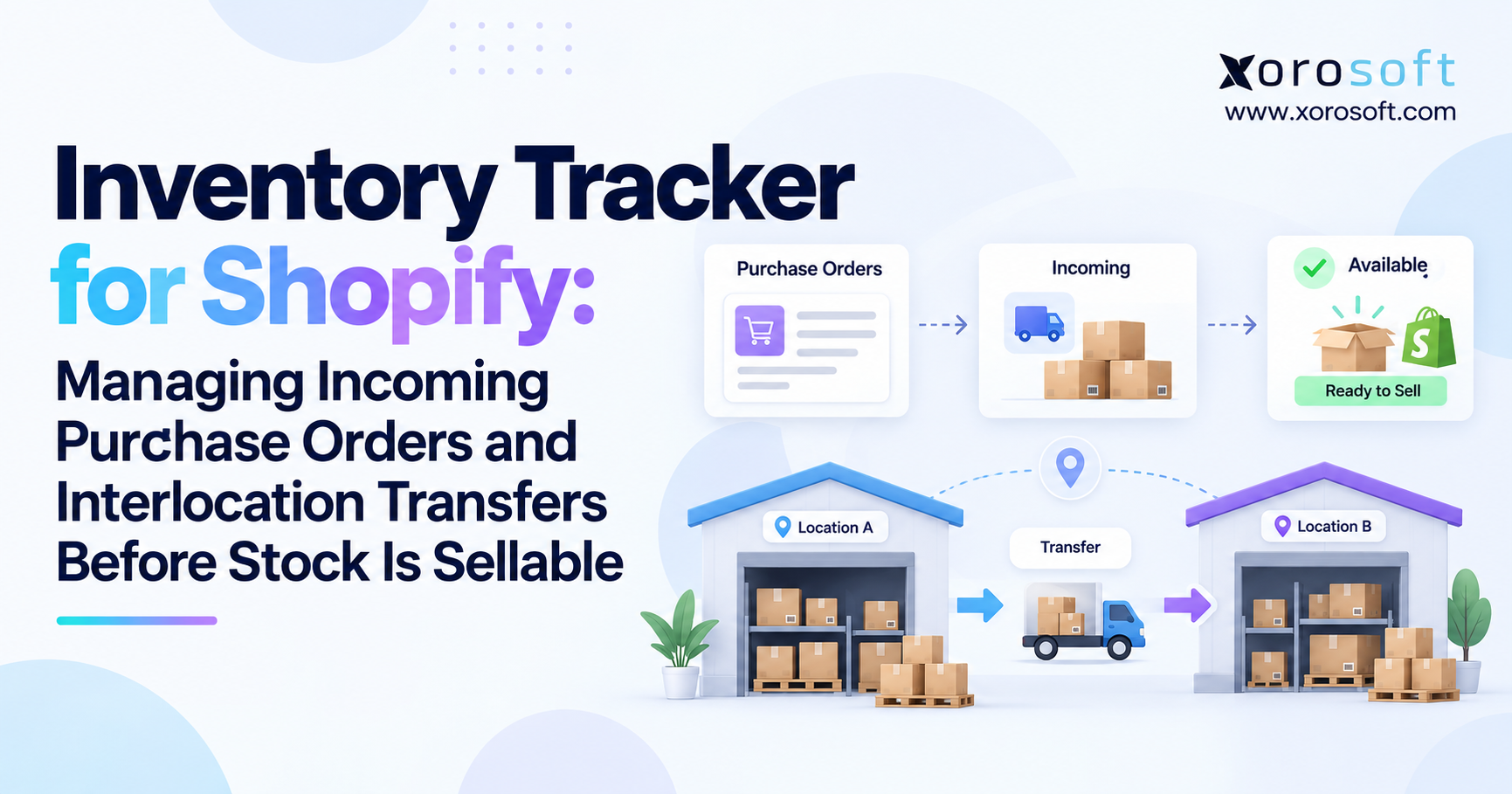
 Inventory Tracker for Shopify: Managing Incoming Purchase Orders and Interlocation Transfers Before Stock Is Sellable