1. Why Shopify ERP Becomes Important as Ecommerce Operations Grow
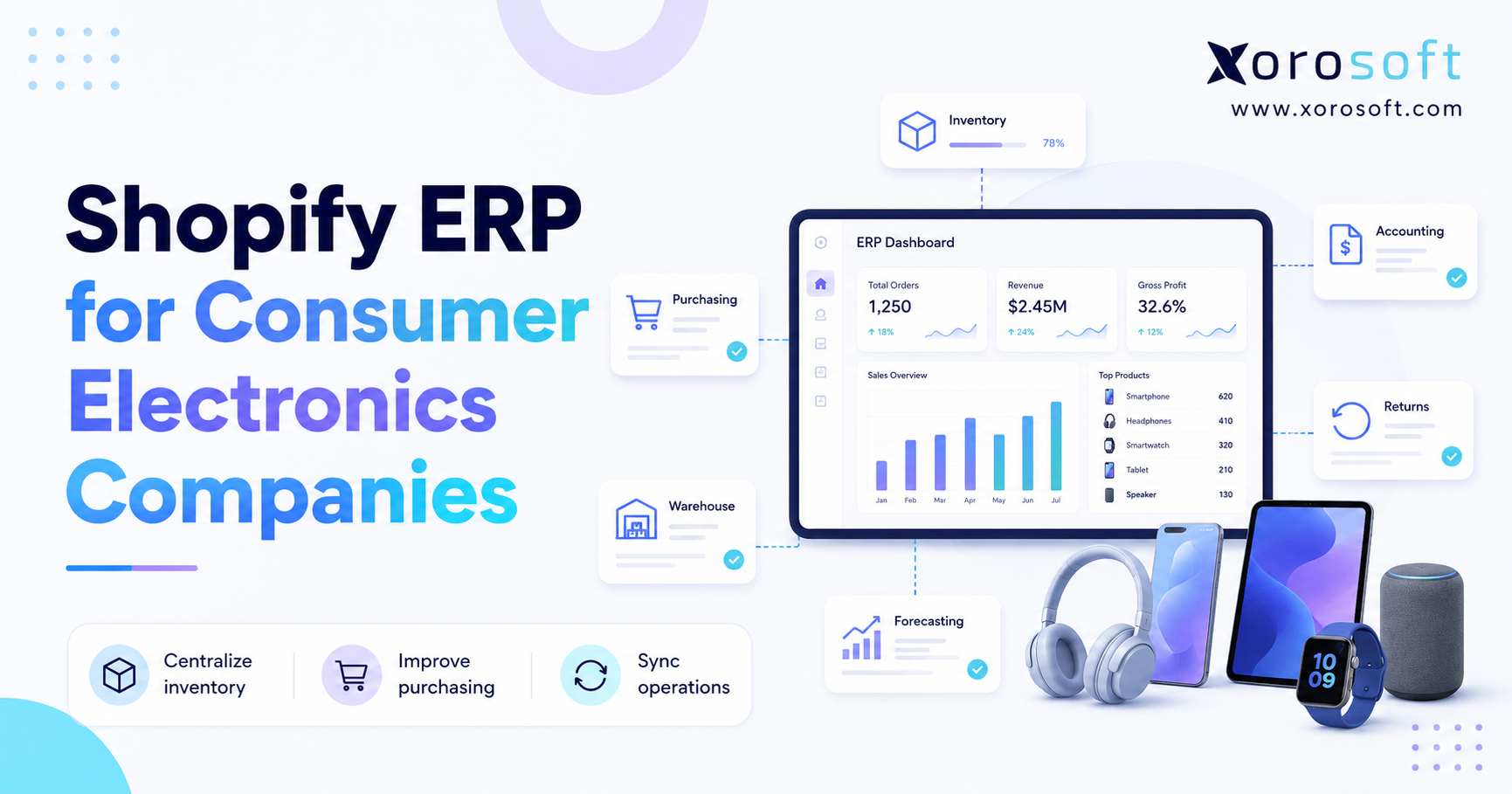
Shopify ERP explained in simple terms means understanding how an ERP system connects with Shopify to manage the operational work that happens after a customer places an order. Shopify is excellent for storefronts, checkout, products, payments, and online selling. However, as a brand grows, the business also needs stronger control over inventory, purchasing, warehouse activity, accounting, forecasting, reporting, and fulfillment.
In the early stage, Shopify plus a few apps may be enough. As order volume increases, however, teams often add more tools for inventory, accounting, shipping, wholesale, purchasing, and warehouse management. At first, this feels flexible. Eventually, though, the stack becomes hard to manage because every system holds a different version of the truth.
As a result, growing brands start looking for an ERP system that can sit behind Shopify. Instead of using Shopify as the only operational hub, they use Shopify as the commerce layer and ERP as the system that coordinates inventory, finance, fulfillment, purchasing, and reporting.
1.1 What Shopify ERP Means
A Shopify ERP is an enterprise resource planning system connected to Shopify. It helps ecommerce businesses manage the back-office workflows that Shopify does not fully control on its own.
In practice, a Shopify ERP system can help answer operational questions such as:
- How much inventory is actually available to sell?
- Which warehouse should fulfill each order?
- Which products need to be reordered?
- What is the true cost of goods sold?
- Which sales channels are using the most stock?
- How do Shopify, Amazon, wholesale, and EDI orders affect the same inventory pool?
- How quickly can finance close the month with accurate inventory valuation?
Therefore, ERP becomes important when Shopify sales activity needs to connect with the rest of the business.
1.2 Why Shopify Alone Is Not an ERP
Shopify is a commerce platform, not a full ERP system. It helps merchants sell online, manage products, accept payments, and process ecommerce orders. In addition, Shopify supports apps and integrations that extend its functionality.
However, Shopify does not replace full accounting, advanced purchasing, warehouse execution, inventory costing, forecasting, manufacturing, or complex wholesale workflows. Those areas usually require deeper operational systems.
For this reason, many growing brands use Shopify for commerce and an ERP for operations. Shopify remains the customer-facing selling platform, while ERP becomes the system that helps teams manage what happens behind the scenes.
1.3 Why ERP Becomes Important as Shopify Brands Scale
ERP becomes important when operational complexity starts creating risk. For example, a brand may sell through Shopify, Amazon, wholesale customers, EDI partners, and retail accounts. Meanwhile, the team may fulfill from several warehouses or 3PL locations.
Because each channel consumes inventory, every team needs accurate stock visibility. Otherwise, sales teams may oversell, warehouse teams may pick the wrong items, and finance teams may spend too much time reconciling inventory values.
Eventually, disconnected tools create more manual work than they solve. Therefore, ERP becomes the next operating layer for many inventory-driven Shopify businesses.
2. How Shopify ERP Works Behind the Storefront
A Shopify ERP setup works by connecting the commerce layer with the operational layer. The goal is not to replace Shopify. Instead, the goal is to give Shopify a stronger back-office foundation.
2.1 Shopify as the Commerce Layer
Shopify is where customers browse, buy, pay, and interact with the brand online. It manages storefront content, product pages, cart activity, checkout, payment capture, and customer-facing order information.
However, once an order is placed, several operational steps begin. Inventory must be reserved. The warehouse must pick and ship the order. Finance must track revenue, taxes, refunds, fees, and cost of goods sold. Purchasing must understand whether the sale changes future reorder needs.
Because Shopify starts the transaction, it remains essential. Nevertheless, ERP helps complete the operational cycle after the sale.
2.2 ERP as the Operational System of Record
An ERP system becomes the operational system of record when it manages the data that multiple departments depend on. This often includes SKUs, inventory, vendors, purchase orders, warehouse movements, customer records, financial data, item costs, and reporting.
For Shopify merchants, this matters because the same product may be sold through different channels. Shopify may sell directly to consumers. Amazon may sell the same SKU. Wholesale customers may reserve inventory in bulk. EDI orders may require different fulfillment rules.
Without a central system, every channel can create its own version of inventory. As a result, teams lose trust in the data. ERP helps reduce that problem by centralizing operations and updating connected systems from one source.
2.3 How Data Moves Between Shopify and ERP
Shopify ERP integration usually connects product, inventory, order, customer, and financial data. However, a strong setup should be designed around workflows, not just fields.
2.3.1 Product Data
Product data may include SKUs, variants, barcodes, descriptions, costs, categories, dimensions, and weights. Shopify often displays the customer-facing version of this data. Meanwhile, ERP usually manages the operational version.
For example, Shopify may show product titles, images, and descriptions. The ERP may manage item costs, supplier details, units of measure, inventory rules, and purchasing information.
2.3.2 Inventory Data
Inventory data includes on-hand stock, available stock, committed stock, incoming inventory, warehouse transfers, adjustments, and damaged goods. Because customers can only buy what the business can fulfill, accurate inventory sync is one of the most important parts of Shopify ERP integration.
Ideally, ERP controls available-to-sell inventory. Then Shopify receives updated stock levels from ERP, so the storefront reflects what operations can actually support.
2.3.3 Order Data
When a customer places an order in Shopify, that order can flow into ERP for allocation, fulfillment, invoicing, and reporting. After the order ships, fulfillment details can flow back to Shopify.
This reduces duplicate data entry. In addition, it helps customer service, warehouse, finance, and operations teams work from the same order record.
2.3.4 Customer Data
Customer data may include contact details, order history, billing records, wholesale terms, tax settings, and payment terms. For DTC brands, customer data may be simple. However, for wholesale or B2B businesses, customer records can become more complex.
Therefore, ERP is useful when customer rules affect pricing, invoicing, credit limits, or fulfillment.
2.3.5 Financial Data
Financial data includes revenue, refunds, discounts, taxes, payment fees, shipping income, inventory valuation, and cost of goods sold. If this data is not connected properly, finance teams often spend too much time reconciling transactions.
As a result, accounting becomes slower and less reliable. ERP helps by connecting financial activity to actual inventory movement.
3. Core Workflows a Shopify ERP System Supports
A Shopify ERP system is useful because it connects workflows that often become fragmented as a brand grows.
3.1 Inventory Management
Inventory is usually the first major pressure point. A brand may start with one warehouse and a manageable SKU count. Later, new sales channels, bundles, returns, wholesale orders, and transfers make inventory harder to control.
A Shopify ERP system can help manage:
- On-hand inventory
- Available inventory
- Committed inventory
- Incoming stock
- Multi-warehouse stock
- Inventory transfers
- Adjustments
- Lot, batch, or serial tracking
- Inventory valuation
Because inventory affects sales, fulfillment, purchasing, and accounting, it should not live in disconnected spreadsheets. Instead, growing brands need one trusted inventory source.
3.2 Order Management
Order management becomes harder when orders come from Shopify, Amazon, wholesale customers, EDI partners, and sales reps. Without ERP, teams often jump between systems to confirm stock, check fulfillment status, and understand order profitability.
ERP helps centralize orders. Therefore, teams can allocate inventory, release orders to the warehouse, manage exceptions, and report on sales by channel.
In addition, order management inside ERP gives leadership better visibility into operational performance. The business can see what is selling, where orders are coming from, and how fulfillment affects margins.
3.3 Purchasing and Replenishment
Purchasing often stays manual for too long. Many teams use spreadsheets to decide what to buy, when to buy it, and which supplier to use. However, once SKU count and order volume grow, spreadsheet purchasing can create stockouts, overstock, and supplier confusion.
ERP supports purchasing through purchase orders, vendor records, lead times, reorder points, demand planning, receiving workflows, and approval rules. As a result, buyers can make decisions based on live operational data rather than outdated spreadsheets.
For brands that need a broader operating system, XoroERP can be reviewed as an ERP option that connects purchasing with inventory, accounting, warehouse workflows, and reporting.
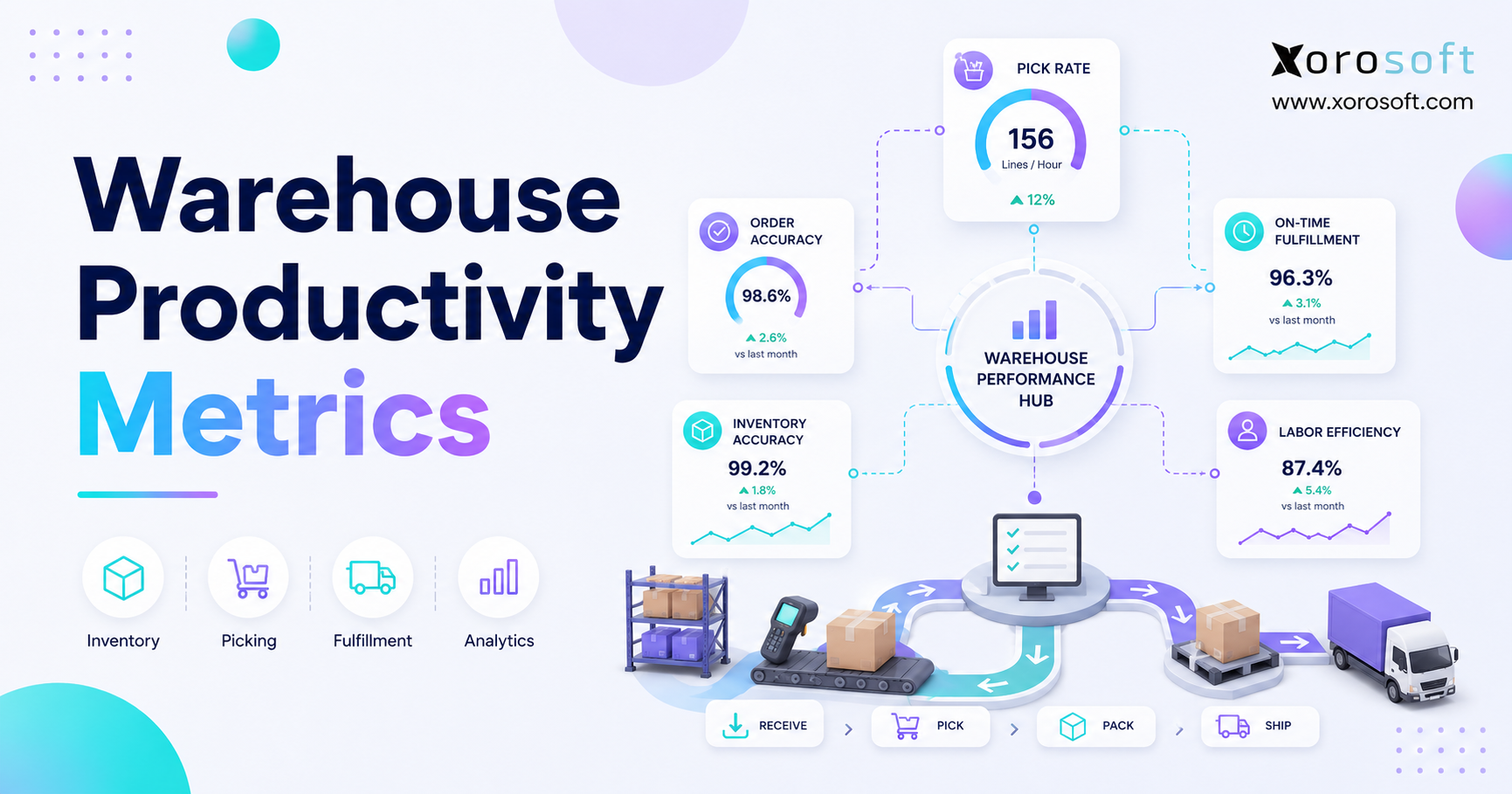
3.4 Warehouse Management
Warehouse work is where operational issues become visible. If inventory is wrong, pickers lose time. If receiving is delayed, stock may not be available for sale. When transfers are not updated, teams make decisions from incomplete information.
A Shopify warehouse ERP workflow may include:
- Receiving
- Putaway
- Picking
- Packing
- Shipping
- Returns
- Transfers
- Cycle counts
- Barcode scanning
Because warehouse execution directly affects customer experience, this area often creates a strong case for ERP. For businesses that need deeper warehouse control, XoroWMS is relevant to review as part of the operational stack.
3.5 Accounting and Financial Reporting
Accounting is one of the biggest differences between inventory software and ERP. Inventory apps may track stock. However, they often do not manage the full financial impact of inventory movement.
ERP connects operations with accounting. As a result, finance teams can better manage inventory valuation, landed costs, cost of goods sold, purchase accruals, refunds, and month-end reporting.
This matters because inventory-driven businesses cannot treat finance as separate from operations. Every purchase, transfer, sale, return, and adjustment changes the financial picture.
3.6 Forecasting and Demand Planning
Forecasting helps teams plan what to buy before problems appear. Instead of reacting after inventory runs low, a Shopify ERP system can use sales history, current stock, lead times, incoming purchase orders, and seasonality to guide replenishment.
Therefore, forecasting supports better cash flow. It also helps reduce stockouts and overstock. For apparel, furniture, sporting goods, food, and consumer product brands, this can make a significant operational difference.
3.7 Wholesale, EDI, and B2B Operations
Many Shopify brands eventually add wholesale. However, wholesale introduces new requirements such as customer-specific pricing, payment terms, bulk orders, inventory allocation, sales reps, EDI documents, and account-level reporting.
Because wholesale affects inventory, finance, fulfillment, and purchasing, it should not run as a separate manual workflow. ERP helps centralize these processes, so wholesale and ecommerce can operate from the same inventory and financial data.
3.8 Manufacturing and Assembly Workflows
Some Shopify merchants manufacture, assemble, kit, or bundle products. In these cases, ERP may support bills of materials, work orders, production planning, raw materials, finished goods, and component availability.
For example, a brand may sell finished goods on Shopify while also managing raw materials in a warehouse. Without ERP, the team may know what sold but not whether it has enough components to replenish finished goods.
As a result, manufacturing workflows make ERP more important.
4. When a Shopify Store Starts Needing ERP
A Shopify store does not need ERP on day one. In fact, early-stage brands should avoid unnecessary system complexity. However, specific signals show when ERP evaluation should begin.
4.1 Inventory Becomes Hard to Trust
Inventory trust breaks when Shopify shows one number, the warehouse sees another, and finance reports something different. This usually happens when stock moves through too many disconnected systems.
Once inventory trust drops, teams add manual checks. Unfortunately, those checks slow fulfillment and create more exceptions. Therefore, ERP becomes useful when the business needs one reliable inventory source.
4.2 Teams Start Working From Spreadsheets
Spreadsheets are useful for planning and analysis. However, they are risky as operational systems. If purchasing, warehouse transfers, inventory reconciliation, reorder planning, or wholesale allocation depend on spreadsheets, the business is likely operating outside its core systems.
Eventually, the spreadsheet becomes the process. As a result, only a few people understand how operations actually work.
ERP becomes relevant when spreadsheets are no longer supporting the process but controlling it.
4.3 QuickBooks Starts Reaching Its Limits
QuickBooks can work well for many smaller businesses. However, inventory-driven Shopify brands often outgrow it when they need multi-warehouse inventory, purchasing controls, advanced costing, manufacturing, or deeper operational reporting.
At that stage, the issue is not whether QuickBooks is useful. Instead, the issue is whether accounting is connected to the operational reality of the business.
Brands comparing that transition can review Xorosoft vs QuickBooks when they need to understand how ERP differs from accounting-first software.
4.4 Fulfillment Errors Increase
Fulfillment errors are often symptoms of upstream issues. A picker may ship the wrong item because location data is poor. A customer may receive a partial shipment because inventory was oversold. Meanwhile, a warehouse may miss service targets because orders are not prioritized correctly.
ERP helps by connecting order allocation, inventory availability, warehouse activity, and shipping workflows. Consequently, fulfillment becomes easier to manage as order volume grows.
4.5 Purchasing Becomes Reactive
Reactive purchasing usually means the team buys after the problem appears. By then, the brand may already be out of stock, overcommitted, or forced to pay more for rush orders.
A Shopify ERP system helps teams plan purchasing based on sales velocity, supplier lead times, incoming inventory, and demand forecasts. Therefore, buying becomes more proactive and less dependent on last-minute decisions.
4.6 Reporting Becomes Delayed or Incomplete
If leadership waits days or weeks for accurate margin, inventory, purchasing, or fulfillment reports, the business is operating with delayed visibility. This creates slower decisions and weaker accountability.
ERP helps by giving teams a single source of operational and financial reporting. In addition, it reduces the need to manually combine exports from Shopify, QuickBooks, inventory apps, warehouse tools, and spreadsheets.
4.7 A Practical Readiness Signal
A Shopify brand should begin ERP evaluation when several of these issues appear together:
- Multiple warehouses or 3PLs
- More than one sales channel
- Frequent inventory discrepancies
- Manual purchasing spreadsheets
- Delayed accounting close
- Wholesale or EDI requirements
- Manufacturing, kitting, or assembly
- Increasing fulfillment exceptions
- Poor SKU-level profitability visibility
- Leadership reporting that takes too long
If these problems are already visible, a Free ERP Readiness Assessment can help clarify whether the next step is process cleanup, integration improvement, or a true ERP system.
5. Shopify ERP vs Other Ecommerce Systems
A common mistake is assuming every operations tool solves the same problem. Shopify ERP, inventory software, WMS, OMS, accounting software, and 3PL systems can overlap. However, they are not interchangeable.
5.1 Shopify ERP vs Inventory Software
Inventory software tracks stock. ERP connects stock to purchasing, accounting, fulfillment, vendors, warehouses, reporting, and sometimes manufacturing.
| System | Best For | Main Limitation | When ERP Becomes Relevant |
|---|---|---|---|
| Shopify ERP | Centralized inventory, finance, warehouse, purchasing, and reporting | Requires implementation discipline | When multiple workflows need one system of record |
| Inventory Software | Basic stock control and channel sync | Often limited accounting and purchasing depth | When inventory decisions affect finance and fulfillment |
| WMS | Warehouse execution | Usually not full accounting or purchasing | When warehouse work must connect to finance and inventory planning |
| OMS | Order routing and order visibility | Usually not full ERP scope | When orders must connect to purchasing, costing, and reporting |
| Accounting Software | Bookkeeping and financial statements | Limited operational control | When finance needs live inventory and fulfillment data |
5.2 Shopify ERP vs QuickBooks
QuickBooks is accounting-first. ERP is broader because it connects accounting with operations.
A Shopify brand may use QuickBooks for bookkeeping while using separate apps for inventory, purchasing, shipping, and reporting. However, as complexity grows, those tools can become hard to reconcile.
ERP reduces that gap by connecting financial records with operational activity. Therefore, finance teams can work with inventory, purchasing, and fulfillment data earlier in the process.
5.3 Shopify ERP vs WMS
A WMS focuses on warehouse execution. It helps teams receive, pick, pack, ship, and count inventory. However, a WMS may not manage full accounting, purchasing, customer terms, vendor records, forecasting, or financial reporting.
ERP may include warehouse management functionality or integrate with a dedicated WMS. Therefore, the right decision depends on whether the business needs only warehouse execution or a broader operating system.
5.4 Shopify ERP vs OMS
An OMS helps manage orders from different channels. It may route orders, track order status, and support fulfillment rules. However, ERP usually covers more back-office workflows, including inventory planning, purchasing, costing, accounting, and reporting.
As a result, OMS may solve order routing while ERP solves the wider operational problem.
5.5 Shopify ERP vs 3PL Software
A 3PL system helps an external logistics provider fulfill orders. However, the merchant still needs control over inventory ownership, purchasing, accounting, and channel reporting.
Therefore, even if fulfillment is outsourced, ERP can remain important. It gives the merchant operational control while the 3PL manages physical fulfillment.
6. Shopify ERP Use Cases by Business Type
Different industries need ERP for different reasons. However, the core idea remains the same: Shopify sells the product, while ERP helps operate the business behind the sale.
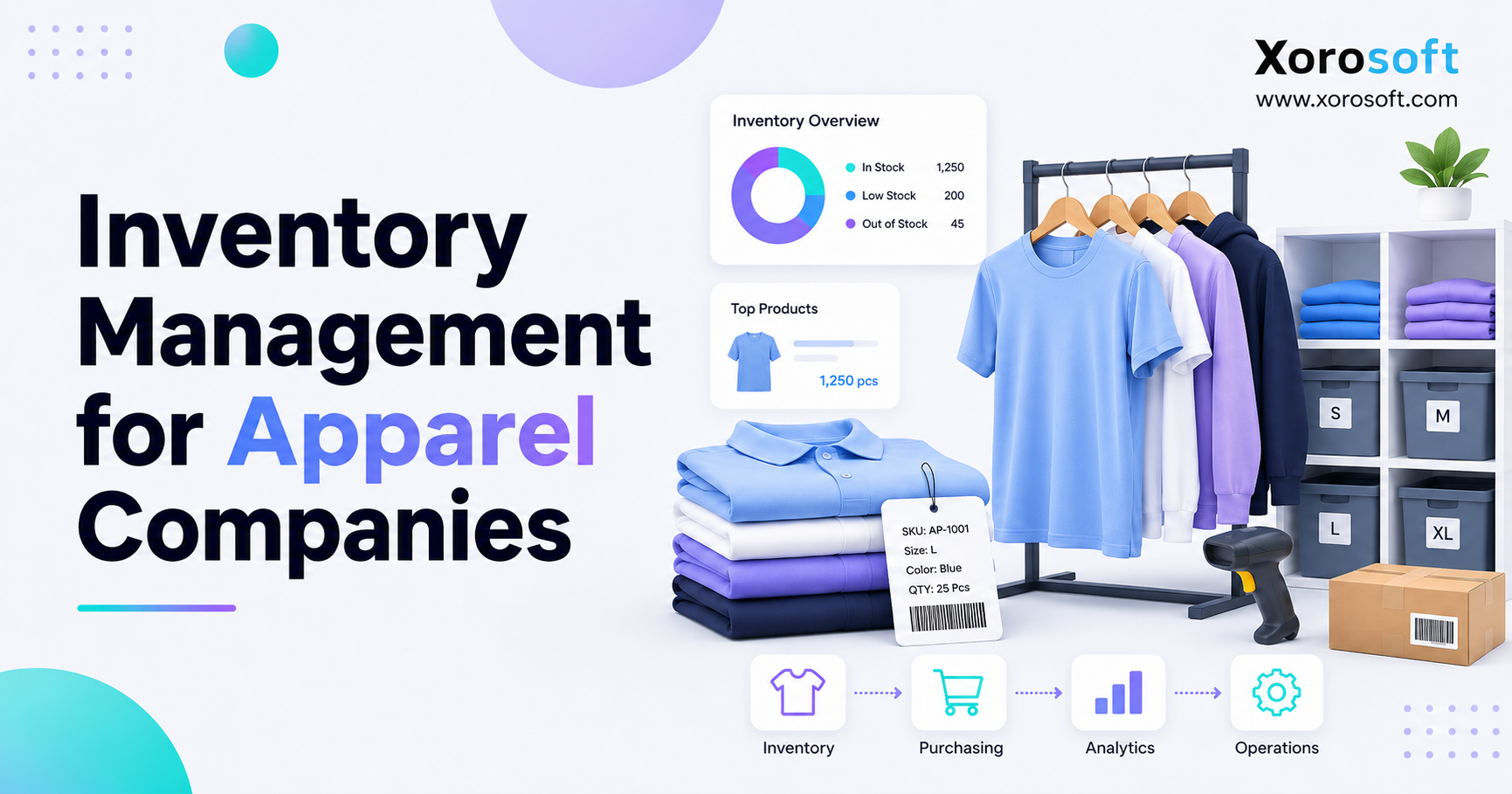
6.1 Apparel and Fashion Brands
Apparel brands often manage sizes, colors, seasons, collections, returns, and high SKU counts. Because each product can have many variants, inventory visibility becomes harder as sales volume grows.
ERP helps apparel brands track variants, manage purchasing, plan replenishment, and improve inventory accuracy across Shopify, wholesale, retail, and warehouse locations.
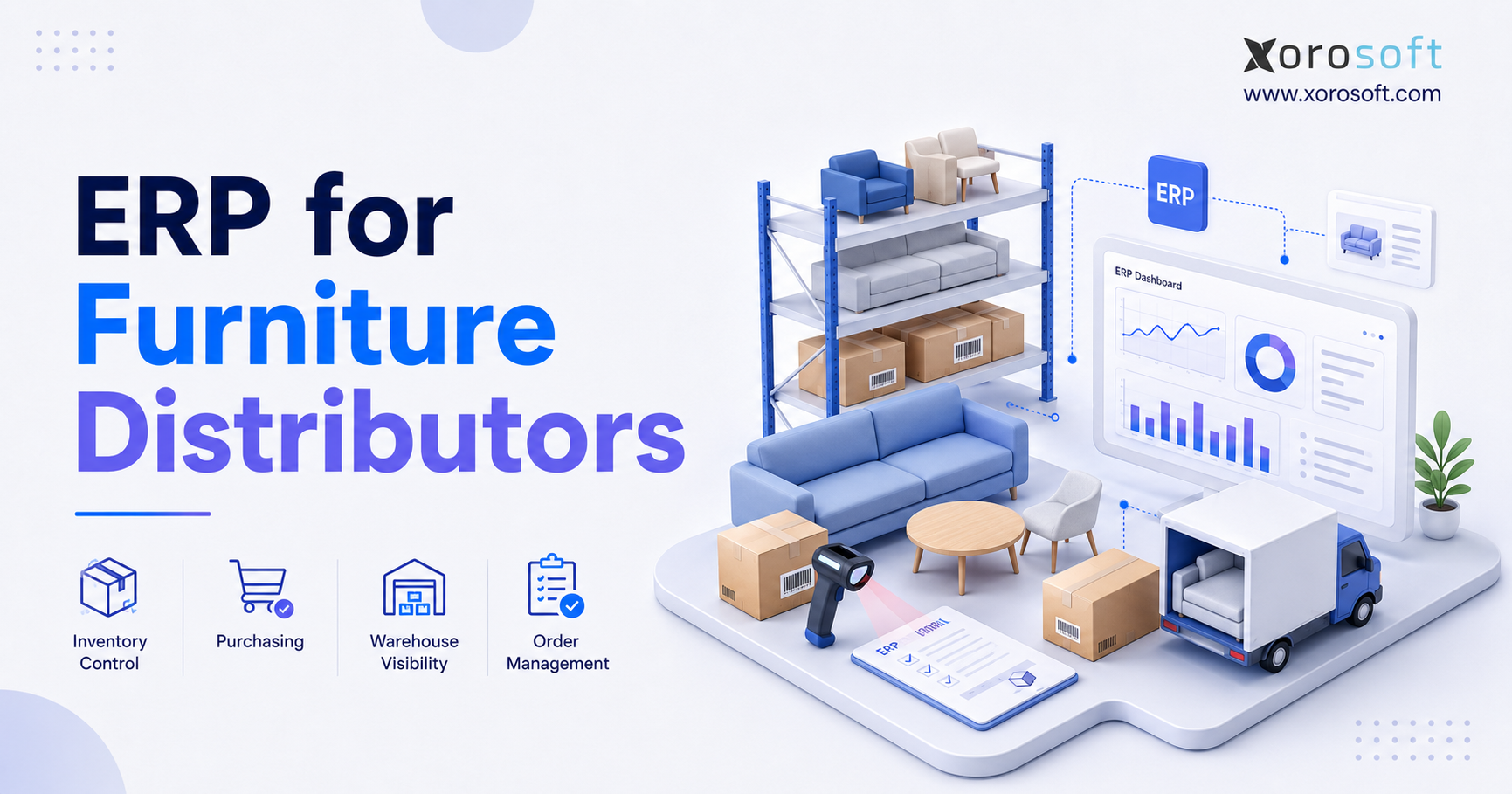
6.2 Furniture and Home Goods Businesses
Furniture businesses often deal with bulky inventory, supplier lead times, landed costs, partial shipments, and warehouse complexity. As a result, they need better coordination between purchasing, receiving, fulfillment, and accounting.
ERP helps connect these workflows. In addition, it gives teams better visibility into incoming stock, order status, and inventory value.
6.3 Sporting Goods Brands
Sporting goods brands may sell through Shopify, Amazon, dealers, wholesale accounts, and retail partners. Because the same inventory may be needed across multiple channels, allocation becomes important.
ERP helps coordinate inventory availability, purchasing, and demand planning. Therefore, teams can reduce channel conflict and improve fulfillment reliability.
6.4 Food and Beverage Companies
Food and beverage companies may need lot tracking, expiry dates, replenishment planning, and traceability. These requirements are difficult to manage with basic spreadsheets or simple stock apps.
ERP can help manage operational details while supporting Shopify sales. In addition, it can improve visibility across purchasing, receiving, inventory, fulfillment, and reporting.
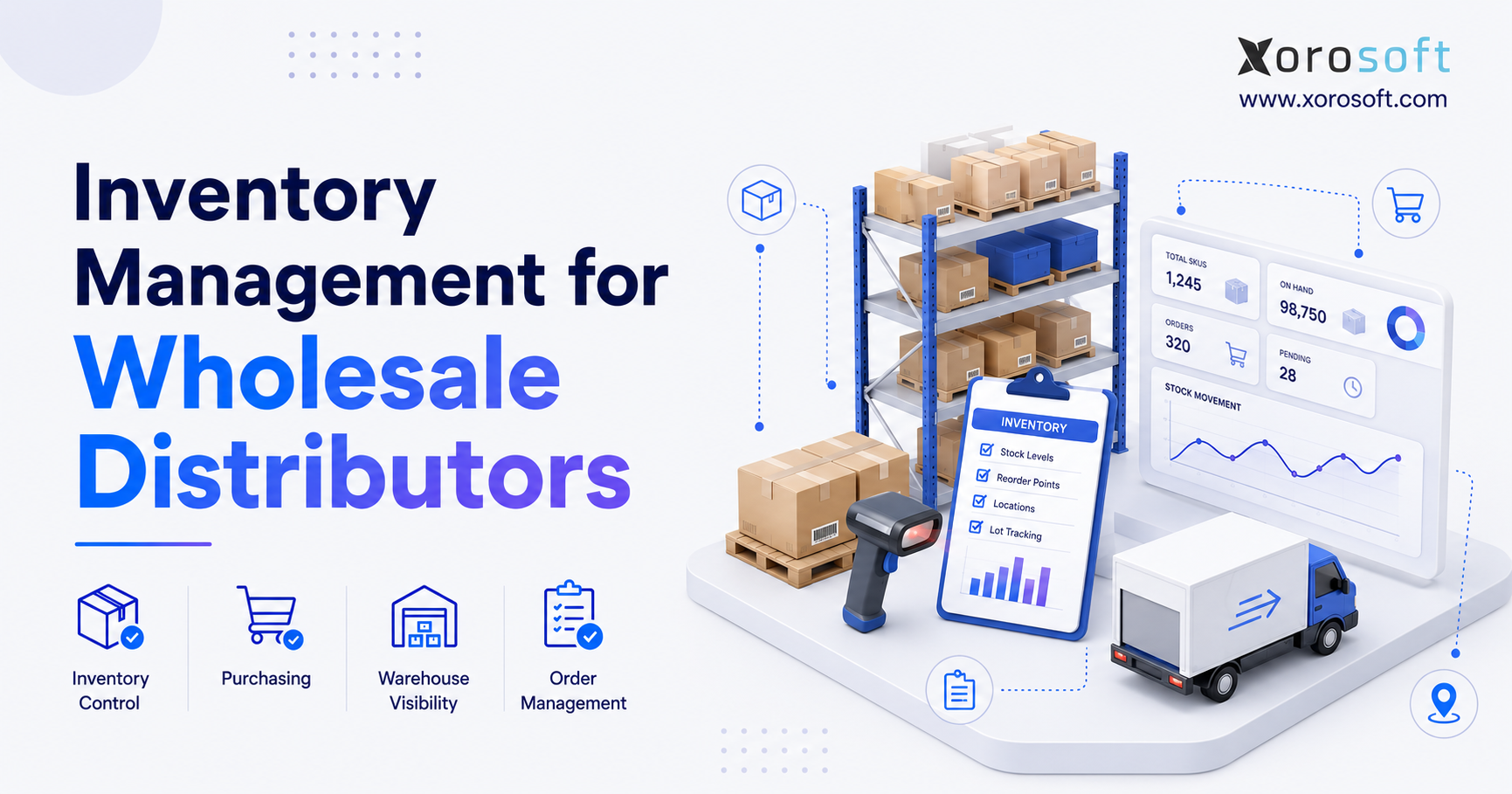
6.5 Wholesale Distributors
Wholesale distributors need customer-specific pricing, payment terms, inventory allocation, bulk orders, EDI, and purchasing discipline. Because these workflows affect finance and fulfillment, they usually need a central system.
ERP helps wholesale teams avoid running B2B operations separately from ecommerce. For broader industry context, brands can also review the industries Xorosoft serves to see where ERP workflows usually become relevant.
6.6 Light Manufacturers
Manufacturers need raw materials, bills of materials, work orders, production planning, and finished goods tracking. If they also sell through Shopify, ERP can connect production with ecommerce demand.
For example, a manufacturer may sell finished products online while also planning raw material purchases. Therefore, the ERP must connect demand, supply, inventory, and production.
6.7 Multi-Channel Ecommerce Sellers
Multi-channel sellers need accurate inventory across Shopify, Amazon, wholesale, EDI, and 3PL operations. Without ERP, each channel may become its own operational silo.
As a result, reporting becomes fragmented. Inventory becomes harder to trust. Purchasing becomes less accurate. ERP helps centralize these workflows so teams can scale with more control.
7. Shopify ERP Integration: What Needs to Connect
Shopify ERP integration should be planned around workflows, not only data fields. A technically successful connection can still fail if the operating process is unclear.
7.1 Shopify Orders and ERP Sales Orders
Shopify orders usually flow into ERP as sales orders. From there, teams can allocate inventory, release orders to the warehouse, manage fulfillment, and send shipment updates back to Shopify.
Because orders affect inventory and accounting, the order flow should be designed carefully. Otherwise, teams may still need manual checks after integration.
7.2 Shopify Inventory and ERP Stock Levels
The ERP should define what inventory is available to sell. This may include on-hand stock minus committed orders, reserved stock, damaged inventory, wholesale allocations, or safety stock.
The important point is simple: Shopify should not display stock that operations cannot fulfill. Therefore, available-to-sell logic should be controlled before the integration goes live.
7.3 Shopify Products and ERP Item Masters
A clean item master is essential. SKUs, variants, barcodes, costs, categories, and units of measure should be consistent across systems.
If product data is messy, integration creates more confusion. However, when the item master is clean, Shopify and ERP can work together more reliably.
7.4 Shopify Customers and ERP Customer Records
DTC customer records may be simple. Wholesale records, however, often include payment terms, tax settings, credit limits, pricing groups, and account rules.
Therefore, customer data should be mapped based on the business model. A pure DTC brand may need one approach, while a wholesale-heavy Shopify brand may need another.
7.5 Payments, Refunds, Taxes, and Accounting
Finance teams need a clean process for sales, refunds, discounts, tax, payment fees, shipping income, and inventory cost. If those rules are unclear, accounting cleanup becomes painful.
Because of that, finance should be involved before implementation begins. The ERP setup should support reporting needs from the start, not after go-live.
7.6 Amazon, EDI, 3PL, and Wholesale Channels
Shopify is often only one part of the sales channel mix. Therefore, ERP should be evaluated based on the full operating model.
A business selling through Shopify, Amazon, wholesale, and EDI needs more than a Shopify connector. It needs a system that can coordinate inventory, orders, fulfillment, purchasing, and financial reporting across every channel.
8. Common Shopify ERP Mistakes to Avoid
ERP projects usually struggle because of process issues, not only software issues. Therefore, the most successful implementations start with operational clarity.
8.1 Choosing Apps Instead of Fixing the Operating Model
Adding more apps may feel faster than implementing ERP. However, if the operating model is already fragmented, more apps can create more reconciliation work.
Before buying more software, map how orders, inventory, purchasing, warehouse activity, and accounting should flow. Then decide whether the business needs another app or a central ERP.
8.2 Treating ERP as Only an Integration Project
ERP is not just a connector between Shopify and the back office. It changes how teams work.
Therefore, implementation should include process ownership, training, data cleanup, workflow design, and reporting decisions. Without those pieces, the system may go live but the business may continue working around it.
8.3 Ignoring Inventory Data Cleanup
Bad SKU data, duplicate items, incorrect costs, inconsistent units, and inaccurate stock counts will follow the business into the new system. As a result, ERP may expose data problems instead of solving them.
Before implementation, clean the item master, verify inventory counts, standardize naming, and confirm units of measure.
8.4 Underestimating Warehouse Workflows
Warehouse teams need practical workflows. If receiving, picking, packing, transfers, returns, and cycle counts are not designed correctly, ERP will not solve fulfillment problems.
Because the warehouse executes daily work, its input matters. Therefore, warehouse leaders should be part of ERP planning from the beginning.
8.5 Delaying Accounting Alignment
Finance should be involved early. Inventory valuation, COGS, landed cost, refunds, taxes, and revenue recognition should not be solved after go-live.
When accounting is aligned early, the ERP can support cleaner reporting and faster month-end close. In contrast, delayed accounting decisions often create rework.
8.6 Selecting a System Without Operational Ownership
ERP needs an internal owner. Without ownership, teams may continue using spreadsheets beside the system.
As a result, the business pays for ERP but does not fully change how it operates. A clear owner helps teams make decisions, document workflows, and keep adoption on track.
9. How to Evaluate a Shopify ERP Platform
The best Shopify ERP platform depends on the operating model. A brand with one warehouse and simple accounting needs a different setup than a manufacturer selling through Shopify, Amazon, wholesale, and EDI.
9.1 Inventory Depth
Evaluate how the ERP handles available stock, committed stock, transfers, adjustments, landed cost, valuation, lot tracking, batch tracking, serial tracking, and multi-location inventory.
In addition, check whether the system can support your real inventory rules. For example, some brands need safety stock by channel. Others need wholesale allocation or warehouse-specific availability.
9.2 Shopify Connectivity
A Shopify ERP should connect cleanly with products, orders, customers, inventory, refunds, and fulfillment updates. The integration should reduce manual work rather than create another exception queue.
If you are evaluating Shopify-connected systems, it is useful to confirm whether the provider is available through the Shopify App Store. This gives teams a clearer starting point for understanding Shopify compatibility.
9.3 Accounting and Costing Capabilities
Review whether the ERP can support inventory valuation, COGS, purchase accruals, landed costs, sales tax handling, refunds, and reporting. Finance needs accurate data from operations, not just summarized exports.
Therefore, accounting should not be treated as a separate afterthought. It should be part of the ERP evaluation from the beginning.
9.4 Purchasing and Forecasting Tools
Look for purchase orders, vendor records, lead times, reorder points, demand planning, and approval workflows. Strong purchasing tools help the business avoid both stockouts and overstock.
Because purchasing affects cash flow, this area deserves careful review. A weak purchasing workflow can create operational problems even when sales are growing.
9.5 Warehouse Management Fit
Warehouse fit matters because teams need to execute daily work quickly. Review receiving, putaway, picking, packing, shipping, cycle counting, barcode scanning, returns, and labor visibility.
If the warehouse is already a major bottleneck, a unified platform such as XoroONE may be worth reviewing because it connects multiple operational areas inside one system.
9.6 Multi-Channel and EDI Support
If the business sells through Amazon, wholesale, retail partners, or EDI, those workflows should be part of the evaluation. Otherwise, Shopify may be integrated while the rest of the operation remains manual.
As a result, the ERP evaluation should include every channel that affects inventory, fulfillment, purchasing, and finance.
9.7 Implementation Complexity
Implementation should match team capacity. Ask about data migration, training, integrations, workflow setup, reporting, testing, and support.
A system may have strong features. However, if the implementation path is too heavy for the team, adoption may suffer.
9.8 Reporting and Visibility
ERP should make reporting faster and more trusted. Look for dashboards and reports that help teams understand inventory, sales, purchasing, fulfillment, finance, and profitability.
After mapping these criteria, a Watch Demo session can help teams see how Shopify orders, inventory, warehouse activity, purchasing, accounting, and reporting operate together in a real ERP workflow.
10. Shopify ERP Options and Alternatives
There are several ERP and operations platforms that Shopify merchants may evaluate. The right choice depends on company size, industry, budget, implementation resources, and operational complexity.
| Platform | Best Fit | Strengths | Considerations |
| Xorosoft | Inventory-driven Shopify, wholesale, manufacturing, and multi-warehouse businesses | Cloud ERP with inventory, accounting, purchasing, WMS, forecasting, reporting, Shopify, Amazon, and EDI workflows | Best evaluated by businesses that need more than basic inventory apps |
| NetSuite | Larger businesses with complex finance and global operations | Broad ERP footprint and mature ecosystem | Can require more time, budget, and implementation resources |
| Acumatica | Mid-market businesses wanting cloud ERP flexibility | Strong ERP platform with industry options | Fit depends on partner, modules, and implementation scope |
| Cin7 | Product businesses needing inventory and order workflows | Commerce and inventory operations focus | May not fit every accounting or manufacturing requirement |
| Odoo | Businesses wanting modular ERP tools | Flexible application ecosystem | Configuration and implementation scope should be reviewed carefully |
| QuickBooks | Smaller businesses with accounting-first needs | Familiar accounting workflows | May become limited for deeper inventory, purchasing, and warehouse control |
10.1 How to Think About Alternatives
Do not evaluate ERP only by brand name. Instead, evaluate fit. The best platform is the one that supports the actual operating model with the least unnecessary complexity.
For example, a business leaving QuickBooks may care most about accounting and inventory depth. A business comparing Cin7 may care more about whether it needs inventory software or a fuller ERP. Meanwhile, a company comparing NetSuite may focus on implementation complexity, budget, and operational fit.
For broader vendor comparison research, the main ERP comparison page can be useful. If the decision is more specific, review pages such as Xorosoft vs Cin7 or Xorosoft vs Acumatica based on the platforms being considered.
10.2 Questions to Ask Vendors
Before selecting a Shopify ERP platform, ask:
1. How does Shopify inventory sync work?
2. Which system controls available-to-sell inventory?
3. How are refunds, taxes, and payment fees handled?
4. Can the system support wholesale and EDI?
5. Can the system support multiple warehouses?
6. How does purchasing connect to forecasting?
7. What reports are available without customization?
8. What implementation work is required from our team?
9. How are warehouse workflows supported?
10. Can the platform scale with manufacturing, wholesale, or additional channels?
Because ERP affects many departments, these questions should involve operations, finance, warehouse, purchasing, and leadership.
11. Where Xorosoft Fits for Shopify Merchants
After the educational evaluation is complete, Xorosoft can be considered as one ERP option for inventory-driven Shopify businesses.
11.1 Xorosoft as a Cloud ERP for Inventory-Driven Brands
Xorosoft is a cloud ERP platform built for businesses that sell physical products, manage inventory, and need connected operations. It combines inventory management, accounting, purchasing, warehouse management, manufacturing, forecasting, reporting, and ecommerce operations in one system.
This makes Xorosoft relevant for Shopify merchants that have outgrown spreadsheets, inventory-only software, QuickBooks limitations, or disconnected apps.
11.2 Shopify, Inventory, Accounting, and Warehouse Operations in One System
For Shopify merchants, Xorosoft can act as the operational system behind the storefront. Shopify remains the commerce layer, while Xorosoft helps manage inventory, purchasing, accounting, warehouse activity, forecasting, and reporting.
This is especially useful when a business also sells through Amazon, wholesale, EDI, or multiple warehouse locations.
11.3 Best-Fit Use Cases for Xorosoft
Xorosoft is typically a fit for businesses with physical inventory, multiple operational workflows, and a need for better visibility. Common industries include apparel, furniture, sporting goods, food and beverage, wholesale distribution, consumer products, and light manufacturing.
In addition, Xorosoft is relevant for businesses that need Shopify, inventory, accounting, purchasing, warehouse management, and reporting connected in one operating system.
11.4 When Xorosoft May Not Be the Right Fit
Xorosoft may not be necessary for a very early-stage Shopify store with one location, low SKU complexity, no wholesale, no manufacturing, and simple accounting needs.
In that case, Shopify plus a few focused apps may still be enough. However, once operational complexity grows across inventory, purchasing, fulfillment, finance, and reporting, ERP becomes easier to justify.
12. Practical ERP Readiness Checklist for Shopify Brands
Use this checklist before choosing an ERP. It helps separate real operational need from general software curiosity.
12.1 Operational Complexity Checklist
Score one point for each item that applies:
- More than one sales channel
- More than one warehouse or 3PL
- More than 500 active SKUs
- Wholesale or B2B customers
- EDI requirements
- Manufacturing, kitting, or assembly
- Frequent stockouts
- Overstock in slow-moving items
- Manual purchase order planning
- Delayed accounting close
- Inventory valuation issues
- Leadership reports that require manual work
12.2 Readiness Score
| Score | Meaning | Recommended Next Step |
| 0–3 | Apps may still be enough | Improve process discipline before ERP |
| 4–7 | ERP evaluation should begin | Map workflows and integration needs |
| 8–12 | ERP is likely becoming necessary | Build a business case and evaluate platforms |
12.3 What to Prepare Before ERP Implementation
Before implementation, prepare:
1. Clean SKU data
2. Accurate inventory counts
3. Vendor lists
4. Customer records
5. Warehouse workflows
6. Chart of accounts
7. Sales channel requirements
8. Reporting needs
9. Integration map
10. Internal project owner
Because ERP touches multiple departments, preparation matters. Clean data and clear ownership usually reduce implementation friction.
13. Shopify ERP FAQs
13.1 What is Shopify ERP?
Shopify ERP is an enterprise resource planning system connected to Shopify. It helps ecommerce businesses manage the operational work behind the storefront, including inventory, orders, purchasing, warehouse activity, accounting, forecasting, reporting, wholesale, and sometimes manufacturing. Shopify handles commerce, while ERP helps manage the back-office workflows that make fulfillment, finance, and planning more reliable.
13.2 Is Shopify an ERP system?
No, Shopify is not an ERP system. Shopify is a commerce platform used to sell products online, process orders, manage storefront content, and support customer checkout. ERP is broader because it manages inventory, purchasing, warehouse operations, accounting, financial reporting, forecasting, and operational controls. Shopify can connect with ERP, but it does not replace ERP for complex businesses.
13.3 Does Shopify have built-in ERP?
Shopify does not include full ERP functionality by default. However, Shopify supports ERP integrations through apps, APIs, and partner ecosystems. This means merchants can connect Shopify to ERP systems that manage inventory, accounting, orders, fulfillment, and other back-office workflows. The right setup depends on the merchant’s size, complexity, and operating model.
13.4 Why do Shopify stores need ERP?
Shopify stores need ERP when operations become too complex for Shopify, spreadsheets, accounting tools, and basic apps to manage together. Common reasons include multi-warehouse inventory, wholesale, Amazon sales, EDI, manufacturing, purchasing complexity, fulfillment errors, and delayed financial reporting. ERP helps create one operational source of truth across teams.
13.5 When should a Shopify business upgrade to ERP?
A Shopify business should consider ERP when inventory is hard to trust, purchasing depends on spreadsheets, accounting close takes too long, or orders come from multiple channels. ERP is also worth evaluating when the business adds warehouses, 3PLs, wholesale customers, EDI trading partners, manufacturing, or advanced reporting needs.
13.6 What does Shopify ERP integrate with?
Shopify ERP can integrate with Shopify products, orders, customers, inventory, payments, refunds, and fulfillment updates. It may also connect with Amazon, EDI platforms, 3PLs, shipping tools, tax systems, accounting workflows, reporting tools, and wholesale portals. The goal is to reduce manual work and keep operational data consistent.
13.7 Can ERP sync inventory with Shopify?
Yes, ERP can sync inventory with Shopify. In many setups, ERP controls the available-to-sell inventory and sends updated stock levels to Shopify. This helps prevent overselling and improves fulfillment reliability. The sync may be real-time or scheduled, depending on the ERP, integration method, and business requirements.
13.8 Can ERP sync orders with Shopify?
Yes, ERP can sync Shopify orders into the operational system for allocation, fulfillment, invoicing, accounting, and reporting. Once the order is processed, fulfillment or shipment updates can flow back to Shopify. This reduces duplicate entry and helps operations teams manage orders from one central queue.
13.9 Can ERP connect Shopify and QuickBooks?
Some businesses connect Shopify, ERP, and QuickBooks together. In that model, ERP may manage inventory, purchasing, and fulfillment, while QuickBooks handles accounting. However, some growing businesses eventually move accounting into ERP because they need deeper inventory costing, landed cost, financial reporting, and month-end controls.
13.10 Is ERP better than inventory software for Shopify?
ERP is not always better. It is broader. Inventory software may be enough for businesses with simple stock control needs. ERP becomes a better fit when inventory must connect to purchasing, accounting, warehouse operations, forecasting, wholesale, manufacturing, and reporting. Therefore, the decision should depend on workflow complexity, not software category alone.
13.11 Is ERP better than QuickBooks for Shopify?
QuickBooks can be useful for accounting, especially in smaller businesses. However, ERP is usually stronger when a Shopify brand needs inventory control, purchasing, warehouse management, manufacturing, and operational reporting connected to finance. The issue is not whether QuickBooks is good software. Instead, the issue is whether the business needs a broader operating system.
13.12 What is the best ERP for Shopify?
The best ERP for Shopify depends on business size, industry, inventory complexity, accounting needs, integrations, and implementation resources. Xorosoft, NetSuite, Acumatica, Cin7, Odoo, QuickBooks-based tools, and other platforms may all be considered depending on fit. Brands should evaluate workflows before comparing vendors.
13.13 How much does Shopify ERP cost?
Shopify ERP cost depends on users, modules, integrations, implementation scope, support, and customization. A simple setup may cost less than a multi-warehouse, multi-channel, accounting-heavy implementation. Therefore, businesses should evaluate total cost of ownership, including software, onboarding, data migration, integrations, training, and internal project time.
13.14 How long does Shopify ERP implementation take?
Implementation time varies based on data quality, workflows, integrations, number of users, reporting needs, and implementation discipline. A simpler rollout may take weeks, while a more complex multi-channel or manufacturing environment may take several months. Clean data and clear process ownership usually shorten the timeline.
13.15 Does Shopify ERP help with purchasing?
Yes, Shopify ERP can help with purchasing by managing purchase orders, vendors, lead times, reorder points, approvals, receiving, and replenishment planning. This helps teams move away from spreadsheet buying and make decisions based on inventory levels, sales velocity, and expected demand.
13.16 Does Shopify ERP help with forecasting?
Yes, many ERP systems support forecasting or demand planning. Forecasting helps teams decide what to buy, how much to buy, and when to buy it. For Shopify brands, this can reduce stockouts, prevent excess inventory, and improve purchasing decisions across seasonal trends, sales channels, and warehouses.
13.17 Does Shopify ERP help with warehouse management?
Yes, Shopify ERP can help with warehouse management if it includes WMS functionality or integrates with a WMS. Common workflows include receiving, putaway, picking, packing, shipping, returns, transfers, barcode scanning, and cycle counting. Strong warehouse workflows improve fulfillment accuracy and reduce manual work.
13.18 Does Shopify ERP support multi-warehouse inventory?
Many Shopify ERP systems support multi-warehouse inventory. This allows teams to track stock by location, transfer inventory, route orders, and understand availability across warehouses or 3PLs. Multi-warehouse visibility is one of the most common reasons growing Shopify brands evaluate ERP.
13.19 Does Shopify ERP support Amazon?
Some Shopify ERP systems support Amazon and other marketplaces. This is useful because marketplace orders consume the same inventory as Shopify orders. When ERP centralizes inventory and order data across channels, teams can reduce overselling and improve reporting.
13.20 Does Shopify ERP support EDI?
Many ERP systems support EDI directly or through integration partners. EDI is important for wholesale and retail trading partners that require electronic purchase orders, invoices, shipping notices, and other documents. For Shopify brands expanding into wholesale, EDI support can become a major ERP requirement.
13.21 Does Shopify ERP work for wholesale businesses?
Yes, Shopify ERP can work well for wholesale businesses. Wholesale operations often require customer-specific pricing, payment terms, inventory allocation, bulk orders, EDI, sales reps, and account-level reporting. ERP helps centralize those workflows instead of running wholesale separately from ecommerce.
13.22 Does Shopify ERP work for manufacturers?
Yes, Shopify ERP can work for manufacturers that sell through Shopify. Manufacturing workflows may include bills of materials, work orders, raw materials, production planning, assembly, and finished goods. ERP helps connect production with inventory availability, purchasing, costing, and ecommerce demand.
13.23 What are common Shopify ERP mistakes?
Common mistakes include choosing software before mapping workflows, ignoring inventory data cleanup, delaying finance involvement, underestimating warehouse complexity, over-customizing too early, and failing to assign an internal ERP owner. These mistakes can make implementation harder even when the software is capable.
13.24 Who does not need Shopify ERP?
A Shopify store may not need ERP if it has low order volume, one warehouse, simple inventory, no wholesale, no manufacturing, and basic accounting needs. In that case, Shopify plus focused apps may be enough. ERP should solve real operational complexity, not add unnecessary process weight.
13.25 What should brands prepare before ERP implementation?
Brands should prepare SKU data, inventory counts, vendor records, customer records, warehouse workflows, accounting rules, chart of accounts, sales channel requirements, integration needs, and reporting expectations. In addition, they should assign an internal owner who can make workflow decisions and keep the project moving.
14. What Shopify Brands Should Evaluate Next
Shopify ERP explained properly should lead to one practical conclusion: ERP is not just software. It is an operating model decision.
A Shopify business should not upgrade to ERP because it wants a larger tech stack. Instead, it should evaluate ERP when operational complexity creates friction across inventory, purchasing, warehouse work, accounting, forecasting, reporting, wholesale, or manufacturing.
14.1 Start With Operational Pain, Not Features
The best ERP evaluation starts with pain points. Identify where the business loses time, trust, margin, or visibility. Then map which workflows need to connect.
For example, if inventory is the main issue, start with stock accuracy, warehouse movement, channel allocation, and purchasing. If finance is the issue, review inventory valuation, COGS, landed cost, refunds, and month-end close.
14.2 Map the Full System
Include Shopify, Amazon, wholesale, EDI, 3PLs, warehouses, accounting, purchasing, forecasting, reporting, and manufacturing in the map. Otherwise, the business may solve one integration while leaving other workflows disconnected.
Because ERP affects multiple teams, the evaluation should include operations, finance, warehouse, purchasing, and leadership. This makes the decision more grounded and reduces the chance of choosing software based only on features.
14.3 Decide Whether ERP Is the Next Operating Layer
For early-stage brands, Shopify and apps may be enough. For growing inventory-driven businesses, however, ERP can become the operating layer that connects commerce with fulfillment, finance, and planning.
Xorosoft is one example of a cloud ERP platform built for that stage of growth. It is most relevant when a Shopify merchant needs inventory, accounting, purchasing, warehouse management, forecasting, reporting, and multi-channel operations in one system.
If your team is already dealing with inventory discrepancies, spreadsheet purchasing, fulfillment delays, disconnected accounting, or weak reporting, the next step is to review the operating model clearly. Then, if ERP looks like the right path, Book a demo to evaluate how Shopify, inventory, warehouse, accounting, purchasing, and reporting can work together.